
ASMR host
You, hosting the product
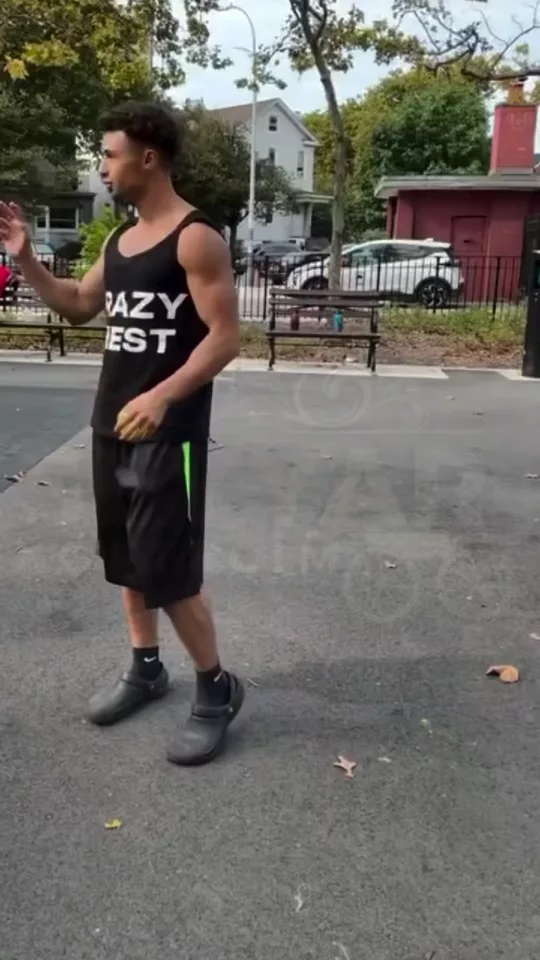
ASMR Host in 3 steps
01
Upload a portrait
ASMR Host starts from the portrait you add. You, hosting a product in an ASMR set. Desk, bed, or a studio nook, close or across the table.
02
Set set
Choose set, distance, tone. You, hosting the product.
03
Generate, then cut
Take the result into the video editor for a hook, captions, and a vertical export for TikTok, Reels, or Shorts.
Built for You, hosting the product
An ASMR host shot. You are in the frame, the product is the subject, and the tone is calm, playful, or precise.
Set
Desk, Bed, Studio nook. Pick one and ASMR Host keeps the rest of the frame.
Distance
Close, Across the table. Pick one and ASMR Host keeps the rest of the frame.
Tone
Calm, Playful, Precise. Pick one and ASMR Host keeps the rest of the frame.
Pick your plan
The editor stays free. New accounts get 10 credits, and you pay only when you generate.
See pricingStill have questions?
What is ASMR Host?
You, hosting a product in an ASMR set. Desk, bed, or a studio nook, close or across the table. You, hosting the product.
How do I host a product in an ASMR video?
Upload a portrait, pick the set and how close the camera sits, and generate. The editor stays free. New accounts get 10 credits, and a generation spends credits.
Does it change the original?
The portrait stays the frame. ASMR Host builds the new shot from it instead of replacing what you uploaded.
What can I use the result for?
TikTok, Reels, and Shorts. Open the video editor under the studio when the shot needs a hook, captions, or a vertical export.
Do I need to write a prompt?
The controls do most of the asking: set, distance, tone. The line under them is optional.
Explore more apps
More in Ads & Products. Create professional video ads instantly.

Click to Ad
Turn product links into UGC and professional video ads
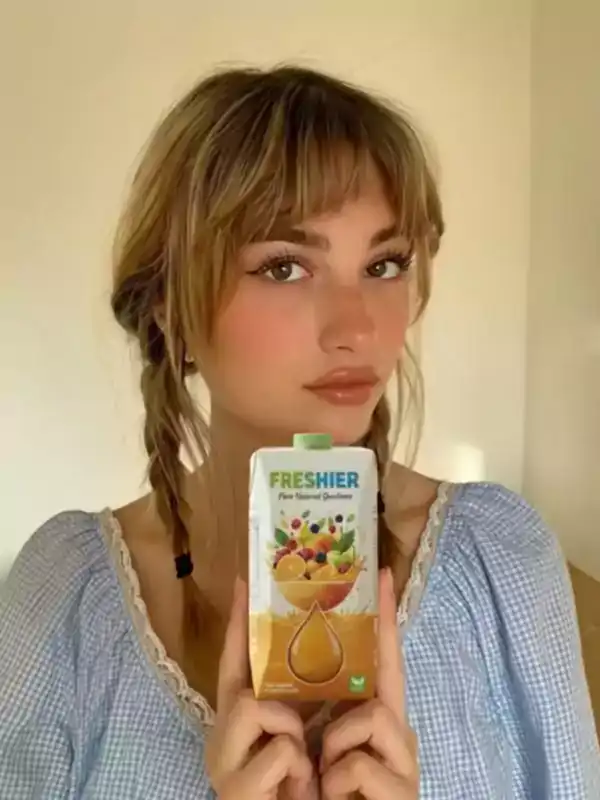
ASMR Add-On
Drop a product into an ASMR shot. Tap, crinkle, pour, or unbox, from the left hand, the right, or both.
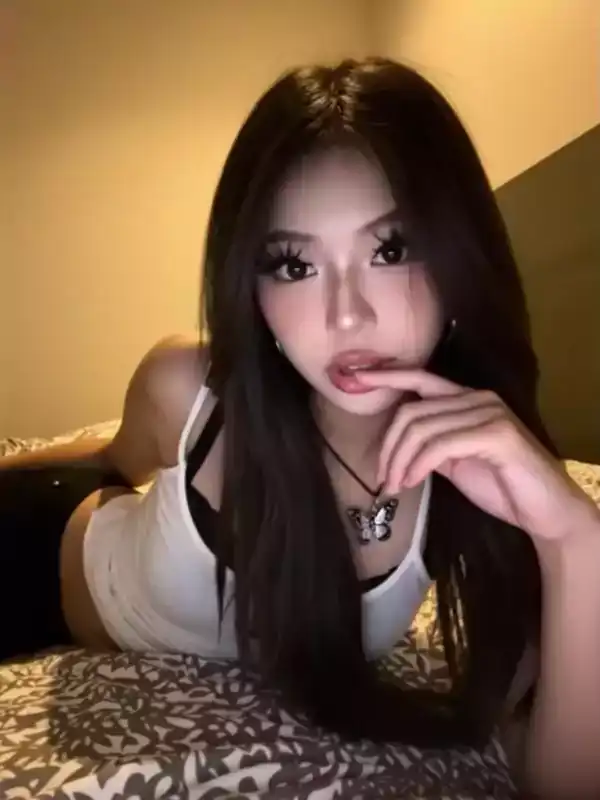
ASMR Classic
An ASMR ad built around a whisper, a tap, a brush, or a pour.

Poster
Turn a product into a poster: Swiss, photo, collage, or night, with the type huge, quiet, or stacked.

Bullet Time Scene
Spin around your product with dynamic adaptive backgrounds
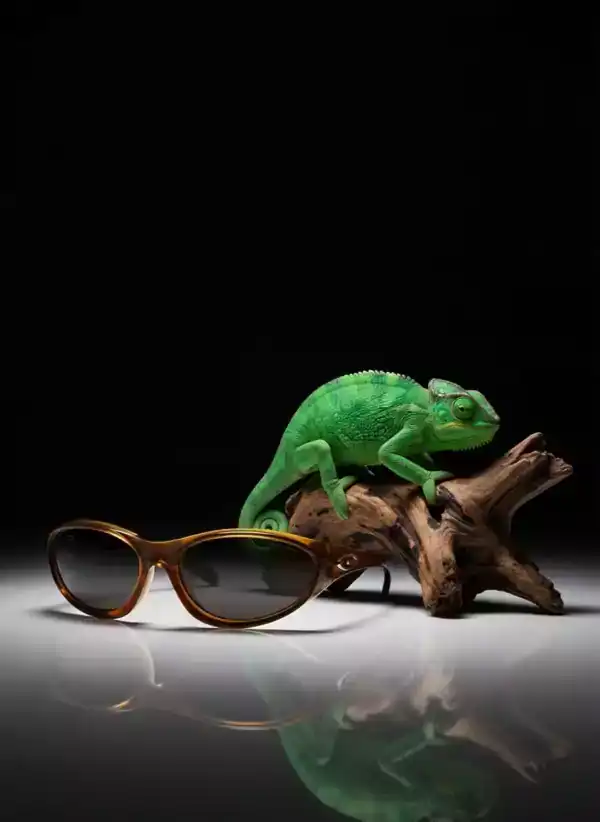
Chameleon
Watch a chameleon shift colors to match your product

Packshot
Create a polished closing frame for your product ad
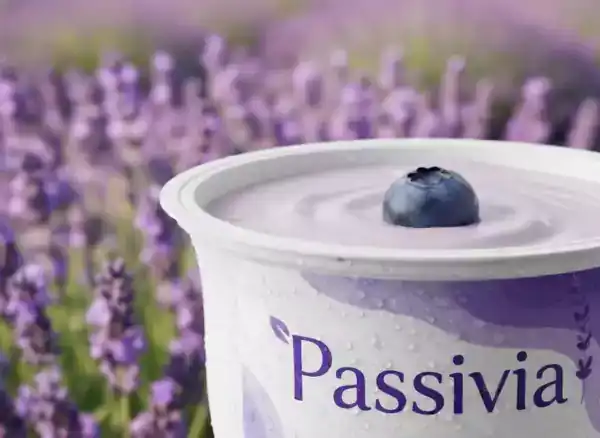
Macro Scene
Showcase product details in an adaptive macro environment

Magic button
Place your product in a whimsical magical scene

Truck Ad
Showcase your brand on a moving truck billboard