
The sky is on fire
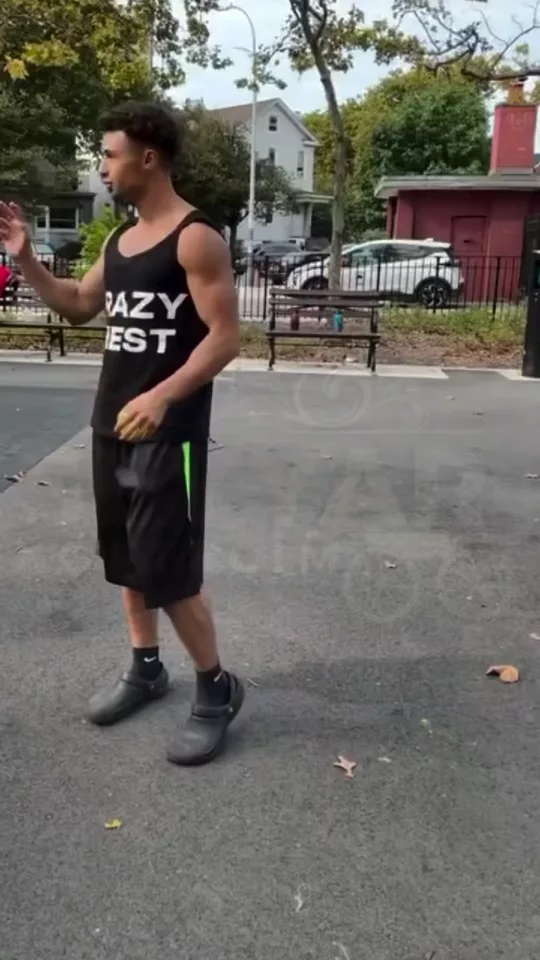
Burning Sunset in 3 steps
01
Upload a portrait
Burning Sunset starts from the portrait you add. Transform your photo into an epic burning sunset scene.
02
Set sky
Choose sky, you, grade. The sky is on fire.
03
Generate, then cut
Take the result into the video editor for a hook, captions, and a vertical export for TikTok, Reels, or Shorts.
Built for The sky is on fire
Transform your photo into an epic burning sunset scene. Create viral content with AI templates
Sky
Ember, Full fire, Afterglow. Pick one and Burning Sunset keeps the rest of the frame.
You
Silhouette, Lit, Walking. Pick one and Burning Sunset keeps the rest of the frame.
Grade
Warm, Nuclear. Pick one and Burning Sunset keeps the rest of the frame.
Pick your plan
The editor stays free. New accounts get 10 credits, and you pay only when you generate.
See pricingStill have questions?
What is Burning Sunset?
Transform your photo into an epic burning sunset scene. The sky is on fire.
How does Burning Sunset work?
Add a portrait, set sky, you, grade, and generate. How much of the sky burns?
Does it change the original?
The portrait stays the frame. Burning Sunset builds the new shot from it instead of replacing what you uploaded.
What can I use the result for?
TikTok, Reels, and Shorts. Open the video editor under the studio when the shot needs a hook, captions, or a vertical export.
Do I need to write a prompt?
The controls do most of the asking: sky, you, grade. The line under them is optional.
Explore more apps
More in Trending Templates. Create viral content with AI templates.
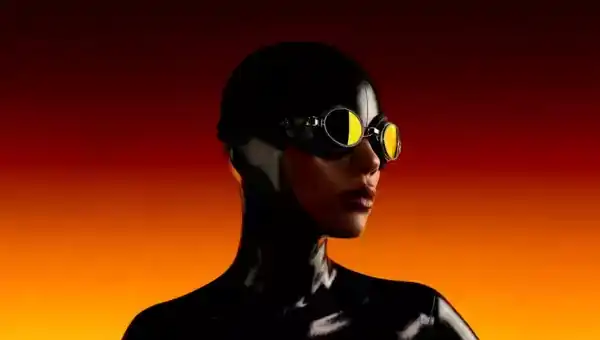
Yes Kiss
Person in your image kissed in a surreal, meme-style moment
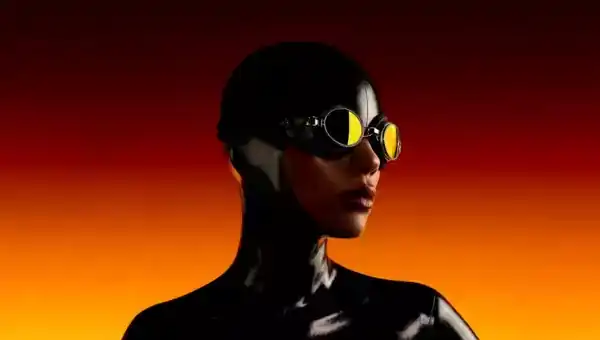
Latex
Transform your photo into sleek black latex style

J-Magazine
Turn your photo into a Japanese magazine cover
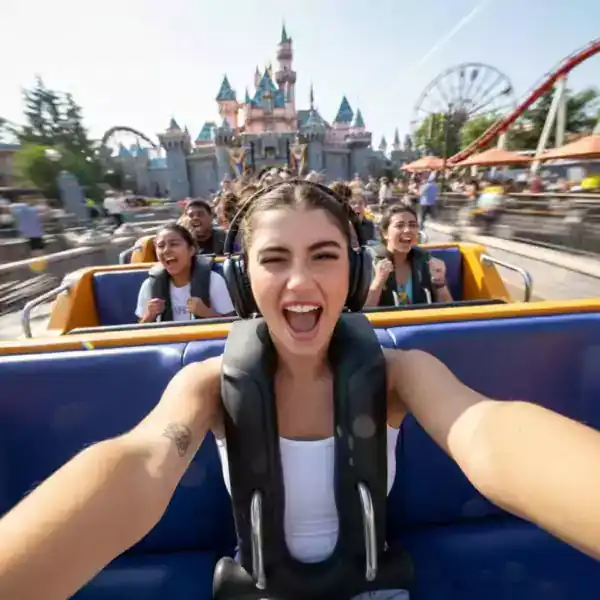
Roller Coaster
Put your photo on a thrilling roller coaster ride
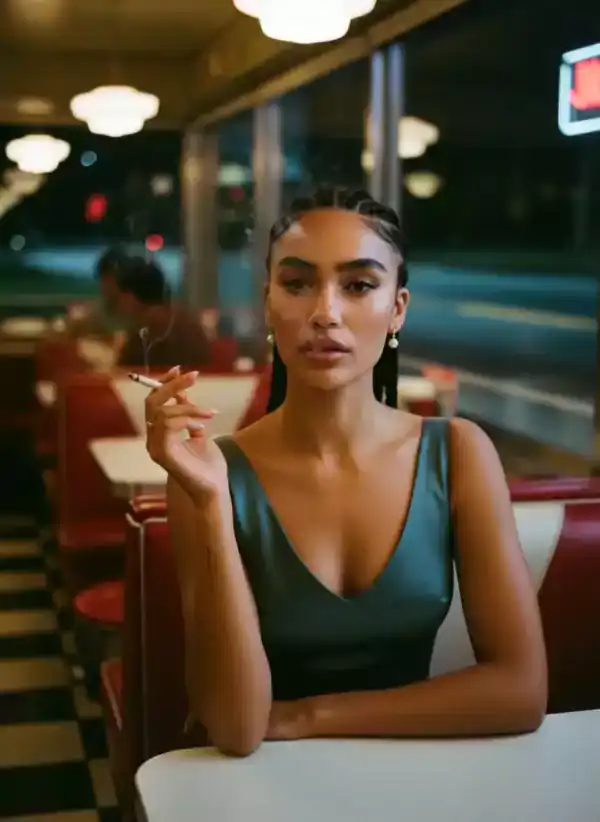
60s Cafe
Turn your photo into a vintage 60s cafe scene

Victory Card
Turn your photo into a poker winning card
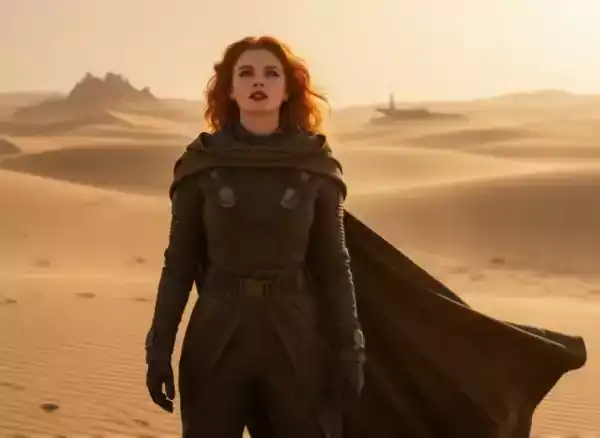
Sand Worm
Transform into a sand world character scene
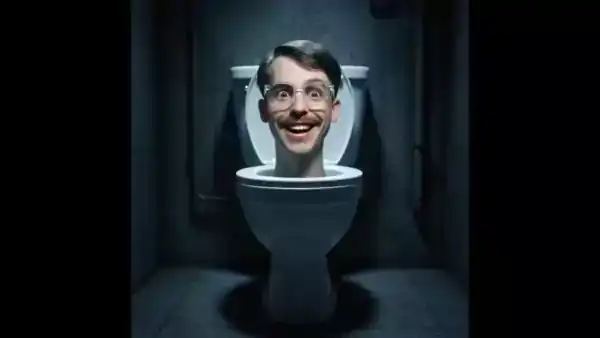
Skibidi
Turn a portrait into a Skibidi toilet clip. Subtle or the full meme, deadpan or loud.
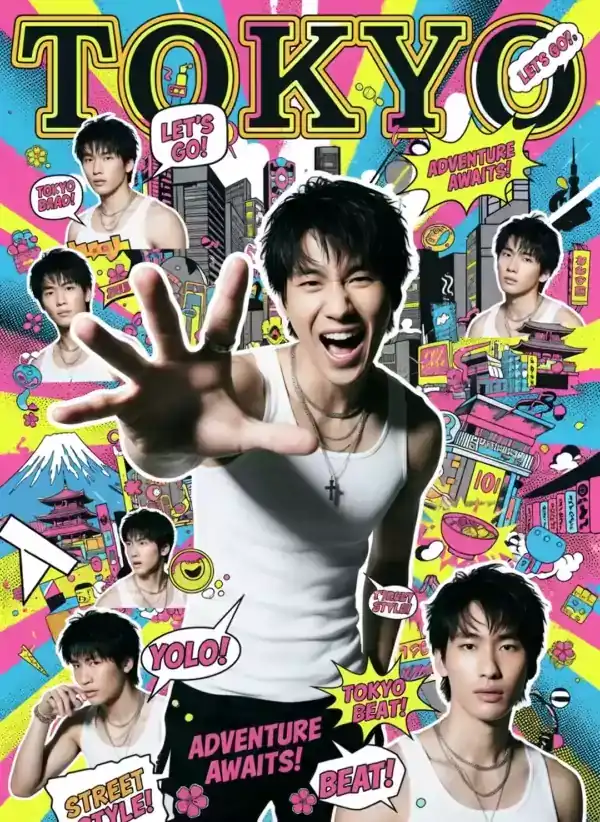
J-Poster
Turn your photo into a Japanese style poster
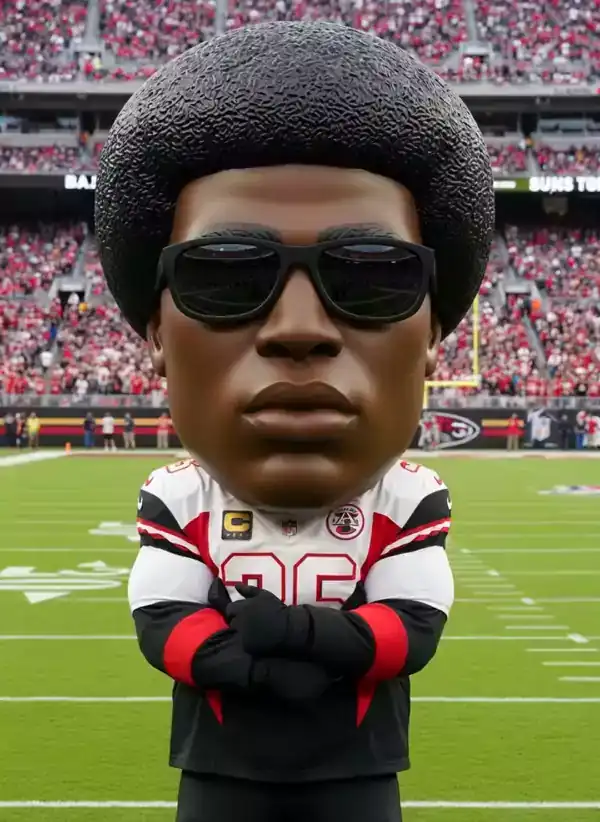
Mascot
Transform your photo into a football mascot character