
The life-sim version of you

Simlife in 3 steps
01
Upload a portrait
Simlife starts from the portrait you add. Transform yourself into a stylized life simulation character.
02
Set life
Choose life, style, cam. The life-sim version of you.
03
Generate, then cut
Take the result into the video editor for a hook, captions, and a vertical export for TikTok, Reels, or Shorts.
Built for The life-sim version of you
Transform yourself into a stylized life simulation character. Game avatars and character transformations
Life
Apartment, Career, Party, Quiet day. Pick one and Simlife keeps the rest of the frame.
Style
Stylized, Soft plastic. Pick one and Simlife keeps the rest of the frame.
Cam
Iso, Close. Pick one and Simlife keeps the rest of the frame.
Pick your plan
The editor stays free. New accounts get 10 credits, and you pay only when you generate.
See pricingStill have questions?
What is Simlife?
Transform yourself into a stylized life simulation character. The life-sim version of you.
How does Simlife work?
Add a portrait, set life, style, cam, and generate. What life are we simulating?
Does it change the original?
The portrait stays the frame. Simlife builds the new shot from it instead of replacing what you uploaded.
What can I use the result for?
TikTok, Reels, and Shorts. Open the video editor under the studio when the shot needs a hook, captions, or a vertical export.
Do I need to write a prompt?
The controls do most of the asking: life, style, cam. The line under them is optional.
Explore more apps
More in Games & Characters. Game avatars and character transformations.

Game Dump
Transform yourself into 12 iconic video game styles

Nano Strike
Turn a photo into a tactical shooter character.

Nano Theft
See yourself in a realistic open-world game style

Plushies
Transform any photo into an adorable plushie-style animation
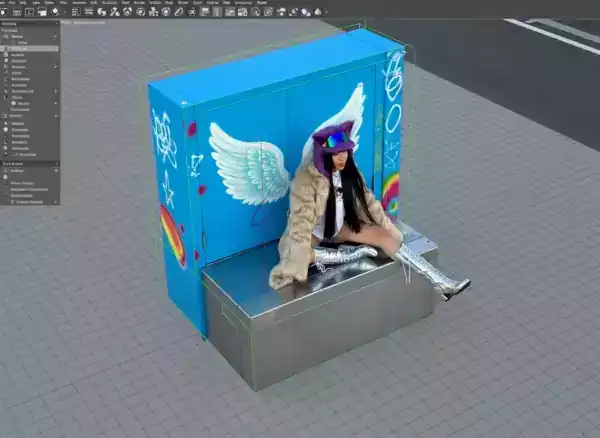
3D Render
Turn any photo into a stunning 3D rendered object
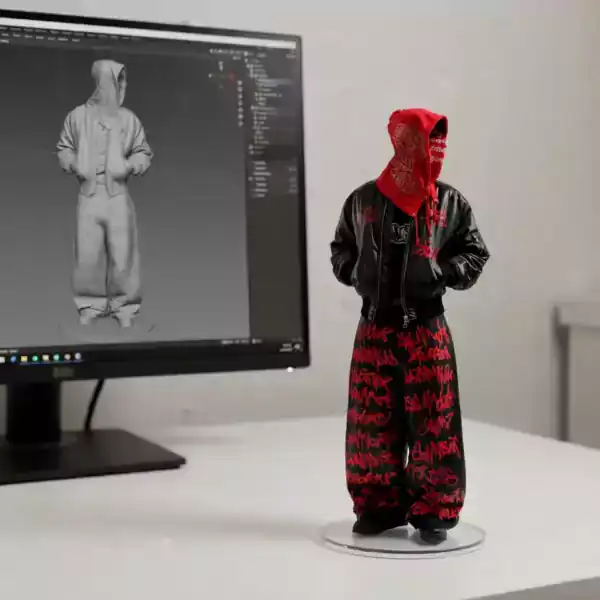
3D Figure
Transform your photo into a detailed 3D figure
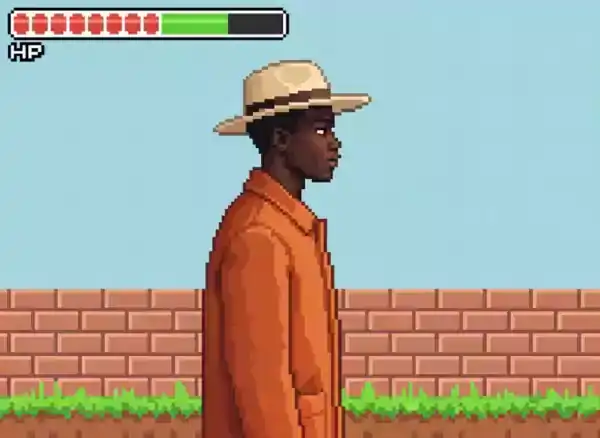
Pixel Game
A pixel art generator from a portrait: 8-bit, 16-bit, or 32-bit, idle, walking, or jumping.

Brick Cube
Transform your photo into a brick cube toy

Sketch-to-Real
Turn your sketch into a realistic video scene