
A look, then another
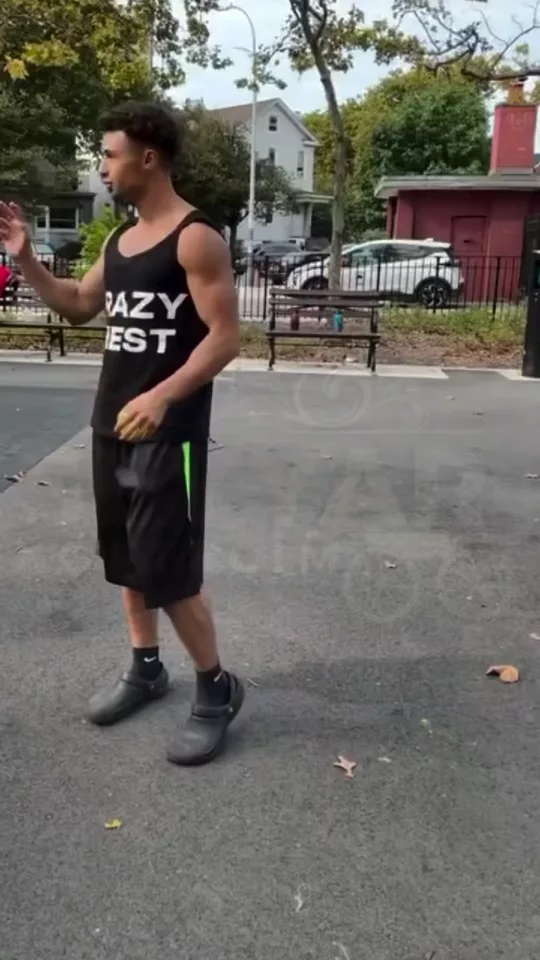
Style Snap in 3 steps
01
Upload a portrait
Style Snap starts from the portrait you add. Transform your look with instant style variations.
02
Set style
Choose style, hair, mood. A look, then another.
03
Generate, then cut
Take the result into the video editor for a hook, captions, and a vertical export for TikTok, Reels, or Shorts.
Built for A look, then another
Transform your look with instant style variations. Perfect your photos with AI enhancement
Style
Clean girl, Workwear, Night out, Vintage. Pick one and Style Snap keeps the rest of the frame.
Hair
As shot, Slicked, Loose. Pick one and Style Snap keeps the rest of the frame.
Mood
Bright, Moody, Flash. Pick one and Style Snap keeps the rest of the frame.
Pick your plan
The editor stays free. New accounts get 10 credits, and you pay only when you generate.
See pricingStill have questions?
What is Style Snap?
Transform your look with instant style variations. A look, then another.
How does Style Snap work?
Add a portrait, set style, hair, mood, and generate. Name the style to snap into.
Does it change the original?
The portrait stays the frame. Style Snap builds the new shot from it instead of replacing what you uploaded.
What can I use the result for?
TikTok, Reels, and Shorts. Open the video editor under the studio when the shot needs a hook, captions, or a vertical export.
Do I need to write a prompt?
The controls do most of the asking: style, hair, mood. The line under them is optional.
Explore more apps
More in Enhance & Style. Perfect your photos with AI enhancement.
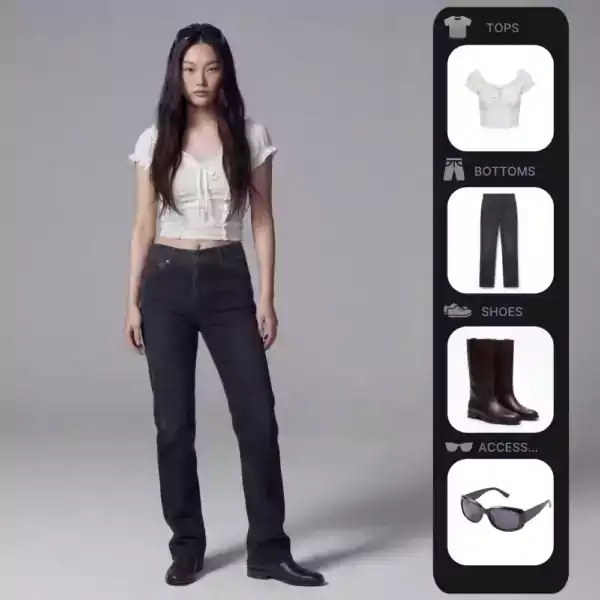
AI Stylist
An AI stylist for a portrait. Tailored, street, evening, sport, or archive, oversized, fitted, or layered.
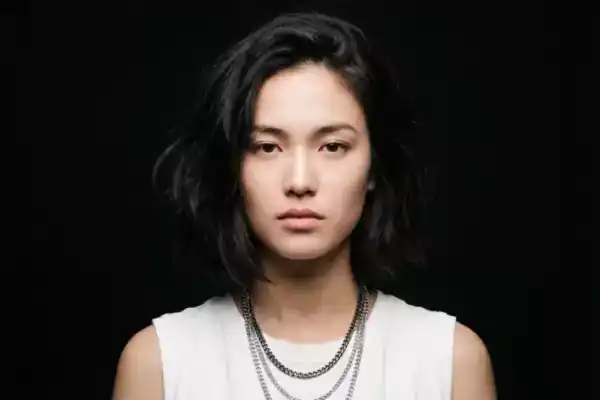
Relight
Portrait lighting on a face you already shot. Move the key to a window, Rembrandt, rim, overhead, or a practical.
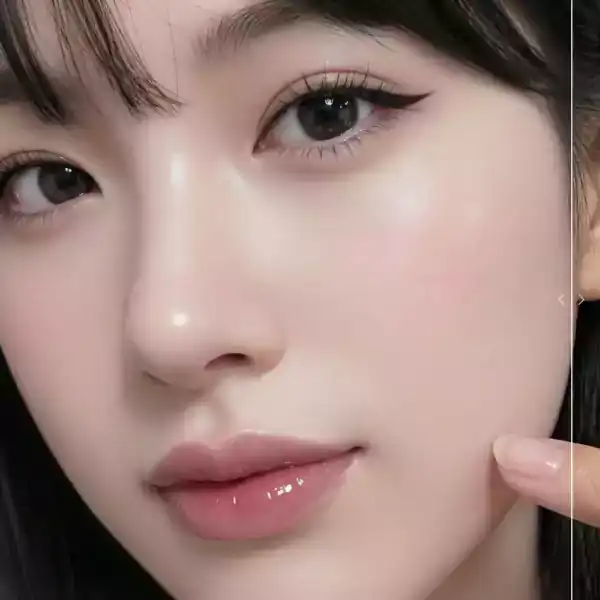
Skin Enhancer
Photo retouch for skin: natural, editorial, or beauty, keeping pores or evening the tone.
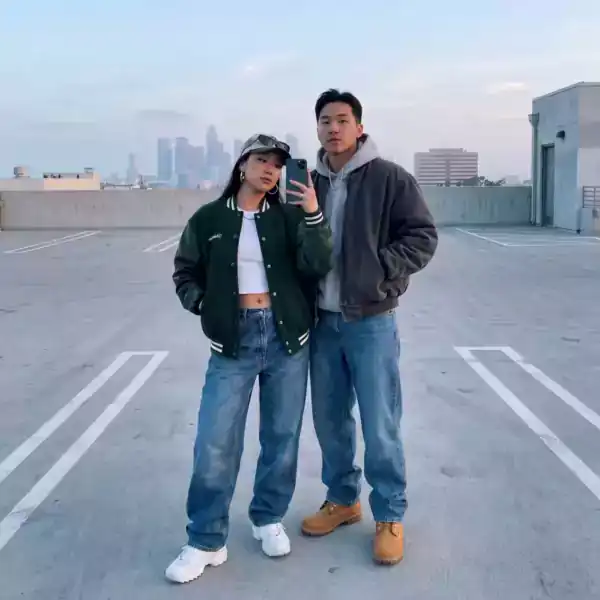
Outfit Swap
An AI clothes changer for one photo. Jacket, dress, suit, knit, or outerwear, on the same person.
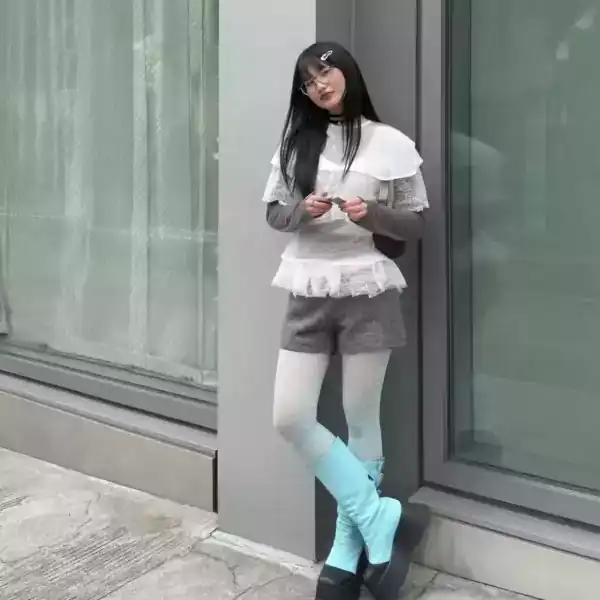
Outfit Vending
Display your outfit breakdown in an illuminated vending machine
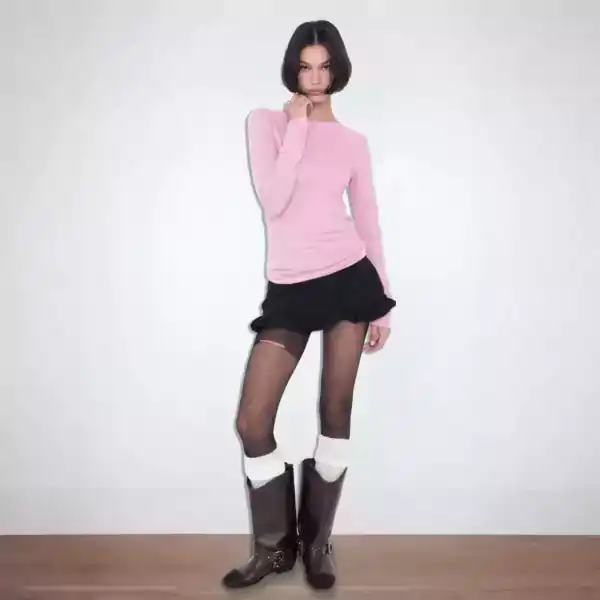
Glitter Sticker
Create a sparkling sticker version of yourself
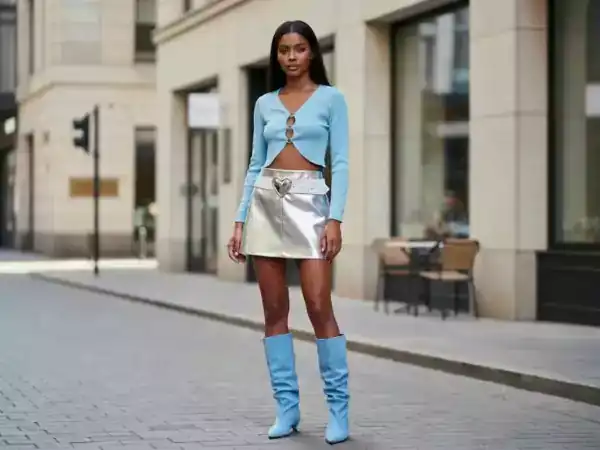
Outfit Shot
Transform outfits into a professional avatar photoshoot