Video background remover
Lift the subject. Leave the room.
Video Background Remover in 3 steps
01
Upload a clip
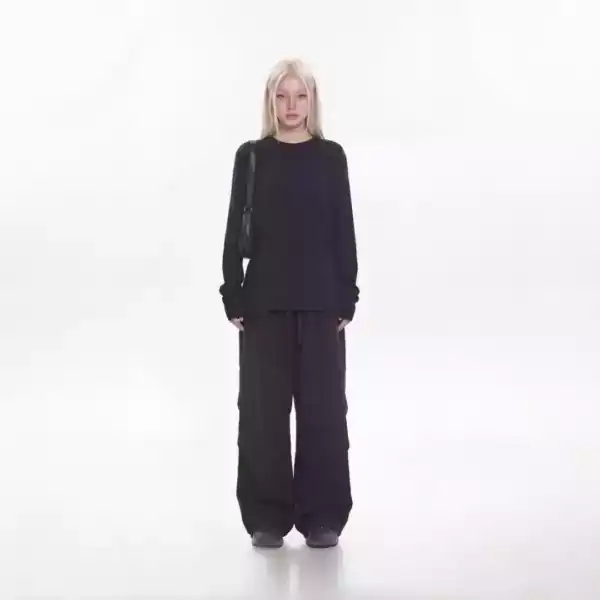
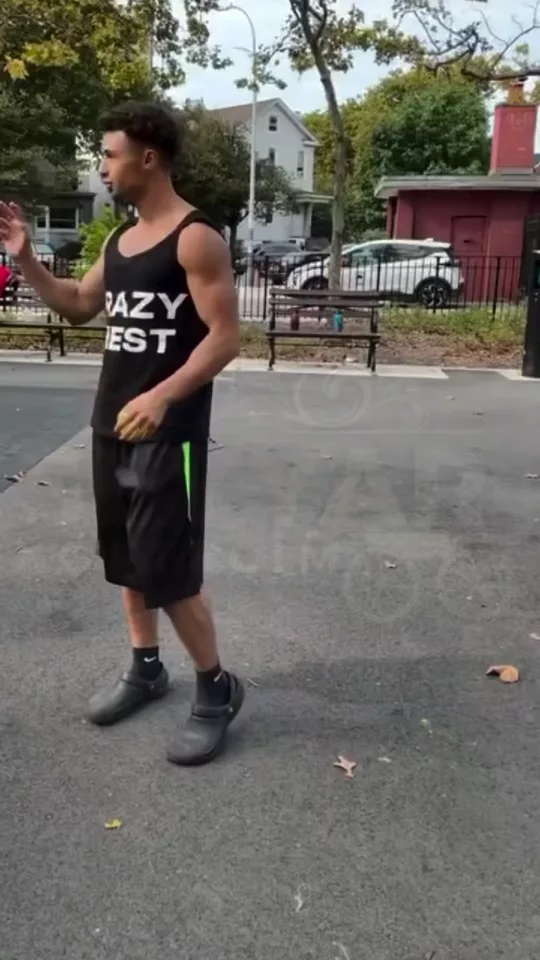
Video Background Remover starts from the clip you add. Remove the background from a video without a green screen. Erase the scene, keep the person, and fill it with transparent, a solid color, or a new scene.
02
Set matte
Choose matte, fill, spill. Lift the subject. Leave the room.
03
Generate, then cut
Take the result into the video editor for a hook, captions, and a vertical export for TikTok, Reels, or Shorts.
Built for Lift the subject. Leave the room
Upload a clip, erase the video background, and keep the person. No green screen. The fill can be transparent, a solid color, or a new scene, which is the same job as a background changer for video.
Matte
Clean edge, Hair detail, Motion blur. Pick one and Video Background Remover keeps the rest of the frame.
Fill
Transparent, Solid, New scene. Pick one and Video Background Remover keeps the rest of the frame.
Spill
Remove, Keep. Pick one and Video Background Remover keeps the rest of the frame.
Pick your plan
The editor stays free. New accounts get 10 credits, and you pay only when you generate.
See pricingStill have questions?
What is Video Background Remover?
Remove the background from a video without a green screen. Erase the scene, keep the person, and fill it with transparent, a solid color, or a new scene. Lift the subject. Leave the room.
How do I remove the background from a video?
Upload the clip, erase the video background, and choose transparent, a solid color, or a new scene. A green screen is not required. The editor stays free. New accounts get 10 credits, and a generation spends credits.
Does it change the original?
The clip stays the frame. Video Background Remover builds the new shot from it instead of replacing what you uploaded.
What can I use the result for?
TikTok, Reels, and Shorts. Open the video editor under the studio when the shot needs a hook, captions, or a vertical export.
Do I need to write a prompt?
The controls do most of the asking: matte, fill, spill. The line under them is optional.
Explore more apps
More in Video Editing. Cut, sync, and edit your videos.