
Video face swap
The face follows the cut
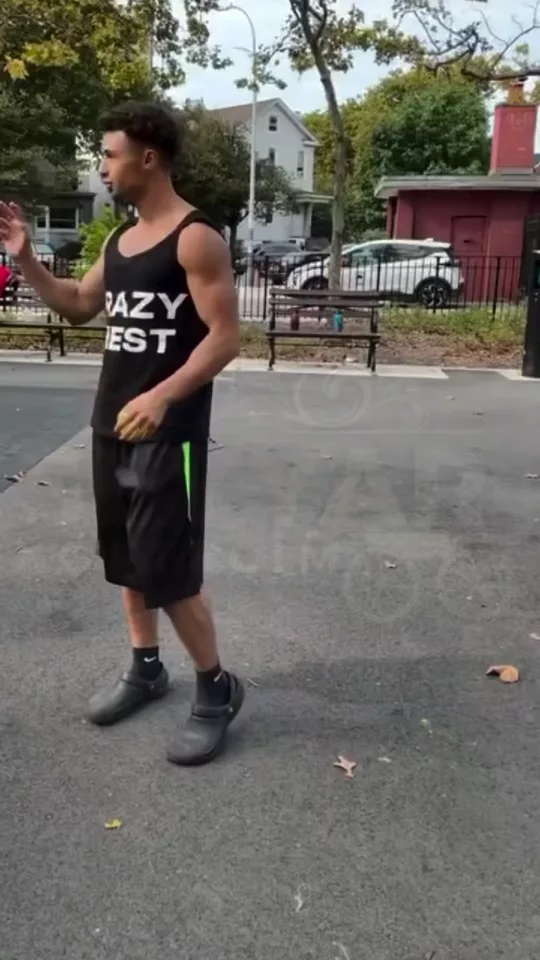
Video Face Swap in 3 steps
01
Upload a clip
Video Face Swap starts from the clip you add. Video face swap that tracks the face, the head, or the performance through the cut.
02
Set track
Choose track, stability, range. The face follows the cut.
03
Generate, then cut
Take the result into the video editor for a hook, captions, and a vertical export for TikTok, Reels, or Shorts.
Built for The face follows the cut
A video face swap, also searched as face swap video. The track can be the face only, the head, or the performance, locked or natural.
Track
Face only, Head, Performance. Pick one and Video Face Swap keeps the rest of the frame.
Stability
Locked, Natural. Pick one and Video Face Swap keeps the rest of the frame.
Range
One shot, Whole clip. Pick one and Video Face Swap keeps the rest of the frame.
Pick your plan
The editor stays free. New accounts get 10 credits, and you pay only when you generate.
See pricingStill have questions?
What is Video Face Swap?
Video face swap that tracks the face, the head, or the performance through the cut. The face follows the cut.
How do I face swap a video?
Upload the clip, describe the person who stays through every cut, and set the track. The editor stays free. New accounts get 10 credits, and a generation spends credits.
Does it change the original?
The clip stays the frame. Video Face Swap builds the new shot from it instead of replacing what you uploaded.
What can I use the result for?
TikTok, Reels, and Shorts. Open the video editor under the studio when the shot needs a hook, captions, or a vertical export.
Do I need to write a prompt?
The controls do most of the asking: track, stability, range. The line under them is optional.
Explore more apps
More in Face & Identity. Swap faces, characters, and transform your look.

Recast
Industry-leading character swap for any video in seconds
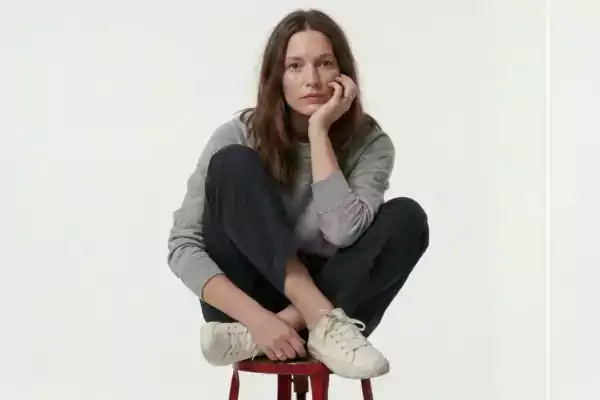
Character Swap 2.0
Swap characters in your image with a single click
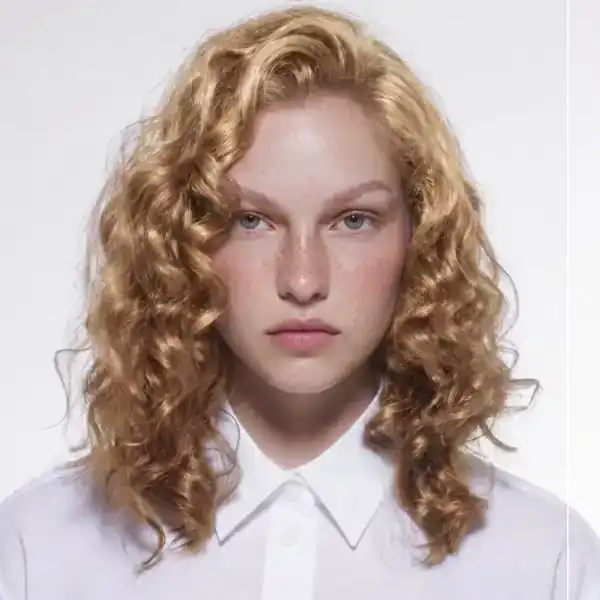
Face Swap
AI face swap for a photo. Match identity, expression, or age, and keep the hairline, the jaw, or the full head.

Commercial Faces
Empower your digital identity with professional face transformations
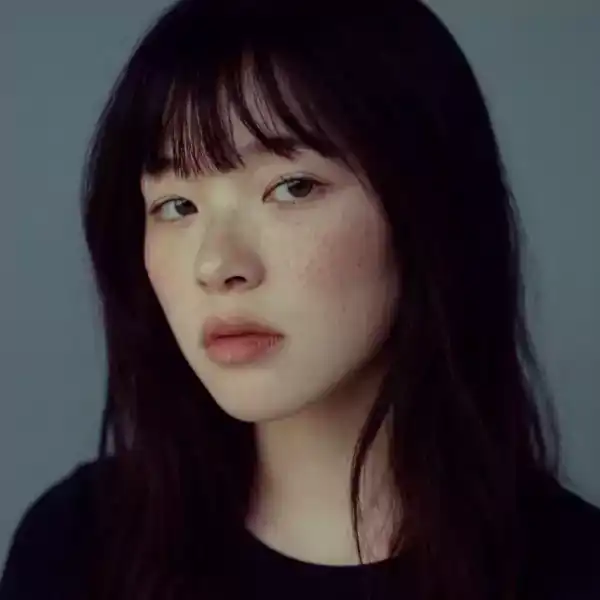
Headshot Generator
AI headshot generator from a portrait. Gray, white, charcoal, or an office backdrop, cropped at the shoulders, chest, or tight.