What is the difference between a dolly and a zoom?
A dolly moves the camera. A zoom changes focal length and flattens the background. Say which one you mean.

Name the move, the speed, and the limit. Models follow that more often than the word “cinematic.”
Free prompts for any image-to-video model.
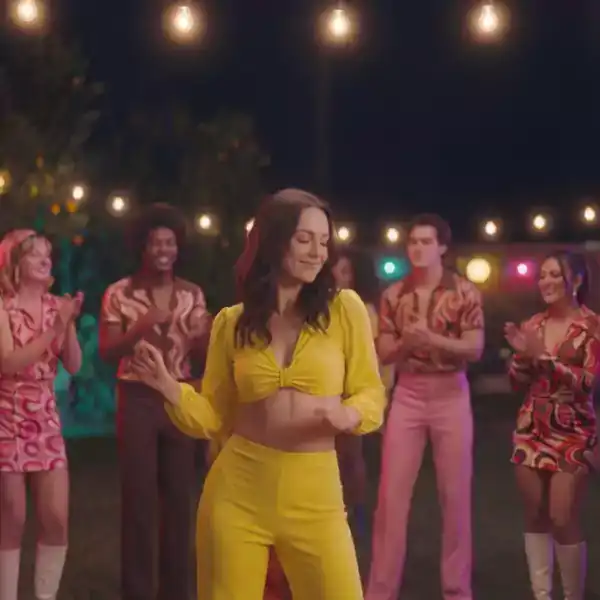
A dolly changes position. A zoom changes focal length. A pan rotates. Mixing the words is how clips melt.
The camera physically moves in, out, or alongside. In a still, “in” is the safe direction.
The camera rotates. On a single photo that reveals new space, so use them only when the photo already contains it.
The lens is someone’s eyes. Say whose, and what their head is doing.
Paste after you describe the subject. One move per clip.
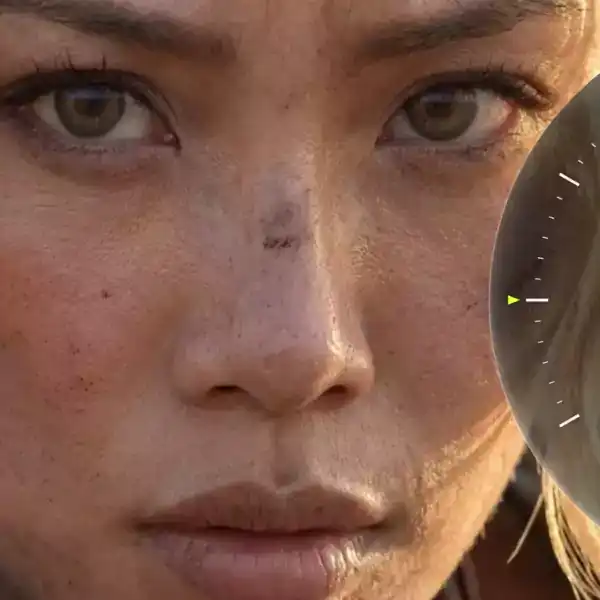
Dolly in
Hover · demoCamera moves closer. Subject stays.
Best for portraits and products
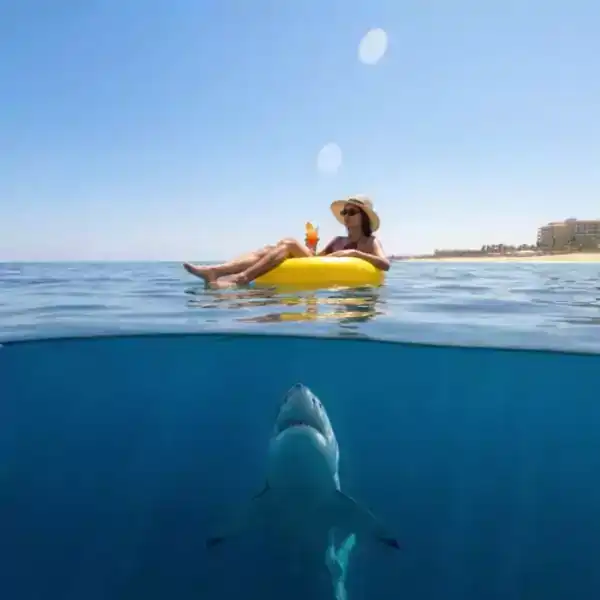
Dolly out
Hover · demoOnly if the wider view already exists in the image.
Best for a reveal you already shot

Pan
Hover · demoA small rotation across a wide photo.
Best for landscapes
Tilt up
Hover · demoFrom the subject to something already above them.
Best for architecture
Crane
Hover · demoRise a little, then settle.
Best for openings
POV walk
Hover · demoHead-height, a few steps.
Best for ugc and tours
Drone
Hover · demoSee the path tool if you need a route.
Best for exteriors
Whip pan
Hover · demoFast, and it hides a cut.
Best for transitions
The move is the second sentence, not the whole prompt.
Dolly and zoom and crane in one line is a morph.
Four or five seconds. Longer moves run out of real pixels.
The glossary word is not the problem. The combo is.
Unless you want a vertigo effect, the subject grows and shrinks at once.
The fix: Pick one. Dolly changes position. Zoom changes lens.
The back of the room was never shot.
The fix: Stay inside the frame. Use the drone tool for a short arc.
Three moves read as a glitch.
The fix: One move. Mild handheld only if you asked for POV.
A dolly moves the camera. A zoom changes focal length and flattens the background. Say which one you mean.
One primary move per clip. A tiny bit of handheld on a POV is enough.
The drone path tool turns clicks into waypoints. This page is the vocabulary.
Pick a move, paste it after the subject line, and stop there.
 TrendingDrone Path ToolDraw a flight path on any photo and get the prompt that makes an AI model fly it.Image to Video Prompt GeneratorDescribe the photo and the motion. Get a prompt that keeps the still as the source.
 Video Transition Prompt GeneratorDescribe the start frame and the end frame. Get a prompt for the cut between them.