
[01]Video editing
Photo to Video Converter with Viral Hooks.
Transform static photos into dynamic videos with motion and effects
viralhooks.org · create
Active tool
Photo to Video Converter
advanced-editing
01Describe your concept or paste a script
02Pick a viral hook from the library
03Export 9:16 MP4 with captions
9:16 · captions · hook overlay
advanced editing
BetaStart Photo to Video Converter
Add motion, captions, and a vertical crop non-destructively in Studio.
Workflow
How photo to video converter works
- 01
Describe your photo to video converter idea or paste a script.
- 02
Generate scenes, voiceover, and captions with AI in the editor.
- 03
Attach a viral hook intro from the free library.
- 04
Export and post to TikTok, Instagram, or YouTube.
Hook picks
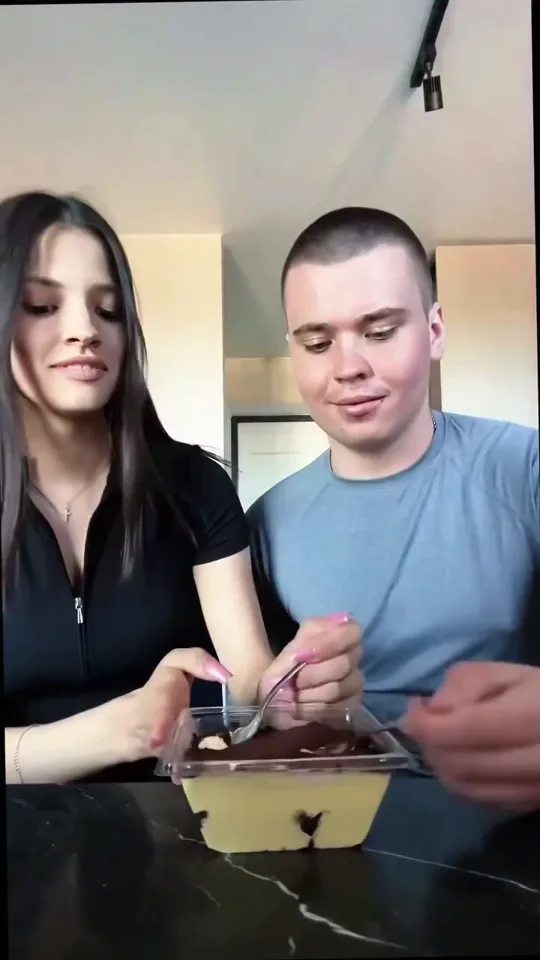
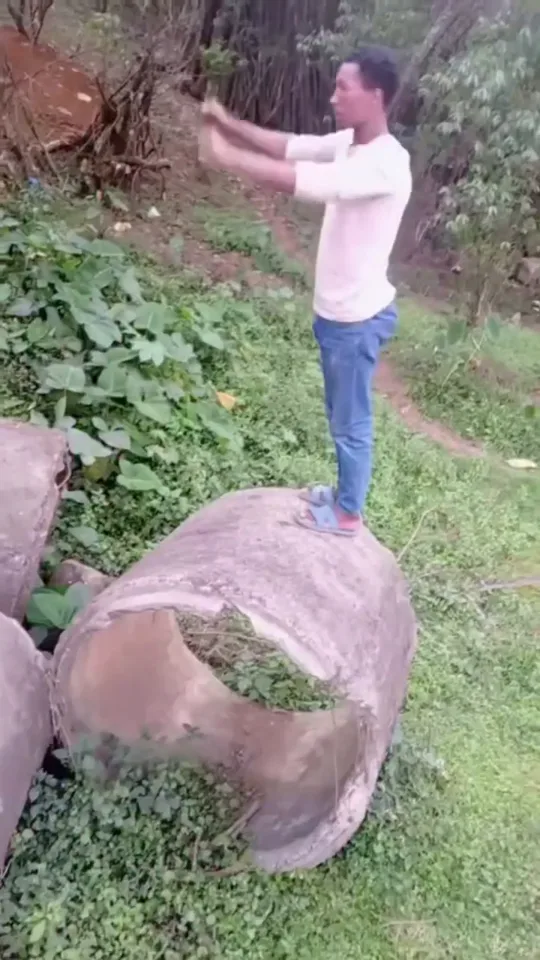
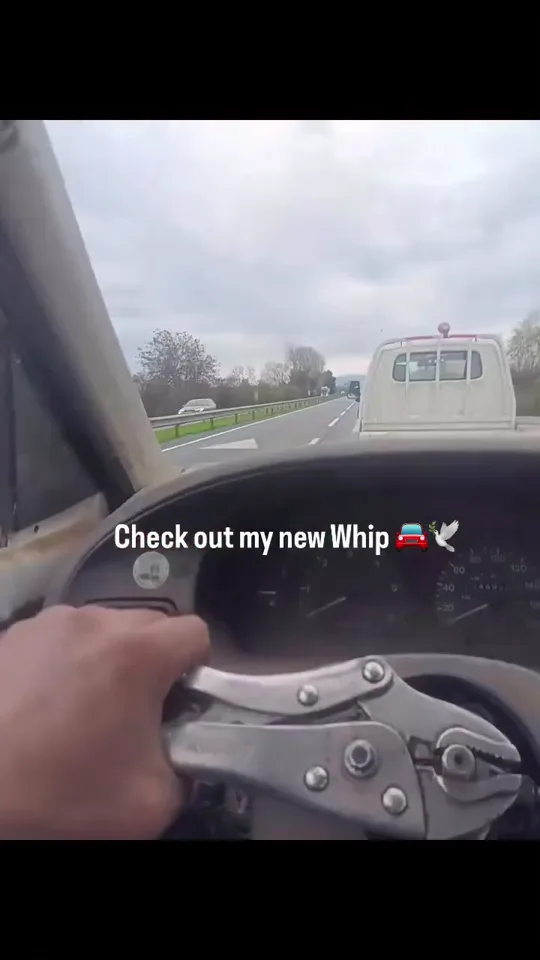
Free viral hooks to pair with photo to video converter
FAQ
Frequently asked questions about photo to video converter
Transform static photos into dynamic videos with motion and effects
How does Photo to Video Converter work with Viral Hooks?
Transform static photos into dynamic videos with motion and effects Use Viral Hooks to pair your content with proven hook intros and export publish-ready shorts.
Is the hook library free?
Yes. Browse and download viral hooks for free, then pair them with your AI-generated or edited content.
Do I need editing experience?
No. Viral Hooks is built for creators who want scroll-stopping openings without timeline wrestling.