@figma
Instagram · Teaser Trailer
@figma Tomorrow

@figma
Instagram · Teaser Trailer
@figma Tomorrow
Performance
Video #11450 · Teaser Trailer
[01]
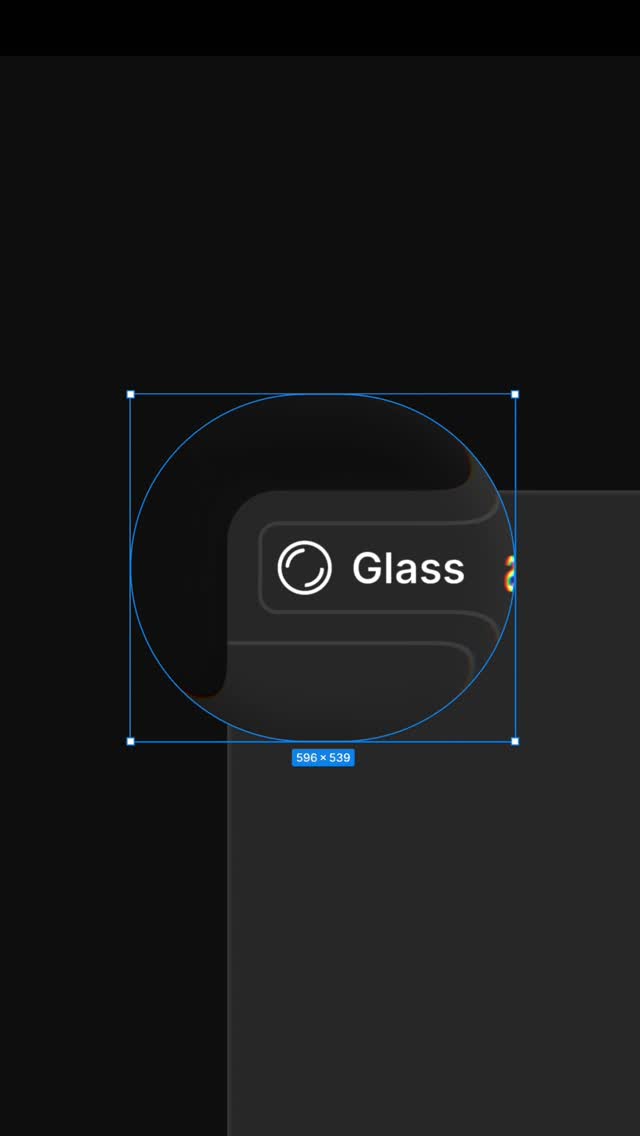
The video presents a fast-paced motion graphic animation mimicking the Figma user interface. A selection box rapidly expands and resizes a circular element, transitioning through various dimensions and a 'Glass' label before morphing into the colorful Figma logo, serving as a hype teaser for an announcement the following day.
[02]
[03]
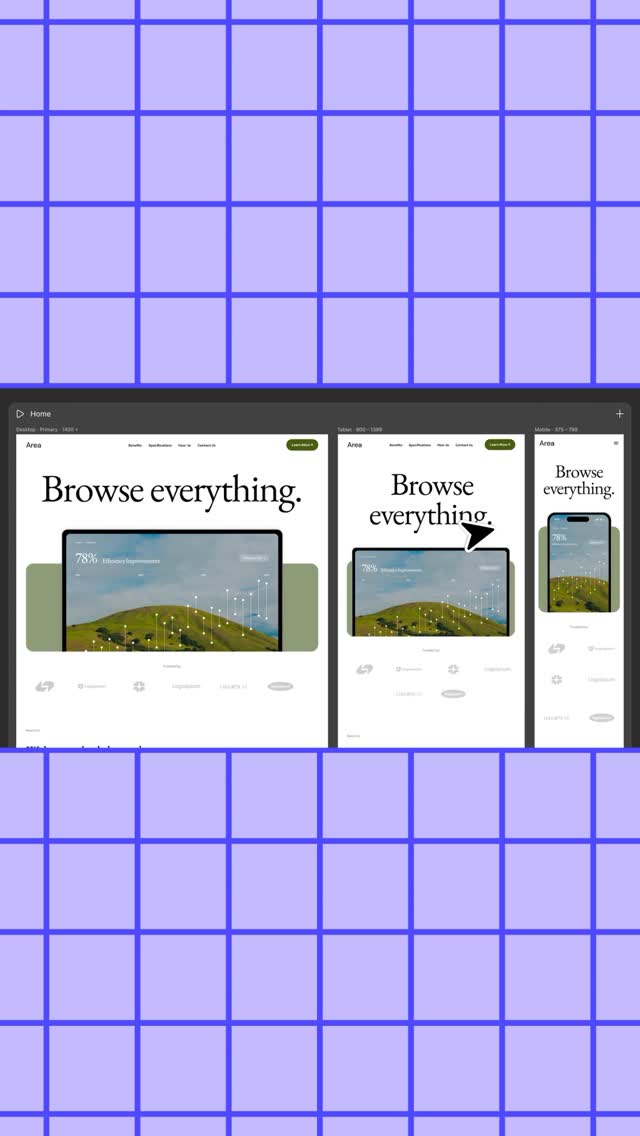 700.3K5.1×Fast recap of new Figma features@figma · Rapid Fire Listicle
 1.2M8.6×Office skit reveals new product feature@figma · Relatable Skit
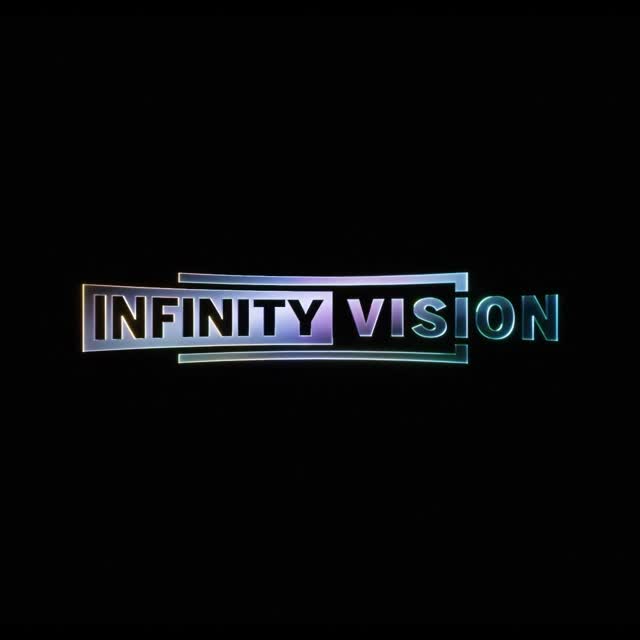 18.9M29.8×High-tech animated logo reveal@disney · Hype Teaser
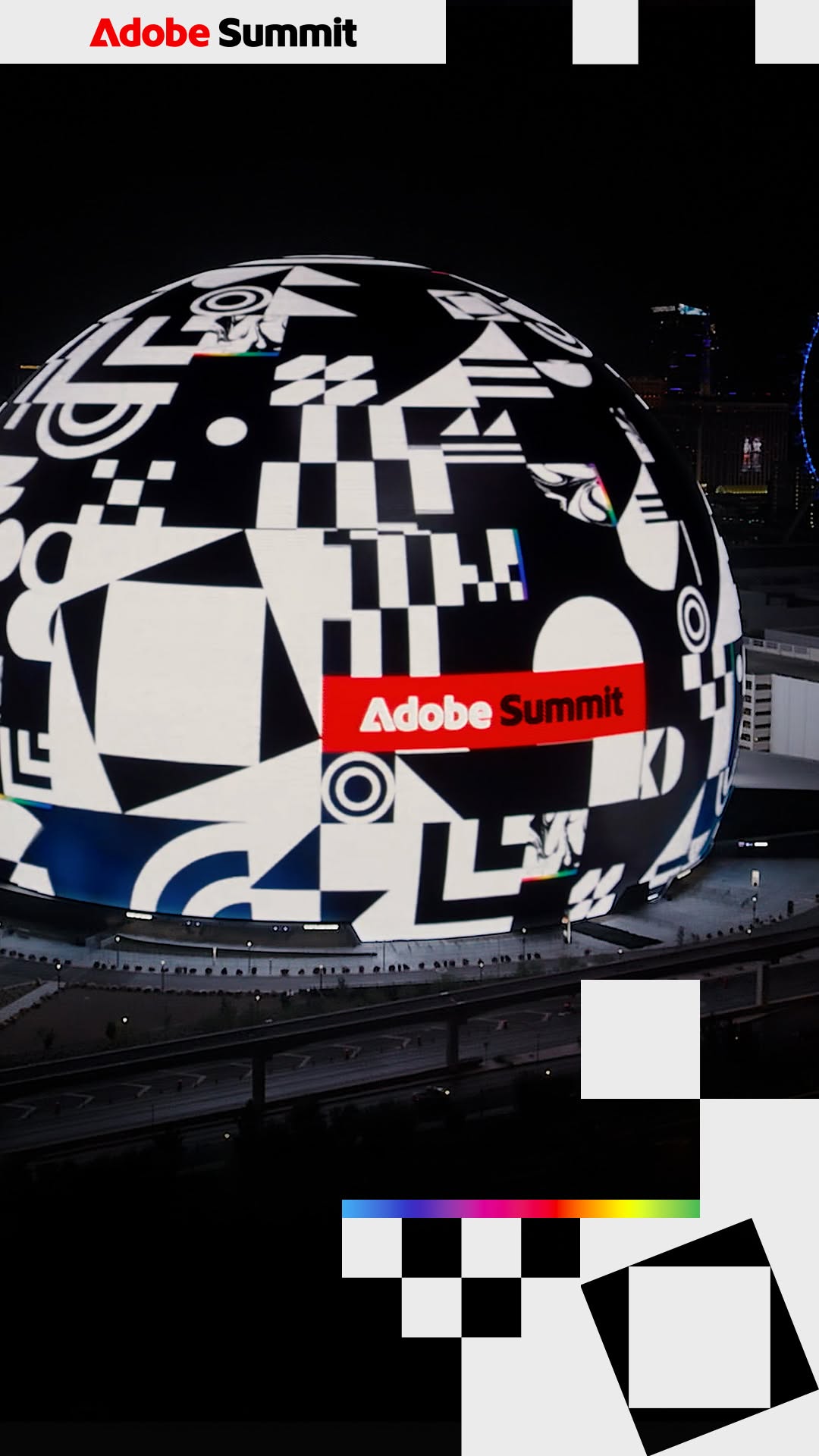 4.1M383.4×Animated showcase on Las Vegas Sphere@adobe · Showcase
 347.4K173.4×Minimalist brand identity logo reveal@semrush · Brand Manifesto
 385.8K2.5×Abstract spinning object brand reveal@gap · Hype Teaser
 325.1K197.2×Animated product loading screen teaser@innocent · Hype Teaser
 462.4K1.1×Animated demo of text styles@discord · Product Demo
 1.7M14.2×High-energy animated brand teaser@valorant · Hype Teaser
 3M9.8×Animated brand event date reveal@helloapple · Hype Teaser
 2.9M76.1×Short brand campaign hype teaser@gap · Hype Teaser
 232.6KMotion graphics product feature announcement@discord · Product Promo
[04]
[05]
What stops the scroll in the first 3 seconds
Visual hook · 100%
The recognizable blue Figma selection box and dimension tag on a dark background, immediately signaling a design-related topic to the niche audience.
[06]
Steal this for your own video
Open with a recognizable on a , then rapidly resize or transform a to tease what’s coming.
[07]
The promise the opener makes, and how the video pays it back
Hook
The Interface Isolation: A recognizable but context-free UI control (selection box) appears in a void, triggering immediate pattern recognition for the target audience.
Payoff
The Launch Signal: The logo settles, creating a definitive end point that implies an upcoming release or event (reinforced by the caption).
[08]
The structural pattern this video runs on
Framework
The Kinetic Interface Reveal
Leveraging familiar interface mechanics (selection, resizing) to create a satisfying, mystery-driven reveal for a product update.
The Metric Acceleration
The element expands rapidly with changing data values (dimensions), building visual momentum and implying growth or scale.
The Feature Snap
The chaotic motion stops abruptly as the abstract shape resolves into a clear, polished product feature or UI element.
The Brand Morph
The visual elements seamlessly transform or reassemble into the company logo, anchoring the feature to the brand identity.
Tomorrow
contextual · beginning
92 x 92
contextual · beginning
118 x 118
contextual · middle
Glass
contextual · middle
540 x 519