@blivxx
TikTok · Vlog
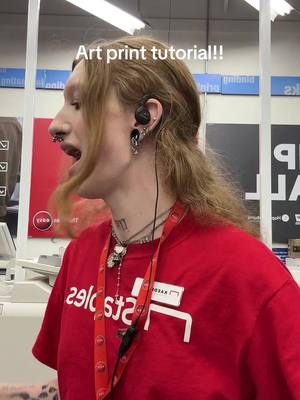
@blivxx How to make art prints

@blivxx
TikTok · Vlog
@blivxx How to make art prints
Performance
Video #18949 · Vlog
[01]
The creator, a Staples employee, demonstrates how to make art prints from original artwork. They show how to place a canvas on a flatbed scanner, adjust the resolution settings for high quality, scan the image, and then open the file on a computer to crop it before sending it to print.
[02]
[03]
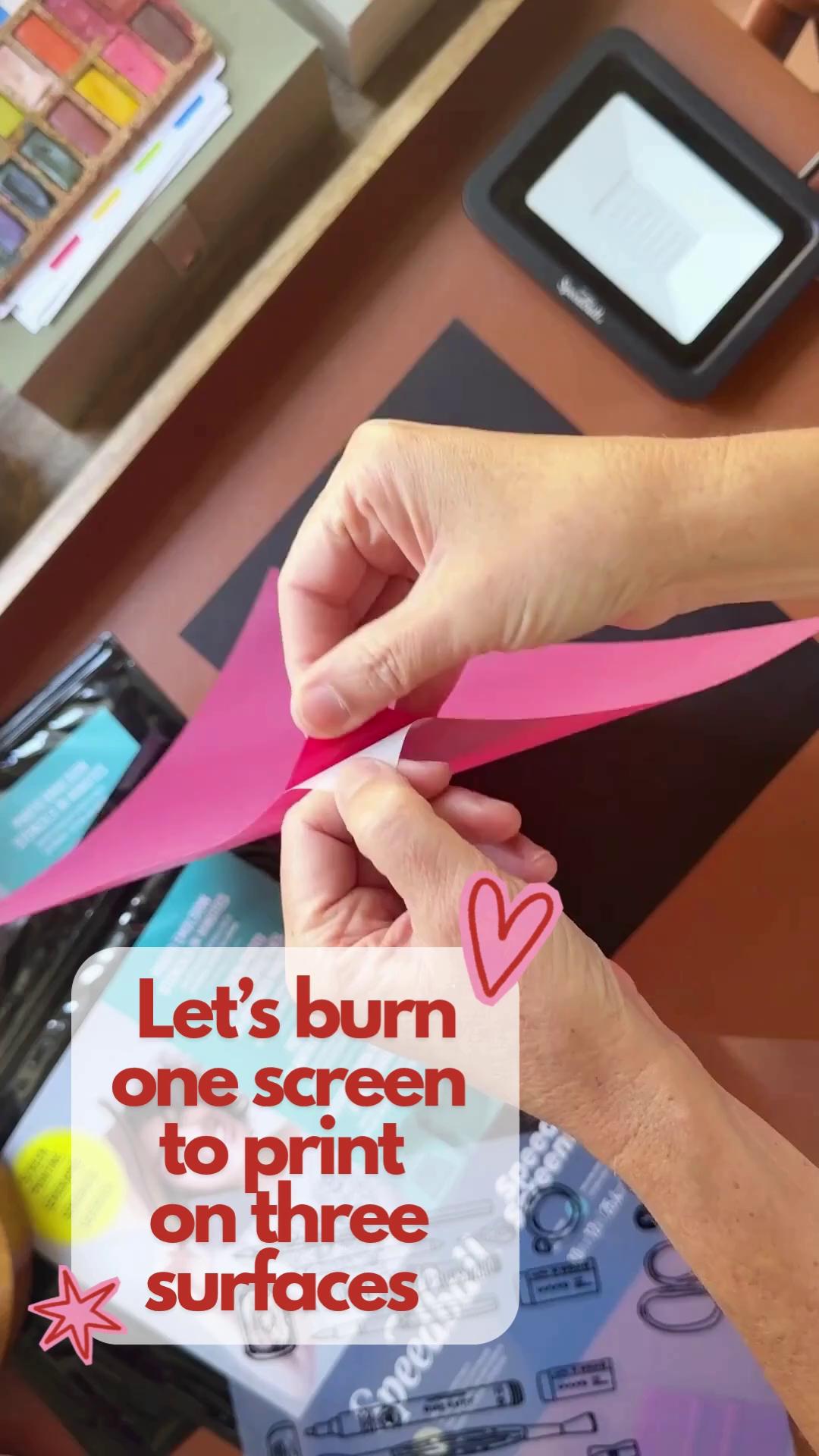 360.8K40.1×Screen printing on three surfaces@blickartmaterials · Tutorial / How To
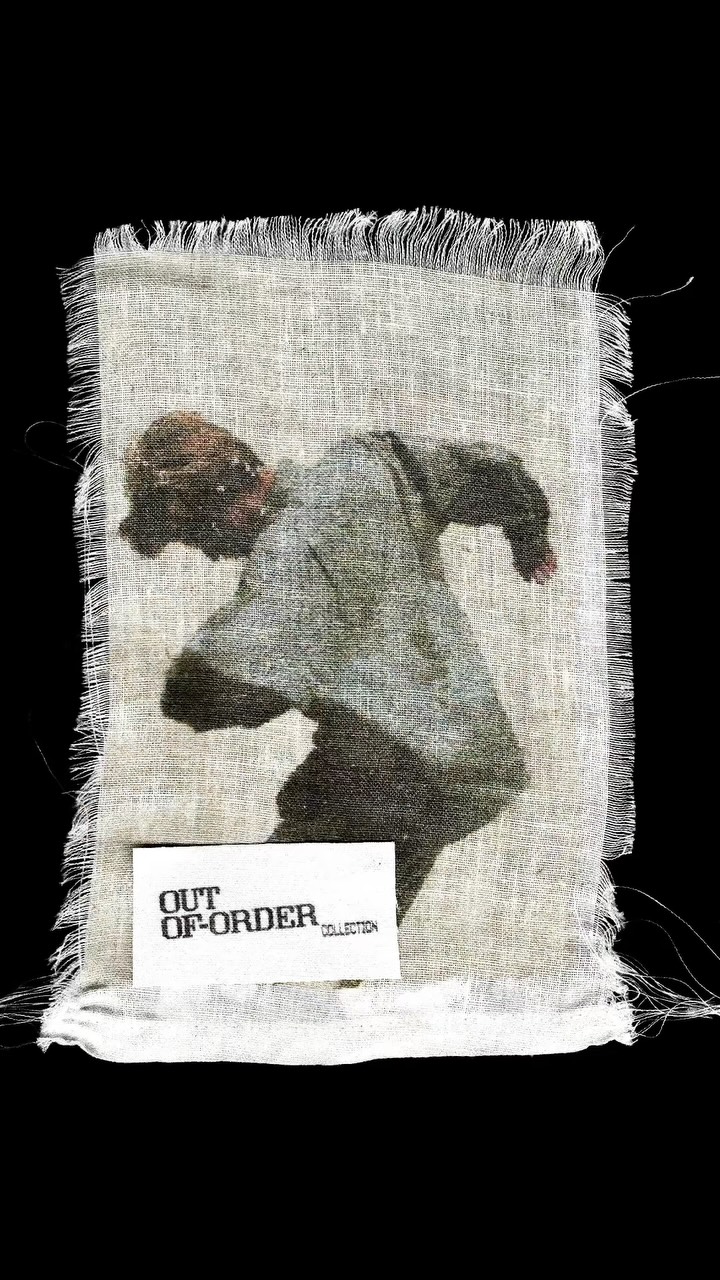 67.8K10×How to print designs on fabric@lt.designz · Tutorial / How To
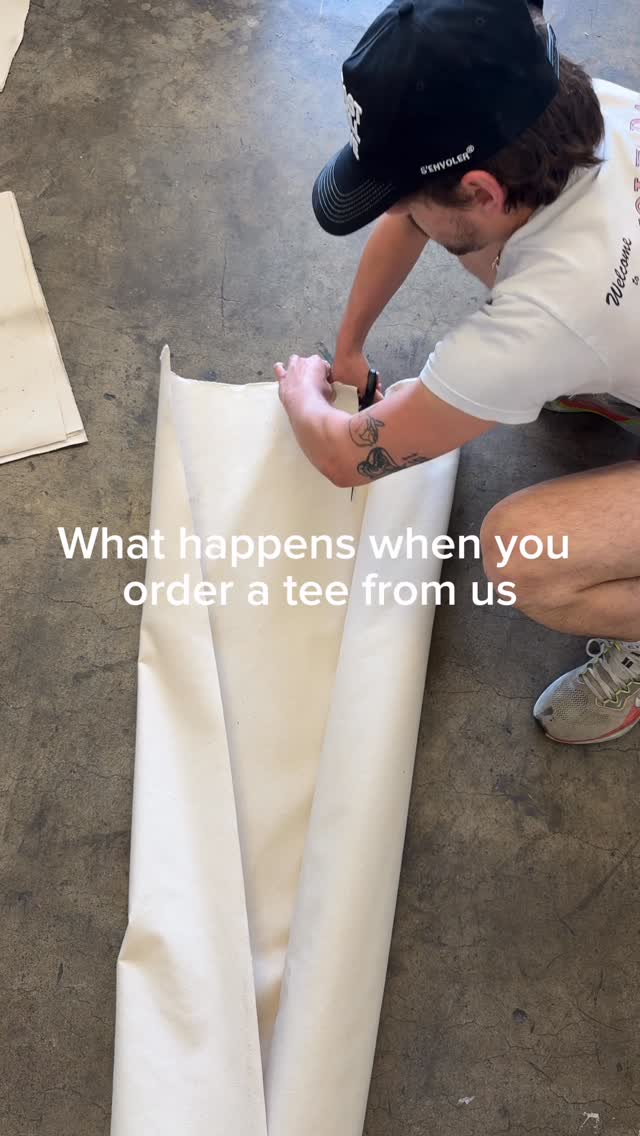 542.5K75.1×T-shirt creation from start to finish@senvoler.studio · Process
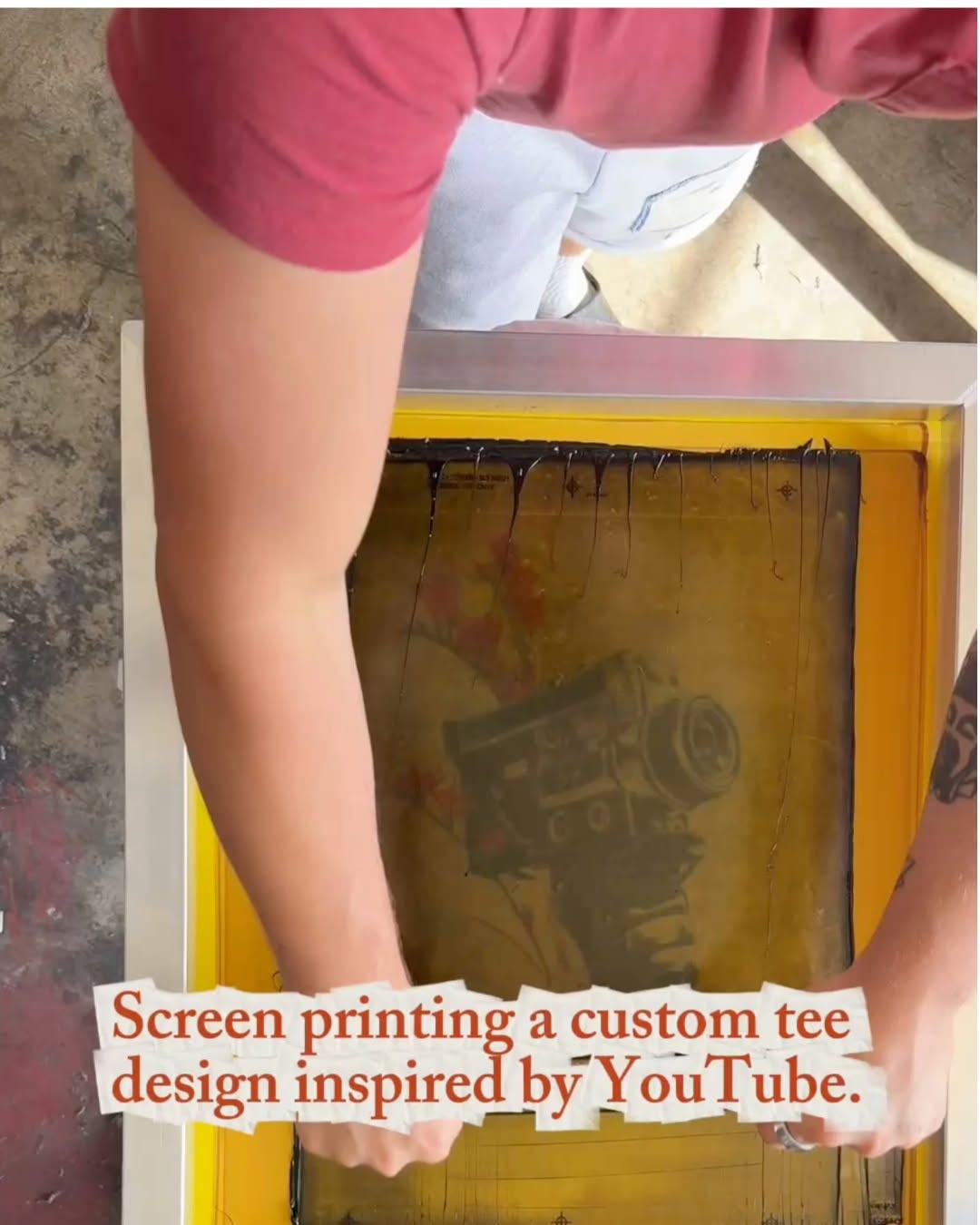 15.2M2072.3×Satisfying t-shirt screen printing process@youtube · Process
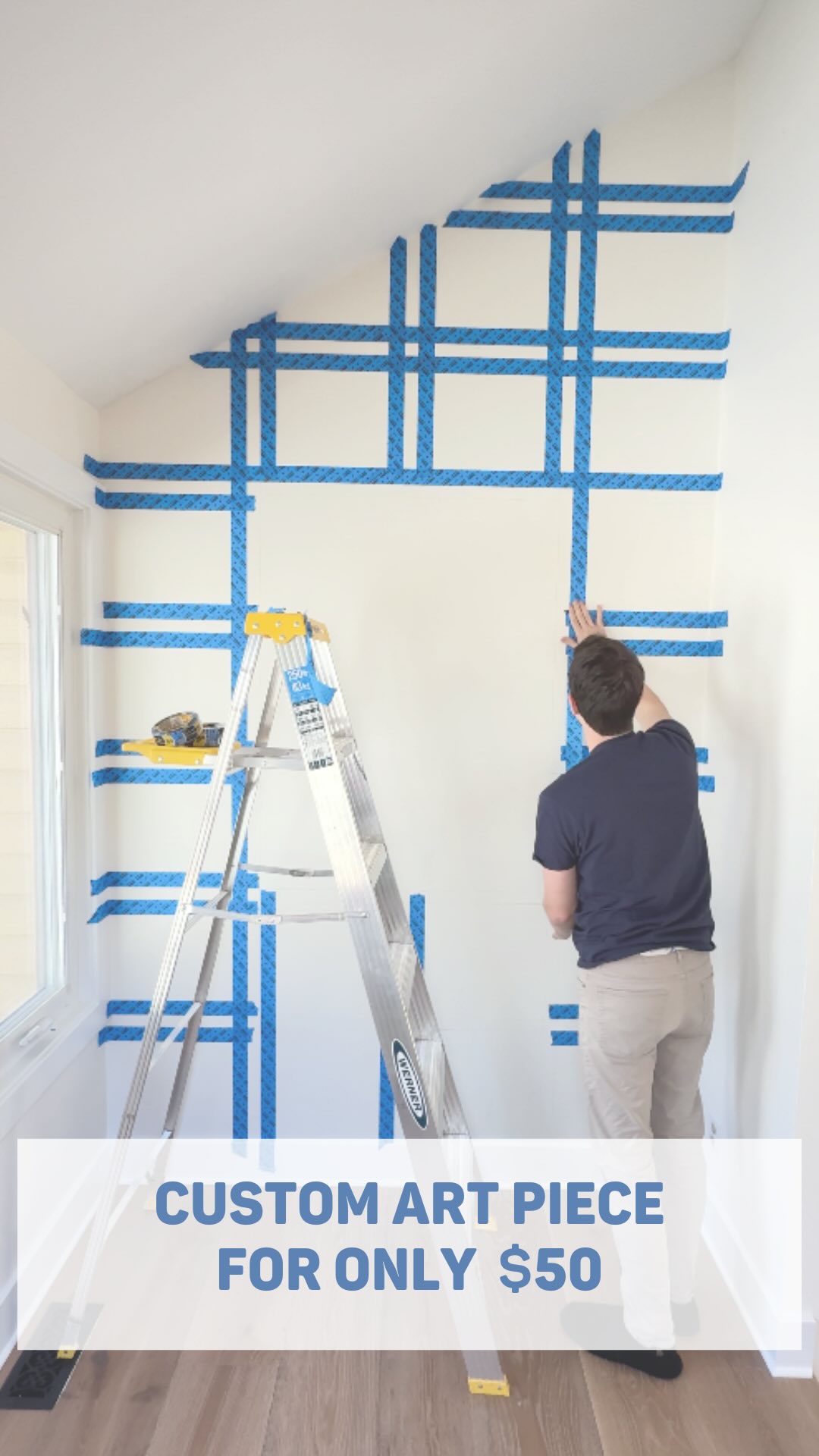 2.2M1.7×DIY home decor project tutorial@realiferenovation · Tutorial / How To
 114.3KScreen printing a t-shirt process@superlinenetwork · Process
 4.2M5.5×Tie-dye art process start to finish@dyesngoodvibes · Process
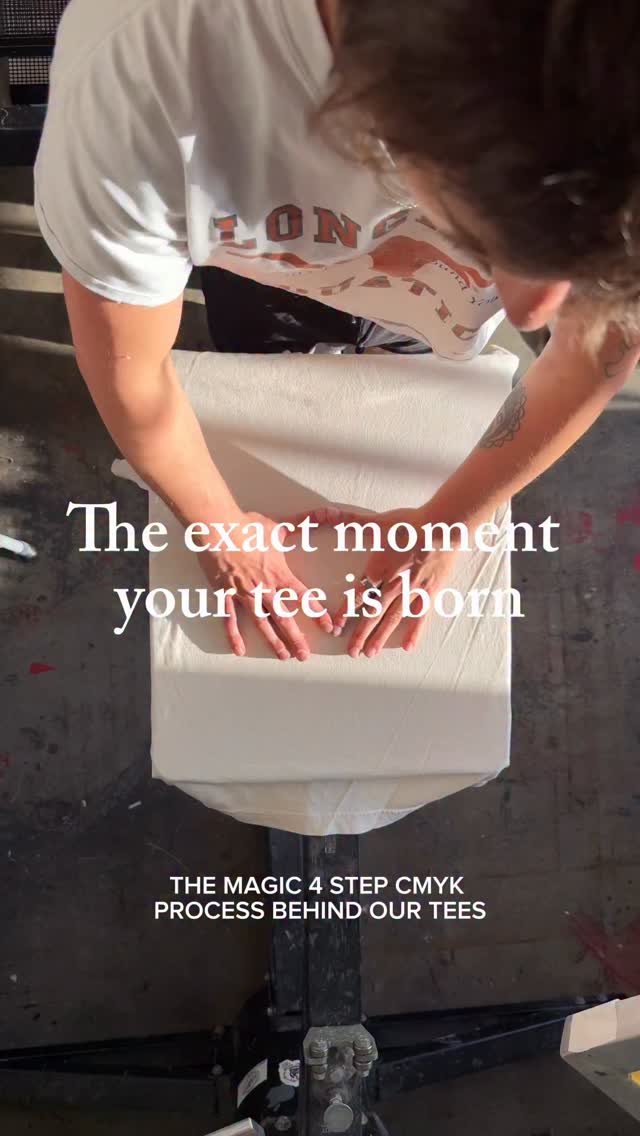 1M10.2×Four-step screen printing process@senvoler.studio · Process
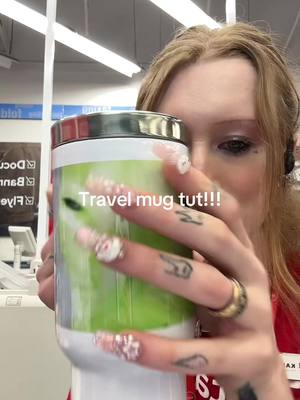 370.5K1.4×Showing the mug making process@blivxx · Tutorial / How To
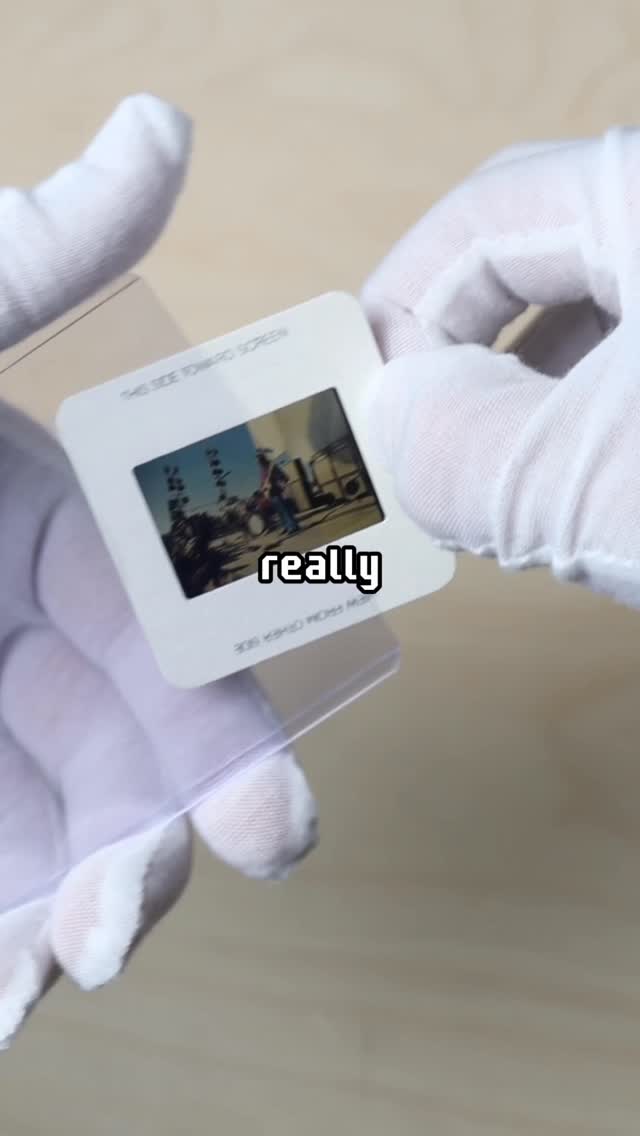 615K1.7×Printing rare Jimi Hendrix slide@imsteviesells · Process
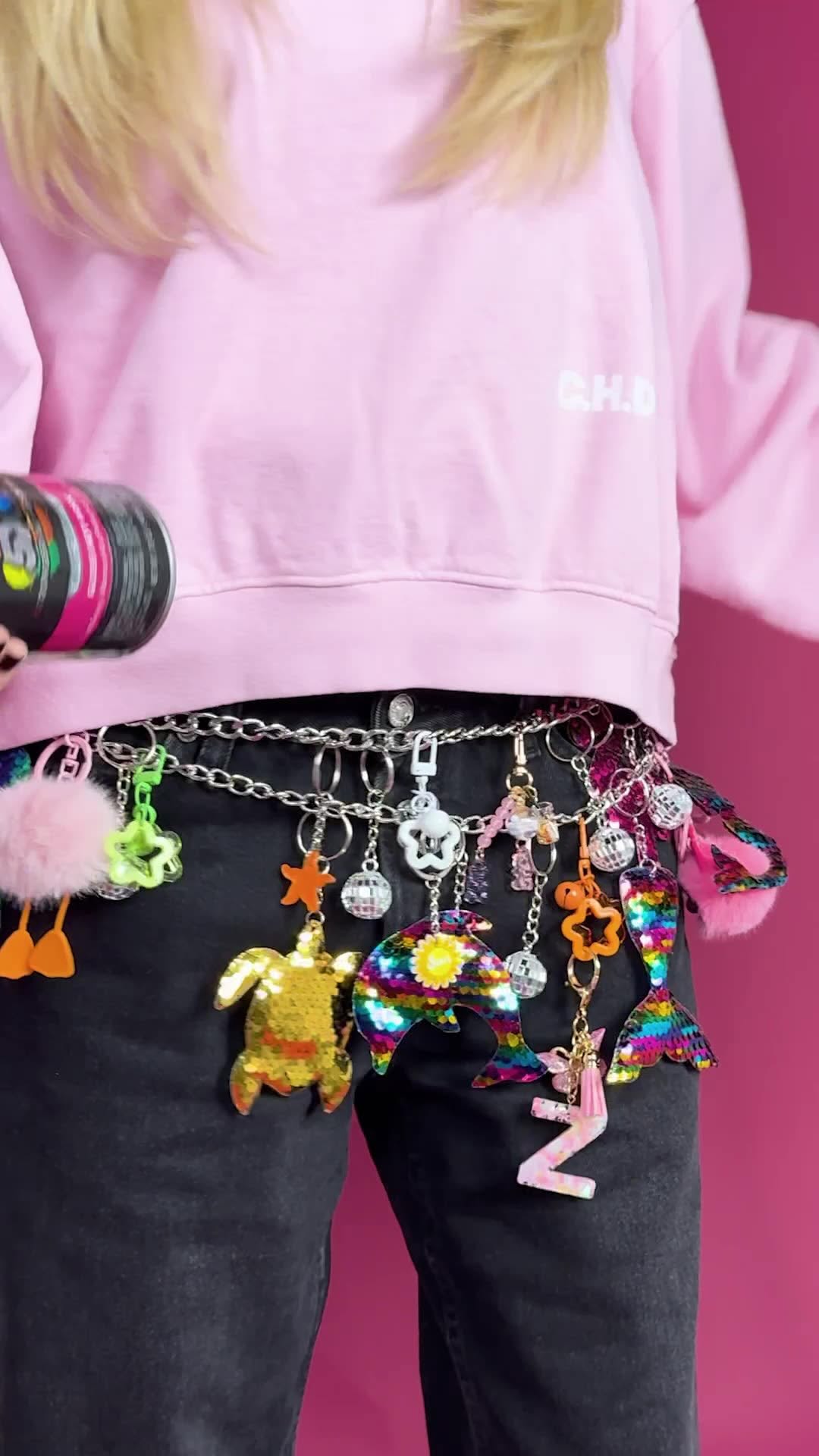 3.9M5.7×Creative t-shirt design transformation@callherdaddy · Before/After Transformation
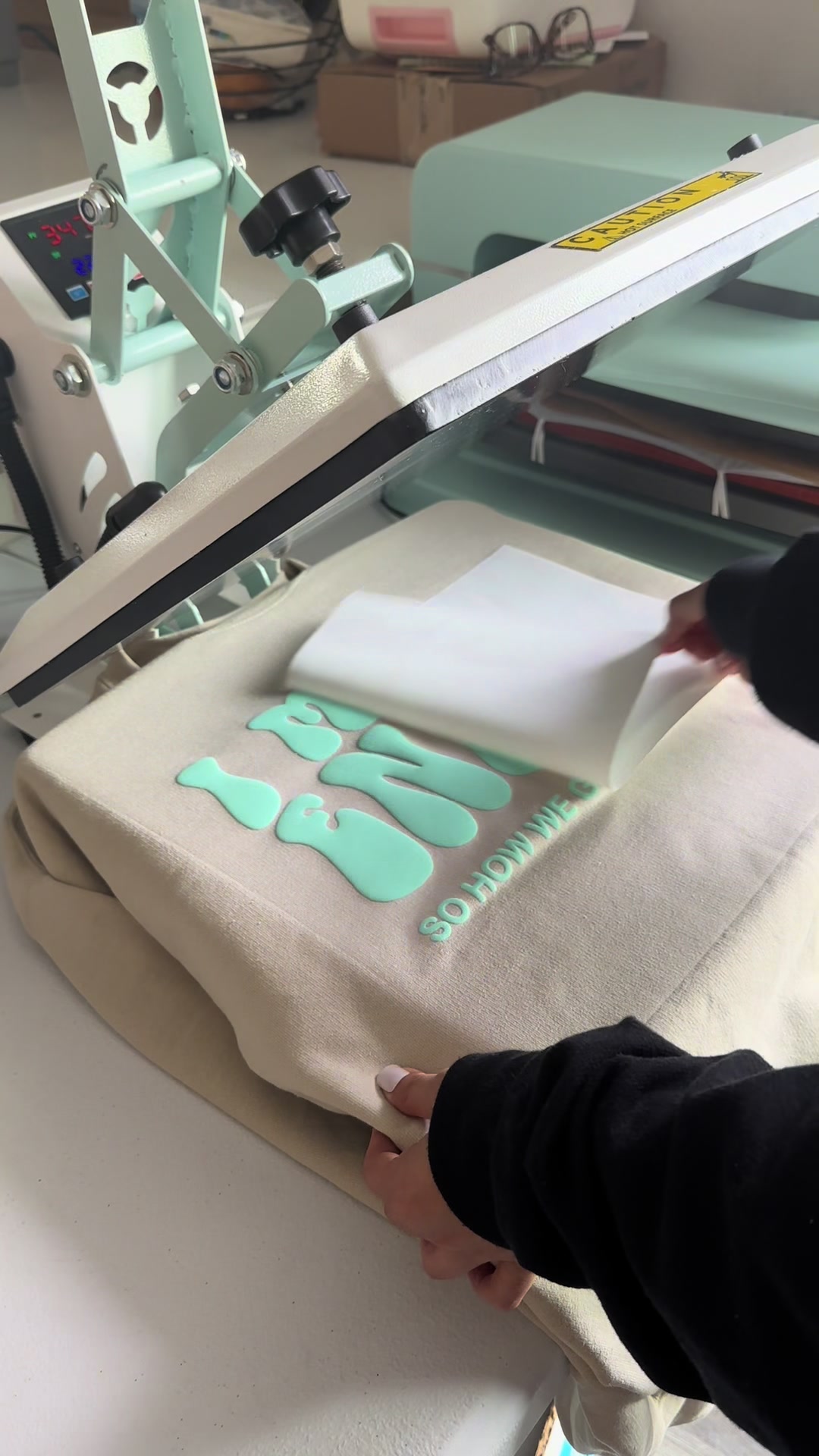 1.9M1.4×Heat press sweatshirt design reveal@cuteesandtransfers · Process
[04]
[05]
What stops the scroll in the first 3 seconds
Title hook · 25%
Art print tutorial!!
Verbal hook · 60%
I've had a lot of questions on how to do your art prints at Staples, and you can either bring it on or off the canvas.
Visual hook · 15%
A person with distinct personal style (tattoos, piercings, long nails) speaks directly to the camera in a Staples store, using expressive hand gestures.
[06]
Steal this for your own video
I’ve had a lot of questions about how to at , and you can or .
[07]
The promise the opener makes, and how the video pays it back
Hook
A direct address to the audience, referencing a frequently asked question to establish authority and a clear value proposition for the video.
Payoff
The Final Command. The creator initiates the final action of the process, concluding the tutorial and leaving the viewer with the complete set of instructions needed to replicate the success.
[08]
The structural pattern this video runs on
Framework
The Expert Walkthrough
An insider demystifies a common but tricky process by demonstrating it step-by-step, including a crucial pro-tip and a solution to a common error, thereby building trust and providing high-value, actionable information.
The Problem Scope
Define the task and its common variations, establishing the creator's familiarity with the subject and setting the context for the tutorial.
The Difficult Case
Choose to demonstrate the more complex variation of the task to prove the method's robustness and directly address a key point of user confusion.
The Physical Process
Show the hands-on, physical setup required to begin the task, grounding the tutorial in a real-world action.
The Insider's Tweak
Reveal a non-obvious but critical setting adjustment that ensures a high-quality outcome, positioning the advice as expert-level knowledge.
The Error & Override
Acknowledge and solve a common, predictable error that the equipment or software produces, making the tutorial more practical and trustworthy by preparing the viewer for real-world obstacles.
The Digital Transition
Show the result of the physical process in a digital environment, confirming the success of the previous steps and moving the tutorial to its next phase.
The Refinement Step
Briefly show or state the final digital adjustments needed before completion, adding another layer of professional polish to the process.
How to make art prints
title · beginning
Art print tutorial!!
I've had a lot of questions on how to do your art prints at Staples, and you can either bring it on or off the canvas. So walk with me how So for the sake of demonstration, I'm gonna leave it on the canvas because that's usually kinda what confuses people. There's a lot of random little details on this. This is just a collage I did and then varnished, so I thought it'd be a perfect little example. No for art prints, I always turn the resolution all the way up and then just scan that in. Since it can't detect its original size, it's always best to just go a little bit better. The 11 by 15. No that I opened it in Acrobat, I'm just gonna go crop it real quick. No now once we got that all cropped and good I'm gonna go choose some paper