@flock_mfg
Instagram · Speaker address
@flock_mfg Dust off your old PSP

@flock_mfg
Instagram · Speaker address
@flock_mfg Dust off your old PSP
Performance
Video #25225 · Speaker address
[01]
The creator demonstrates a custom project that turns a Sony PSP into a digital car gauge display. He explains that it's part of his 'flock gauges' system, shows how it connects via Wi-Fi to sensors or an OBD2 adapter, demonstrates the custom PSP game interface, and explains that it uses an open API, finishing with a call-to-action for a download link.
[02]
[03]
 336.2K1×Founder story for new product@flockmfg · Origin Story
 506.7K111×Touchscreen controls car features demo@jetouruae · Product Demo
 1.2MAspirational car lifestyle showcase@arjanvandenboom · Lifestyle Showcase
 799.9K11.4×Satisfying classic car refuel process@dodi_auto_sales · ASMR Process
 853.6K5.8×New electric Porsche features explained@carsandbids · Product Showcase
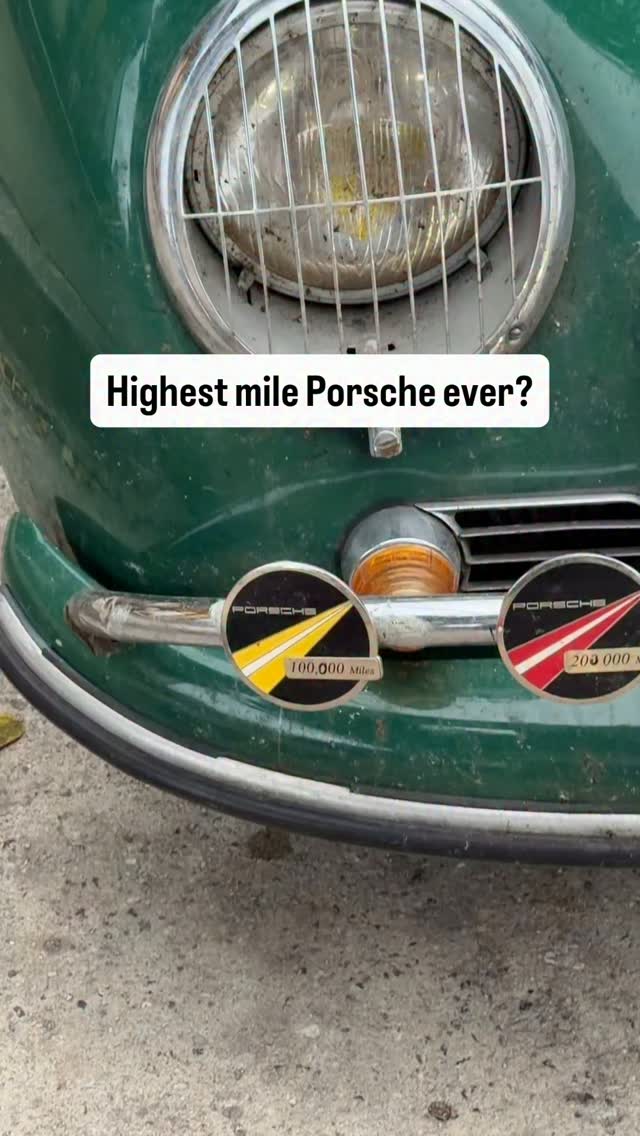 853.8K120.3×Counting up car mileage badges@launch.mode · Showcase
 156.1K1.7×Custom truck interior driving showcase@azaautowheel · Showcase
 1.2MDetailed car showcase with voiceover@dodi_auto_sales · Product Promo
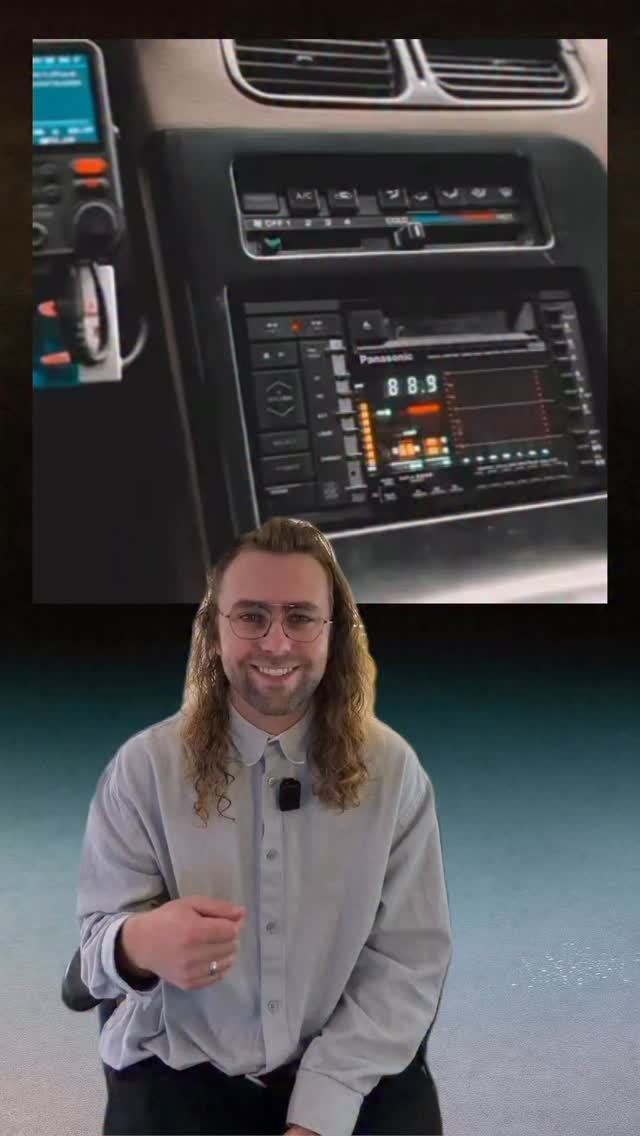 345.5K11×Retro car tech listicle showcase@flock_mfg · Rapid Fire Listicle
 516.4KAI car customization software showcase@keanu.visuals · Product Demo
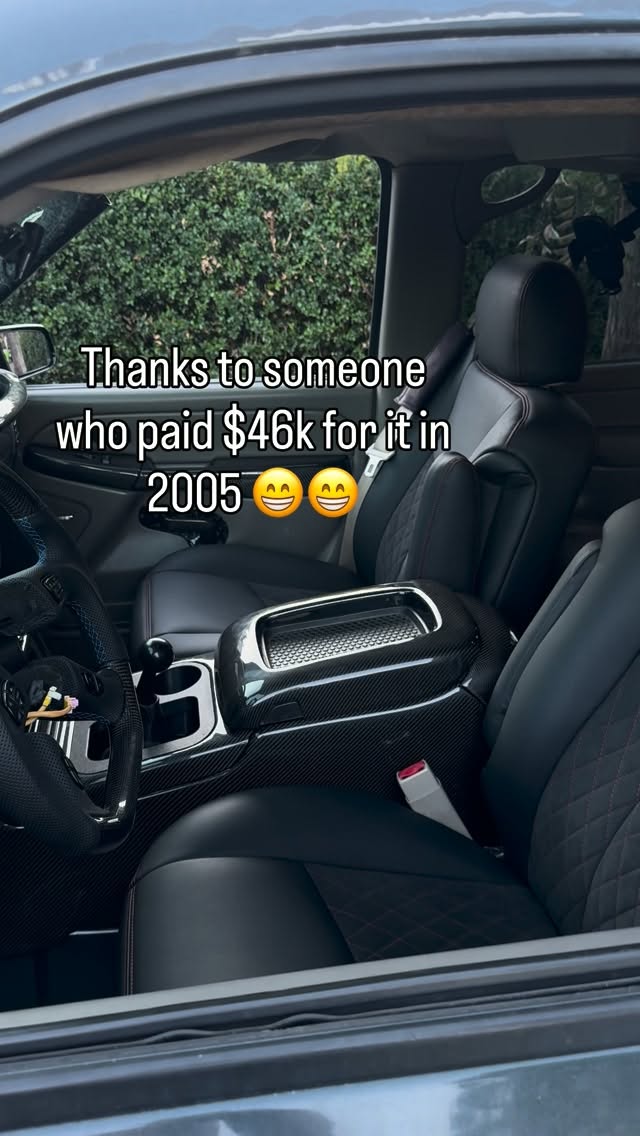 650.5KShowcasing a customized SUV@azaautowheel · Showcase
 759.6K70.9×CarPlay notification creates funny problem@sweetsound · Relatable One Shot
[04]
[05]
What stops the scroll in the first 3 seconds
Title hook · 25%
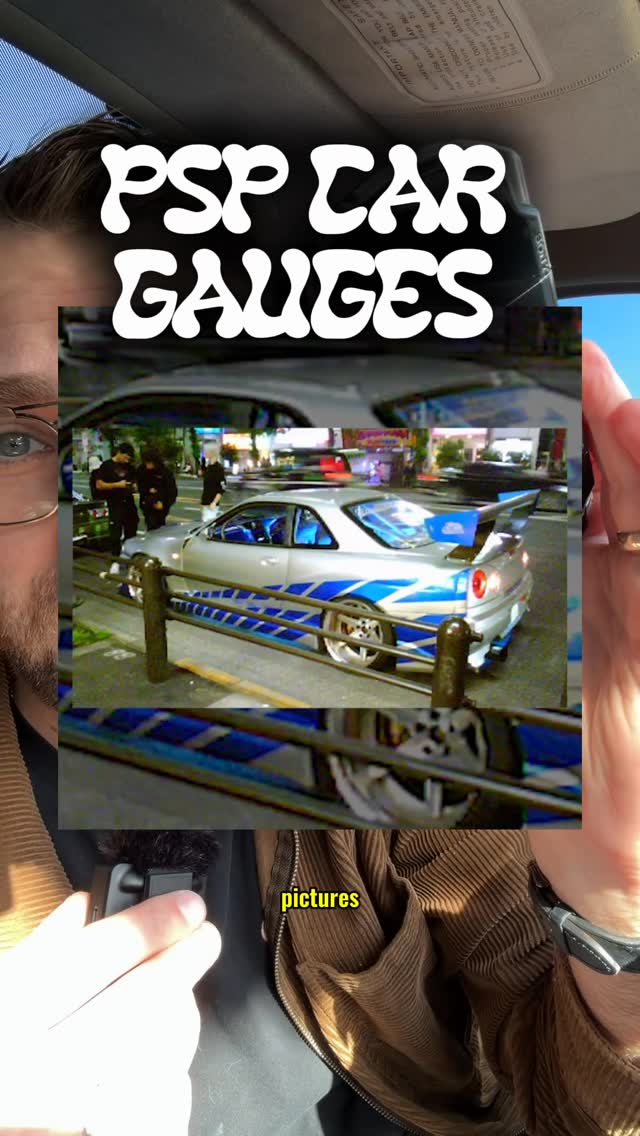
PSP CAR GAUGES
Verbal hook · 50%
Your PSP can give you directions and even take pictures.
Visual hook · 25%
A close-up shot of a person in a car holding a Sony PSP displaying a GPS map, creating an immediate sense of nostalgia and curiosity about repurposing old tech.
[07]
The promise the opener makes, and how the video pays it back
Hook
Juxtapose a familiar, nostalgic object with a modern, unexpected function to create an immediate 'how is that possible?' curiosity gap.
Payoff
A direct and clear Call to Action that funnels the viewer's excitement into a specific engagement action (commenting) in exchange for a valuable resource (a download link).
[08]
The structural pattern this video runs on
Framework
The Retro-Tech Revival
Demonstrating a surprising and novel application for a familiar, often obsolete, piece of technology by breaking down how to achieve it with a new enabling product or system.
The Nostalgic Baseline
Re-introduce a familiar object by reminding the audience of its known, but perhaps underappreciated, capabilities to set a frame of reference.
The Modern Twist
Unveil the object's new, unexpected application, delivering the video's core premise and creating a moment of surprise.
The Anticipatory Question
Explicitly ask the question the viewer is thinking ('How do you set this up?') to transition from the 'what' to the 'how' and promise a solution.
The Enabling Component
Introduce the key piece of hardware or software that makes the new application possible, establishing the creator's authority and the product's value.
The Simple Setup Sequence
Deconstruct the implementation process into a few clear, manageable steps to make a complex task feel achievable for the viewer.
The Interactive Proof
Provide a quick demonstration of the system in action, proving its live functionality and interactivity beyond a static concept.
The Platform Expansion
Reveal that the core technology is an open platform, not limited to this single use case, which broadens its appeal and future potential.
The Future-Pacing Hook
Suggest other creative applications or compatible devices to spark the viewer's imagination and make the project feel part of a larger ecosystem.
Dust off your old PSP
title · beginning
PSP CAR GAUGES
branding · middle
app.flock-mfg.com
PSP can give you directions and even take pictures. Now it can display your car's gauges. So how do you set this up? I've developed this as part of the flock gauges I'm developing. You can connect independent sensors or use an OBD2 better, then you connect your PSP to the gauge's Wi Fi and launch the custom PSP game which displays your sensors. You can use the d pad to switch through which sensor you want to display, and this is all using an open API called Chirp. So anyone can build a new client like this, could be on a 3DS, or anything else that has Wi Fi. Comment PSP for the download link.