@vorlieusa
Instagram · Speaker address
@vorlieusa 🩸 Turn Your Look Into a Nightmare 💀🎃 🔥 Limited-Time Halloween Sale — Shop Now! Link In Bio 🔗‼️ #halloween #spookyseason #ScaringSerum #halloweenmakeup #tiktokmademebuyit

@vorlieusa
Instagram · Speaker address
@vorlieusa 🩸 Turn Your Look Into a Nightmare 💀🎃 🔥 Limited-Time Halloween Sale — Shop Now! Link In Bio 🔗‼️ #halloween #spookyseason #ScaringSerum #halloweenmakeup #tiktokmademebuyit
Performance
Video #49126 · Speaker address
[01]
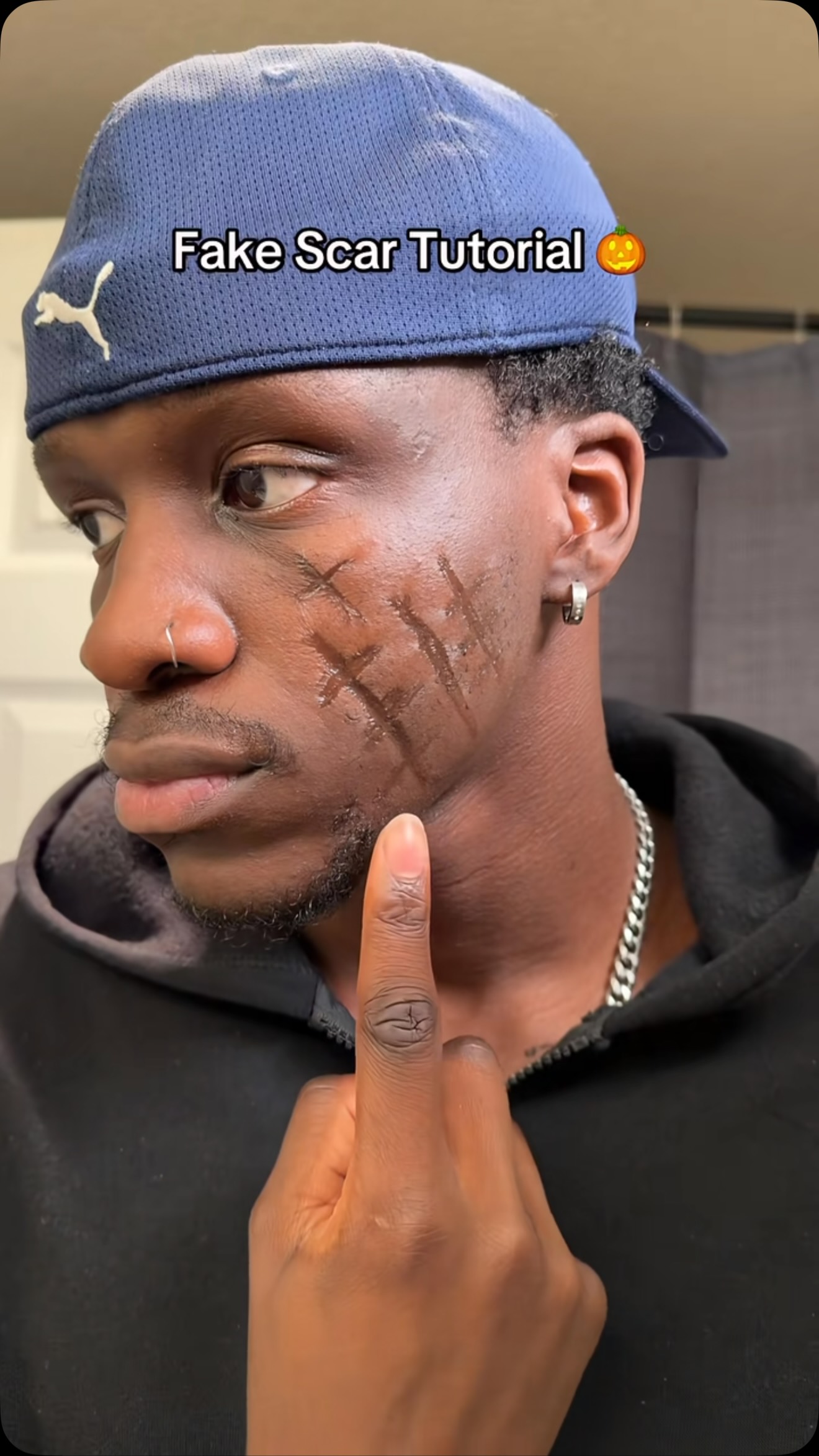
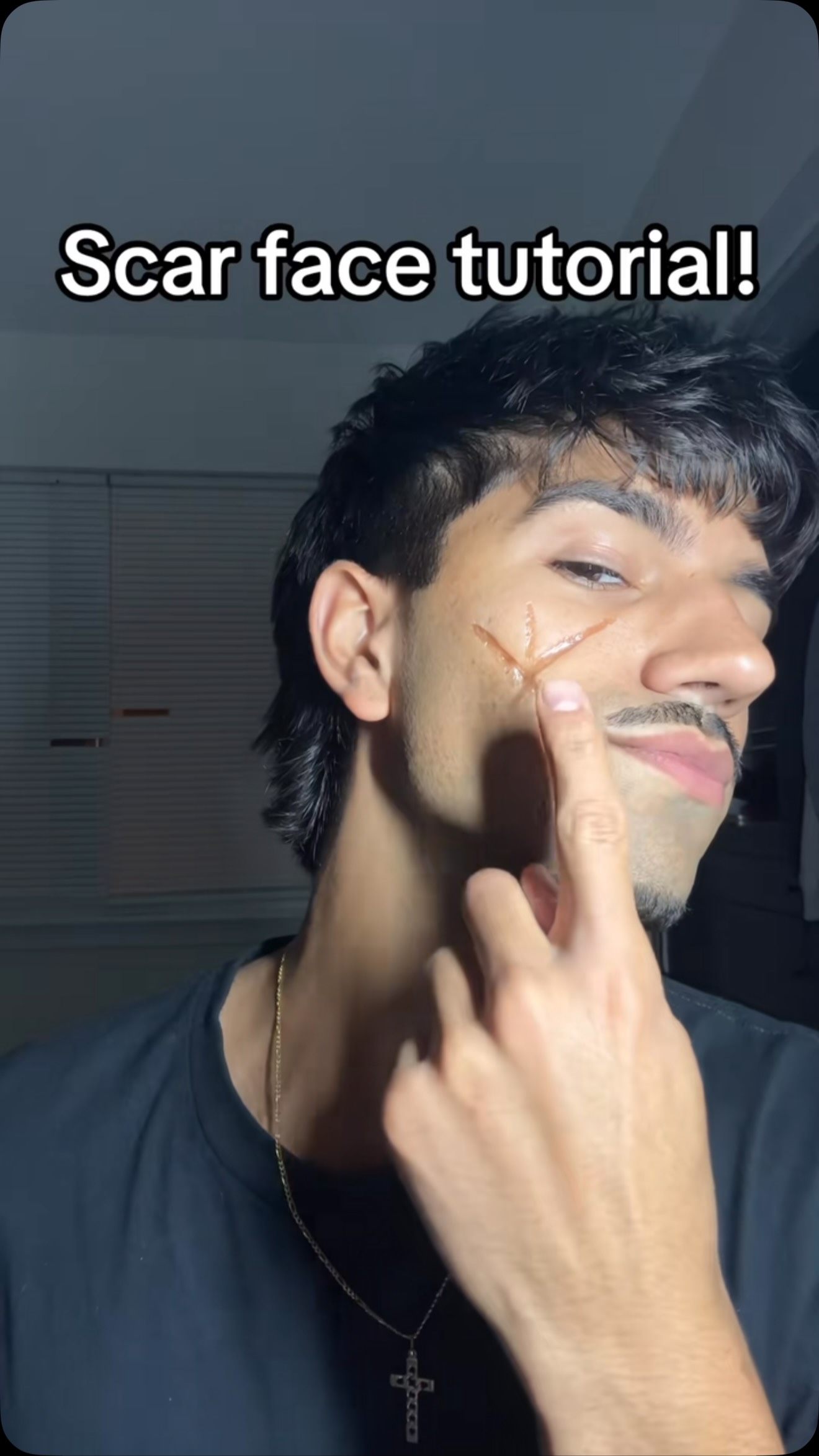
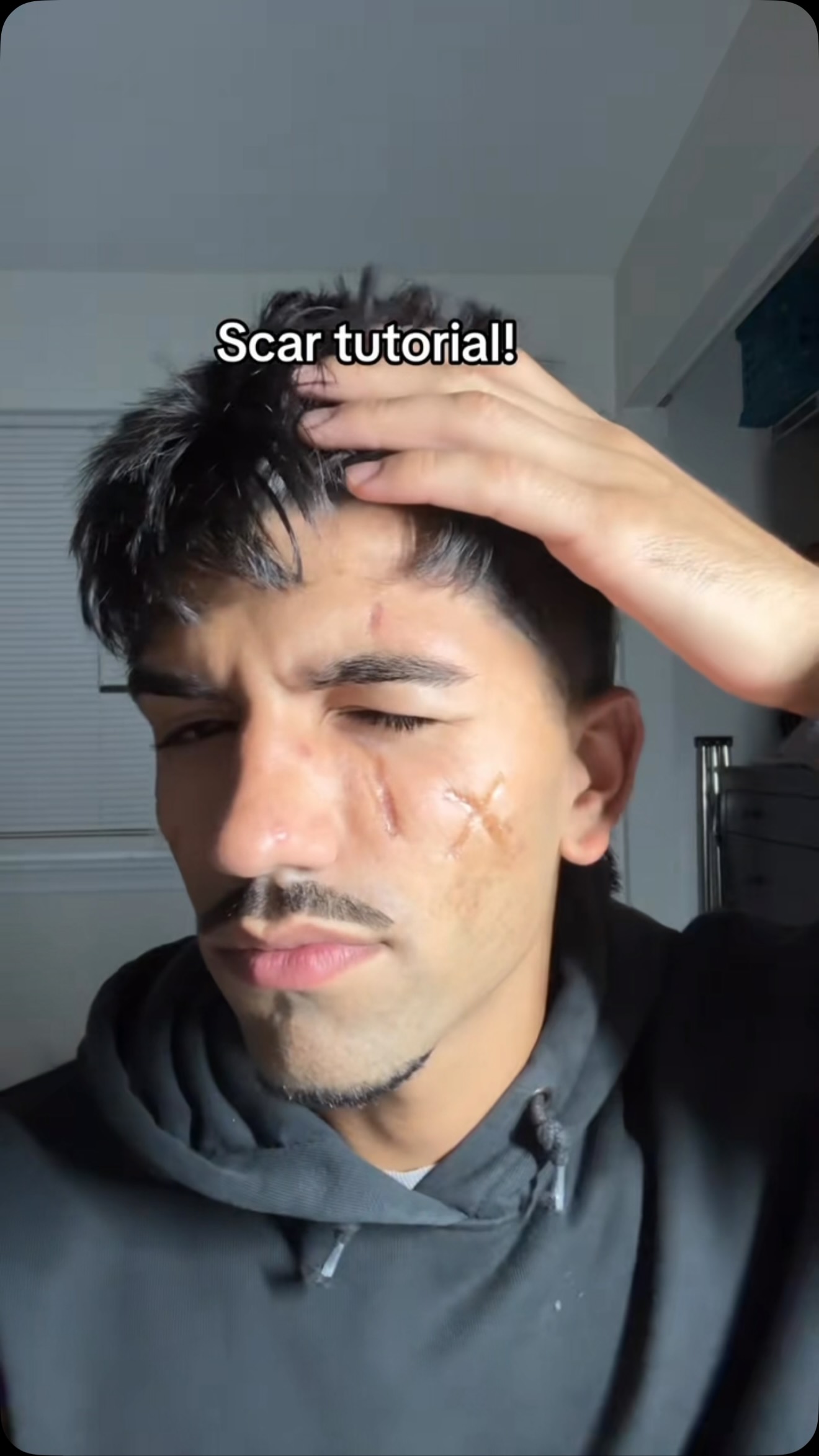
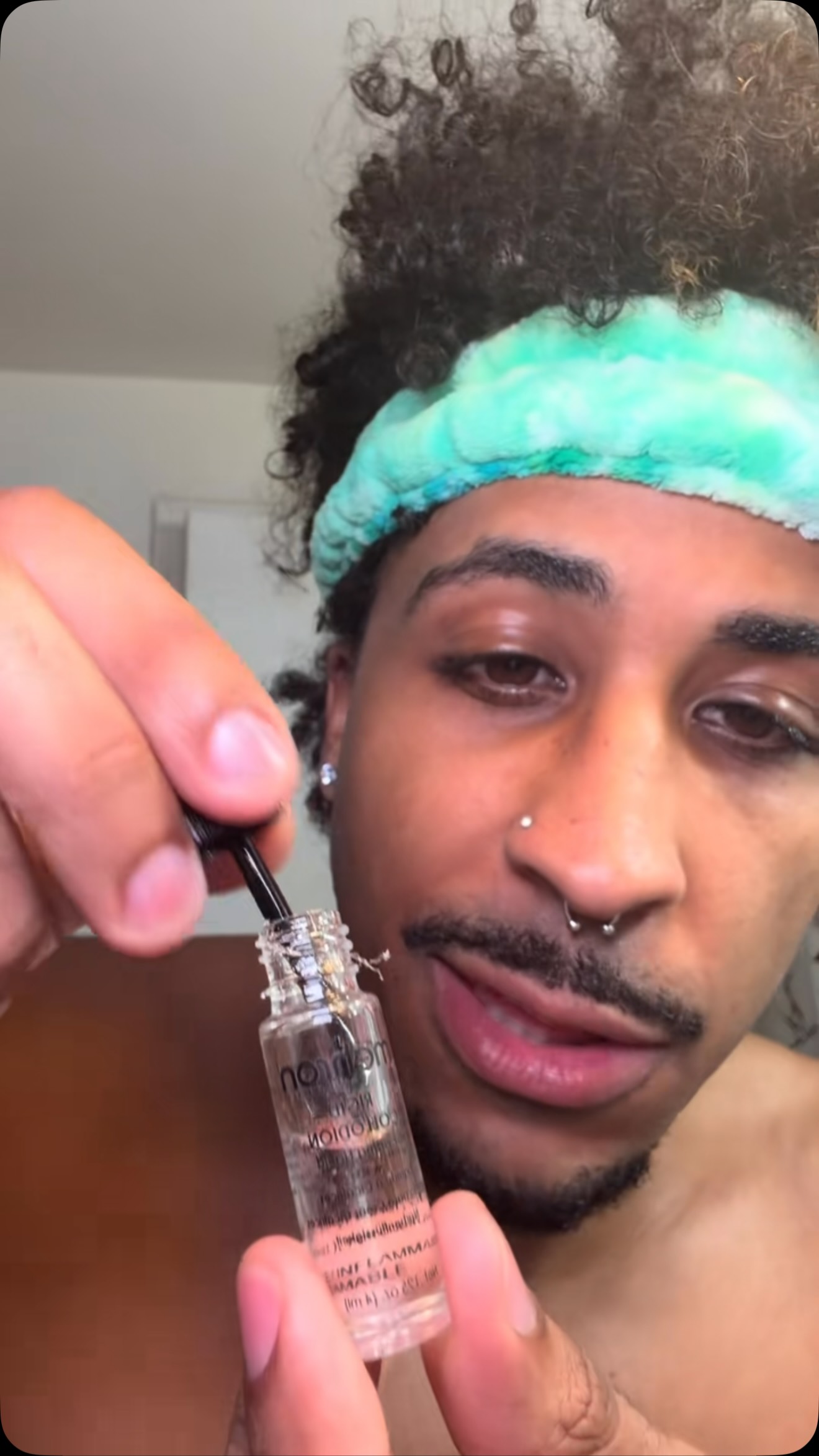
The creator first displays a finished, realistic-looking fake scar on his cheek. He then shows a small bottle of special effects liquid and demonstrates how to apply it in lines to create the indented scar effect as it dries. After building up the look, he shows how to easily peel the product off before reapplying it to showcase the final result one last time.
[02]
[03]
 1.6M30.4×Makeup tutorial for fake scar@vorlieusa · Tutorial / How To
 583.8KHow to create fake scars@vorlieusa · Tutorial / How To
 483.1K7.5×Demonstrates fake scar makeup product@vorlieusa · Product Demo
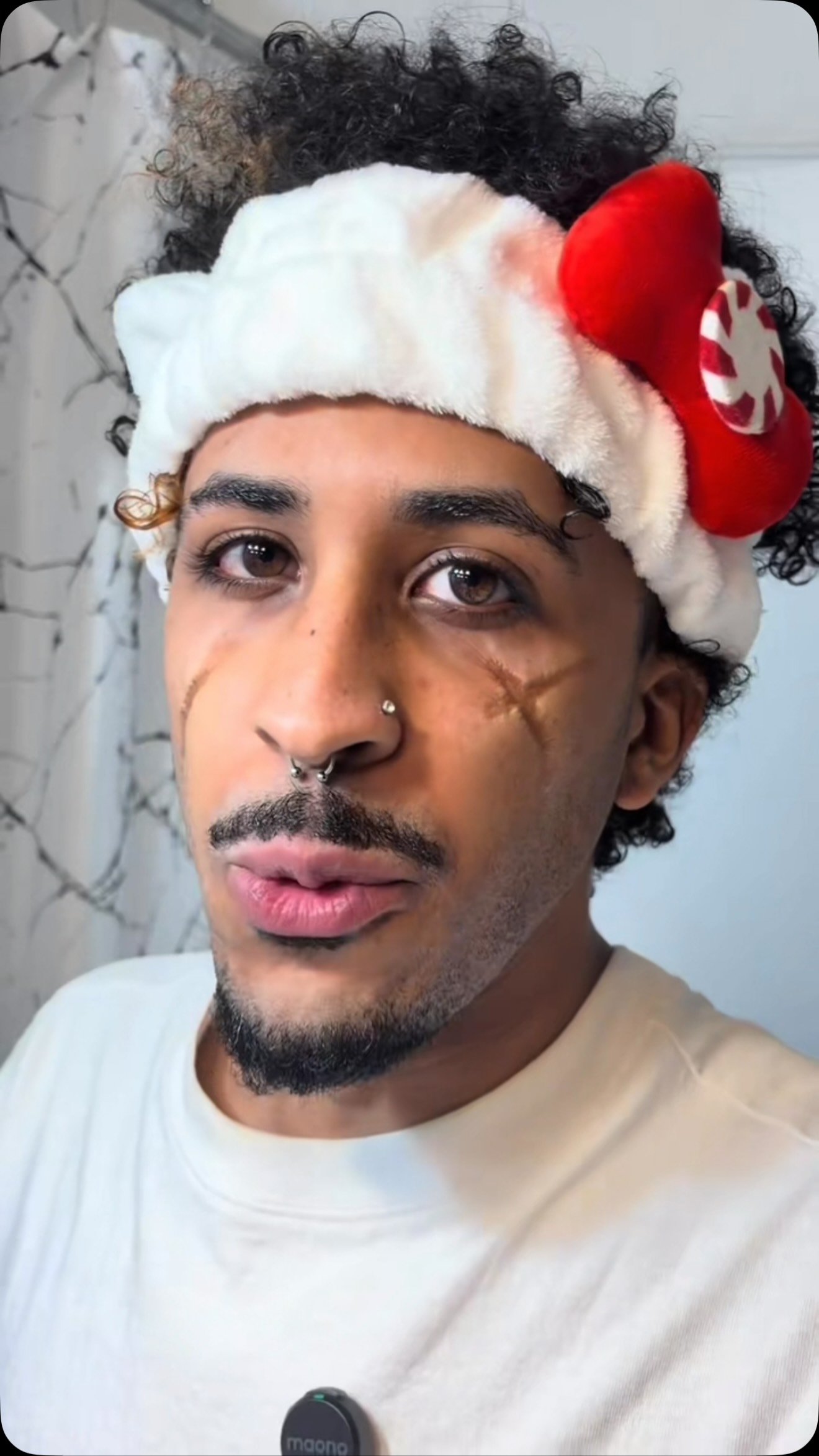 1.1M16.9×Product demo for fake scars@vorlieusa · Tutorial / How To
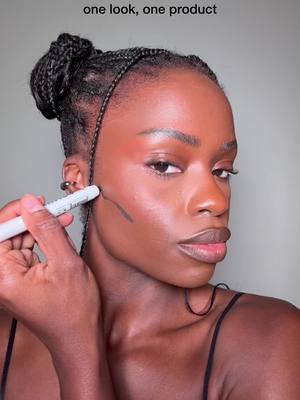 41.6M49×One product makeup transformation tutorial@nyxcosmetics · Tutorial / How To
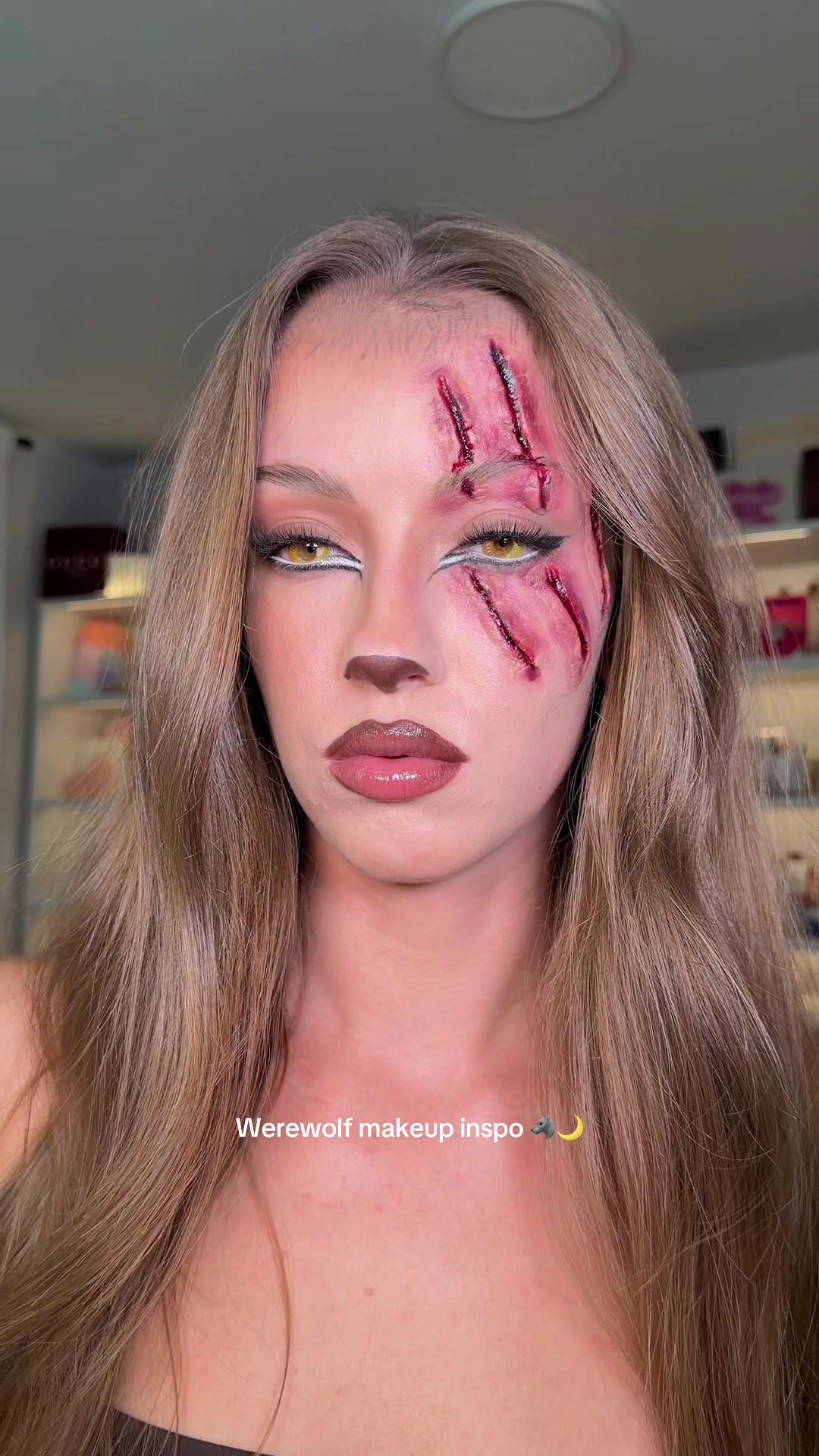 6.9M332.9×Makeup tutorial start to finish@skylerreneee · Tutorial / How To
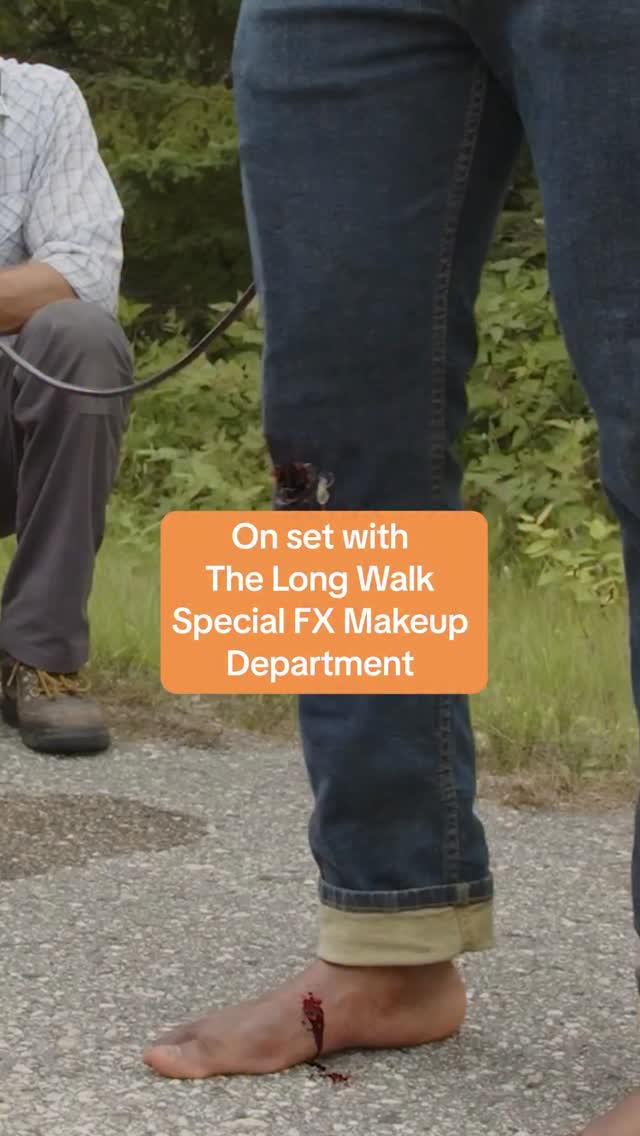 144KMovie special effects process revealed@jointhelongwalk · Behind The Scenes
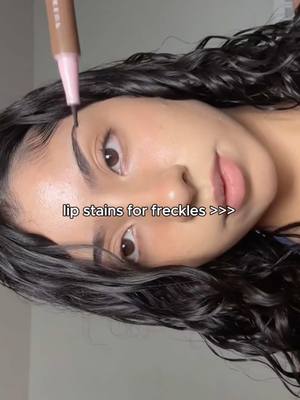 6M4.9×Showcasing a makeup product hack@nyxcosmetics · Tutorial / How To
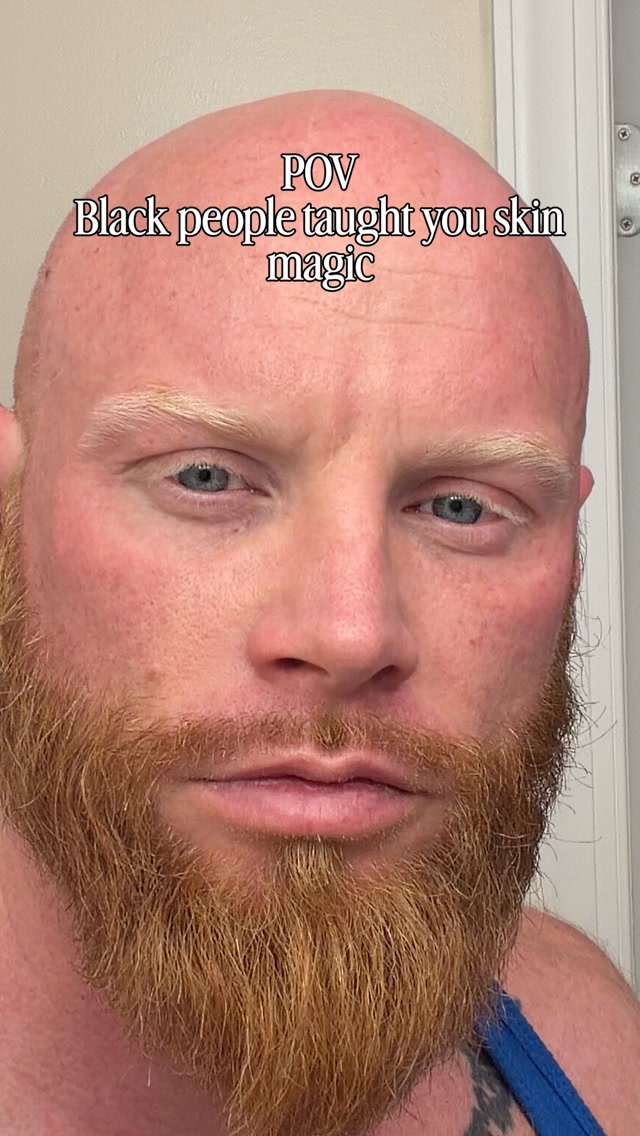 280.1K112.1×Man shows dramatic skin transformation@bryan__pierre · Before/After Transformation
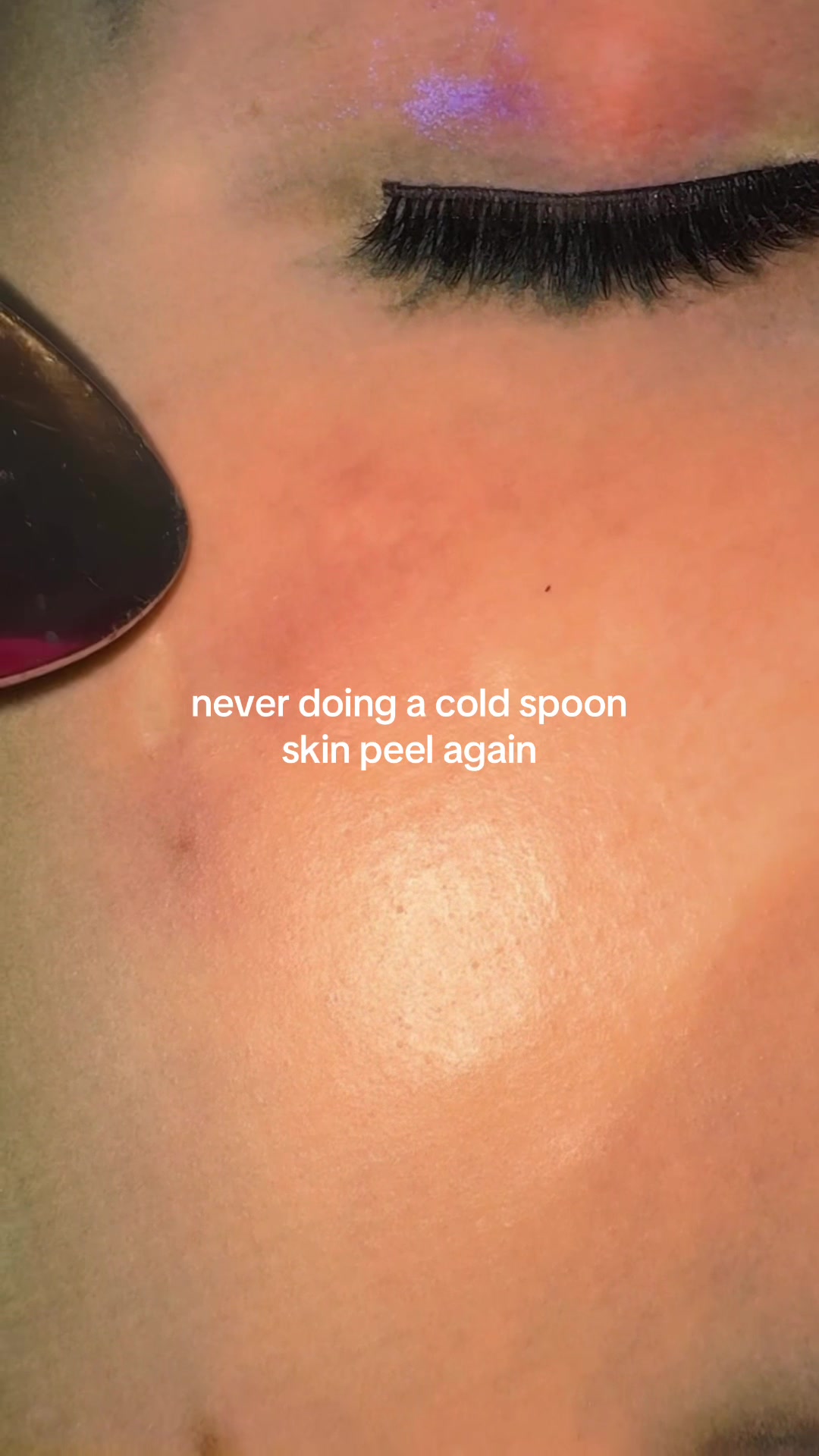 25.6M14.2×Surreal one shot visual illusion@vitakari
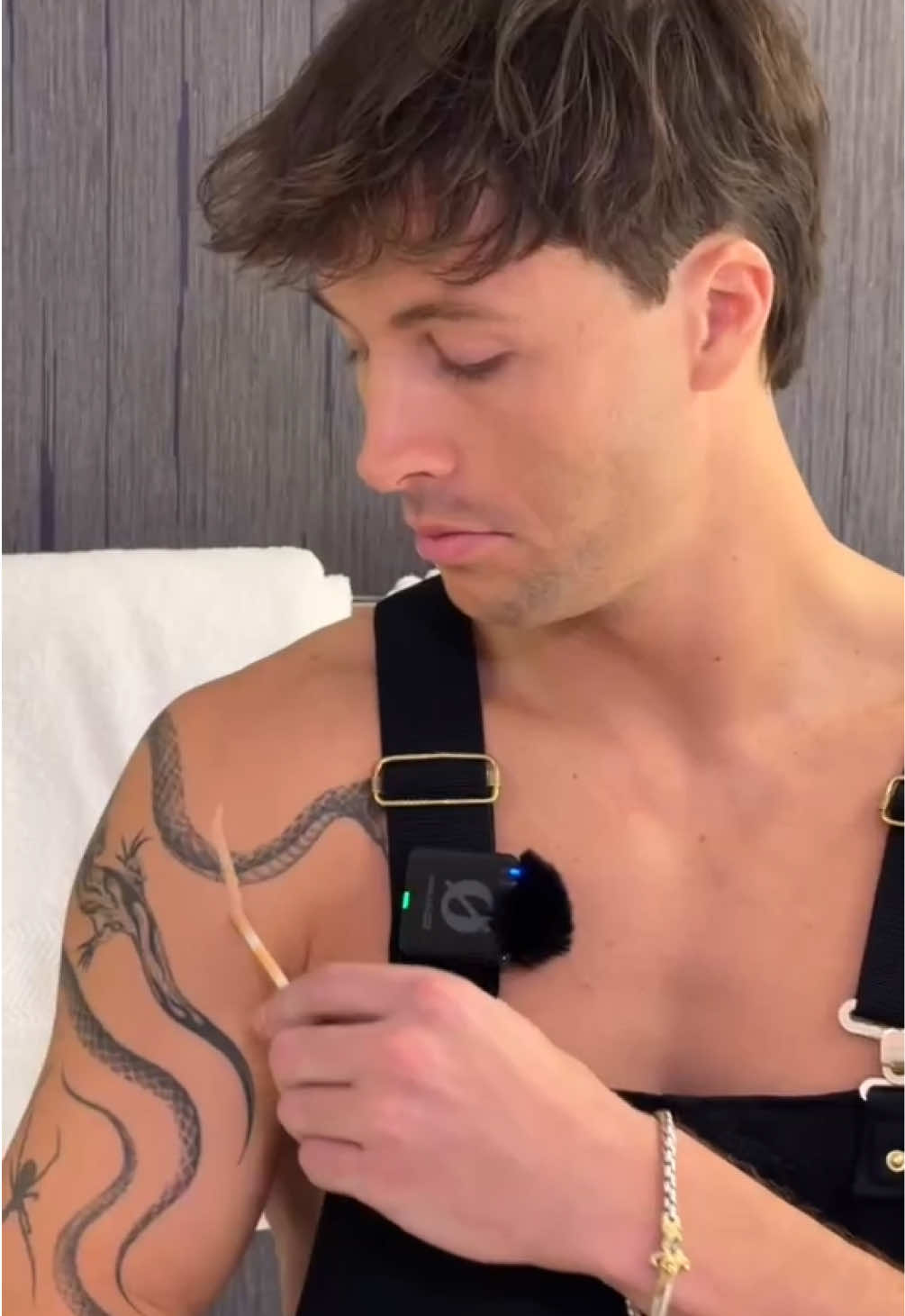 1.1M209.2×Extreme concealer tattoo cover demo@maccosmetics · Product Demo
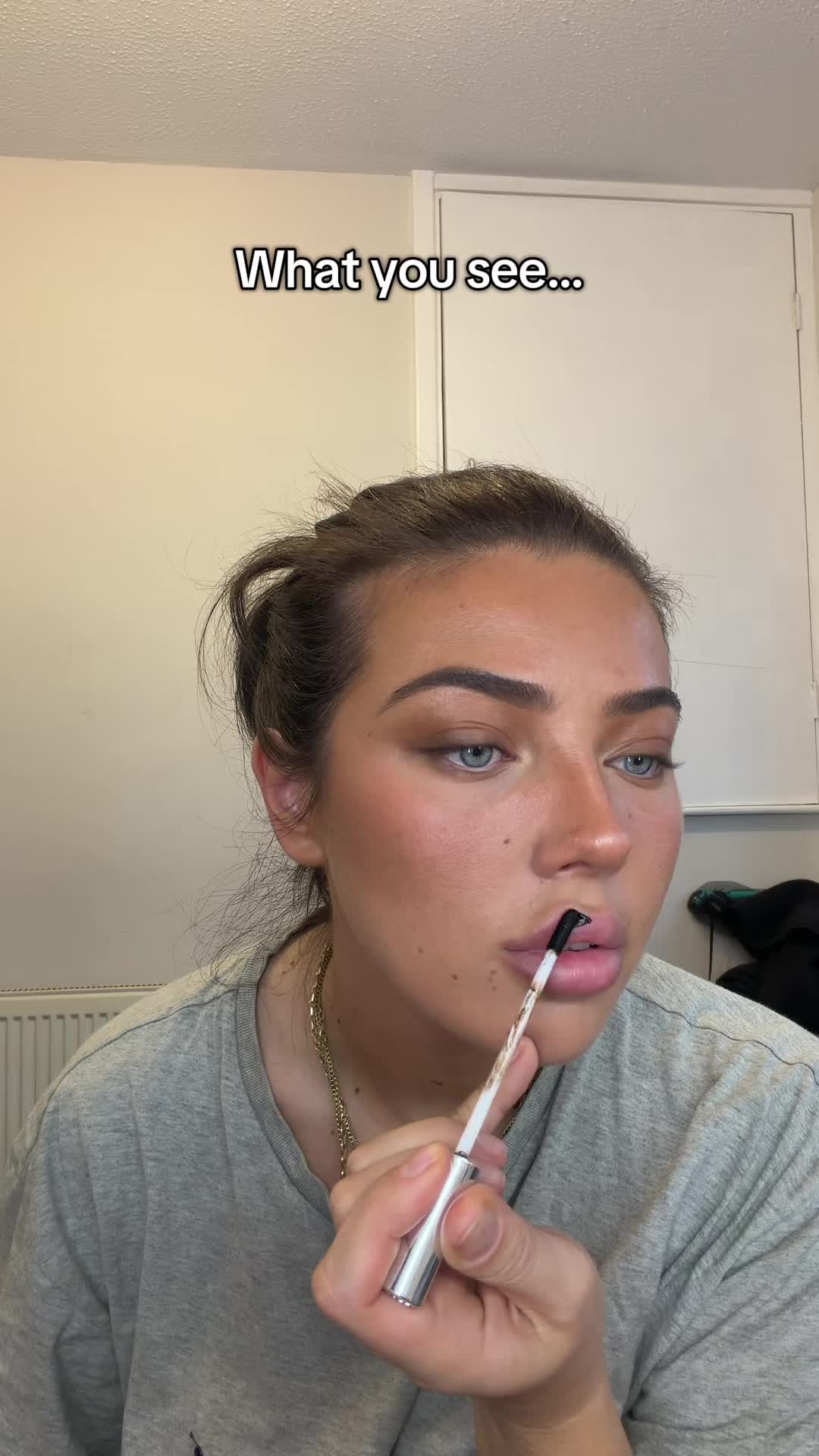 487.8K4.4×Behind scenes lip stain application@izzydavey99 · Behind The Scenes
[04]
[05]
What stops the scroll in the first 3 seconds
Title hook
Fake Scar Tutorial 🎃
Visual hook
A close-up shot of the creator's face featuring a realistic and visually striking set of fake scars on his cheek, immediately creating curiosity.
[07]
The promise the opener makes, and how the video pays it back
Hook
A direct-to-camera shot showcasing the impressive final result, with a text overlay explicitly stating the video's purpose. This creates immediate 'how-dunnit' curiosity.
Payoff
The video concludes by once again presenting the product to the camera, definitively linking the entire impressive and reversible transformation back to this single item.
[08]
The structural pattern this video runs on
Framework
The 'Magic Trick' Tutorial
Frame a 'how-to' demonstration as a magic trick by first showing the incredible result (the pledge), revealing the secret method (the turn), and then providing a surprising second reveal by undoing the trick with satisfying ease (the prestige).
The Catalyst Reveal
Isolate and present the single product or tool responsible for the transformation, positioning it as the key to the 'magic'.
The Application Sequence
A montage of quick, close-up shots demonstrating the step-by-step process of applying the product to achieve the desired effect, building the transformation layer by layer.
The Mid-Process Proof
A brief shot showing the effect solidifying and becoming more realistic, confirming to the viewer that the process is working as promised.
The Reversal Twist
Subvert the viewer's expectation that the tutorial is over by initiating the removal of the effect, introducing a new point of intrigue.
The Satisfying Peel
Show the entire effect being removed cleanly and easily in one piece, delivering a moment of 'oddly satisfying' visual payoff while demonstrating a key product benefit (ease of removal).
The Blank Canvas Reset
Display the original, unaltered state to prove the transformation is temporary and leaves no trace, addressing a potential user concern.
🩸 Turn Your Look Into a Nightmare 💀🎃 🔥 Limited-Time Halloween Sale — Shop Now! Link In Bio 🔗‼️ #halloween #spookyseason #ScaringSerum #halloweenmakeup #tiktokmademebuyit
title · beginning
Fake Scar Tutorial 🎃