@theclothinggame_
Instagram · Faceless
@theclothinggame_ Comment “TECHPACK” and we’ll send you our secret to perfect samples first time

@theclothinggame_
Instagram · Faceless
@theclothinggame_ Comment “TECHPACK” and we’ll send you our secret to perfect samples first time
Performance
Video #49976 · Faceless
[01]
The creator uses an animated blueprint-style graphic to explain the exact measurements and steps for correctly placing a chest logo on a t-shirt, concluding with a prompt to comment for a free tech pack template.
[02]
[03]
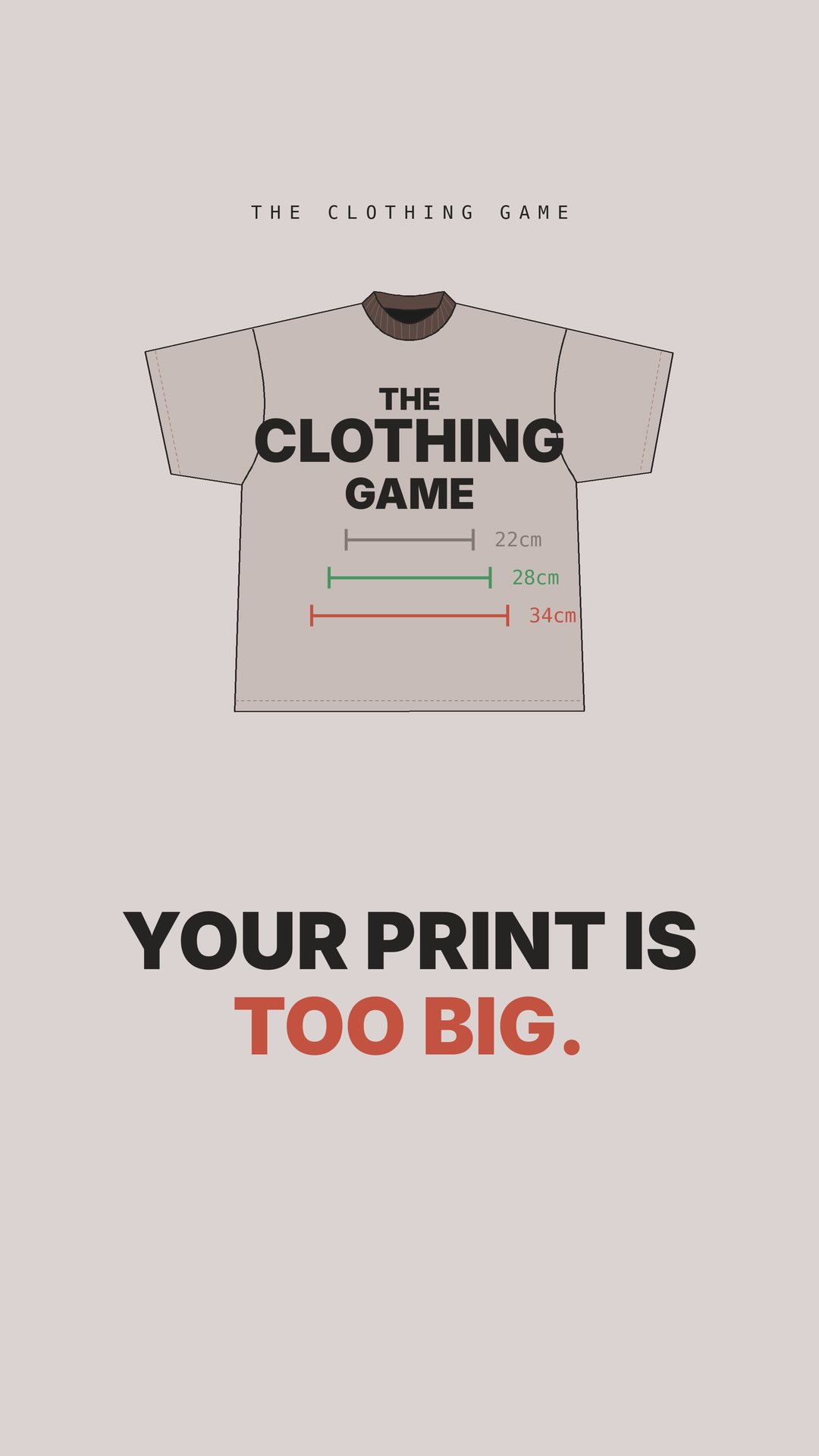 77.3K12.3×Good vs bad t-shirt prints@theclothinggame_ · Good vs Bad
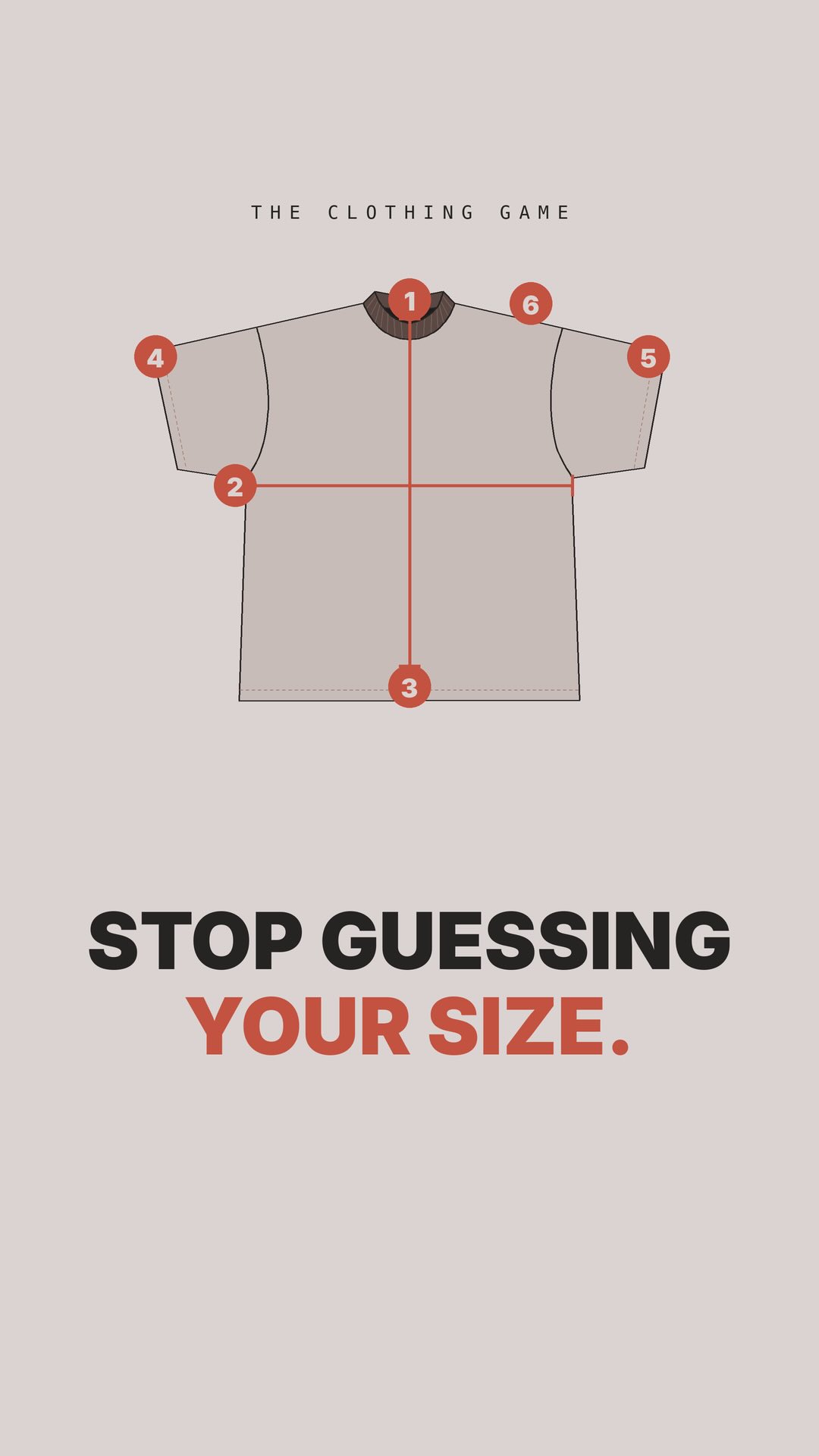 85.5K10.1×How to measure a t-shirt@theclothinggame_ · Tutorial / How To
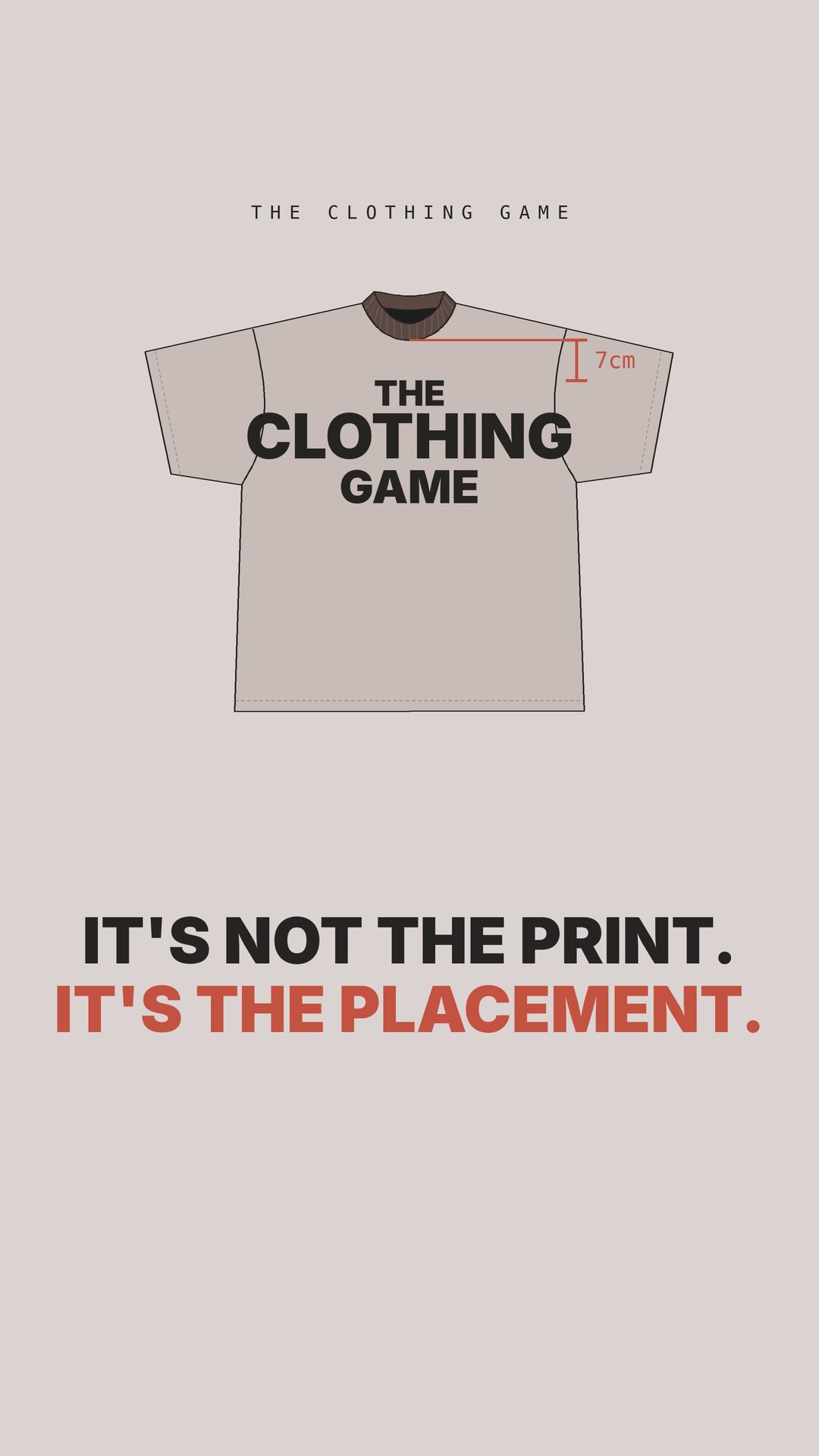 213.2KExplaining t-shirt graphic placement rules@theclothinggame_ · Tutorial / How To
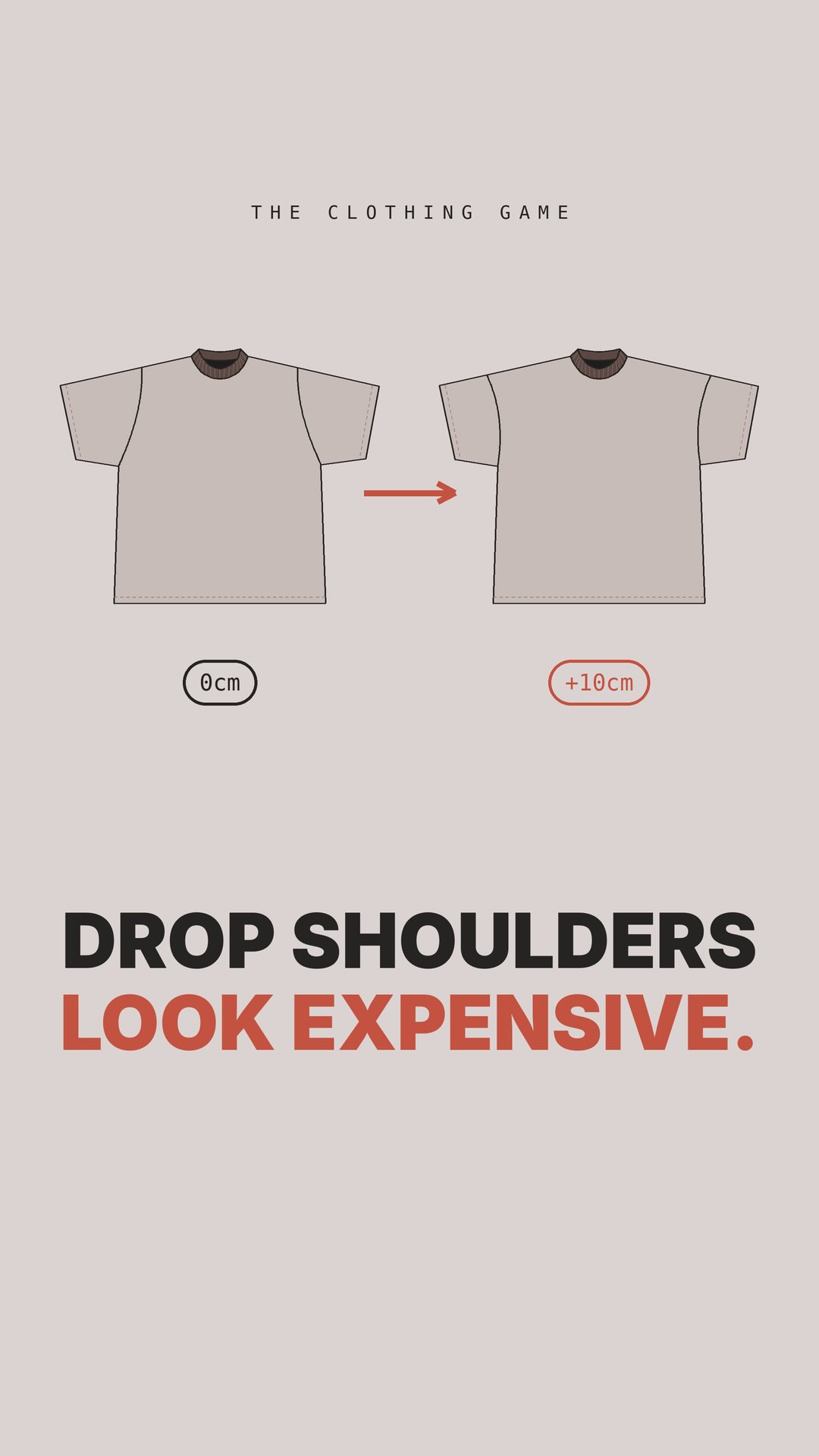 812.4K51.6×Explaining clothing design with graphics@theclothinggame_ · Breakdown
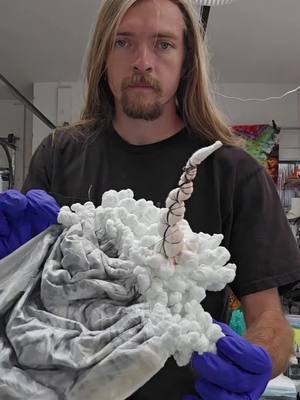 4.2M5.5×Tie-dye art process start to finish@dyesngoodvibes · Process
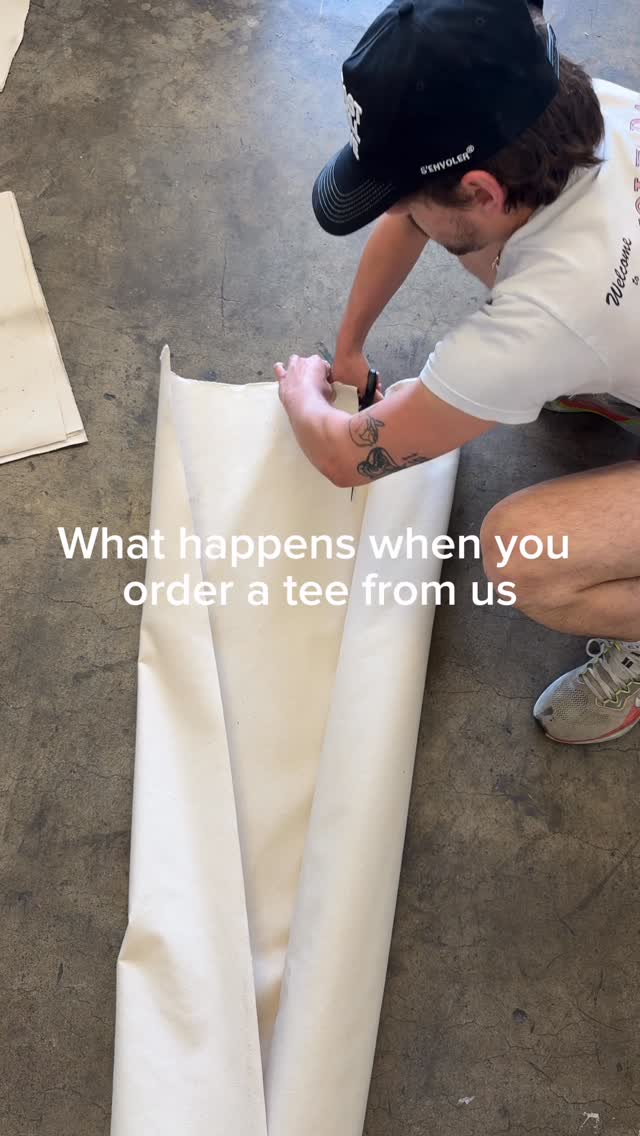 542.5K75.1×T-shirt creation from start to finish@senvoler.studio · Process
 114.3KScreen printing a t-shirt process@superlinenetwork · Process
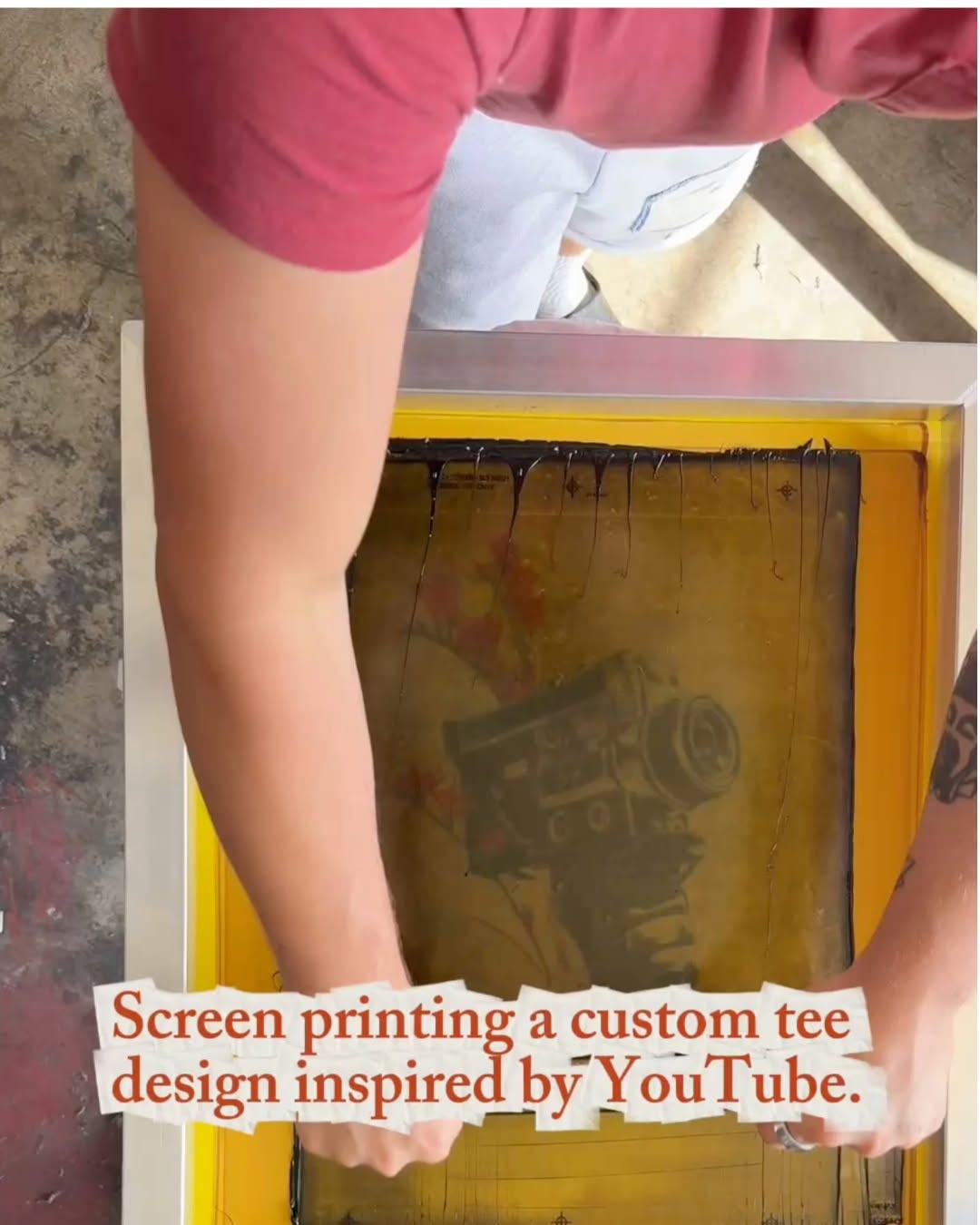 15.2M2072.3×Satisfying t-shirt screen printing process@youtube · Process
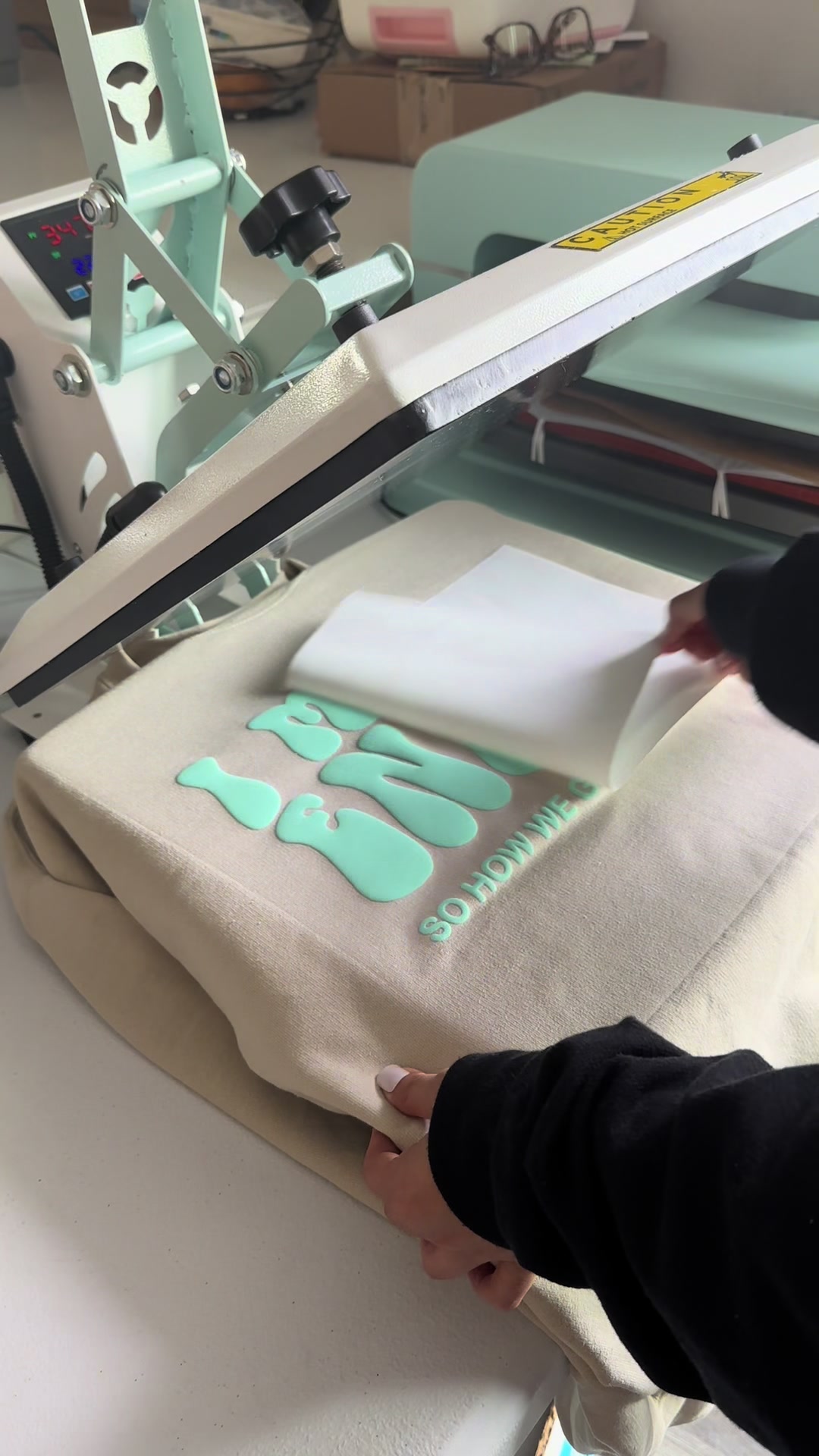 1.9M1.4×Heat press sweatshirt design reveal@cuteesandtransfers · Process
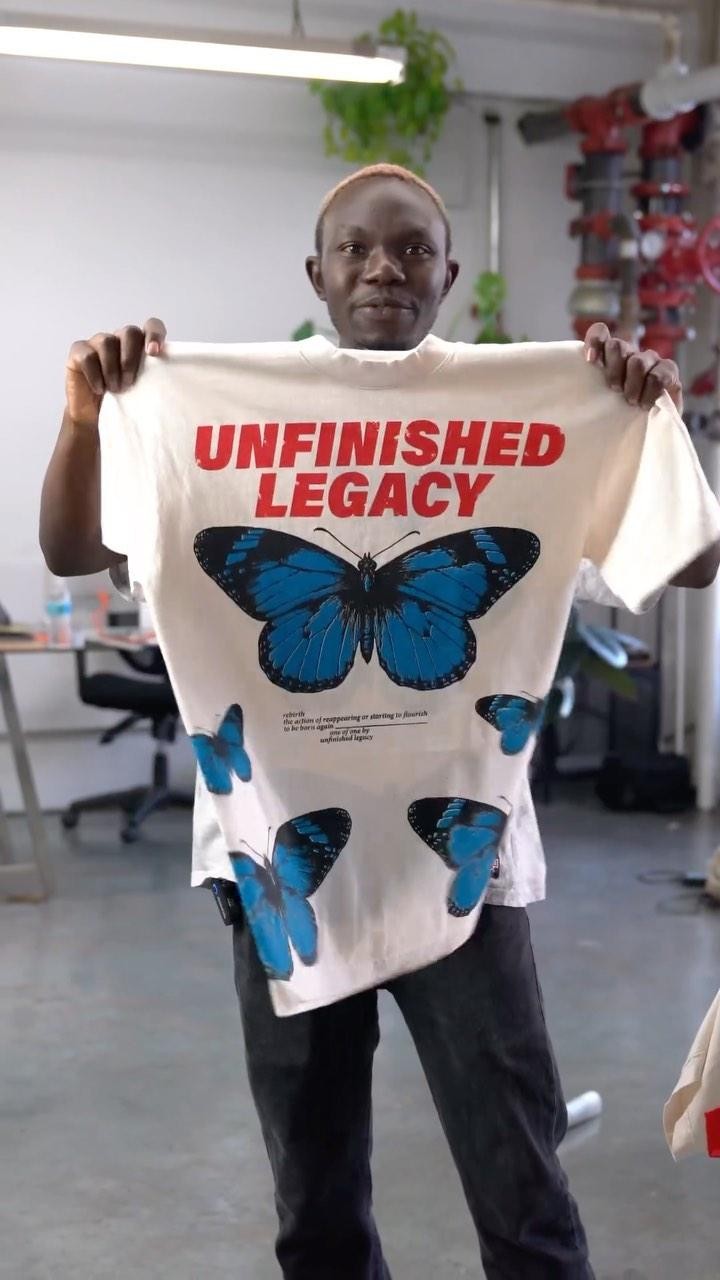 1.7MShowing screen printing process start-to-finish@unfinishedlegacy · Process
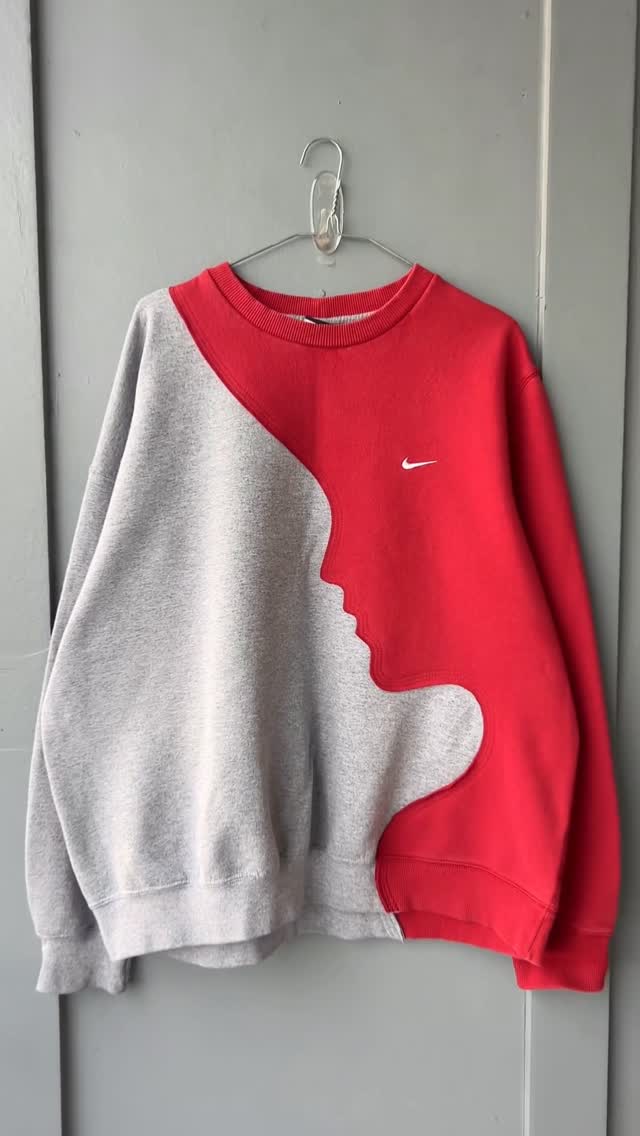 83.4M6.3×DIY sweatshirt transformation process video@upcyclex · Process
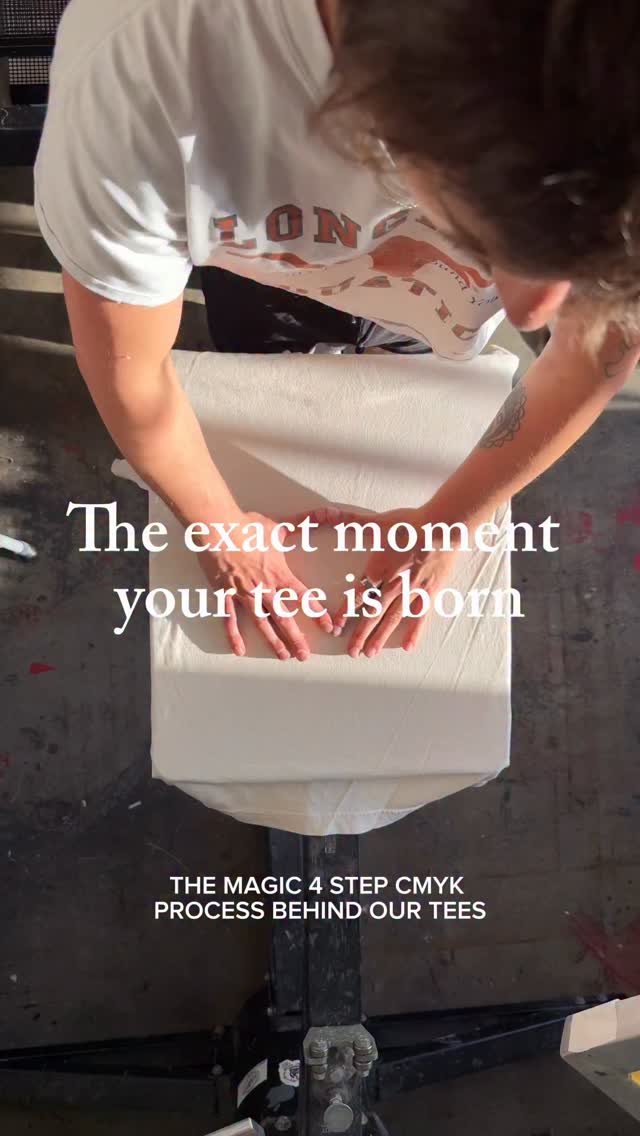 1M10.2×Four-step screen printing process@senvoler.studio · Process
[04]
[05]
What stops the scroll in the first 3 seconds
Title hook
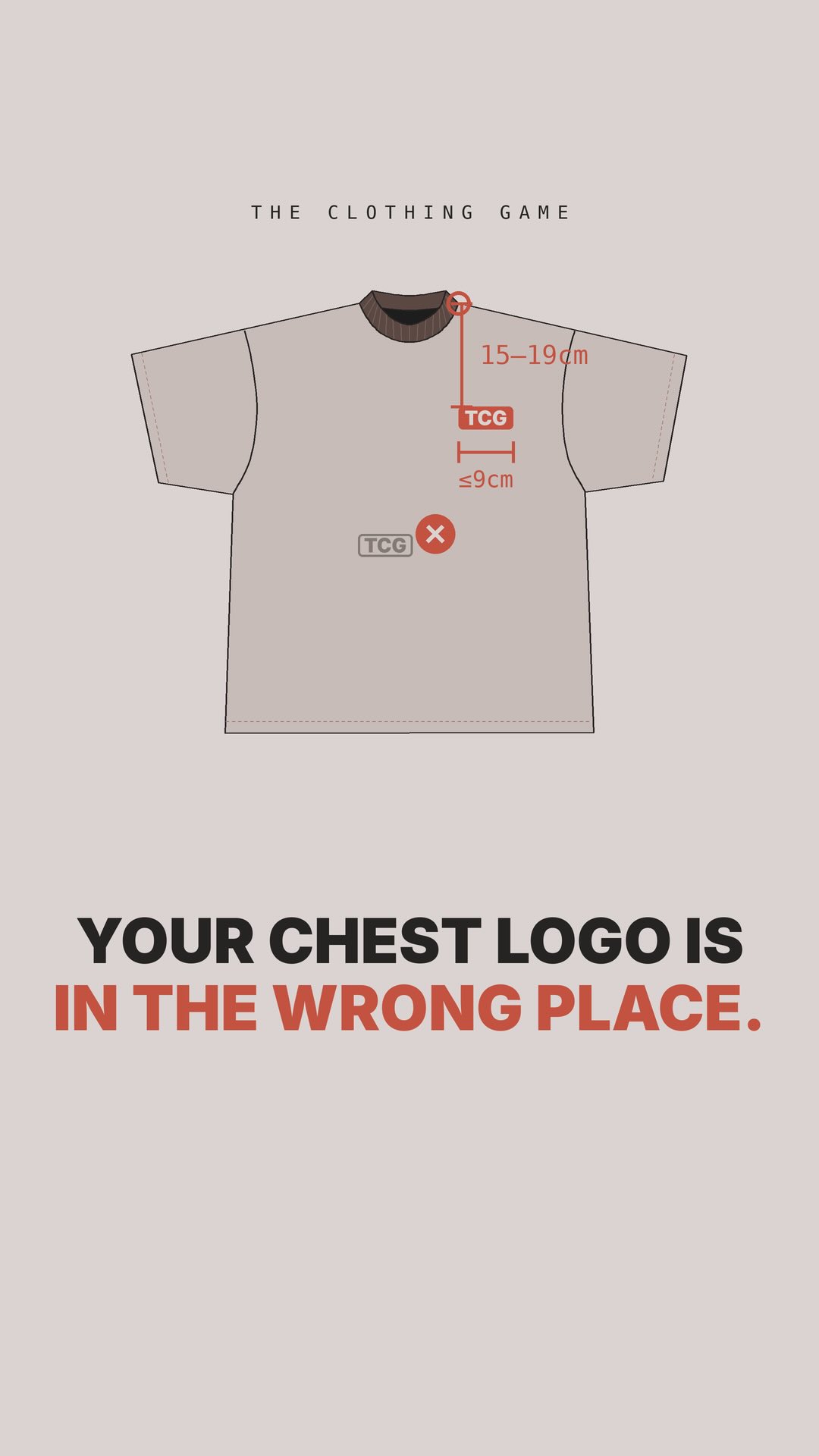
YOUR CHEST LOGO IS IN THE WRONG PLACE.
Verbal hook
Your chest logo is probably in the wrong place.
Visual hook
Animated blueprint-style graphic of a t-shirt with a misplaced logo highlighted by a red 'X' mark.
[07]
The promise the opener makes, and how the video pays it back
Hook
Directly calls out a highly specific, likely mistake the viewer is making, instantly creating a knowledge gap and promising the exact formula to fix it.
Payoff
Transitions the educational value into a lead generation mechanism by offering a template or tool that automates the lesson in exchange for a specific comment.
[08]
The structural pattern this video runs on
Framework
The Corrective Blueprint
Identify a common, specific mistake the target audience makes, provide a precise, multi-step technical framework to fix it, and gate the ultimate 'done-for-you' solution behind an engagement-driven lead magnet.
The Anchor Point
Establishes the physical or conceptual starting point for the tutorial, giving the viewer a clear, unambiguous baseline to work from.
The Variable Metric
Delivers the core technical instruction with specific measurements or rules, including explicit instructions on how to adjust the rule for different scenarios or sizes.
The Boundary Constraint
Provides a strict limit or 'do not exceed' rule to ensure the viewer doesn't overcorrect and inadvertently create a new problem.
Comment “TECHPACK” and we’ll send you our secret to perfect samples first time
title · beginning
YOUR CHEST LOGO IS IN THE WRONG PLACE.
title · beginning
HERE'S HOW TO GET IT RIGHT.
informational · middle
STEP 1 FIND HPS HIGH POINT SHOULDER WHERE THE COLLAR MEETS THE BODY
informational · middle
STEP 2 STRAIGHT DOWN 15-19cm SMALLER SIZES: HIGHER BIGGER SIZES: LOWER
informational · middle
STEP 3 NO MORE THAN 9cm WIDE BIGGER = NOT A CHEST LOGO ANYMORE
call-to-action · end
COMMENT TECH PACK WE'LL DM YOU THE LINK RIGHT SAMPLE. FIRST TIME.
Your chest logo is probably in the wrong place. Here's how to get it right. Step one, find the high point shoulder where the collar meets the body. Step two, measure straight down 15 to 19 centimeters depending on the size. Smaller sizes sit higher, bigger sizes lower. Step three, keep the logo no more than nine centimeters wide. Any better, and it stops looking like a yes logo. Comment tech pack, and we'll send you the template no your placement's locked in before you sample.