@itsemilyhiggins
Instagram · Graphic Yap
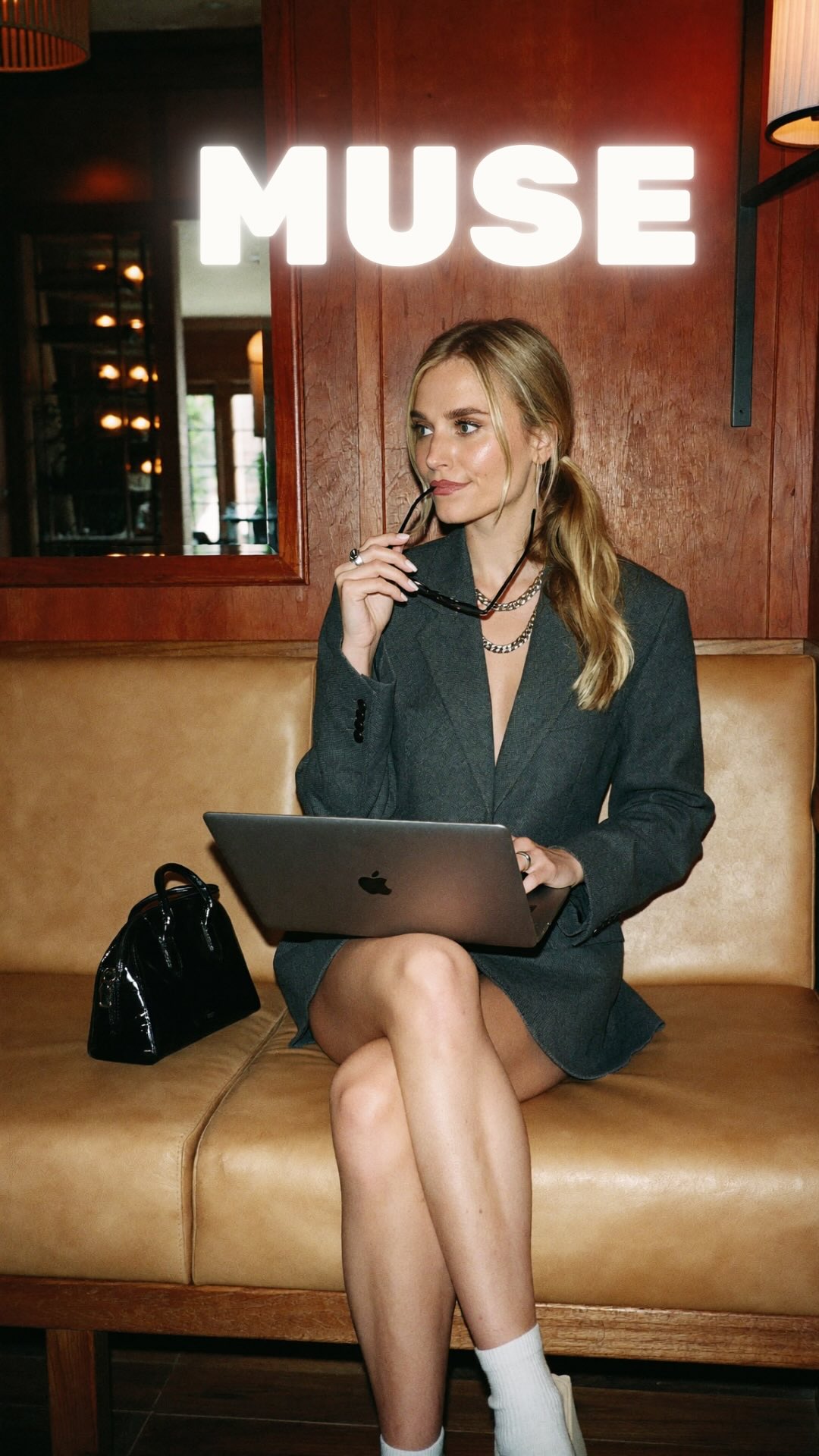
@itsemilyhiggins Here are 4 tools my Muse built for me that I use every single day. Comment MUSE and I’ll send you the prompts to create them for yourself.

@itsemilyhiggins
Instagram · Graphic Yap
@itsemilyhiggins Here are 4 tools my Muse built for me that I use every single day. Comment MUSE and I’ll send you the prompts to create them for yourself.
Performance
Video #50447 · Graphic Yap
[01]
The creator introduces an app called Muse, admitting she initially wanted to hate it but now uses it daily. She then breaks down four specific use cases: a learning partner for daily reading, a daily dashboard for task management, a personal training app for workouts, and a meal planner for recipes and groceries. She concludes by prompting viewers to comment a specific word to receive the prompts she used to set these tools up.
[02]
[04]
[05]
What stops the scroll in the first 3 seconds
Title hook · 50%
I wanted to hate it
Verbal hook · 45%
I wanted to hate it, but I have been using Muse every day since it came out.
Visual hook · 5%
Close-up shot of the creator speaking directly to the camera with dynamic, word-by-word text overlays appearing immediately to capture attention.
[06]
Steal this for your own video
I wanted to hate , but
[07]
The promise the opener makes, and how the video pays it back
Hook
The creator opens with a contrarian statement to build immediate curiosity, followed by a clear premise establishing a numbered list of applications.
Payoff
Concludes with a reassurance of simplicity and a direct Call to Action requiring engagement (commenting a keyword) to receive the exact templates shown.
[08]
The structural pattern this video runs on
Framework
The Contrarian Tool Showcase
Hook the viewer with initial skepticism, then systematically dismantle it by showcasing a numbered list of highly practical, automated use cases, culminating in a lead-magnet CTA.
The Contrarian Setup
Establishes initial skepticism followed by overwhelming adoption, setting up the premise of sharing top use cases.
Use Case 1: The Knowledge Builder
Introduces the first practical application, focusing on self-improvement and daily learning to establish value.
Use Case 2: The Productivity Engine
Escalates to a more complex, integrated use case showing deep integration into the user's daily workflow.
Use Case 3: The Physical Optimizer
Pivots to a different life category to demonstrate the tool's versatility and custom logic.
Use Case 4: The Ultimate Favorite
Presents the final, 'personal favorite' use case, solving a highly relatable daily friction point to end on a high note.
Here are 4 tools my Muse built for me that I use every single day. Comment MUSE and I’ll send you the prompts to create them for yourself.
title · beginning
I wanted to hate it
contextual · beginning
01 Learning Partner
contextual · middle
02 Daily Dashboard
contextual · middle
03 Personal Training App
contextual · middle
04 Meal Planner
call-to-action · end
Comment MUSE and I'll send you the prompts
I wanted to hate it, but I have been using Muse better day since it came out. So here are four of my favorite ways that I use it. First, I yes it to make a learning partner. So every day, it gives me a random topic it thinks I'll be interested in and three pieces of reading material, from an introductory piece to something more in-depth. So I use this every morning to learn something new. Then I made this daily dashboard that I use every day to track my action items, projects, and plan my days. It updates every day based on my email, my calendar, and anything else it's picked up in our conversations. I also built this personal training app that automatically builds my workout programs for me based on my goals. It lets me track my rep better, and it even looks at the group classes schedule at my gym and make suggestions. And my personal favorite, the meal planner. I can give it a reel from Instagram, a recipe I find online, and it will store it all into a database of recipes. I can then go and plan my meals for the week, and it will automatically build me a grocery list. And the best part is that all of this was so so easy to set up. Comment Muse, and I'll send you the prompts no you can create these yourself.