@rileybrown.ai
TikTok · Split screen
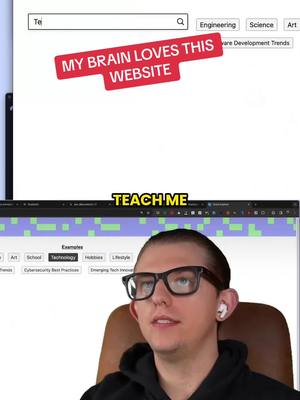
@rileybrown.ai My brain loves this website. so great for learning different things in a visually structured way. #ai #websites

@rileybrown.ai
TikTok · Split screen
@rileybrown.ai My brain loves this website. so great for learning different things in a visually structured way. #ai #websites
Performance
Video #5342 · Split screen
[01]
The creator demonstrates a website called explorer.globe.engineer, a visual search engine that organizes information into structured mind maps. He performs several searches on topics like "automation with AI," "prompting ChatGPT," "Arc Browser," and "Zapier," showcasing how the tool generates interactive diagrams and allows users to dive deeper into sub-topics. He highlights the site's ability to create a "visual curriculum" and concludes by sharing the URL and promising more content on productivity tools.
[02]
[03]
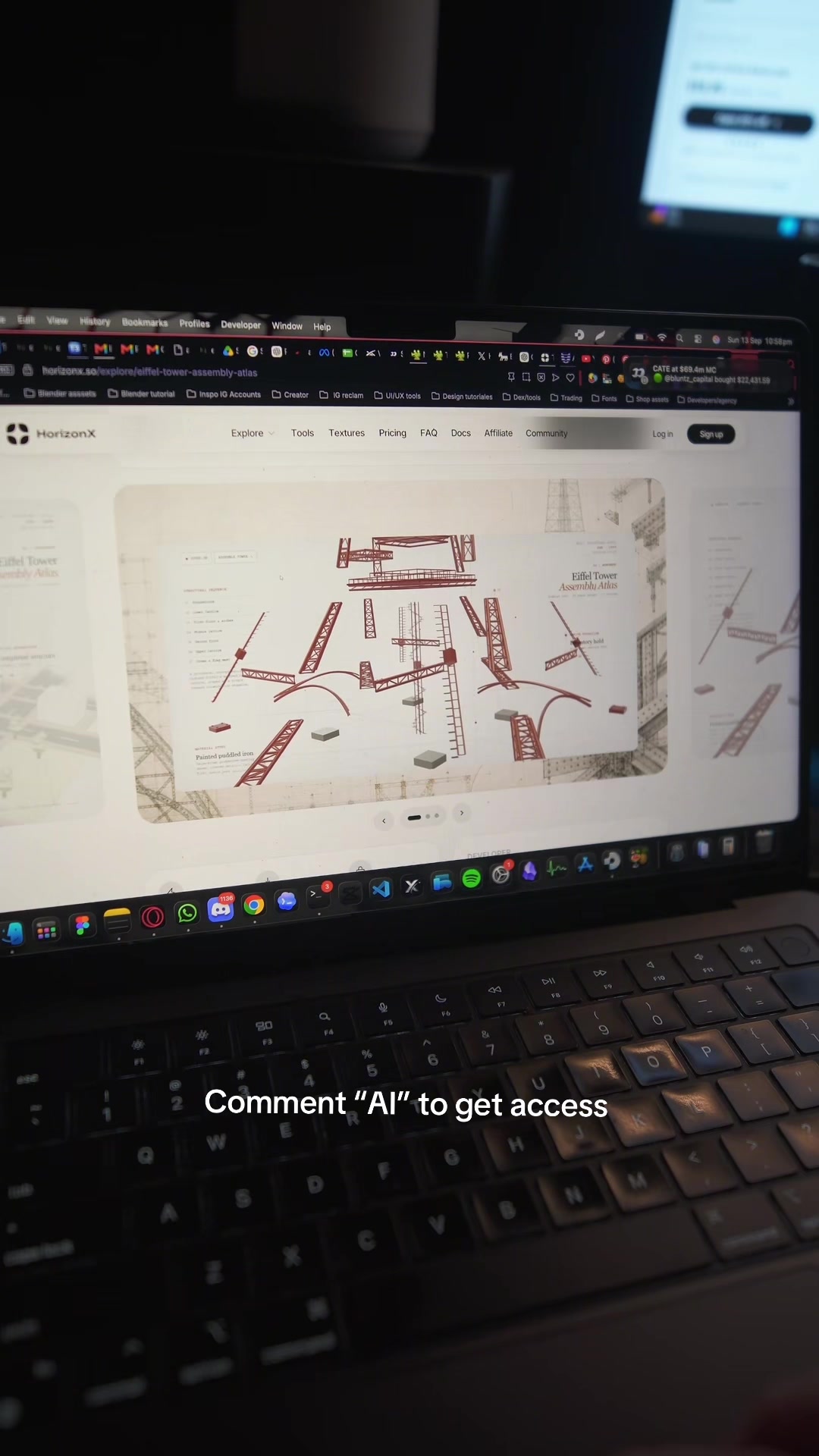 1.6M69.7×AI design tool promo video@marcelodesignx · Product Promo
 2.8M34.4×AI tool workflows listicle demo@codiesanchez · Rapid Fire Listicle
 292K7.6×Fast-paced AI tool showcase@angus.sewell · Rapid Fire Listicle
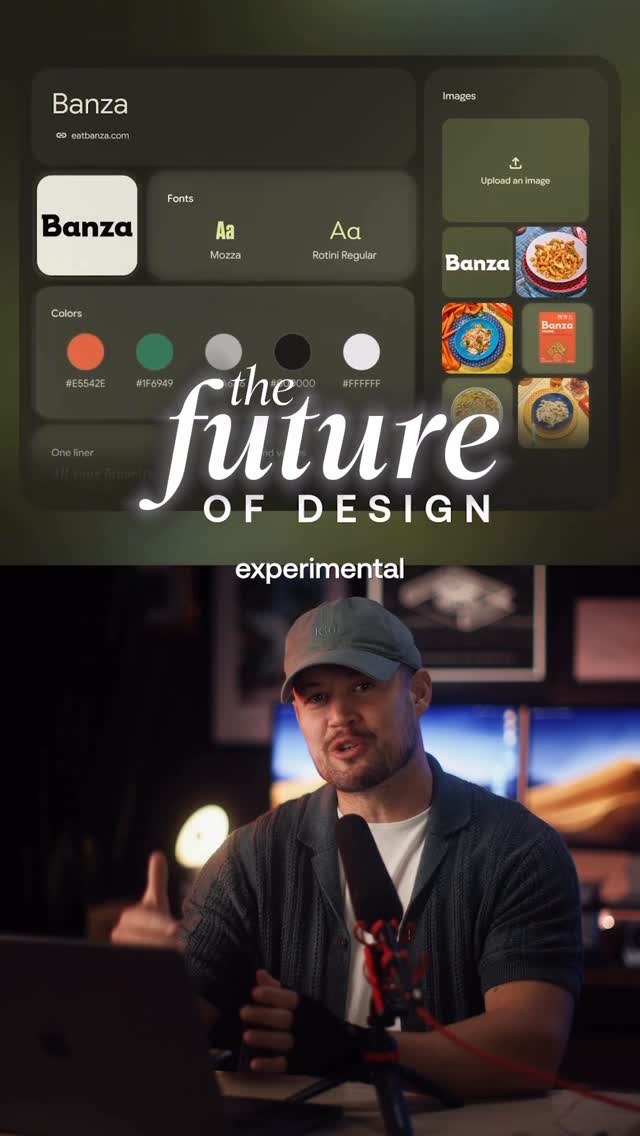 676.3KCreator demonstrates new AI marketing tool@rpn · Explainer
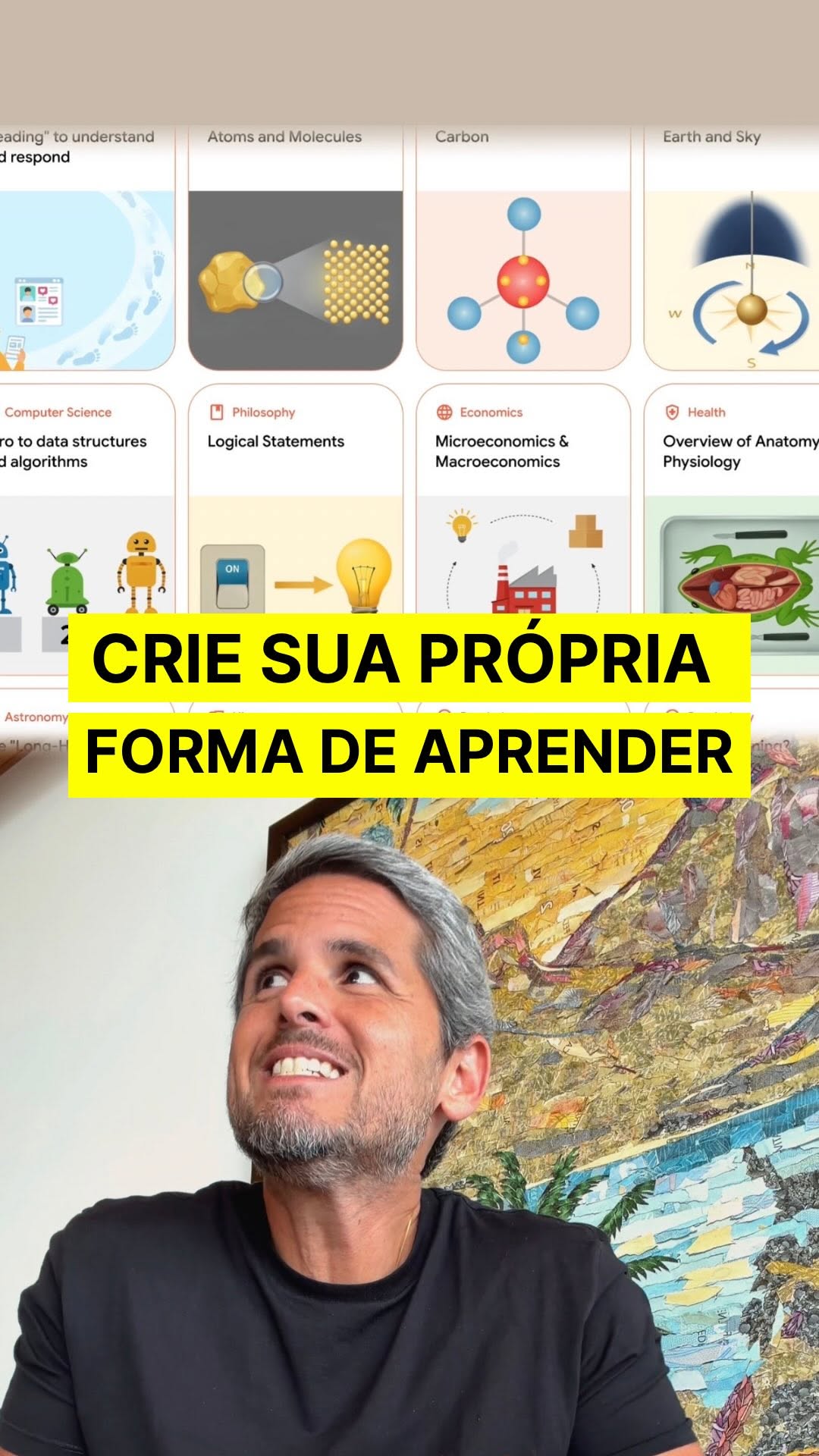 561K3.8×Split screen AI tool demo@rony · Breakdown
 130.5K3.5×Step-by-step product development workflow using ChatGPT and Claude@hoffdigital · Tutorial / How To
 20M71.4×Talking head AI software explainer@rpn · Breakdown
 53.5KCreator lists ten AI marketing tools.@thejamescamp · Rapid Fire Listicle
 1.4M134.1×AI tool demo with examples@kallaway · Product Demo
 212.6K12.3×AI tool use case breakdown@angus.sewell · Breakdown
 235.8KCreator demos new AI tool@rileybrown.ai · Breakdown
 938.1KCreator demos AI learning tool@rpn · Tutorial / How To
[04]
[05]
What stops the scroll in the first 3 seconds
Title hook · 35%
MY BRAIN LOVES THIS WEBSITE
Verbal hook · 60%
Teach me about automation with AI.
Visual hook · 5%
A split-screen view showing a creator on the bottom half and a screen recording of a website with a retro, pixelated header design on the top half.
[06]
Steal this for your own video
Teach me about with .
[07]
The promise the opener makes, and how the video pays it back
Hook
Immediately state a learning goal as a direct command or query to a hidden tool, creating an instant curiosity gap about the tool and its capabilities.
Payoff
Explicitly name the tool, state its accessibility (e.g., 'it's free'), and provide a clear call to action tied to discovering more tools like it.
[08]
The structural pattern this video runs on
Framework
The Visual Discovery Engine
Demonstrating a tool's power by feeding it a series of increasingly specific queries and showcasing the impressive, structured, and recursive visual outputs it generates.
The Initial Proof
Input a broad, high-interest query and reveal the tool's primary output—a visually organized structure of the topic. Express astonishment to validate the result's quality.
The Specificity Test
Input a second, more niche or skill-based query to demonstrate the tool's versatility beyond general topics.
The Recursive Depth Demo
Select a single element from the generated output and use it as a new input, revealing a second, deeper layer of structured information. This proves the tool is not superficial.
The Tangible Use-Case
Shift from abstract knowledge to a concrete item (like a product or brand) to show the tool's practical, real-world application.
The Final Reinforcement
Perform one last demonstration with another tangible use-case to solidify the pattern of value in the viewer's mind.
My brain loves this website. so great for learning different things in a visually structured way. #ai #websites
title · beginning
MY BRAIN LOVES THIS WEBSITE
branding · end
explorer.globe.engineer
Teach me about automation with AI. Enter. Check this out. It's going to generate this beautifully structured map here. Techniques for prompting chat GPT as a content creator. Look at this. And so it shows you, like, these diagrams from the Internet, tier shot learning. What's that all about? Click on that, and it immediately opens a new one. So now you can kind of dive deep into this, like, visual learning experience tier, and it's very structured and beautiful. My brain loves this. Arc Browser. And we can basically see a visual representation. Oh, I wanna learn more about the calendar integration. Here we go. We get taken directly to that site. Let's say we wanted to learn about Zapier. Zapier and automations. And it generates this, like, visual curriculum if you wanna really dive into a topic. It is called explore.globe.engineer, and it is free as of now. I'm gonna be diving in a lot of cool new productivity tools in the next week or no, so follow for more.