@node.io
TikTok · Split screen
@node.io Cursed Hotkeys #Programming #aiagent #programming #linux #linuxlove #c++ #computersciencemajor #techie

@node.io
TikTok · Split screen
@node.io Cursed Hotkeys #Programming #aiagent #programming #linux #linuxlove #c++ #computersciencemajor #techie
Performance
Video #6211 · Split screen
[01]
The creator first asks the audience if they know about the 'alt+print screen' hotkey and explains its function. He then introduces a more obscure and 'cursed' keyboard shortcut, 'control+alt+shift+windows+L', displaying it on screen and urging viewers to try it and variations with other letters, framing it as horrifying but useful knowledge.
[02]
[03]
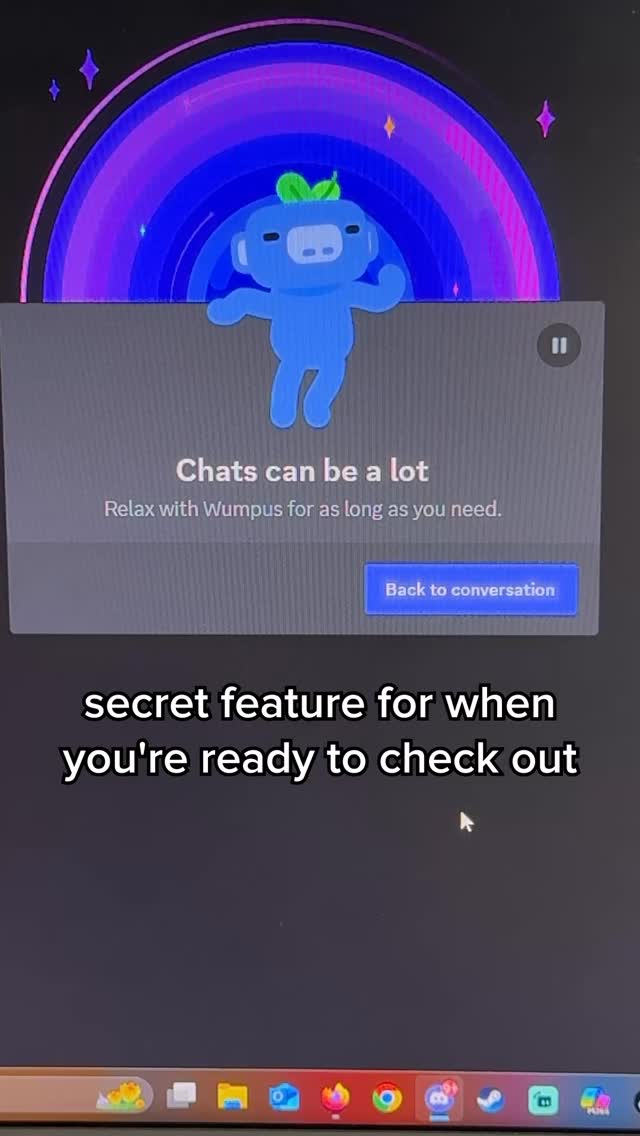 3.6M7.5×Discord secret keyboard shortcut reveal@discord · Product Demo
 985.2K120×Bait and switch tutorial parody@yahoo · Satirical Advice
 940.4K1.1×Relatable text overlay with visual punchline@yahoo · Relatable One Shot
 682.4K3.7×Problem-solution ad for fake product@yahoo · Satirical Product Pitch
 514.9K1×Comedic 2001 PC turn-on method@itskatesteinberg · Nostalgia Highlight
 171.4KReal or egg guessing game@thecuriositybox · Social Game Challenge
 2M12.7×List of cool conference features@meshtimes · Event Showcase
 5.4M11.1×Vintage computer is actually cake@apple · Strange but True
 6.5M37.2×App makes phone password time@oscar.emeh · Tutorial / How To
 456.7K16.2×Creator reviews a smart lock@thespenceryan · Product Promo
 208.6KInteractive pause to play game@sonicthehedgehog · Challenge
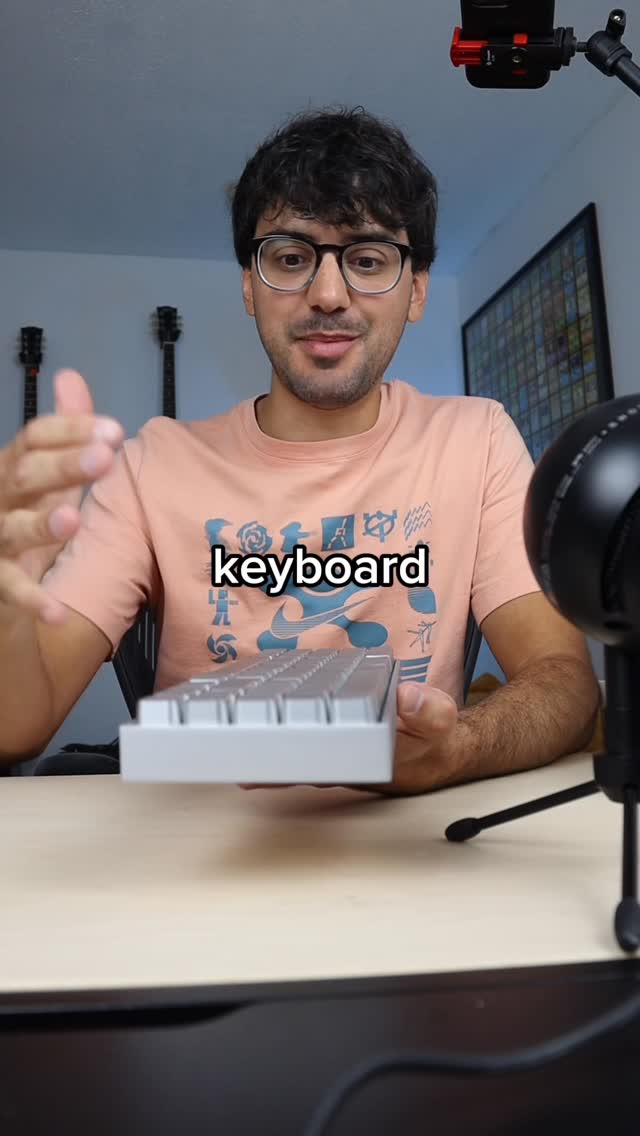 5.3M4.4×Reviewing Apple-style mechanical keyboard features@imsteviesells · Product Showcase
[04]
[05]
What stops the scroll in the first 3 seconds
Title hook · 45%
Actually how many of you don't even know
Verbal hook · 50%
How many of you don't even know that alt print screen exists?
Visual hook · 5%
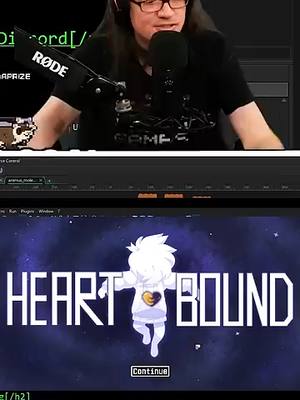
Split screen view with a creator speaking into a professional microphone on top and a pixel-art video game title screen ('HEARTBOUND') on the bottom.
[07]
The promise the opener makes, and how the video pays it back
Hook
Challenge the audience's expertise on a familiar topic to create an immediate knowledge gap and establish authority.
Payoff
Formally welcome the viewer into a group of insiders who now possess this 'cursed' or secret knowledge, providing a sense of exclusivity and satisfying closure.
[08]
The structural pattern this video runs on
Framework
The Cursed Knowledge Reveal
To guide the viewer from a piece of common-but-overlooked information to an obscure, seemingly useless, but fascinating 'secret' action, framing the discovery as a rite of passage that grants insider status.
The Value Offering
Provide a genuinely useful but lesser-known piece of information related to the hook, building credibility and delivering initial value.
The Pivot to the Arcane
Announce a clear transition from the practical to the esoteric, signaling a shift in the video's tone and purpose.
The Ritual Incantation
Slowly and deliberately detail the steps of a complex and unusual process or command, building suspense and anticipation.
The Interactive Dare
Directly challenge the viewer to perform the action in real-time, while offering paradoxical reassurance that heightens curiosity and engagement.
The Pattern Reveal
Quickly demonstrate variations of the action, revealing it's part of a larger, hidden system rather than a single trick, deepening the mystery.
The Emotional Framing
Instruct the viewer on the appropriate emotional reaction to their discovery, shaping their interpretation of the experience and reinforcing the 'cursed' nature of the knowledge.
Cursed Hotkeys #Programming #aiagent #programming #linux #linuxlove #c++ #computersciencemajor #techie
title · beginning
Actually how many of you don't even know
informational · beginning
that alt+print screen exists?
informational · middle
Control+alt+shift+windows
informational · middle
and then hit L
informational · middle
control+alt+shift+windows+L
contextual · end
You've gained some cursed knowledge, enjoy.
How many of you don't even know that alt print screen exists? Did you know that if you hold down alt and then hit rank screen, it'll actually only capture the program that you are currently in? Did you know that? Here's another one for you. Hold down on your keyboard right no, control alt shift windows and then hit l. Control alt shift windows l. Do it right now, and that's not a joke, and it's not gonna screw up your computer. Control alt shift windows l. Now do it with t. Do it with p. Just realize how horrifying that is. For a moment, you've gained some worse knowledge. Enjoy.