How do I add it on Shopify?
Upload it as product media, next to the photos. Themes differ on autoplay. Keep it muted either way.

Shopify shoppers hit a silent page. The clip has to make sense with the sound off and end where it started.
Prompt only. Add the file in your theme where the product media goes.

Nothing leaves your device unless you paste the prompt somewhere else.
Write the brief
This clip replaces or sits beside the second photo. It is not a brand film.
If the point needs a voiceover, it is the wrong clip for the gallery.
Six to ten seconds. The page is for scanning.
The last frame should be able to cut back to the first.
One of these is enough.
Drape or fold
Hover · demoFabric, and how it falls.
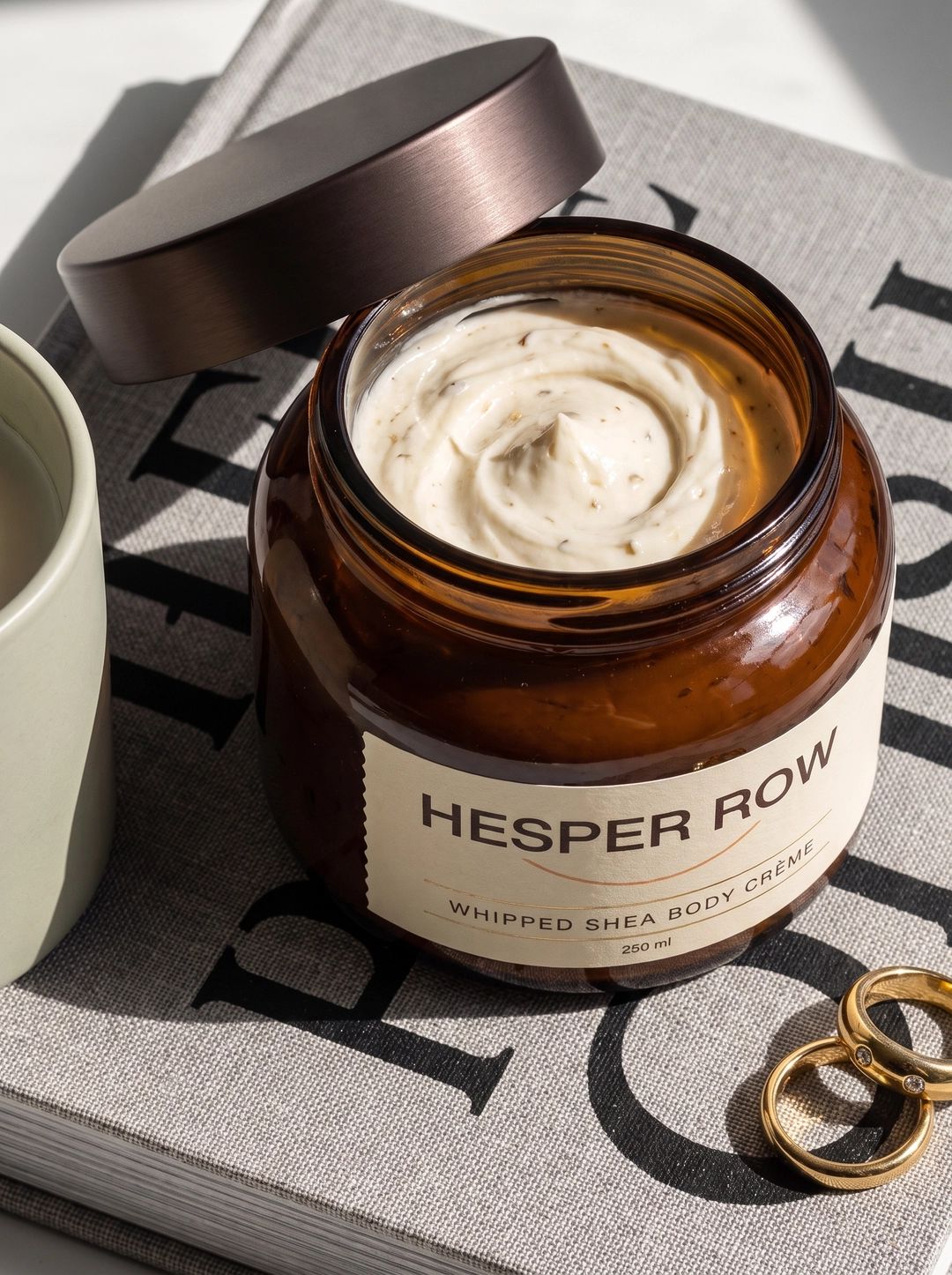
In use, one action
Open, pour, click.

Detail push
Hover · demoFor texture.
That is frame one.
Use the form. Ask for a loop.
Not only in a social post. The page is the point.
A good ad can be a bad gallery video.
Mute makes it a silent face.
The fix: Hands and product. Put the creator on social.
They go stale and they cover the product.
The fix: No text in the file. The theme has a price.
Nobody watches it in the gallery.
The fix: One action. Loop.
Upload it as product media, next to the photos. Themes differ on autoplay. Keep it muted either way.
Match the photos. Square or 4:5 usually sits better than a wide film.
No. This page writes the prompt.
Etsy Video Prompt GeneratorA listing video prompt that keeps the handmade detail in frame. Amazon Video Prompt GeneratorName the product and the proof. Get a short brief for a listing video.
 Image to Video Prompt GeneratorDescribe the photo and the motion. Get a prompt that keeps the still as the source.