
Eight ways the scene continues
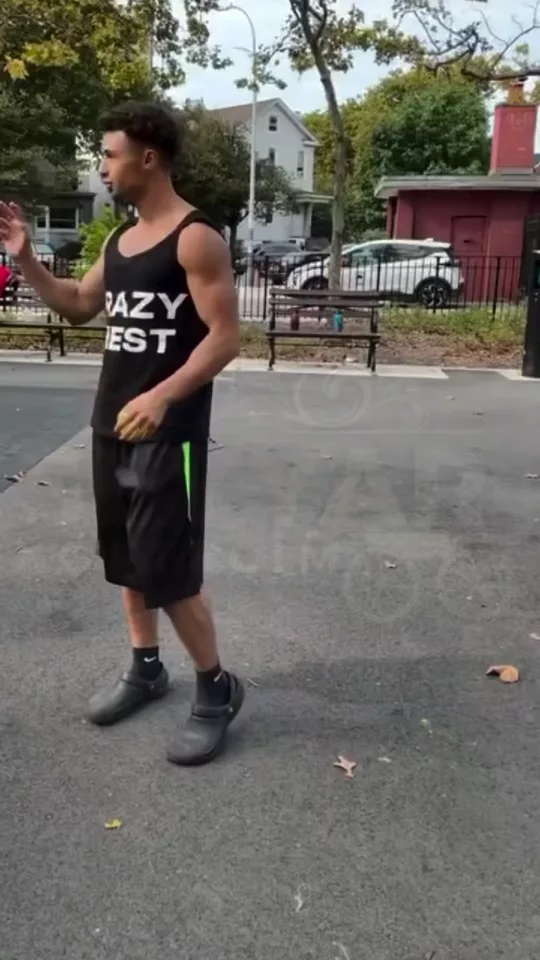
What's Next? in 3 steps
01
Upload a still
What's Next? starts from the still you add. Explore 8 narrative possibilities from 1 scene.
02
Set beat
Choose beat, coverage, energy. Eight ways the scene continues.
03
Generate, then cut
Take the result into the video editor for a hook, captions, and a vertical export for TikTok, Reels, or Shorts.
Built for Eight ways the scene continues
Explore 8 narrative possibilities from 1 scene. Generate shots, angles, and seamless transitions
Beat
Reaction, Reveal, Exit, Arrival. Pick one and What's Next? keeps the rest of the frame.
Coverage
Same lens, Wider, Closer, Reverse. Pick one and What's Next? keeps the rest of the frame.
Energy
Held, Urgent, Dreamy. Pick one and What's Next? keeps the rest of the frame.
Pick your plan
The editor stays free. New accounts get 10 credits, and you pay only when you generate.
See pricingStill have questions?
What is What's Next??
Explore 8 narrative possibilities from 1 scene. Eight ways the scene continues.
How does What's Next? work?
Add a still, set beat, coverage, energy, and generate. What happens in the next breath?
Does it change the original?
The still stays the frame. What's Next? builds the new shot from it instead of replacing what you uploaded.
What can I use the result for?
TikTok, Reels, and Shorts. Open the video editor under the studio when the shot needs a hook, captions, or a vertical export.
Do I need to write a prompt?
The controls do most of the asking: beat, coverage, energy. The line under them is optional.
Explore more apps
More in Professional. Generate shots, angles, and seamless transitions.
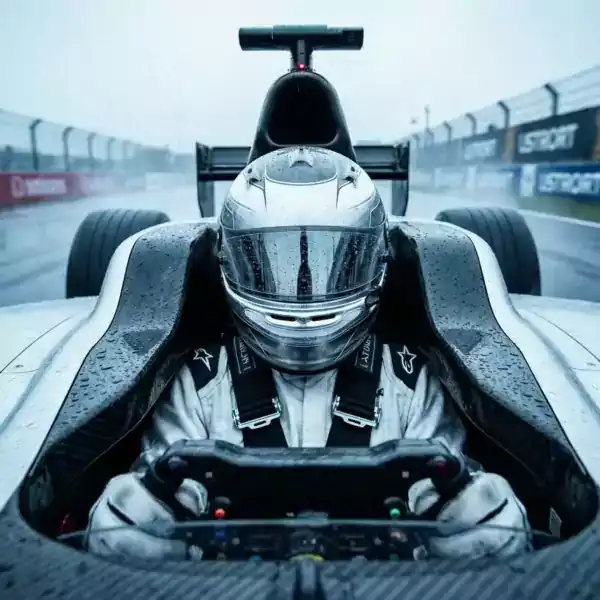
Angles 2.0
Generate any angle view for any image in seconds
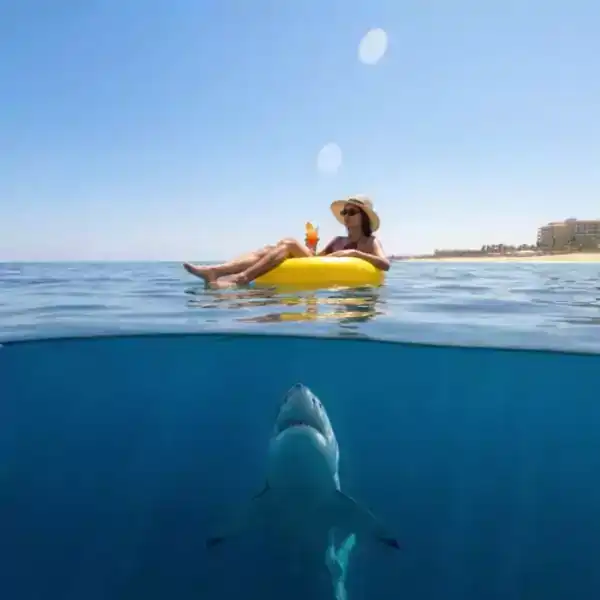
Shots
9 unique shots from one image
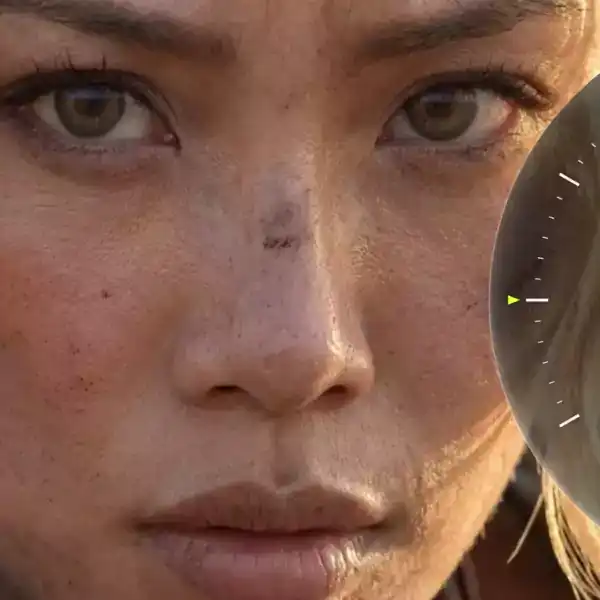
Zooms
A zoom effect from one still: establishing, waist, face, eyes, or a detail, at a creep, a steady push, or a snap.
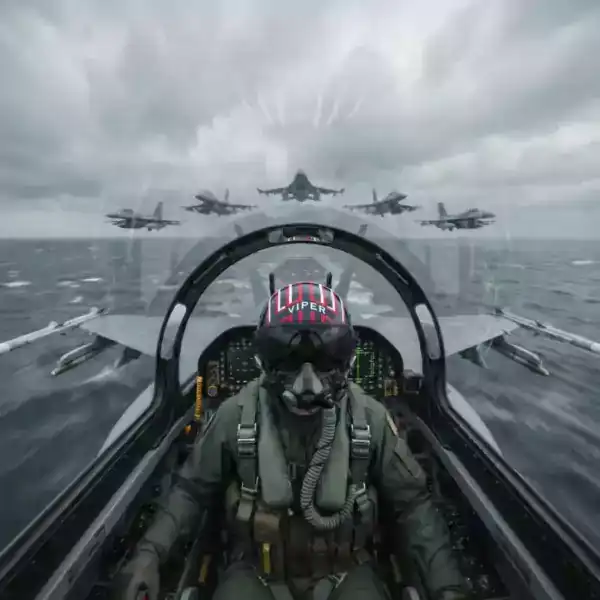
Behind the Scenes
Turn photos into behind-the-scenes videos
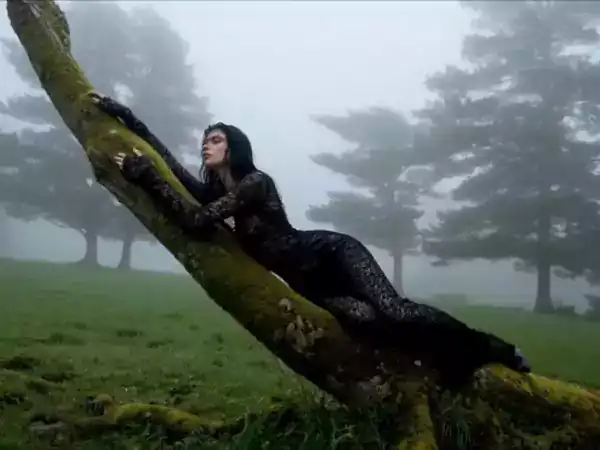
Transitions
Video transitions between two shots: match cut, whip, light leak, morph, or a pass-through.
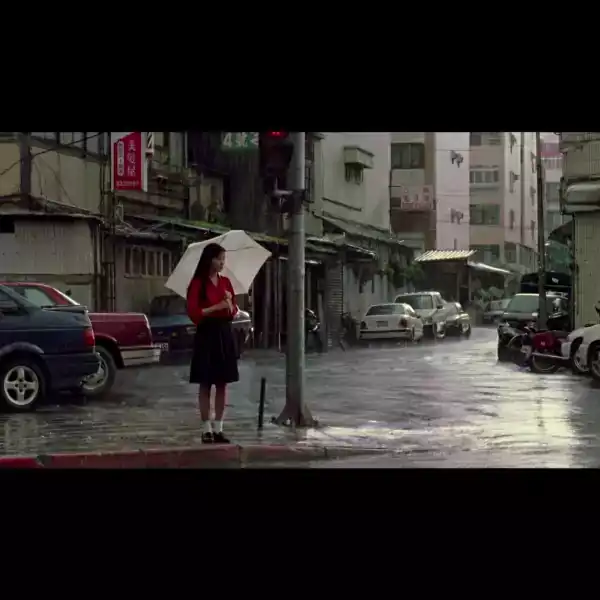
Expand image
An image extender that continues the photo past the crop: left, right, above, below, or all sides.
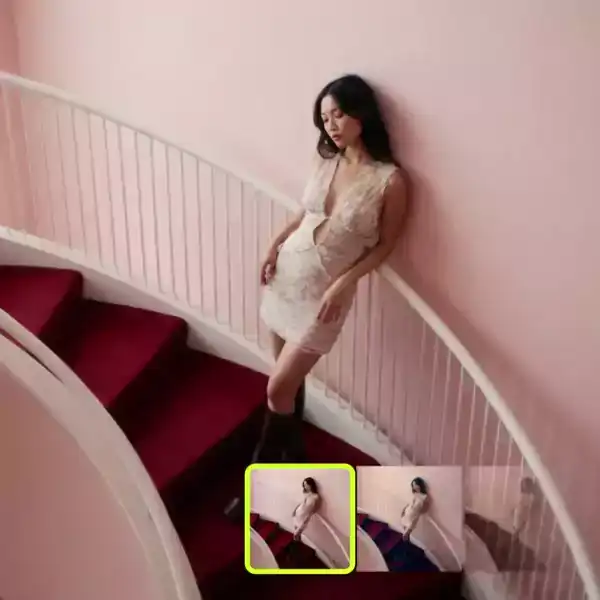
Color grading
Color grading for a still or a clip. Neutral, teal and orange, bleach, night blue, or a warm print, with soft, filmic, or hard contrast.
Virality Predictor
Predict how viral your video hook is before you post