Viral Hooks
Trending short videosReporter explains Apple Wallet passport feature
N

@natbco

Instagram · Talking Head Edit

@natbco Last month, Apple debuted the Digital ID, a feature that allows users to securely upload their passport information to their Apple Wallets to use at airport security in lieu of presenting a physical ID card. \n\nThere’s a big catch: you can’t use it for international travel. So what’s it good for? It could be a handy Real ID workaround. Comment with a newspaper emoji 🗞️ and I will DM you my @washingtonpost story about the new feature.

View original on Instagram

The edit1 shot · 8 text
Shots Text

Performance

Views
131.4K
Likes
2.8K
Comments
180
Engagement
2.3%
Outlier
1.3×

Video #10487 · Talking Head Edit

Reporter explains Apple Wallet passport featurefrom @natbco

[01]

Overview

The creator reports on the new Apple Digital ID feature for passports, immediately highlighting critical limitations like its restriction to domestic travel. She explains the setup process using screenshots, clarifies the benefits for TSA screening, and concludes with a call-to-action to receive the full article.

[02]

Simple outline

  1. 1Announce feature with warning
  2. 2List critical limitations
  3. 3Reveal hidden benefit
  4. 4Demonstrate setup process
  5. 5Show final result

[03]

Related videos

[04]

Classification

Concepts
HeadlinesTutorial / How To
Elements
Text OverlayB-Roll Cutaway

[05]

Hook analysis

What stops the scroll in the first 3 seconds

Title hook · 45%

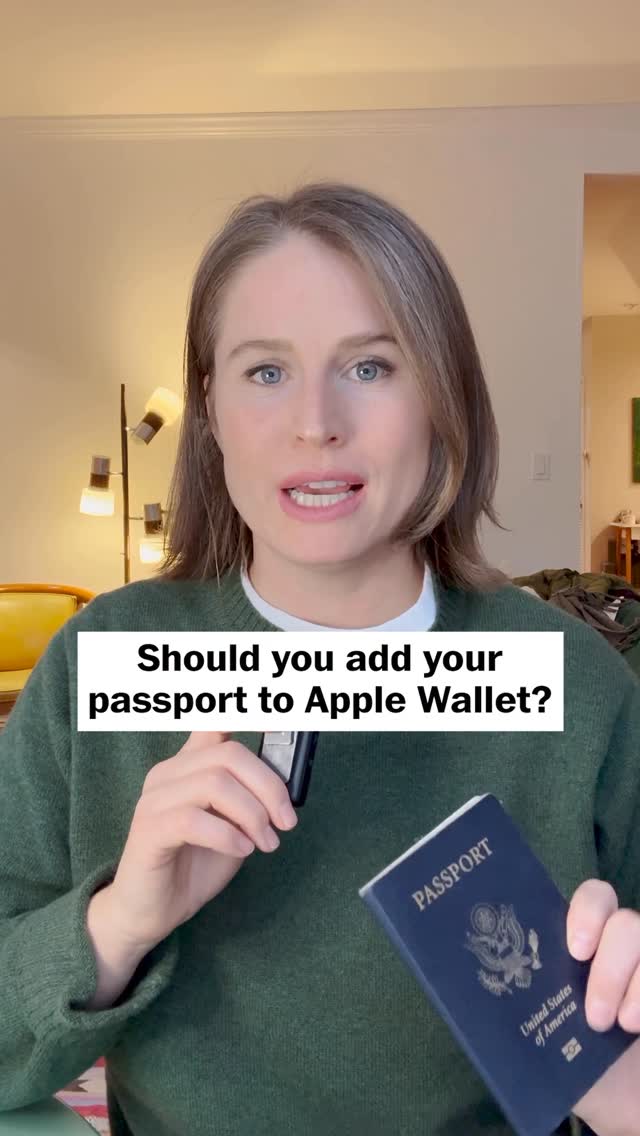
Should you add your passport to Apple Wallet?

Verbal hook · 50%

You can now add your passport to your Apple Wallet so you can tap your way through airport security, but there are huge caveats to this news.

Visual hook · 5%

Speaker holding a physical passport and phone while addressing the camera, creating immediate context for the topic.

[07]

Hook and payoff

The promise the opener makes, and how the video pays it back

Hook

The 'Yes, But' Opener: Confirms a viral rumor or news item while immediately introducing a critical warning to hook the viewer with nuance.

Payoff

The Resource Bridge: Offers a deeper dive or comprehensive guide in exchange for engagement (commenting).

[08]

Narrative framework

The structural pattern this video runs on

Framework

The 'Hype vs. Reality' Explainer

Builds immediate trust by debunking the 'magic' of a new feature before explaining its actual, specific utility and how to use it.

  1. 1

    The Limitation Barrage

    Systematically lists the restrictions and downsides of the topic to manage expectations and establish the creator's objectivity.

  2. 2

    The Value Pivot

    Transitions from why the feature is flawed to the specific, niche scenario where it is actually useful (the 'why bother').

  3. 3

    The Contextual Stakes

    Introduces external urgency or consequences (deadlines, fees) that make the topic relevant right now.

  4. 4

    The Verification Walkthrough

    A rapid-fire visual guide showing the exact steps required to execute the action, demystifying the complexity.

  5. 5

    The Usage Simulation

    Describes or shows the final user experience in the real world to visualize the payoff.

Themes

  • Travel Efficiency
  • Digital Identity
  • Tech Adoption
  • Consumer Advice

Techniques

  • Direct-to-Camera
  • Visual Evidence
  • Step-by-Step Explanation
  • Engagement Automation

Trends

  • Digital ID adoption
  • Travel hacks

Post caption

Last month, Apple debuted the Digital ID, a feature that allows users to securely upload their passport information to their Apple Wallets to use at airport security in lieu of presenting a physical ID card. \n\nThere’s a big catch: you can’t use it for international travel. So what’s it good for? It could be a handy Real ID workaround. Comment with a newspaper emoji 🗞️ and I will DM you my @washingtonpost story about the new feature.

Text overlays

  • title · beginning

    Should you add your passport to Apple Wallet?

  • branding · beginning

    Natalie Compton TRAVEL REPORTER

  • title · beginning

    What is a Digital ID?

  • informational · beginning

    It can't be used for international travel.

  • informational · middle

    Participating States and Eligible Digital IDs

  • informational · middle

    TSA to charge $45 fee for travelers without proper ID

  • contextual · middle

    Add to Wallet

  • title · end

    Will Apple Digital ID replace your passport? Sort of.

Transcript

Can now add your passport to your Apple Wallet no you can tap your way through airport security, but there are huge caveats to this news. For starters, you cannot use this to travel internationally. For now, this is just for domestic travel. It's also not available at every airport. Airport. And even if you do want to use it at a participating airport, TSA says that you should definitely, absolutely, 100% bring a physical ID with you. So what is the point? This could shave off a couple seconds from your TSA experience by tapping your phone instead of pulling out a physical ID. And also, it could be a good workaround if you haven't gotten a real ID yet. Next year, TSA will start charging a $45 fee to travelers who show up to the airport without a real ID or a passport. To create a digital ID, you will need your physical, authentic, unexpired passport. You'll need to take two photos of it, one of your profile page and one of the back flap where they have a microchip embedded. You'll also need to take a series of selfies to prove it's you, then it can take a couple of seconds or a few days to approve for use. I was approved in a couple minutes. Once it's ready, you will go through airport security per usual, but instead of pulling out your ID, you'll just tap your phone or your Apple Watch instead. You don't even need to unlock your phone to use it. For more information on the new Apple digital ID, comment with a newspaper emoji, and I will DM you the link to my article.

Reporter explains Apple Wallet passport feature | Viral Hooks