The creator demonstrates how Shopify store owners can build a custom-looking theme without coding. He starts by highlighting the limitations of standard themes using the high-end brand 'Rhode' as an example of a custom store, then introduces a free app called 'Section Store.' He walks the viewer through installing the app, browsing its library of sections, adding a 'scrolling logo cloud' section to a demo theme with one click, and customizing it directly within the Shopify theme editor, emphasizing that no developer or subscription is required.
Transcript
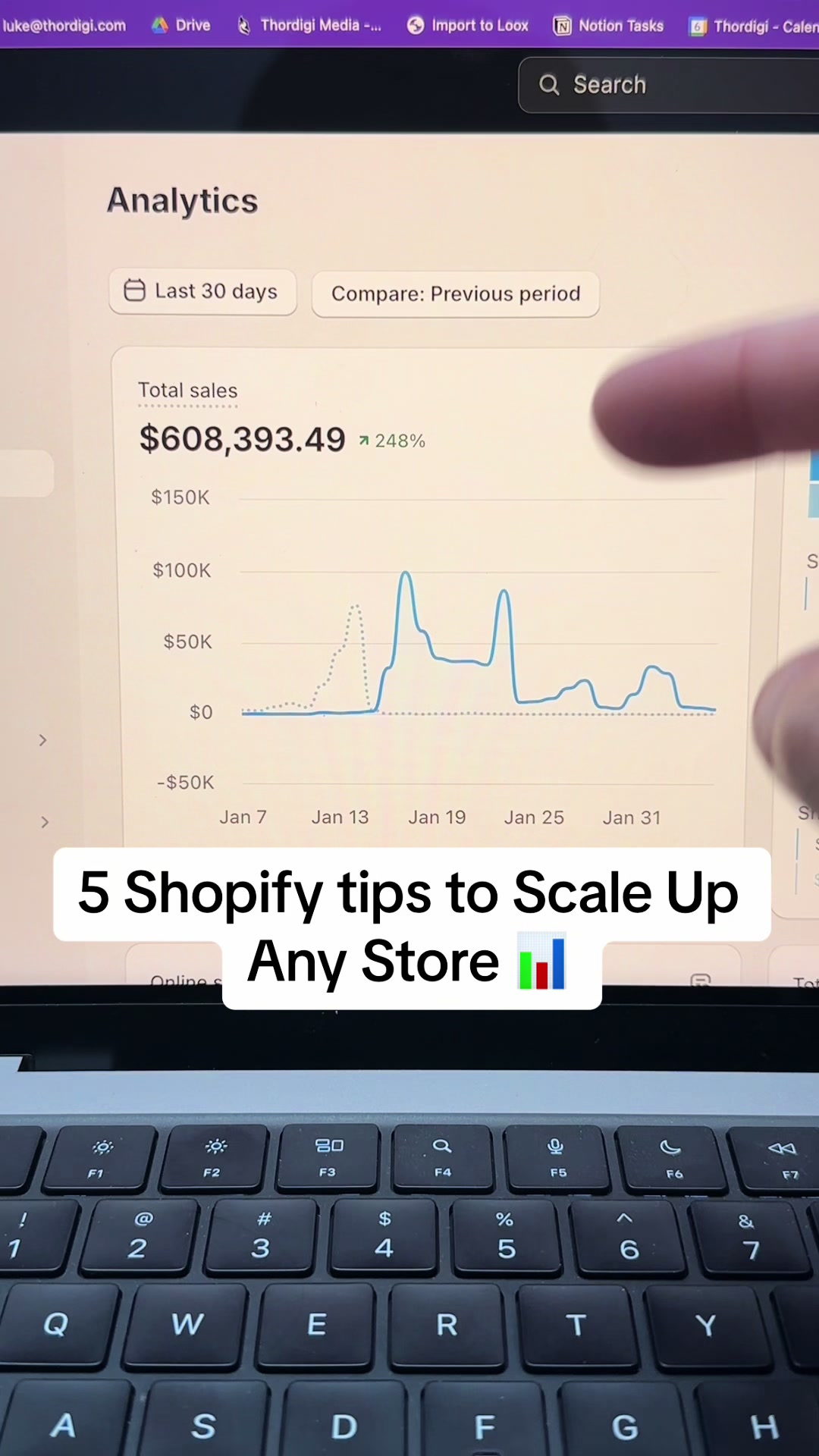
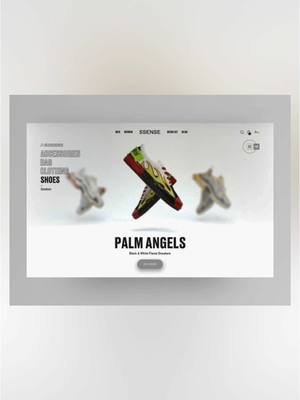
If you have a Shopify website and you're using one of the themes from Shopify from the Shopify app store, you're definitely leaving money on the table. You will have noticed by now that all the most successful Shopify brands like Good have these completely custom storefronts, with nothing like the regular themes, and they're super independent to their brand. You wouldn't even know Road was using Shopify if we weren't able to inspect the website and see all the Shopify mentioned in the source code. Luckily, you no longer need an expensive developer to make stores that look like this, and if you keep watching, I'm gonna show you how you can do it in under five minutes. The first step is grabbing this free app from the App Store. It's free to install, and there's absolutely no subscription. There's hundreds of sections to choose from within the app, so no matter what the style or target audience is of your store, you can guarantee that there's sections in here that'll suit your page. For today's example, I'm gonna use yes scrolling logo cloud section, and I'm gonna add it to my theme in just one click. Here's a demo of how this section can look just for reference. Jumping into the theme editor, I find my page, I hit add section, and I add the logo cloud all in one click. Now the section's added to my theme. I customize it directly within the theme editor. All of these sections have hundreds of settings, so there's absolutely no code, ensuring you won't have to pay a developer to update or fix anything. You can change everything about the section, the logos, the links, the color, text, and so much more. Once you're done, hit save, and boom. In five to ten minutes with a few sections, you can get a completely custom development on Shopify. There's absolutely no code. Sections all insert directly into your theme, so they won't slow down your store. You customize this all directly within the theme editor. There's no subscription, and you don't have to pay for a developer.