Viral Hooks
Trending short videosAI tool tutorial for realtors
C

@coffeecontracts

Instagram · Talking Head Edit

@coffeecontracts day three of using Claude as a real estate agent 🤝 today I’m showing you how to build a morning dashboard that pulls every tool you use into one place — in under five minutes. here’s how: 1. open cowork, go to customize connectors, and connect your google calendar, gmail, notion, your call recorder, anything you find in the directory. pro tip: if your CRM isn’t in the directory, go into your CRM’s settings and grab the API key — you can give that to Claude and it’ll connect. 2. then open a new task and give it a prompt like: every morning at 6am, build me a dashboard with today’s showings, new leads from the last 24 hours, follow-ups due, and any calendar conflicts. 3. keep refining it after the first run. add market updates, hot listings, whatever you want at your fingertips ☕ ✨ quick note: this is a starting point for your day, not a replacement for reading your emails or listening to your calls. use it to get oriented faster, then go do the work only you can do. comment “AI Realtor” below to register for my free training next week, and follow for the rest of the series 🏡
View original on Instagram

The edit1 shot · 6 text
Shots Text0:45

Performance

Views
430.6K
Likes
9.5K
Comments
2.3K
Engagement
2.7%
Outlier
9.7×
Length · 15 May 2026
0:45

Video #28993 · Talking Head Edit

AI tool tutorial for realtorsfrom @coffeecontracts

[01]

Overview

The creator provides a step-by-step tutorial for real estate agents on how to use the AI tool Claude to build a personalized morning dashboard. She demonstrates how to connect tools like Google Calendar and CRMs via the 'Connectors' feature, shows how to write a prompt to generate the dashboard, and displays the final product, encouraging viewers to refine it over time.

[02]

Simple outline

  1. 1State a time-bound promise
  2. 2Demonstrate required setup
  3. 3Reveal the simple command
  4. 4Showcase the automated result
  5. 5Direct to next action

[03]

Related videos

[04]

Classification

Concepts
Tutorial / How ToDay X of Doing Y
Elements
Screen RecordingText OverlayDM / Comment-for-Info CTA

[05]

Hook analysis

What stops the scroll in the first 3 seconds

Title hook · 55%

DAY 3 Claude for Real Estate

Verbal hook · 40%

Day three of showing you how to use Cloud as a real estate agent.

Visual hook · 5%

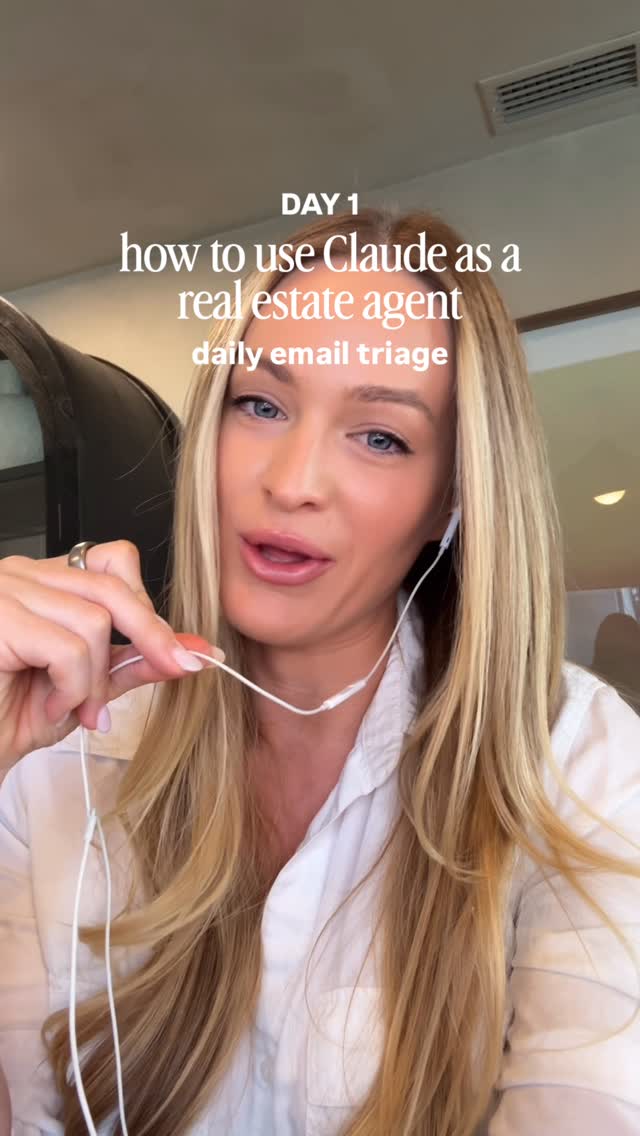
A medium close-up of the creator speaking directly to the camera, wearing earbuds, establishing a professional and direct instructional tone.

[06]

Hook template

Steal this for your own video

Day [day number] of showing you how to use [specific tool] as a [audience type].

  • — Day two of showing you how to use Notion as a freelance photographer.
  • — Day four of showing you how to use ChatGPT as a personal trainer.
  • — Day one of showing you how to use Shopify as a first-time product seller.

[07]

Hook and payoff

The promise the opener makes, and how the video pays it back

Hook

A direct-to-camera address that makes a specific, high-value promise to a niche audience, often with a time constraint to lower the perceived effort (e.g., 'How to [achieve desirable outcome] in [short time frame]').

Payoff

A direct-to-camera call to action that leverages the value just provided to drive a specific engagement or conversion goal (e.g., comment for a resource, follow for more, register for a training).

[08]

Narrative framework

The structural pattern this video runs on

Framework

The Automated Solution Blueprint

Demonstrating how to use a specific tool to automate a complex or tedious task by revealing a simple, key input (like a prompt or command) that generates a high-value, automated output.

  1. 1

    The Integration Walkthrough

    A screen-recorded demonstration of the necessary prerequisite steps, such as connecting accounts or data sources, to prepare the tool for the main action.

  2. 2

    The Expert Troubleshooting

    A quick, value-added tip that anticipates and solves a potential user problem or friction point, establishing authority and building trust.

  3. 3

    The 'Magic Wand' Command

    The core of the tutorial, revealing the surprisingly simple input (a prompt, a line of code, a specific setting) that unlocks the tool's powerful automated capability.

  4. 4

    The Automated Payoff Reveal

    A visual presentation of the final, polished output generated by the tool, serving as tangible proof that the method works and delivering on the initial promise.

Themes

  • AI for business
  • workflow automation
  • real estate technology

Techniques

  • screen recording
  • direct-to-camera address

Trends

  • AI productivity hacks

Post caption

day three of using Claude as a real estate agent 🤝 today I’m showing you how to build a morning dashboard that pulls every tool you use into one place — in under five minutes. here’s how: 1. open cowork, go to customize connectors, and connect your google calendar, gmail, notion, your call recorder, anything you find in the directory. pro tip: if your CRM isn’t in the directory, go into your CRM’s settings and grab the API key — you can give that to Claude and it’ll connect. 2. then open a new task and give it a prompt like: every morning at 6am, build me a dashboard with today’s showings, new leads from the last 24 hours, follow-ups due, and any calendar conflicts. 3. keep refining it after the first run. add market updates, hot listings, whatever you want at your fingertips ☕ ✨ quick note: this is a starting point for your day, not a replacement for reading your emails or listening to your calls. use it to get oriented faster, then go do the work only you can do. comment “AI Realtor” below to register for my free training next week, and follow for the rest of the series 🏡

Text overlays

  • title · beginning

    DAY 3 Claude for Real Estate

  • informational · middle

    Go to Cowork and then Customize

  • informational · middle

    Connectors

  • informational · middle

    Go to new task

  • informational · middle

    Put in a simple prompt like this

  • call-to-action · end

    Follow along for more and comment AI Realtor below to register for my free training next week

Transcript

Day three of showing you how to use Cloud as a real estate agent. Here's how you can build a dashboard linking all your tools in under five minutes. Go to co work and then customize, connectors. You can connect your Google Calendar, Gmail, Notion, your call recorder, any of your tools that you can find in the directory. If you're trying to connect your CRM and you can't find it in the directory, sometimes if you go to your CRM's website and settings, you'll find an API key that you can give to Claude. Good to new rank. Put in a simple prompt like this. You can always add to it after sending that first message and have it help you. But ask it to run every morning at 6AM and to put it in a nice dashboard. It'll create something like this for you every morning, and you can keep chatting with it to improve it and make it work for you. Follow along for more rank comment AI better below to register for my free training next week.

AI tool tutorial for realtors | Viral Hooks