@jtbarnett
Instagram · Speaker address

@jtbarnett how to know which events to go to, with @perplexity computer ⭐️ comment “PROMPT” for the exact prompt i used so u can make this for yourself!

@jtbarnett
Instagram · Speaker address
@jtbarnett how to know which events to go to, with @perplexity computer ⭐️ comment “PROMPT” for the exact prompt i used so u can make this for yourself!
Performance
Video #33591 · Speaker address
[01]
The creator explains his strategy for navigating large events with overwhelming schedules. He starts by stating the problem of having to sort through over 1,200 events, then introduces the AI tool Perplexity as his solution, which he calls his 'business strategist.' He walks through the process: using voice memos to instruct the AI to pull all public data on speakers, brands, and locations, cross-reference it with his personal goals, and generate a detailed, strategic itinerary, which he showcases through graphic overlays. He concludes by stating this method can be applied to any major event like Coachella or SXSW and directs viewers to the caption for more information.
[02]
[03]
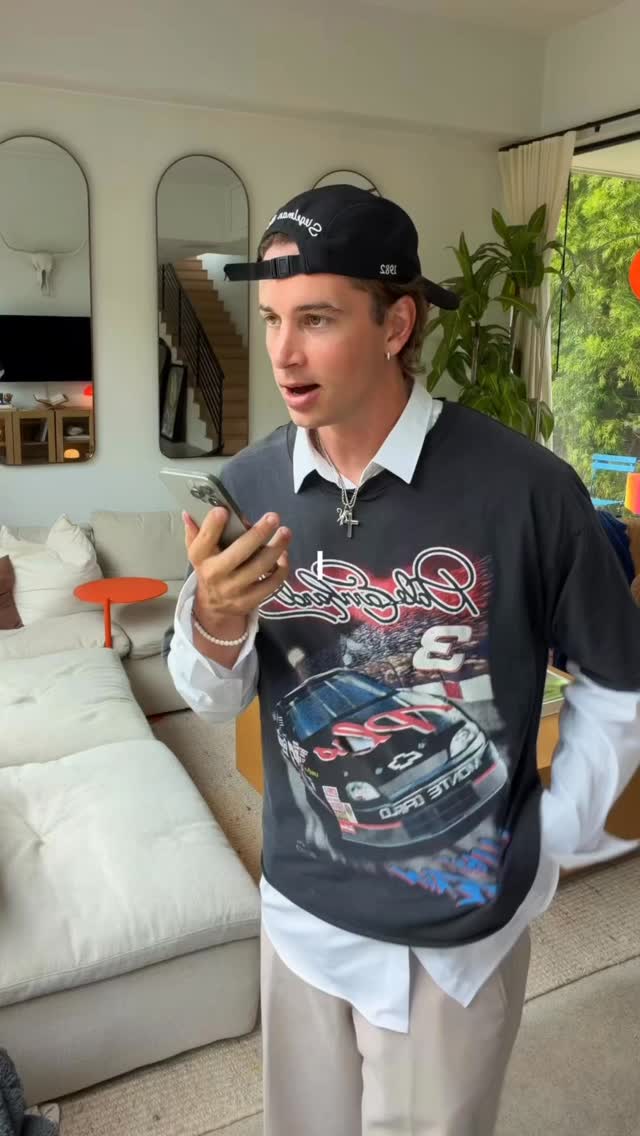 1.6M101.4×Voice memo plans entire event@jtbarnett · Performance Proof
 924.3K16.3×Product demo in a personal vlog@tonytran · Product Demo
 20M71.4×Talking head AI software explainer@rpn · Breakdown
 1.4M134.1×AI tool demo with examples@kallaway · Product Demo
 135.2K43.3×Creator shares AI project workflow@findfulfillingwork · Value Vlog
 2.8M34.4×AI tool workflows listicle demo@codiesanchez · Rapid Fire Listicle
 417.2K37.9×AI tool automates creative project@jtbarnett · Value Vlog
 1.3M9×Tech tool solves design problem@marshallhaas · Before/After Transformation
 1.6M34.3×Creator showcases custom productivity tool@johnbucog · Product Promo
 1.5M6.7×Voiceover vlog demonstrating AI tool@marshallhaas · Case Study Breakdown
 984.7K5.7×Creator demonstrates AI travel tool@looo_bear · Product Promo
 671.7K7.3×Creator builds personal AI financial advisor@marshallhaas · Case Study Breakdown
[04]
[05]
What stops the scroll in the first 3 seconds
Verbal hook · 45%
I'm looking at 1,226 events.
Visual hook · 55%
Multiple graphic cards representing different events begin to float around the speaker's head, visually illustrating the concept of information overload and the scale of the problem he is about to discuss.
[06]
Steal this for your own video
Watch what happens when starts floating around — this is a most people never solve.
[07]
The promise the opener makes, and how the video pays it back
Hook
Begins in the middle of a high-stress action, using a large, specific number to establish an overwhelming problem and create immediate curiosity.
Payoff
Concludes by reinforcing the strategic benefit, solidifying the tool's value and encouraging viewer adoption.
[08]
The structural pattern this video runs on
Framework
The Strategic Solution Blueprint
Presenting a common, overwhelming problem and demonstrating a specific tool or method as a strategic, personalized solution by breaking down the 'how' and showcasing the final, actionable 'what'.
The Universal Problem Statement
Transitions from the specific hook to a broad, relatable question that directly engages the audience and frames the shared pain point.
The 'Secret Weapon' Reveal
Re-contextualizes the opening hook as the use of a specific tool or method, positioning it as the hero of the story.
The Functional Analogy
Defines the tool's purpose using a simple, powerful metaphor that makes its value instantly understandable (e.g., 'it's like a personal strategist').
The Process Breakdown (Part 1: Input)
Explains the first step of the solution: how the tool gathers a vast amount of raw, relevant information from public sources.
The Process Breakdown (Part 2: Personalization)
Explains the crucial second step: how the tool filters and organizes the raw information based on the user's unique goals, creating a personalized output.
The Actionable Payoff
Visually reveals the final, organized, and strategic output of the process, providing concrete proof of the solution's effectiveness.
The Expanded Application
Generalizes the solution's utility by applying it to other well-known scenarios, broadening its relevance and demonstrating its versatility.
how to know which events to go to, with @perplexity computer ⭐️ comment “PROMPT” for the exact prompt i used so u can make this for yourself!
informational · beginning
1,226
branding · beginning
perplexity computer
informational · middle
1200+
informational · middle
WHY IT MATTERS A culture-and-business crossover room with athletes, musicians, brands and media partners — a highly visual, high-energy activation that draws a broad audience.
informational · end
BUSINESS OPPORTUNITY Sports/culture brand partnerships, premium networking, and highly visual content.
I'm looking at 1,226 events. Alright. Hear me out for a second. If you go to any major event that has a bunch of things going on in it, how do you know what you should go to? What you just heard me saying is me voice memoing to Perplexity Computer. Perplexity acts like my business strategist when I go to events. So if I go to best like CanLion, which has 1,200 plus events going on at it, I no know what I should go to. It's gonna go and it's gonna pull every single person that I can find publicly available that is speaking, that is hosting, that is doing anything. It's gonna map out the date, the time, the location, who's there, what brands will be tier. And then it's gonna cross reference that with my own goals and find where I should be. Who should I meet with? Who should I talk to? What should I talk about? All of those things. That way, for me, I can look through all of it and be like, okay, I'm gonna add these in my calendar. I'm gonna stop by there. I'm gonna stop by there. I'm gonna look for this person. Really helps me be strategic when I go to these different things. And I and you can use this at anything. I can use this at Coachella. I can use this at South by Southwest. Any event. I'll put more info in here below. You should really check it out if you're going to a lot of events.