Viral Hooks
Trending short videosCinematic camera settings tutorial
O

@omgadrian

Instagram · Talking Head Edit

@omgadrian Just comment “apcc” and I’ll send you the link to my favorite Osmo accessories to make it a pocket cinematic content capturing powerhouse. Honestly, this has been my favorite camera since I got it last year. If you treat it right, and use it right, it’ll give you amazing footage. Also, these were colored with my AP Classic Cine color grading presets available as a LUT, that you can find with the link in my bio 🫡

View original on Instagram

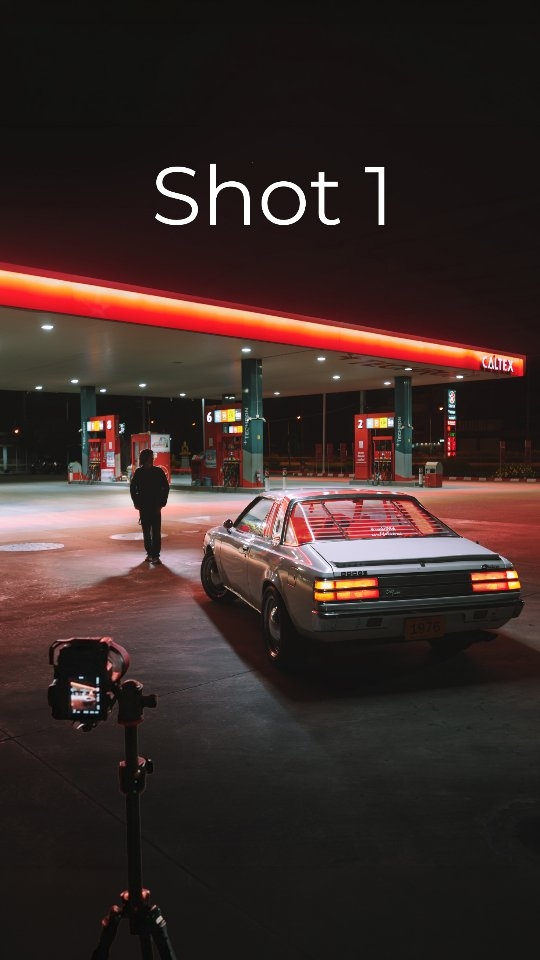
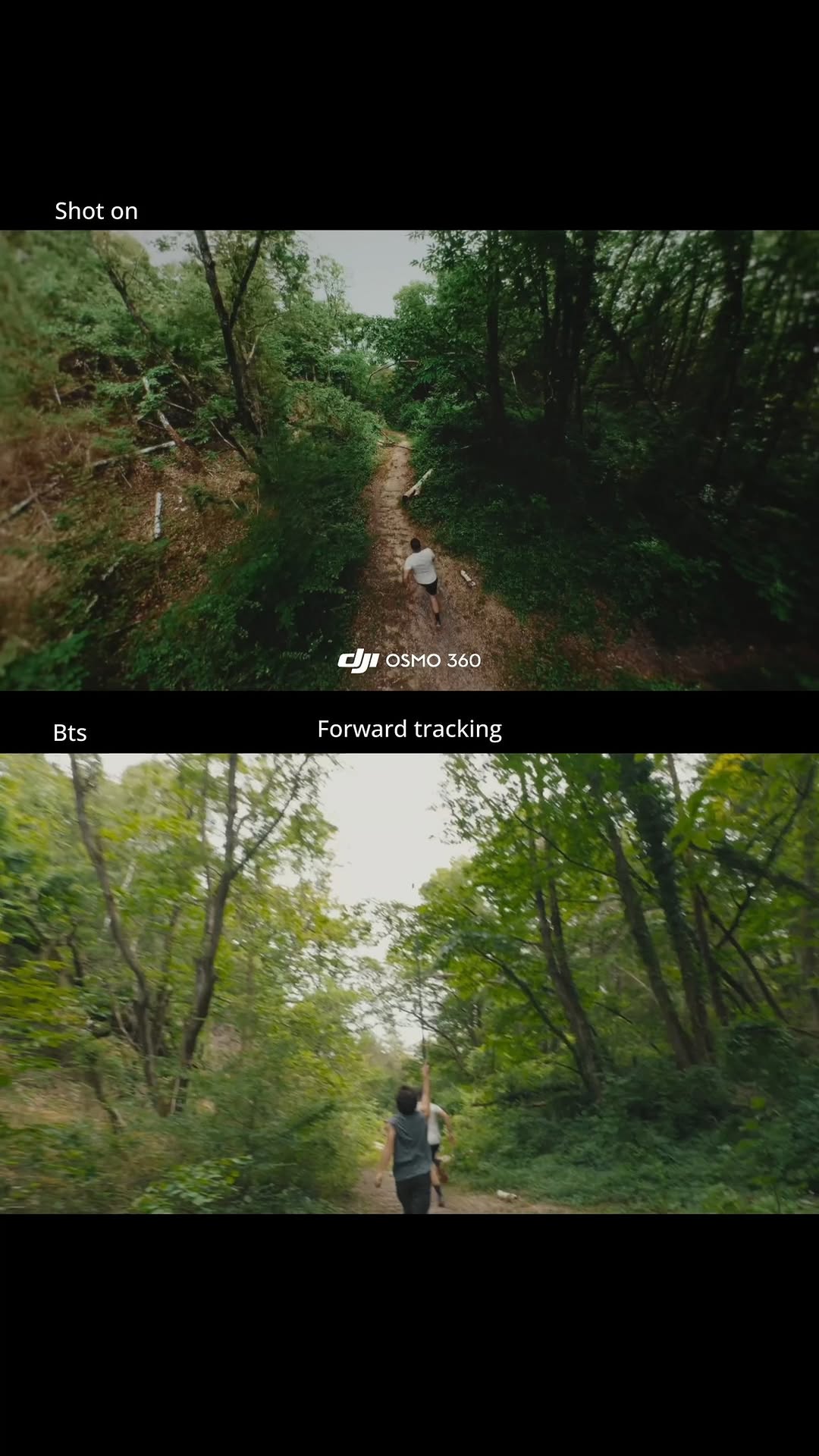
The edit1 shot · 3 text
Shots Text

Performance

Views
464.5K
Likes
23.6K
Comments
4.4K
Engagement
6%
Outlier
1.4×

Video #9534 · Talking Head Edit

Cinematic camera settings tutorialfrom @omgadrian

[01]

Overview

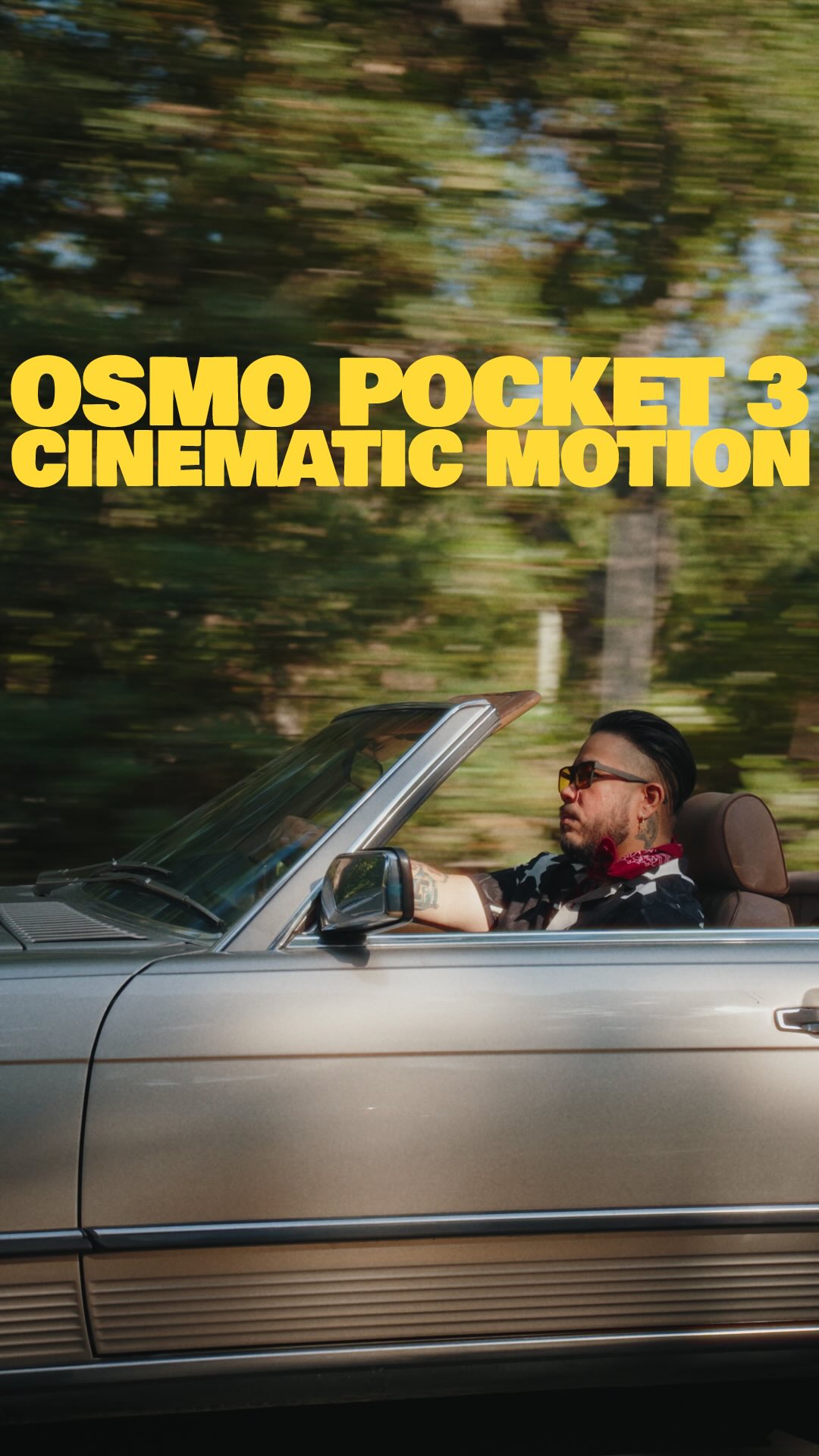
The creator teaches viewers how to achieve cinematic footage on the DJI Osmo Pocket 3 by manually setting the shutter speed for motion blur and using ND filters to control exposure in bright daylight.

[02]

Simple outline

  1. 1Qualify target audience
  2. 2Demonstrate high-quality results
  3. 3Explain technical configuration
  4. 4Reveal resulting problem
  5. 5Provide hardware solution

[03]

Related videos

[04]

Classification

Concepts
Buying ListTutorial / How To
Elements
B-Roll CutawayPhysical Product DemonstrationText Overlay

[05]

Hook analysis

What stops the scroll in the first 3 seconds

Title hook · 35%

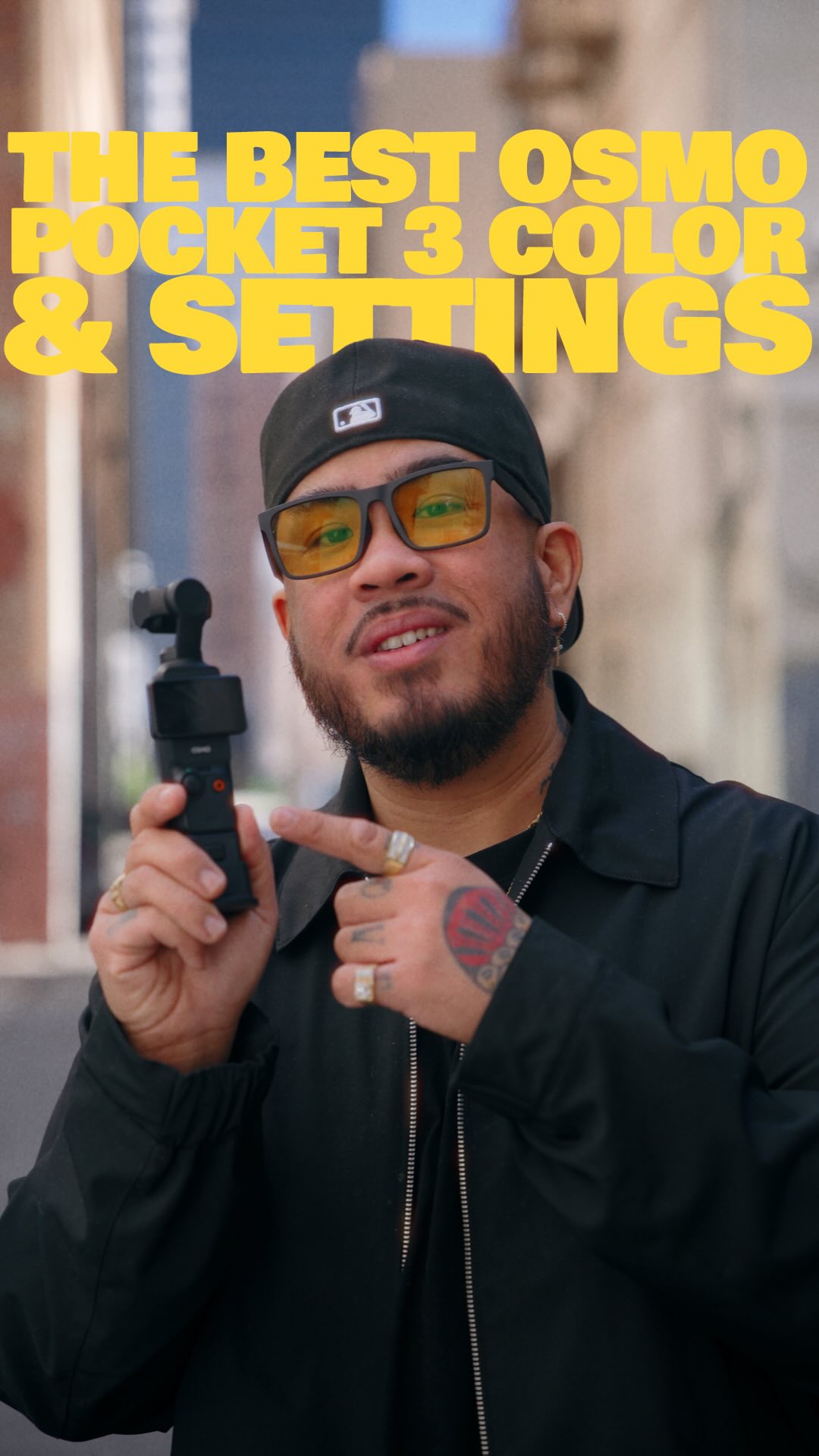
CINEMATIC FOOTAGE FROM YOUR OSMO

Verbal hook · 25%

If you have this camera right here, then you're not gonna want to skip this video.

Visual hook · 40%

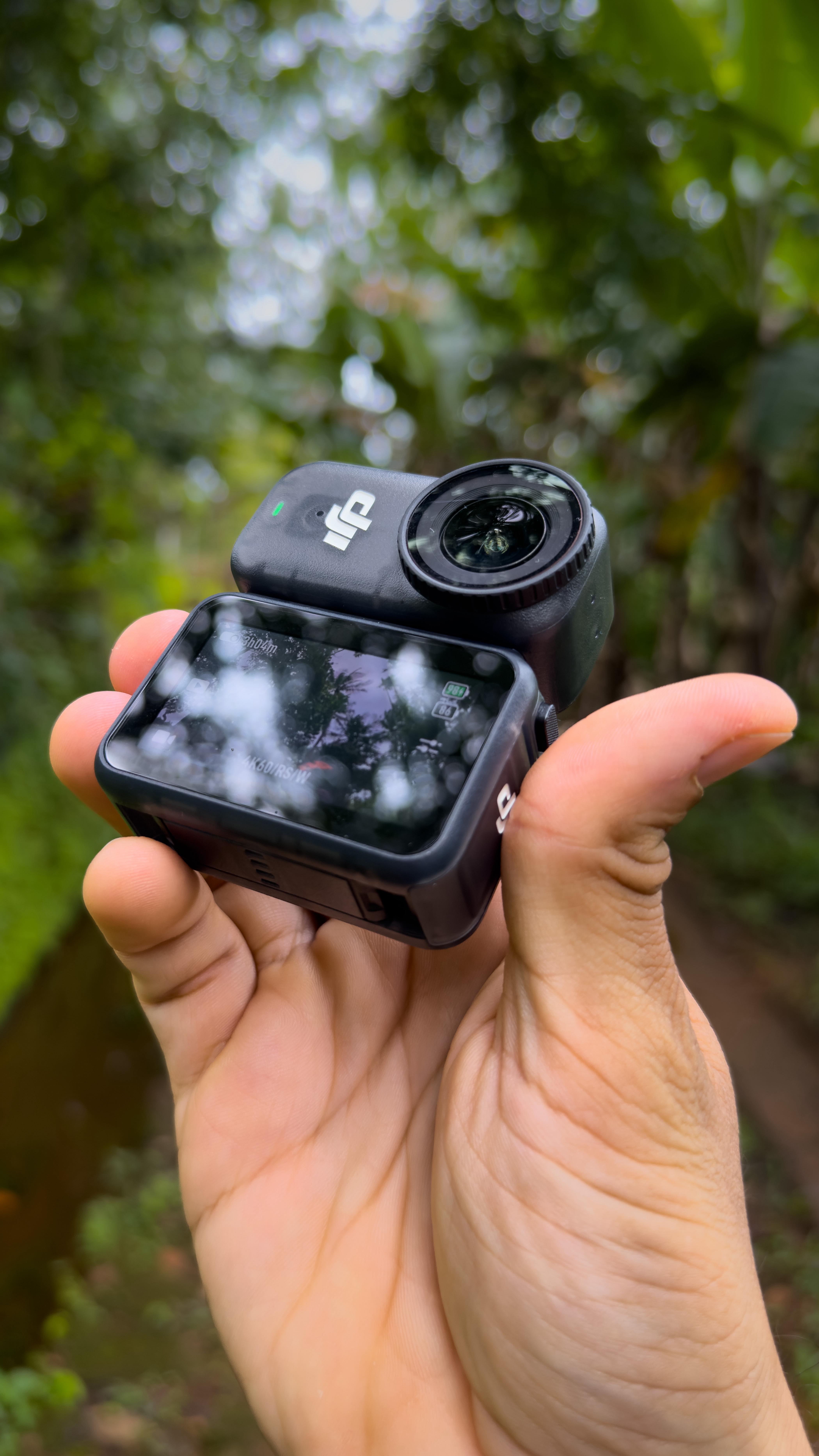
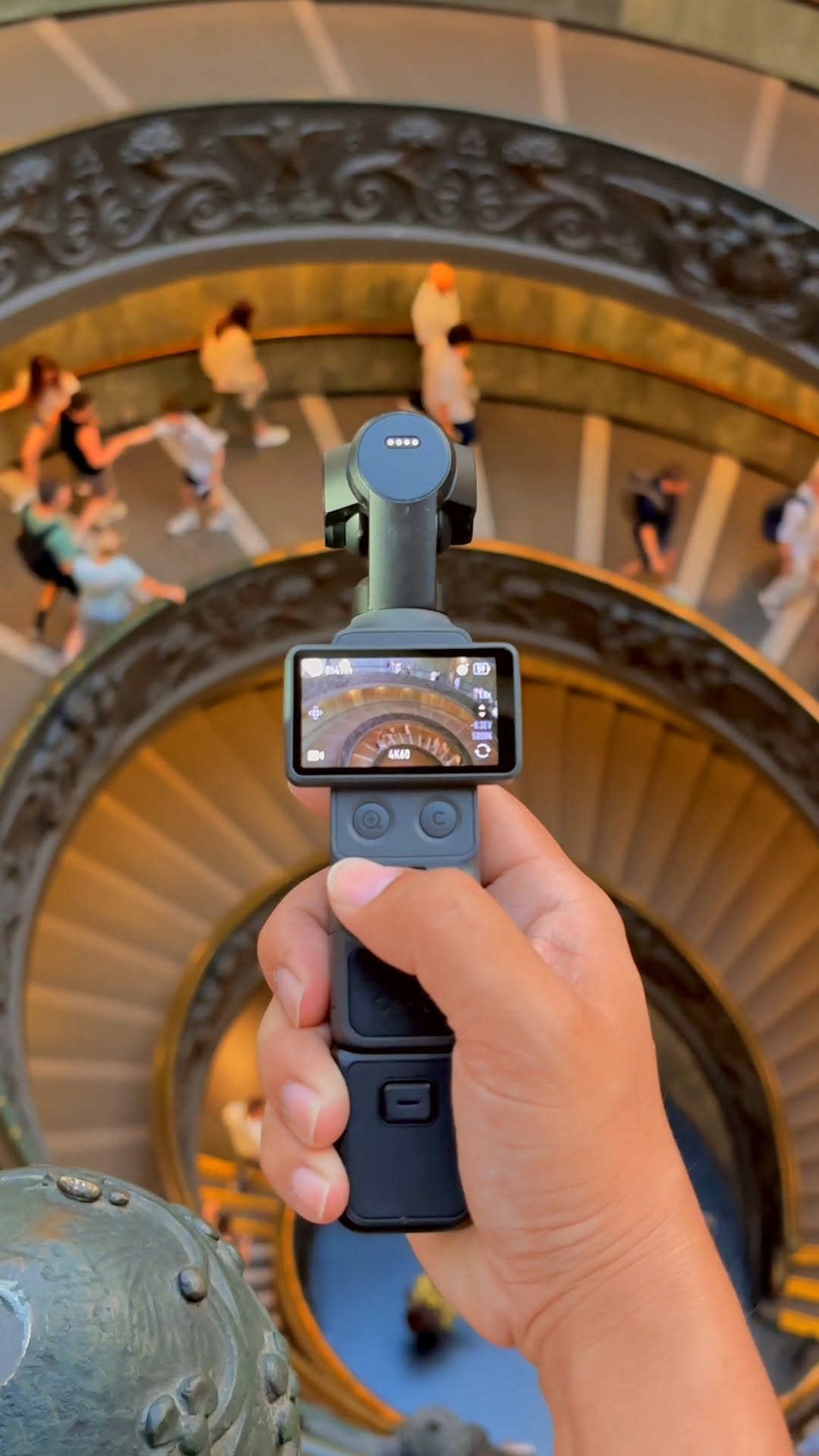
The speaker stands in a depth-filled city alleyway holding a small gimbal camera up to the lens, creating an immediate focus on the specific gear being discussed.

[06]

Hook template

Steal this for your own video

Hold [specific gear or tool] directly up to the camera lens while standing in [visually interesting environment] to instantly signal who this video is for.

  • — Hold a worn-out chef's knife directly up to the camera lens while standing in a restaurant kitchen to instantly signal who this video is for.
  • — Hold a specific climbing carabiner directly up to the camera lens while standing at the base of a rock face to instantly signal who this video is for.
  • — Hold a vintage vinyl record directly up to the camera lens while standing inside a record store to instantly signal who this video is for.

[07]

Hook and payoff

The promise the opener makes, and how the video pays it back

Hook

The Gatekeeper Call-Out

Payoff

The Mastery Sign-Off

[08]

Narrative framework

The structural pattern this video runs on

Framework

The Problem-Induced Optimization Protocol

Demonstrates a high-value result, reveals the technical settings required to achieve it, identifies the inevitable side-effect problem those settings cause, and presents the specific tool that resolves the conflict.

  1. 1

    The Visual Receipt

    Immediately displays high-end results to establish credibility and prove the potential of the subject matter before teaching.

  2. 2

    The Technical Recipe

    Walks through the specific, manual configuration steps required to set the foundation for the result.

  3. 3

    The Induced Obstacle

    Acknowledges a critical flaw or side effect created by the previous technical steps (e.g., overexposure), validating the viewer's potential confusion.

  4. 4

    The Hardware Key

    Reveals the specific physical tool or accessory that neutralizes the obstacle, completing the professional workflow.

  5. 5

    The Quality Synthesis

    Summarizes how the combination of the technical settings and the hardware tool achieves the final optimal output.

Themes

  • Content Creation
  • Skill Improvement
  • Gear Optimization

Techniques

  • Manual exposure settings
  • ND filter application
  • Motion blur demonstration

Trends

  • Cinematic vlog style
  • Pocket camera tutorials

Post caption

Just comment “apcc” and I’ll send you the link to my favorite Osmo accessories to make it a pocket cinematic content capturing powerhouse. Honestly, this has been my favorite camera since I got it last year. If you treat it right, and use it right, it’ll give you amazing footage. Also, these were colored with my AP Classic Cine color grading presets available as a LUT, that you can find with the link in my bio 🫡

Text overlays

  • title · beginning

    CINEMATIC FOOTAGE FROM YOUR OSMO

  • title · middle

    HERE ARE MY SETTINGS

  • contextual · middle

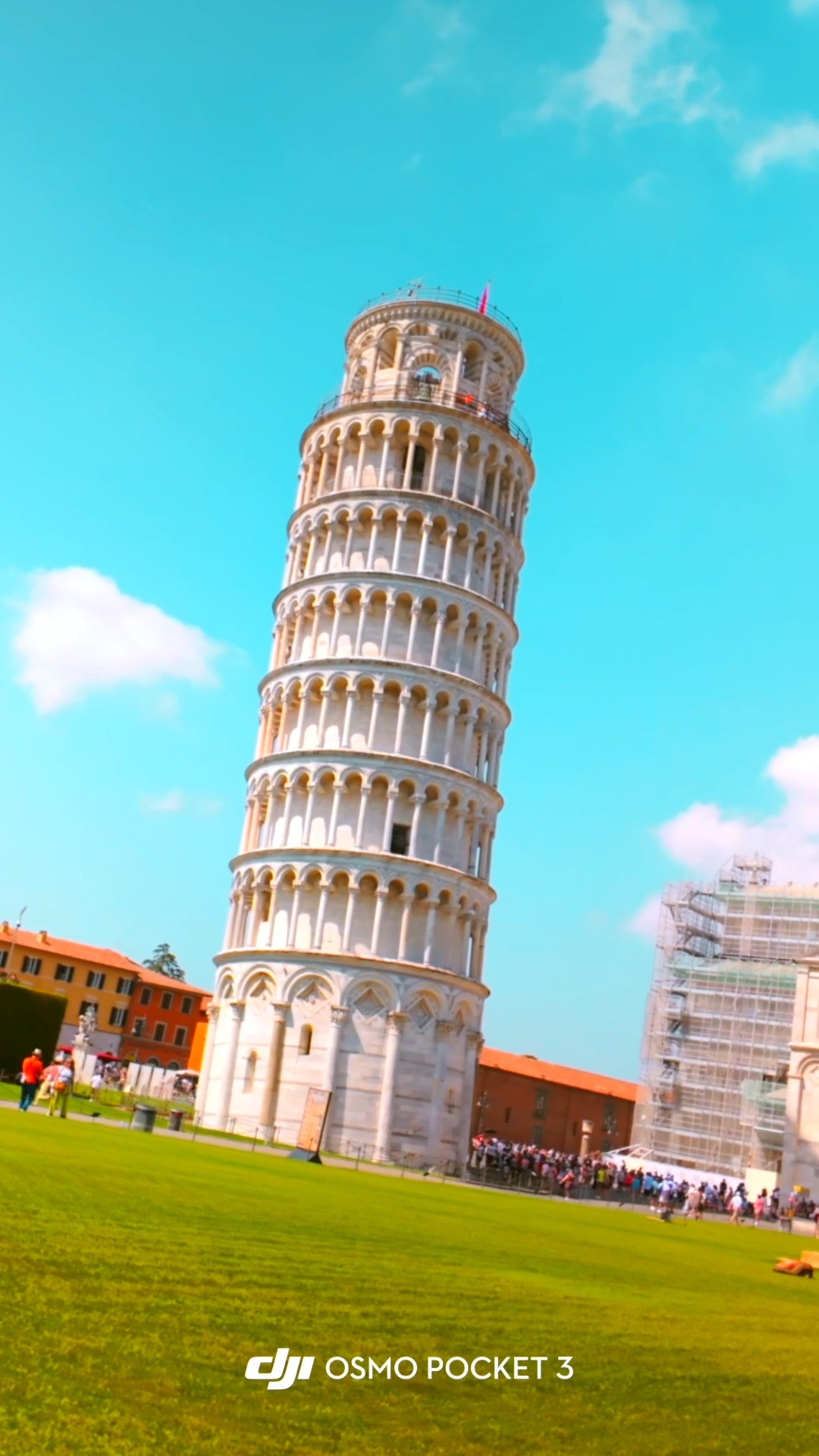
    DJI OSMO POCKET 3 FOOTAGE

Transcript

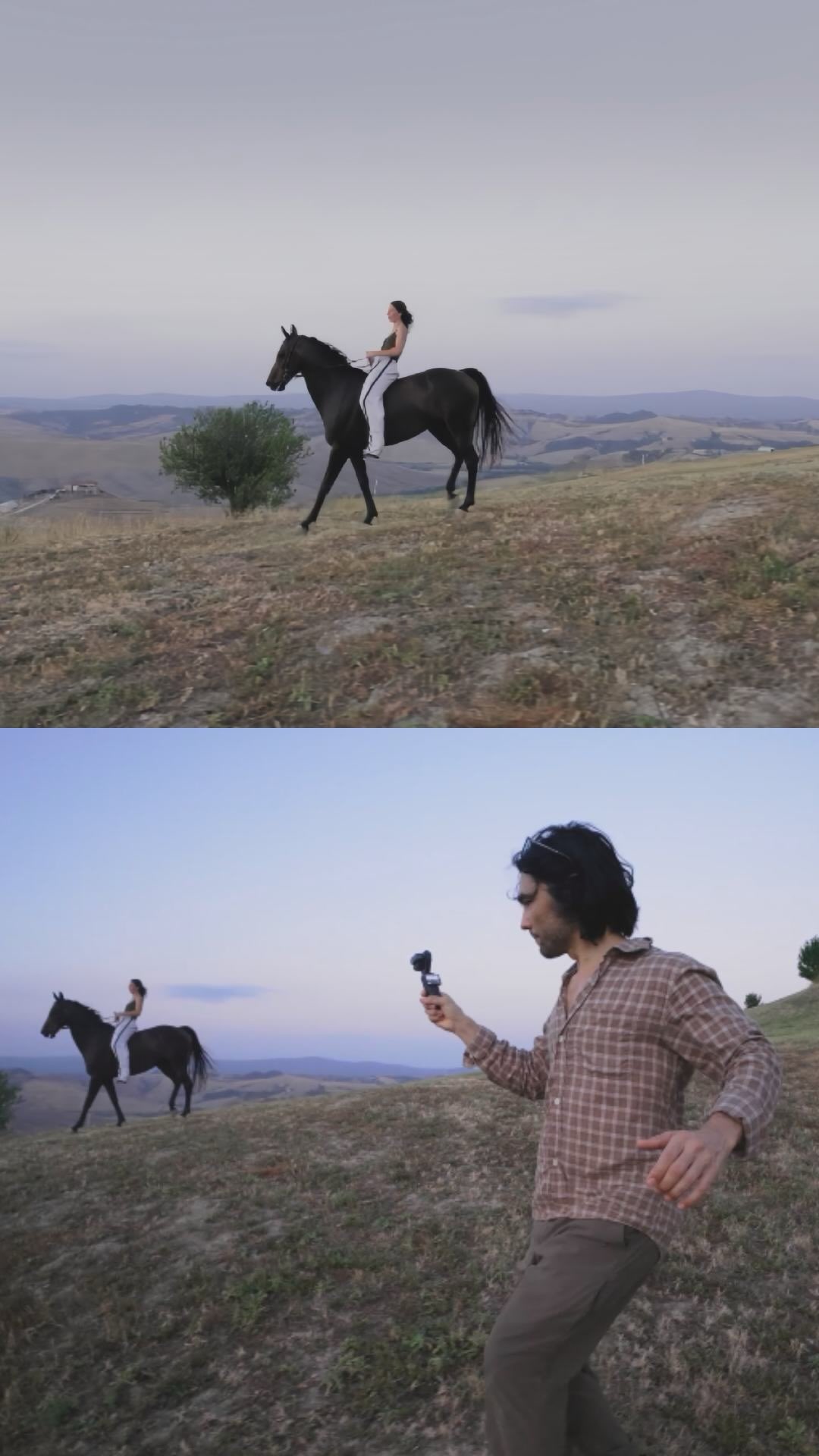
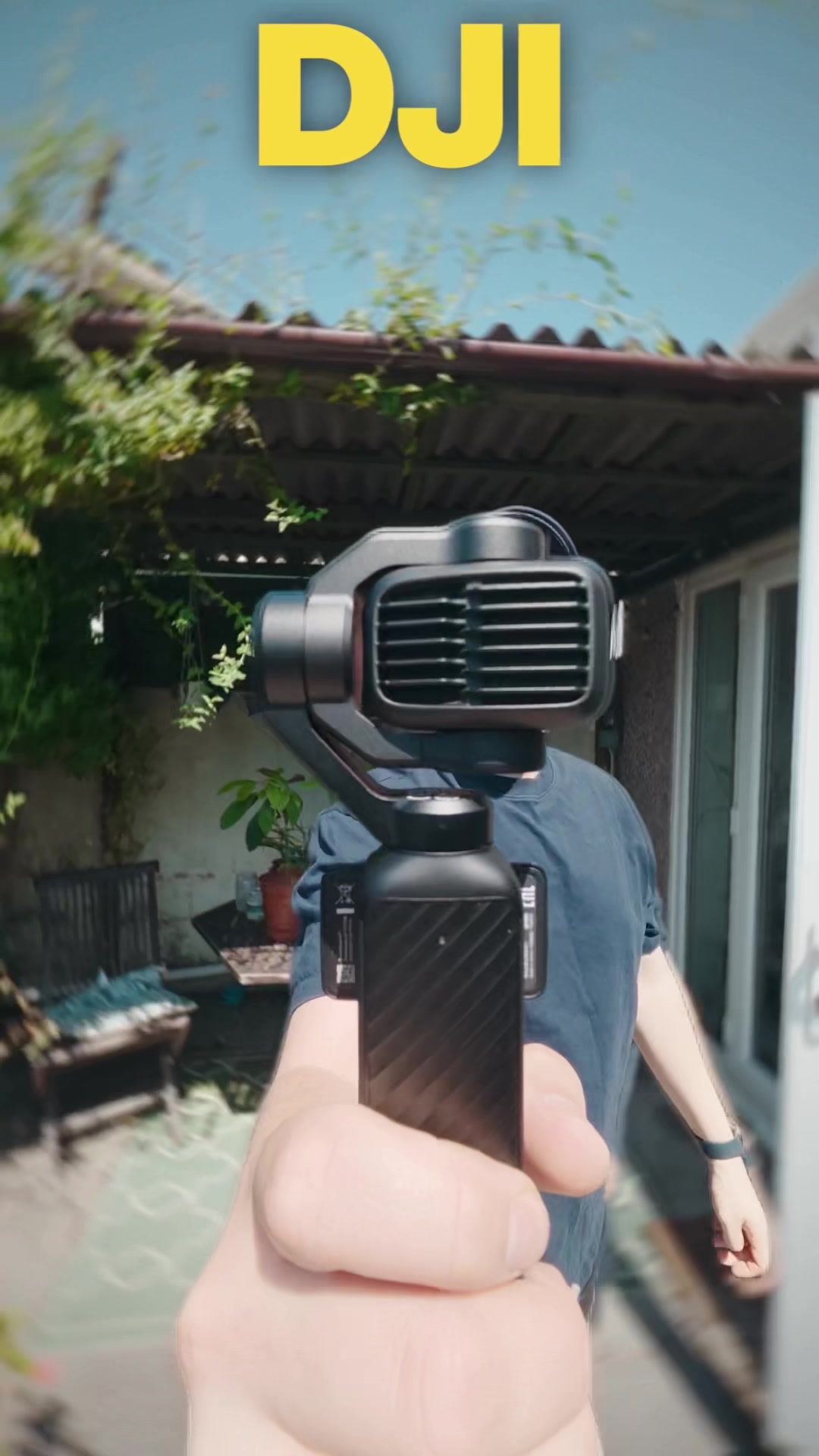
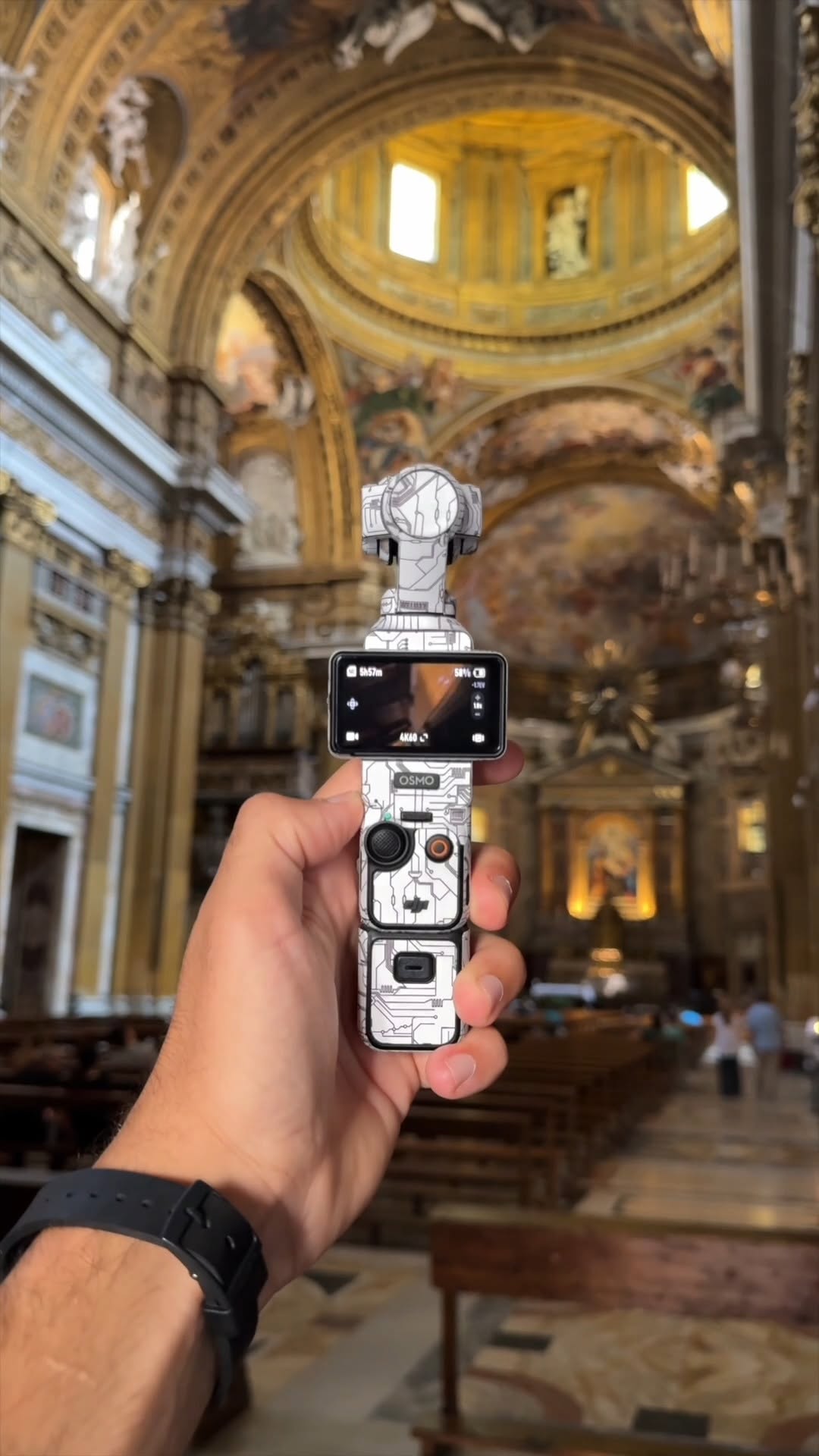
If you have this camera right here, then you're not gonna wanna skip this video. All this footage was shot on the DJI Osmo Pocket three, and here are my settings. We're going to set the exposure on manual, set the shutter speed at one over 50 no we can get our cinematic motion blur. Now, I know it looks super bright and blown out, but I put these on right here. This is an ND better, so we can film at a low shutter speed even when you're out in broad daylight. This is how you achieve the best possible quality image on your DJI Osmo Pocket three. Hope this helps. As always, take care. Happy creating, and I'll catch you all next time. Peace.

Cinematic camera settings tutorial | Viral Hooks