Viral Hooks
Trending short videosCamera settings tutorial for Osmo Pocket 3
O

@omgadrian

Instagram 路 Talking Head Edit

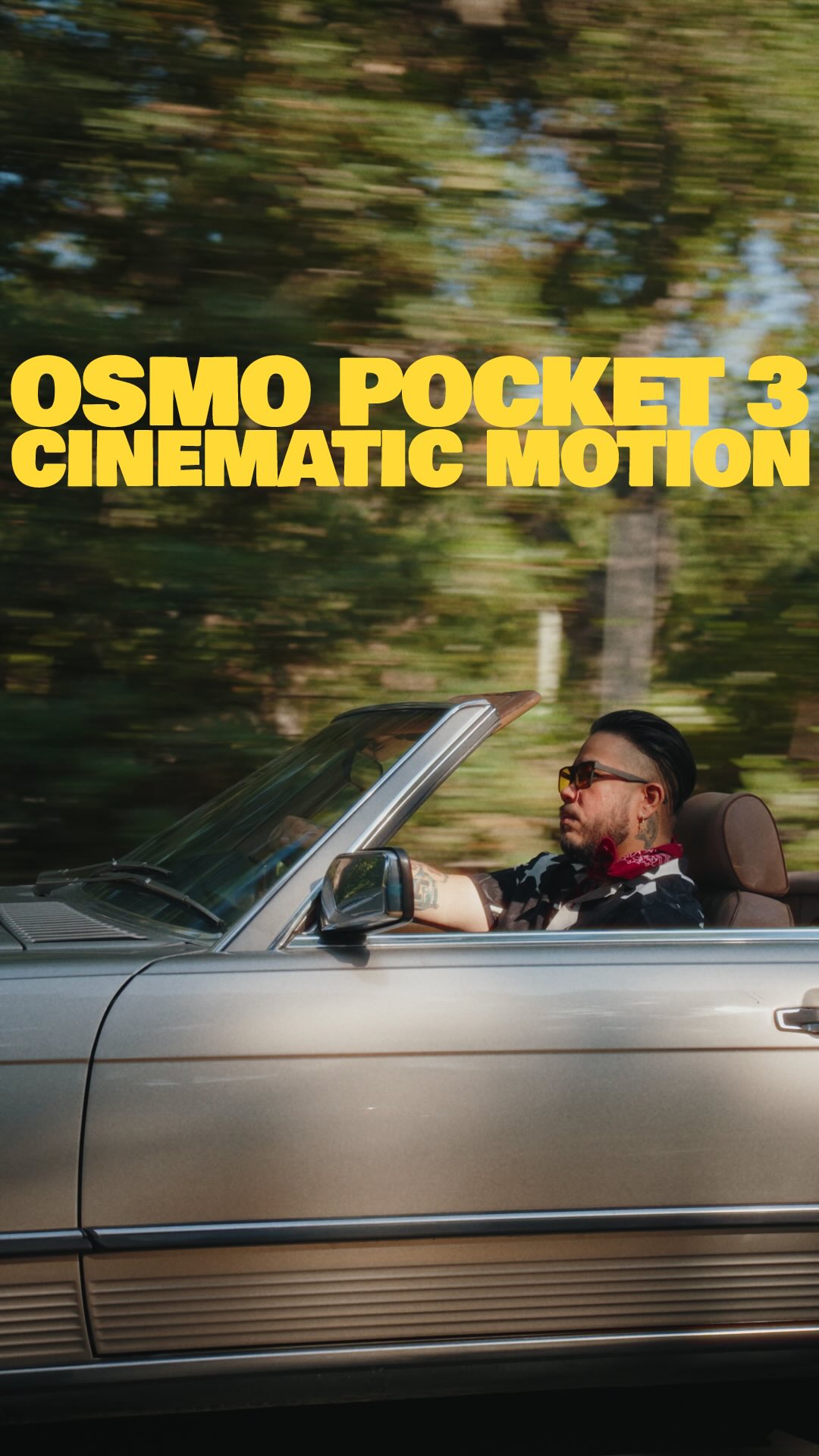
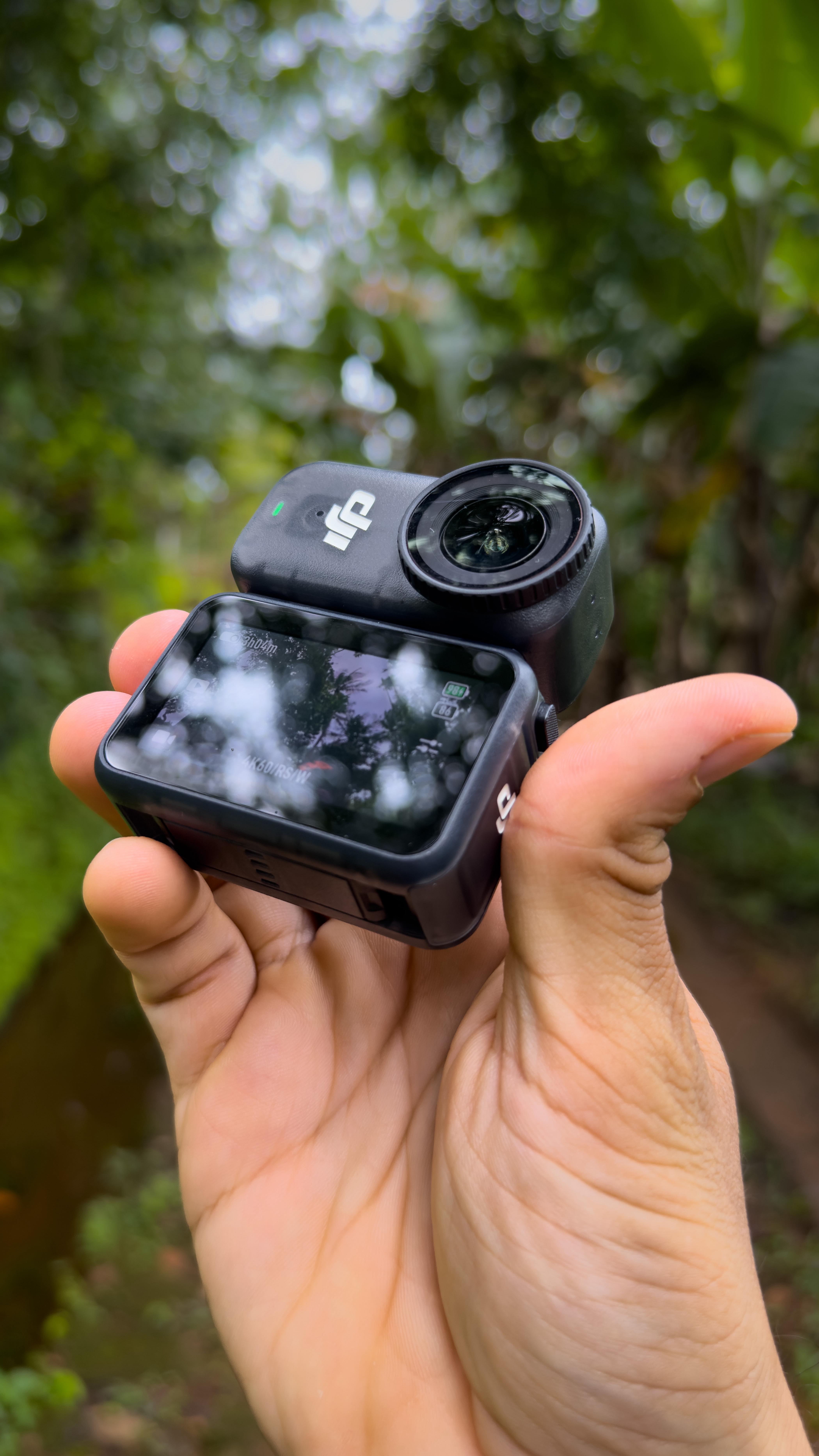
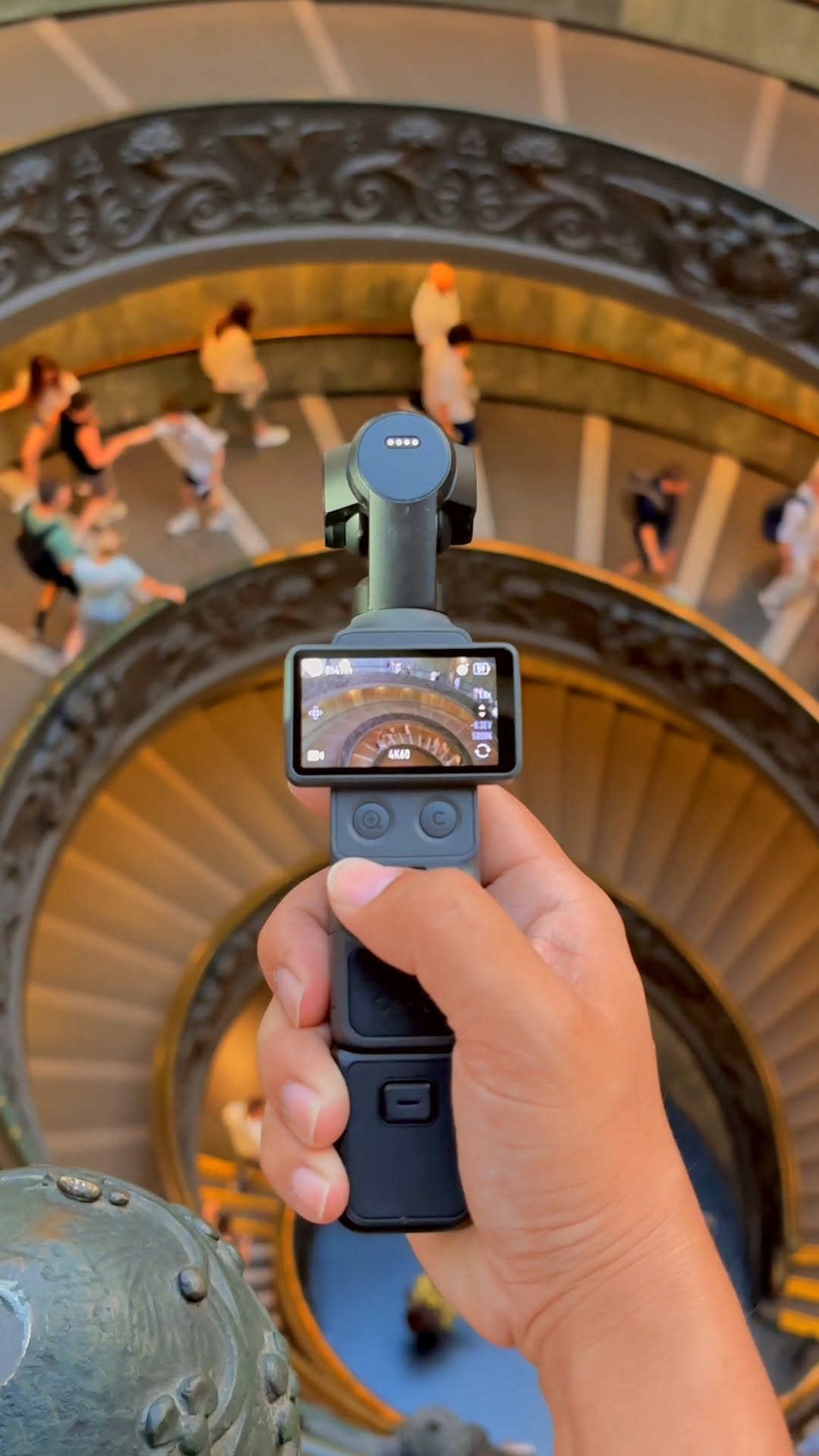
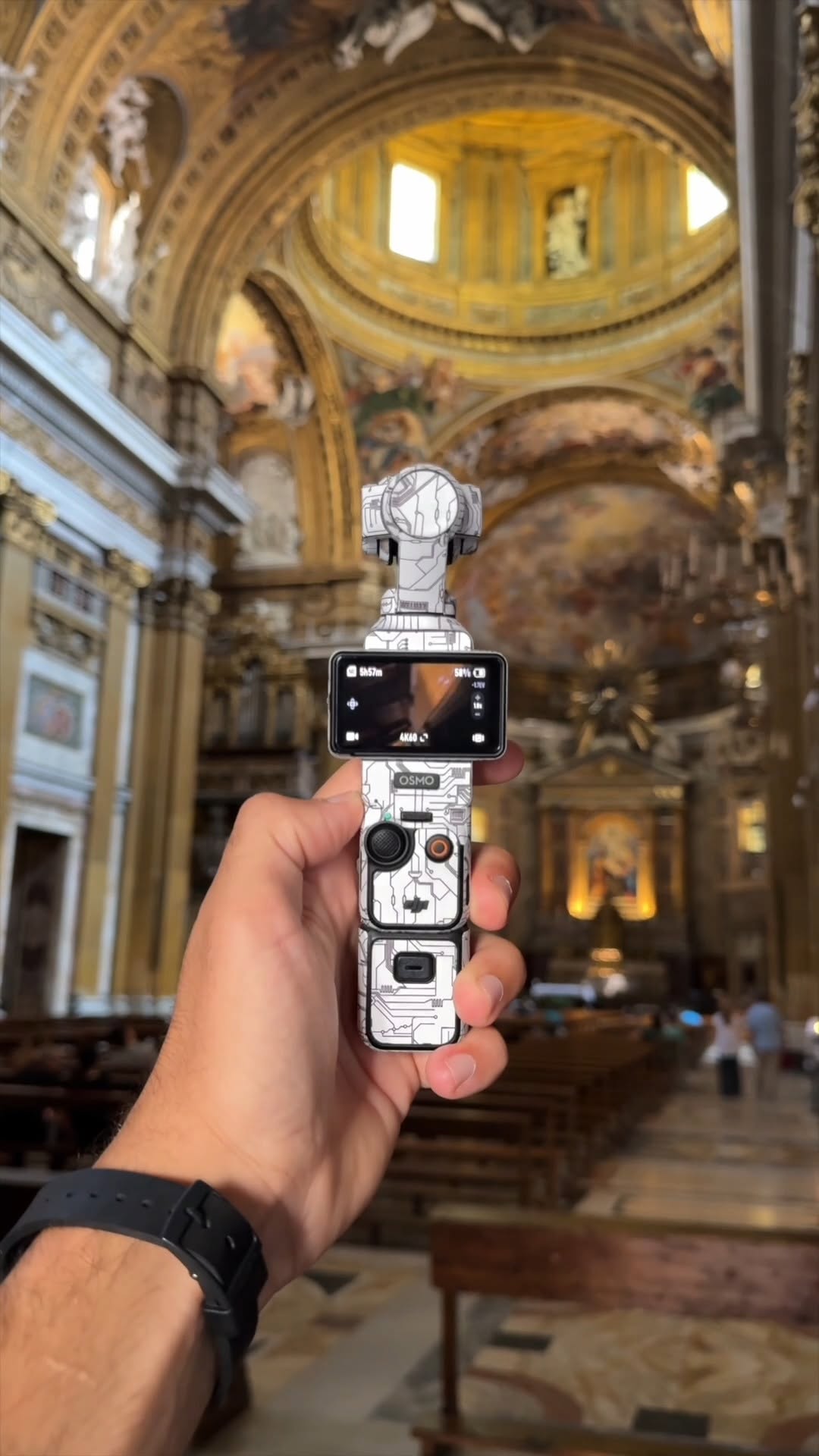
@omgadrian Today I鈥檓 sharing all my settings + how I color my footage on the DJI Osmo Pocket 3. We鈥檙e diving DEEP! A crowd favorite & arguably the most popular camera for creators these past 2 years. Personally, one of my favorites. How many of yall have this camera? You can find the LUT with the link in my bio. Hope this helps! 馃檪馃馃徑 #shortfilm #filmmaking #tutorial

View original on Instagram

The edit1 shot 路 4 text
Shots Text

Performance

Views
463.2K
Likes
25K
Comments
431
Engagement
5.5%
Outlier
1.9脳

Video #9537 路 Talking Head Edit

Camera settings tutorial for Osmo Pocket 3from @omgadrian

[01]

Overview

The creator walks through a city alleyway while instructing viewers on the optimal settings for the DJI Osmo Pocket 3 camera. He details specific configuration steps including color profiles and exposure settings, demonstrates the impact of his custom color grading LUT with before-and-after comparisons, and explains the necessity of ND filters for cinematic motion blur before concluding with sharpness and noise reduction adjustments.

[02]

Simple outline

  1. 1Promise elite outcome
  2. 2Reveal counter-intuitive setting
  3. 3Sell instant fix
  4. 4Solve technical paradox
  5. 5Finalize expert details

[03]

Related videos

[04]

Classification

Concepts
Tutorial / How ToProduct Promo
Elements
B-Roll CutawayText OverlayPhysical Product Demonstration

[05]

Hook analysis

What stops the scroll in the first 3 seconds

Title hook 路 45%

HOW TO GET THE BEST QUALITY

Verbal hook 路 40%

Today, I'm gonna show y'all how to get the best possible quality looking footage out of this camera.

Visual hook 路 15%

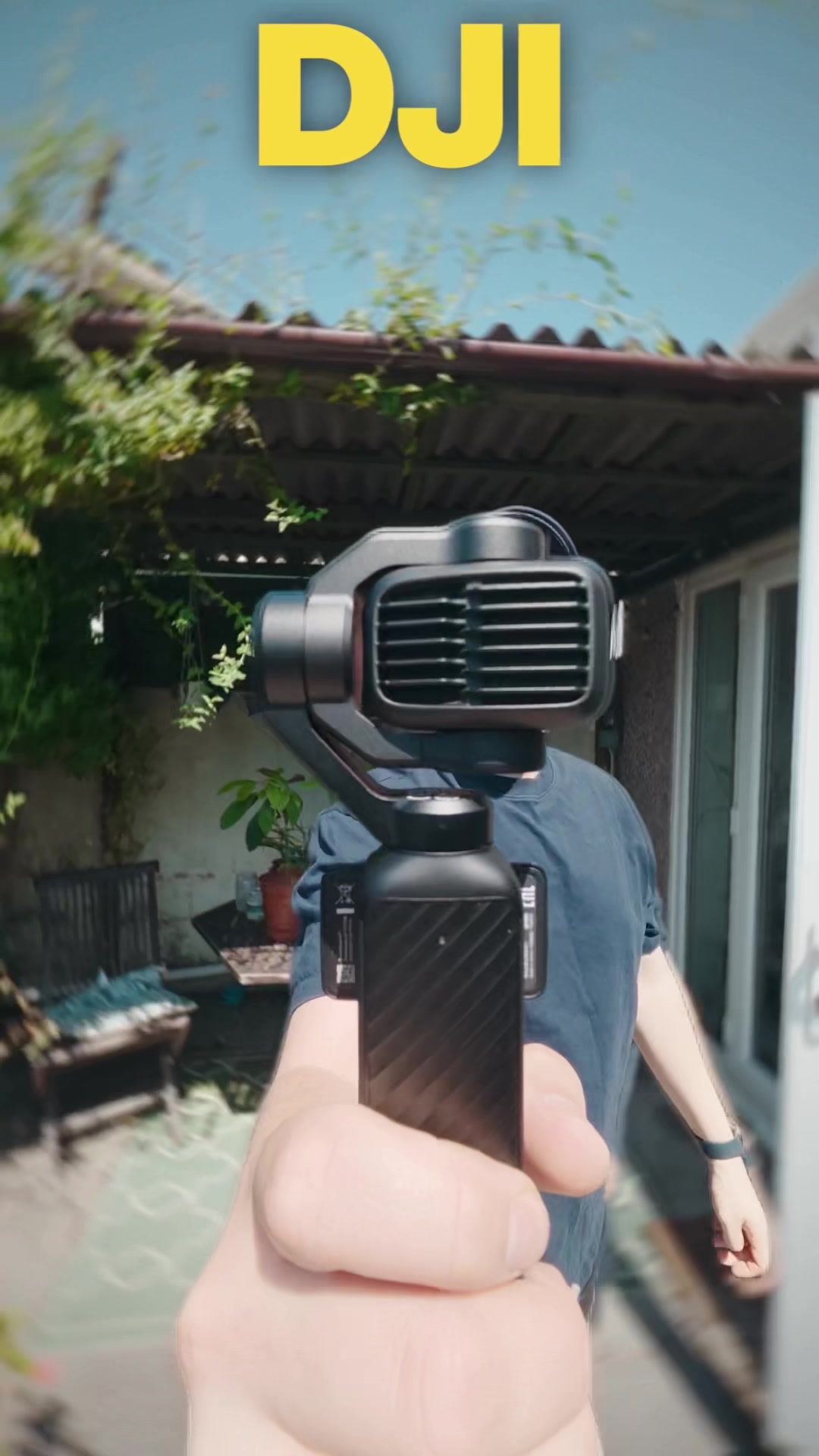
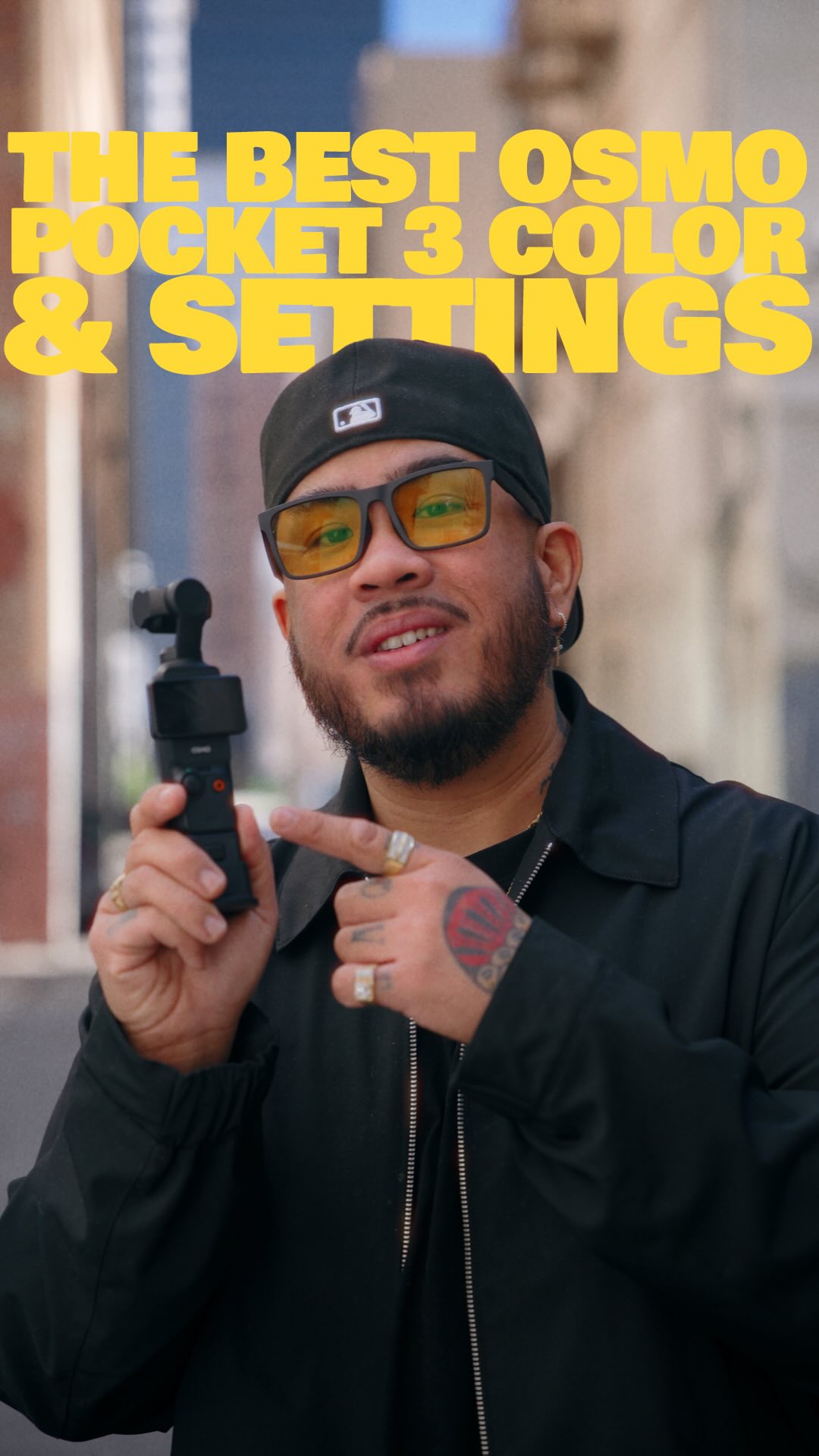
The creator walking confidently down a city alleyway towards the camera, holding the device, with large, bold yellow text overlay appearing immediately.

[07]

Hook and payoff

The promise the opener makes, and how the video pays it back

Hook

The Outcome Promise: Immediate verbal claim of achieving top-tier results paired with visual evidence.

Payoff

The Authority Sign-off: Reaffirming the initial promise was kept and closing the loop.

[08]

Narrative framework

The structural pattern this video runs on

Framework

The "Problem-First" Expert Guide

Validating a professional workflow by deliberately introducing "ugly" or "broken" intermediate stages, then revealing the specific tools or knowledge required to fix them, creating a natural slot for product placement.

  1. 1

    The Evidence Reel

    A montage of high-quality results to establish authority before teaching.

  2. 2

    The Raw Foundation

    Introducing the primary professional setting that actually makes the raw result look worse (flat/murky) to set up a problem.

  3. 3

    The Trust Gap

    Acknowledging the viewer's doubt about the "ugly" raw result to build rapport and tension.

  4. 4

    The Proprietary Bridge

    Introducing a specific asset (product/LUT) that transforms the "ugly" raw input into the "elite" output (The Upsell).

  5. 5

    The Technical Paradox

    Explaining a necessary setting (shutter speed) that creates a secondary problem (overexposure).

  6. 6

    The Hardware Key

    Revealing the physical tool (ND filter) required to resolve the technical paradox.

  7. 7

    The Micro-Polish

    Rapid-fire delivery of final, specific value adjustments for completeness.

Themes

  • Quality improvement
  • Technical education
  • Product promotion

Techniques

  • Walk and talk
  • Before and after comparison
  • Screen recording overlays

Trends

  • Creator economy tools
  • Cinematic vlog style

Post caption

Today I鈥檓 sharing all my settings + how I color my footage on the DJI Osmo Pocket 3. We鈥檙e diving DEEP! A crowd favorite & arguably the most popular camera for creators these past 2 years. Personally, one of my favorites. How many of yall have this camera? You can find the LUT with the link in my bio. Hope this helps! 馃檪馃馃徑 #shortfilm #filmmaking #tutorial

Text overlays

  • title 路 beginning

    HOW TO GET THE BEST QUALITY

  • contextual 路 middle

    DJI OSMO POCKET 3 FOOTAGE

  • informational 路 middle

    D-LOG M NEUTRAL D.LUT

  • call-to-action 路 end

    FULL BREAKDOWNS & WRITE UPS AVAILABLE FOR FREE @APCC NEWSLETTER & DISCORD LINK IN BIO TO JOIN

Transcript

Today, I'm gonna show y'all how to get the best possible quality looking footage out of this camera. All this footage was shot on the DJI Osmo Pocket three. And here are my settings. First and foremost, most importantly, we're gonna go right here. Select pro and select d log m as the color picture profile. Okay. Good. Y'all are gonna have to trust me on this one. Alright? I know it looks murky. Doesn't have life. Looks flat. Don't worry because I have made this. This is my color grading preset that I've made for this camera. A simple one click drag and drop preset available as a LUT. This takes your footage from this to this, and this to this. Easy enough for even the folks who don't know how to color grade to use on any editing platform of your choice. You can get it now with the link in my bio, and if you tried it or have it, let me know what you think rank the comments. Now let's go back to the rest of the settings. We're going to set the exposure on manual, set the shutter speed at one over 50 no we can get our cinematic motion blur. Now I know it looks super bright and blown out, but I put these on right here. This is an ND better, so we can film at a low shutter speed even when you're out in broad daylight. Lastly, I set my sharpness to minus two and my noise reduction to minus two as well. This is how you achieve the best possible quality image on your DJI Osmo Pocket three. Hope this helps. As always, take care. Happy creating, and I'll catch you all next time. Peace.

Camera settings tutorial for Osmo Pocket 3 | Viral Hooks