@imsteviesells
Instagram · Talking Head Edit

@imsteviesells I bought a tiny TV 📺 @imsteviesells #tv #gadget #tinytv #tech

@imsteviesells
Instagram · Talking Head Edit
@imsteviesells I bought a tiny TV 📺 @imsteviesells #tv #gadget #tinytv #tech
Performance
Video #9575 · Talking Head Edit
[01]
The creator introduces a miniature television gadget, explaining its Kickstarter origins and unboxing the device to reveal its retro design. He demonstrates functional controls like the remote and volume dials, then walks through the technical process of converting and uploading a custom video file to play on the tiny screen.
[02]
[03]
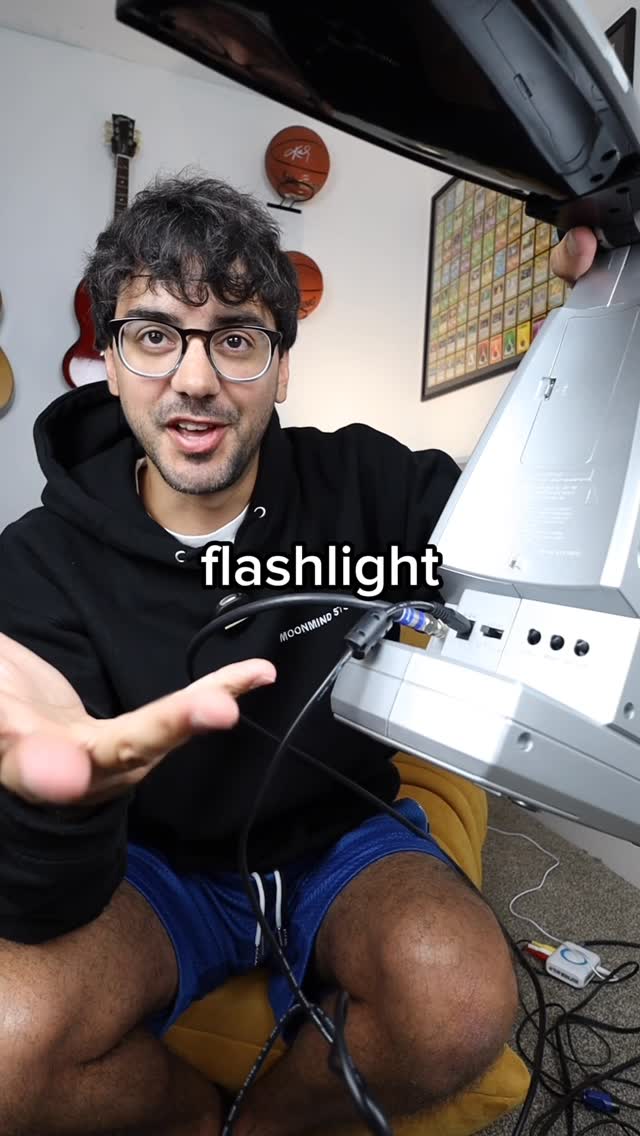 632.7KPlaying Mario Kart on flashlight TV@imsteviesells · Challenge
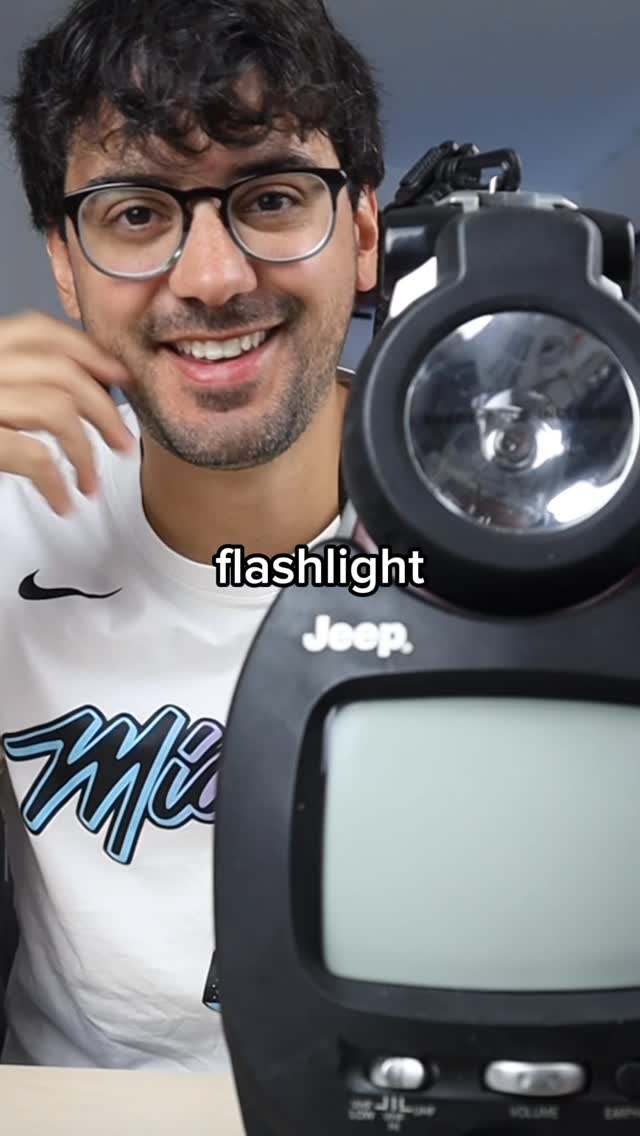 9.6M7.1×Testing vintage Jeep survival gadget@imsteviesells · Showcase
 274.8K21.4×Founder introduces custom engineered product@screwellis · Origin Story
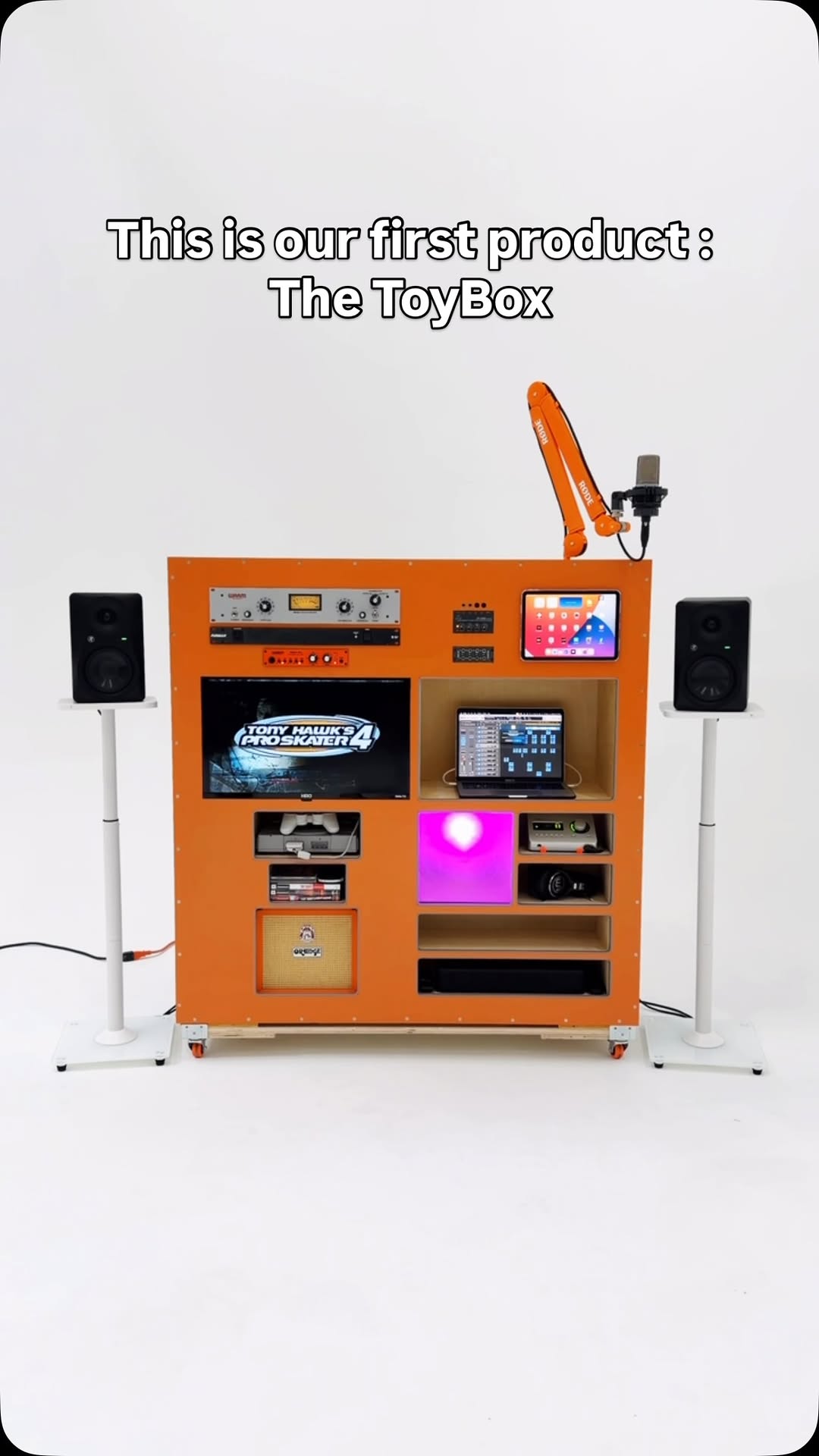 87.2K2×Creator showcases all-in-one creative station@weirdkidengineering · Brand Showcase
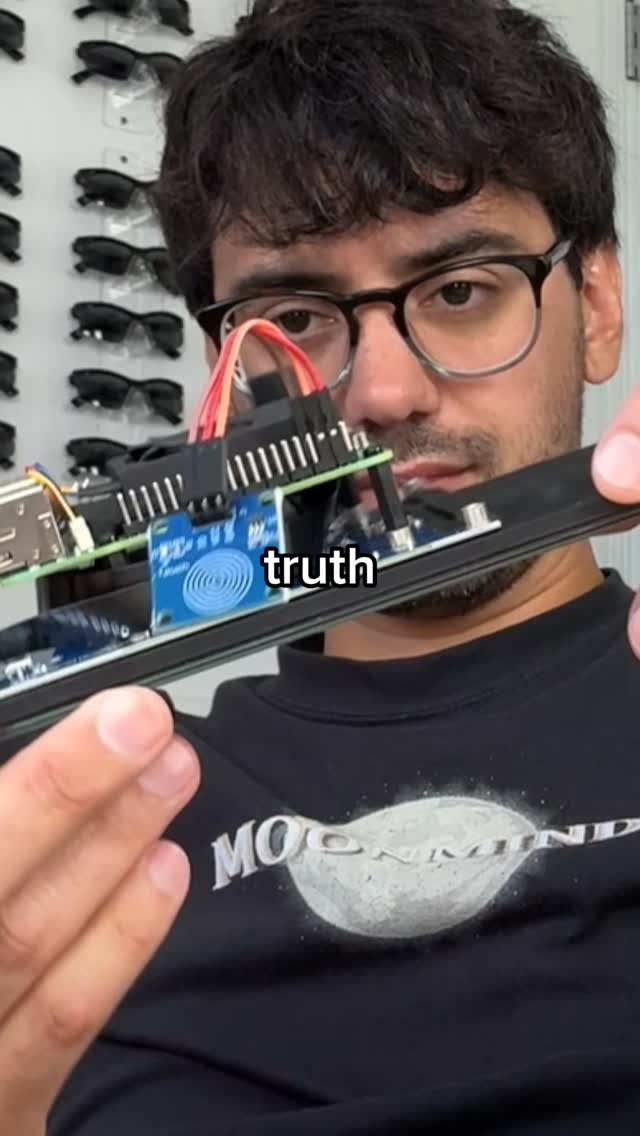 507.2KShows dream recorder build process@imsteviesells · Process
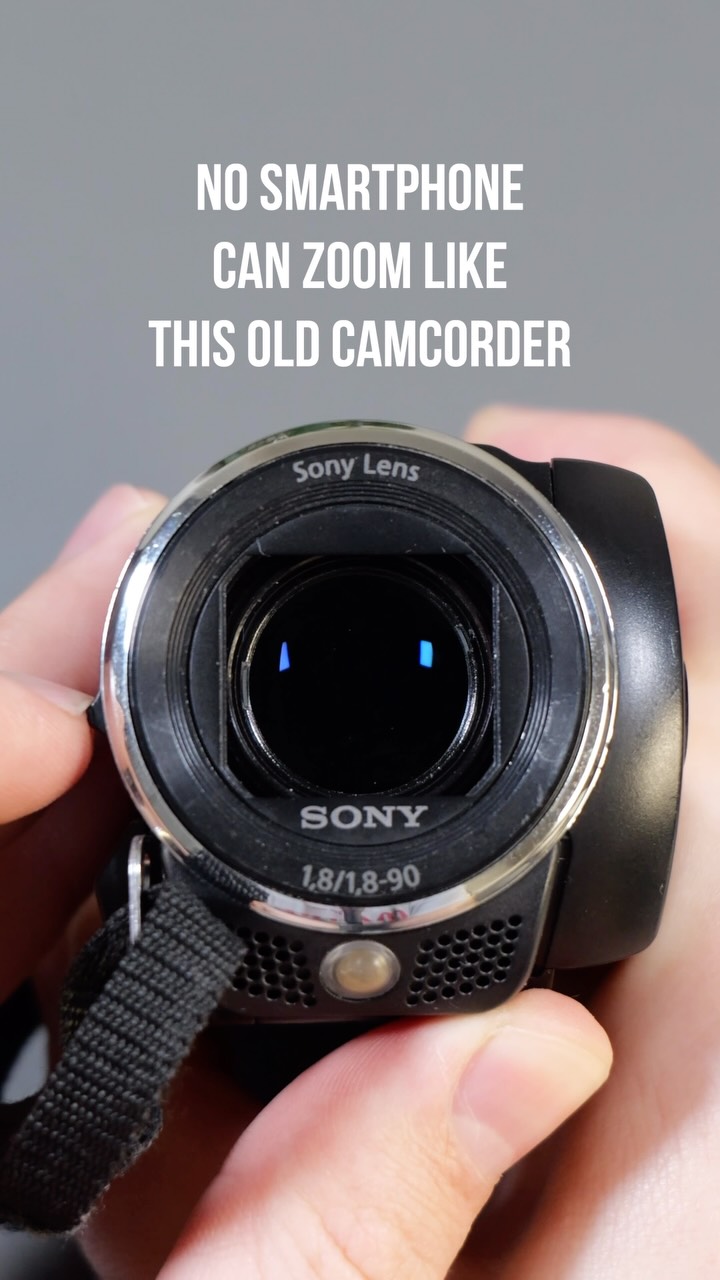 87K2.2×Vintage camcorder optical zoom test@shuttario · Performance Proof
 1.8MAesthetic unboxing and product setup@sleepyboy_zzz · Product Showcase
 488.9K1.7×Creator shows custom tech build process.@covacut · Process
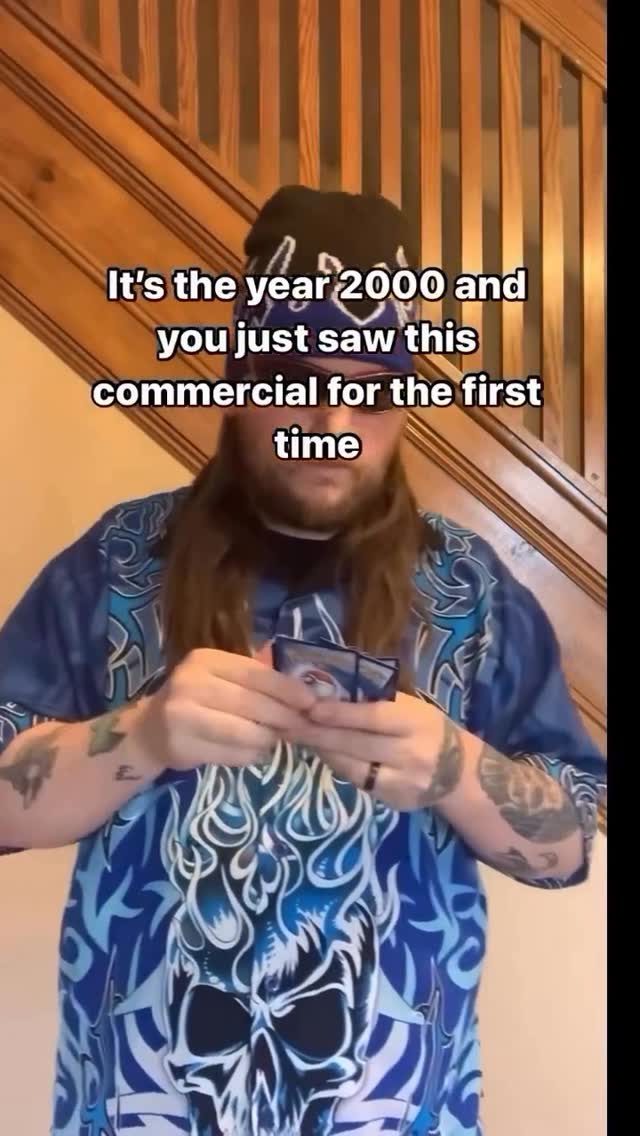 254.8K26.8×Relatable Y2K nostalgia commercial skit@clayxscott · Nostalgia Highlight
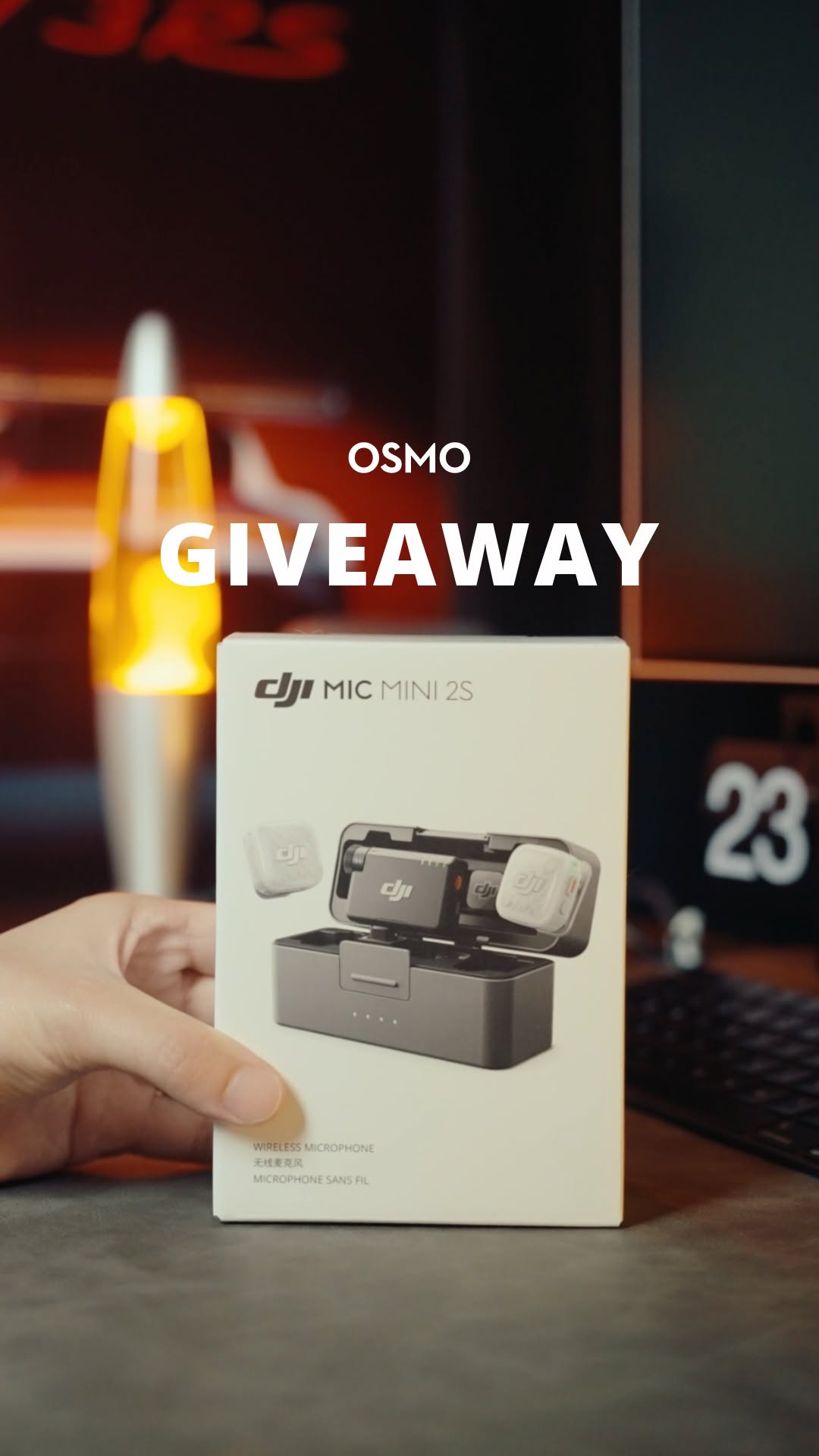 1.9M103.1×ASMR product unboxing for giveaway@osmo_global · Giveaway Announcement
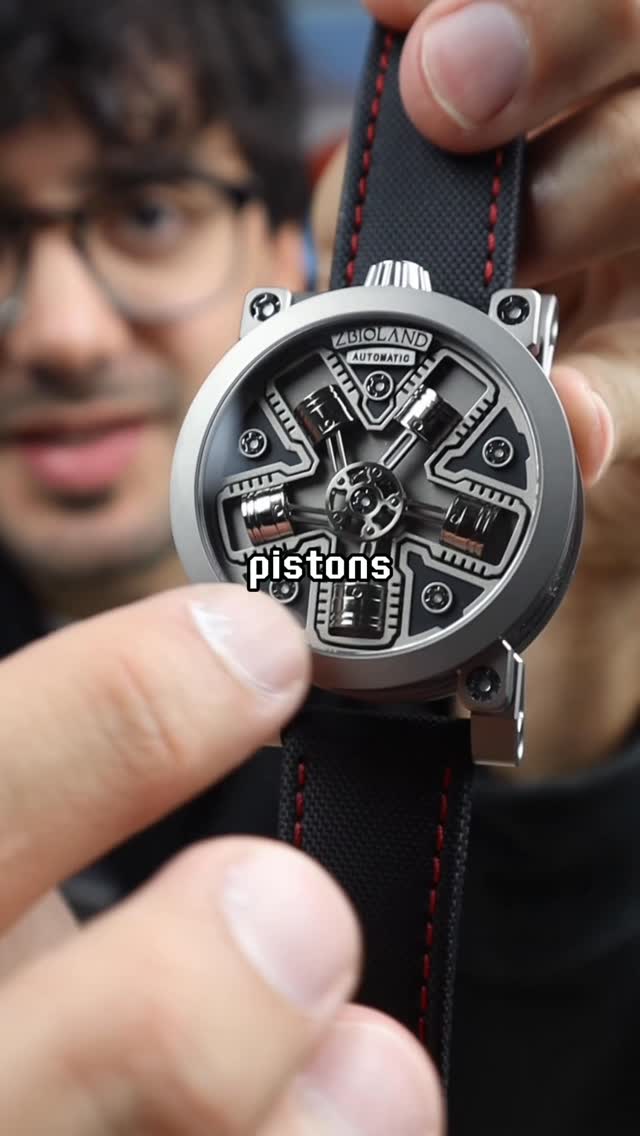 1M2.5×Man reviews radial engine watch@imsteviesells · Product Showcase
 767.5K12.1×Showcasing a retro car gadget@flock_mfg · Show and Tell
[04]
[05]
What stops the scroll in the first 3 seconds
Verbal hook · 45%
This is my new tiny TV.
Visual hook · 55%
Close-up shot of a creator holding an extremely small, miniature television set, creating an immediate visual contrast in scale against his hand.
[07]
The promise the opener makes, and how the video pays it back
Hook
Immediate visual presentation of the object's defining characteristic (extreme scale) paired with a declarative ownership statement.
Payoff
The Meta-Verification, where the creator views their own custom content inside the device, validating the 'killer feature' and closing the narrative loop.
[08]
The structural pattern this video runs on
Framework
The Novelty Stress Test
Validating a gimmick product by treating it with serious technical rigor, escalating from basic hardware checks to a complex custom demonstration.
The Origin Context
Briefly establishing the product's history or crowdfunding roots to build value and legitimacy beyond just being a 'toy'.
The Hardware Audit
Physical examination of build quality and accessories, often expressing skepticism about the functionality of tiny components.
The Functionality Sprint
Rapid-fire testing of basic inputs (buttons, remote range) to prove the device is fully operational and not just a prop.
The Feature Escalation
Transitioning from basic usage to the most impressive or unexpected technical capability that distinguishes the product.
The Integration Process
A step-by-step montage of bridging the creator's world with the device (filming, converting, transferring) to build anticipation.
I bought a tiny TV 📺 @imsteviesells #tv #gadget #tinytv #tech
This is my new tiny TV. So I actually saw this project like two years ago. They were trying to raise money to bring the smallest TV ever made to life, and I think they raised quite a bit. I find it cool that we live in this era where almost anything can become a business, even tiny TVs. Tier. So this is the TV. There was a clear version too, but I like this more retro look. Is that a remote? It looks like it's three d printed. I guess better try it. Alright. Click the button. Oh, there we go. That's pretty amazing. You can change the channels with this thing. Volume. Let's see how far away I can go. It's still working back here. You can also adjust the channel and volume using these dials on the TV too. Now when I bought this, one thing that made me really excited is that you can upload your own videos to it. And yeah, on the back here it says it can store over ten hours of video. I wanna try this no let's film a quick video. Stevie sells on the tiny TV. Yippee. Alright. Now we convert this video by using the tiny TV converter app. I'll plug in the TV to my computer tier. USB storage mode. Copy it over and eject. Now let's see if it's on here. No. There I am. Allow for more peace.