@figma
Instagram · One Shot
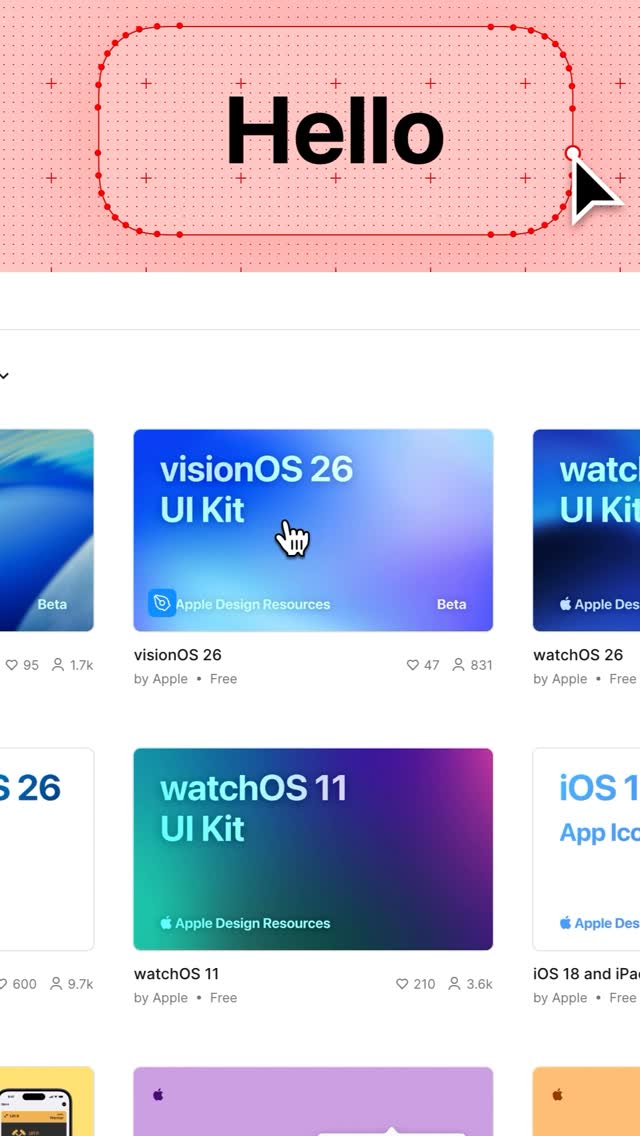
@figma watchOS, visionOS, and macOS UI kits just dropped

@figma
Instagram · One Shot
@figma watchOS, visionOS, and macOS UI kits just dropped
Performance
Video #12008 · One Shot
[01]
The video showcases Apple's design resources website, navigating through different UI kits and templates available for download. The cursor clicks on various elements, highlighting the resources available for app design on Apple platforms.
[02]
[03]
 2M25.1×List of secret design websites@chromas.lab · Buying List
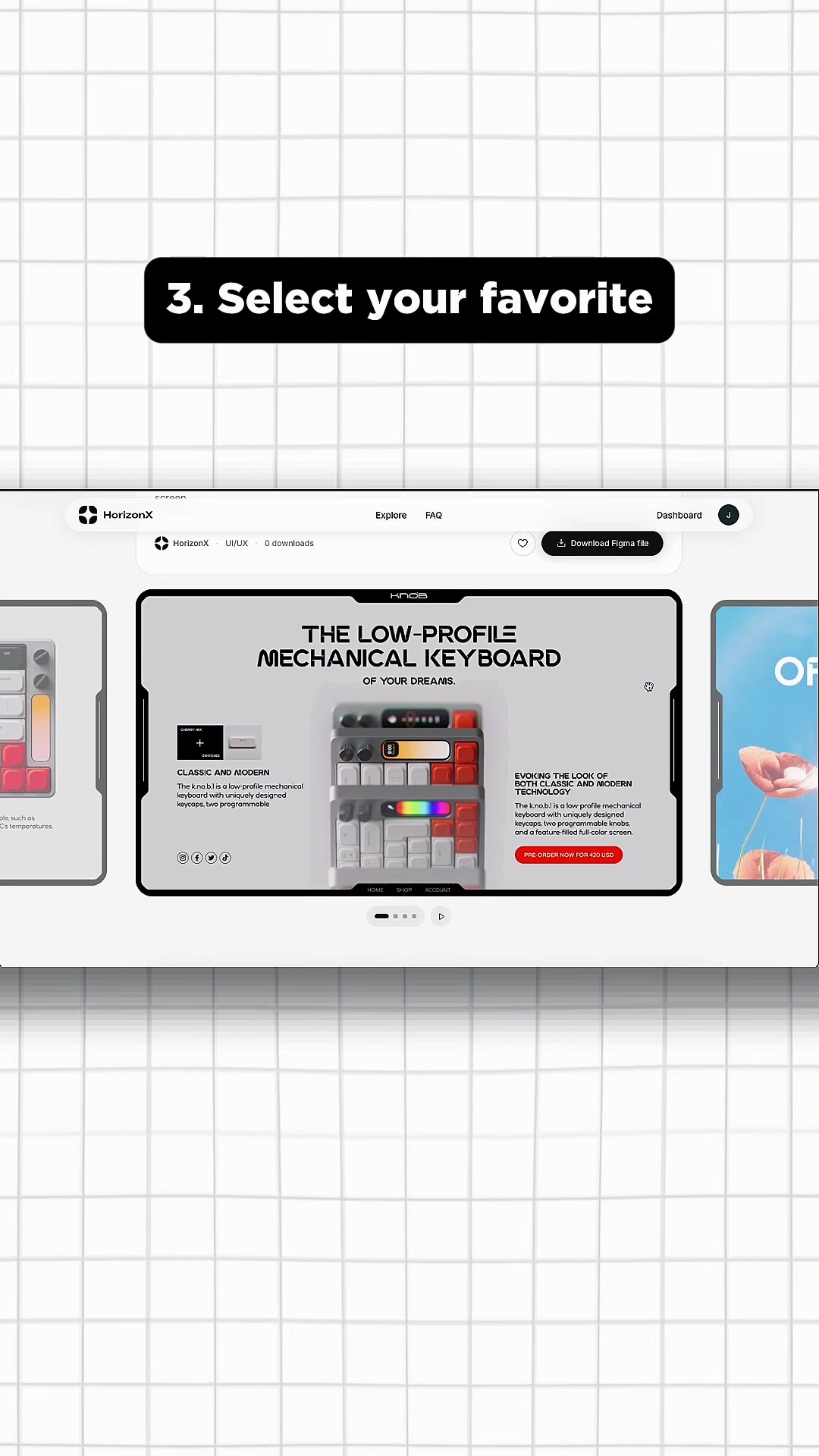 1.2M167.3×Showcasing a premium UI asset library@marcelodesignx · Showcase
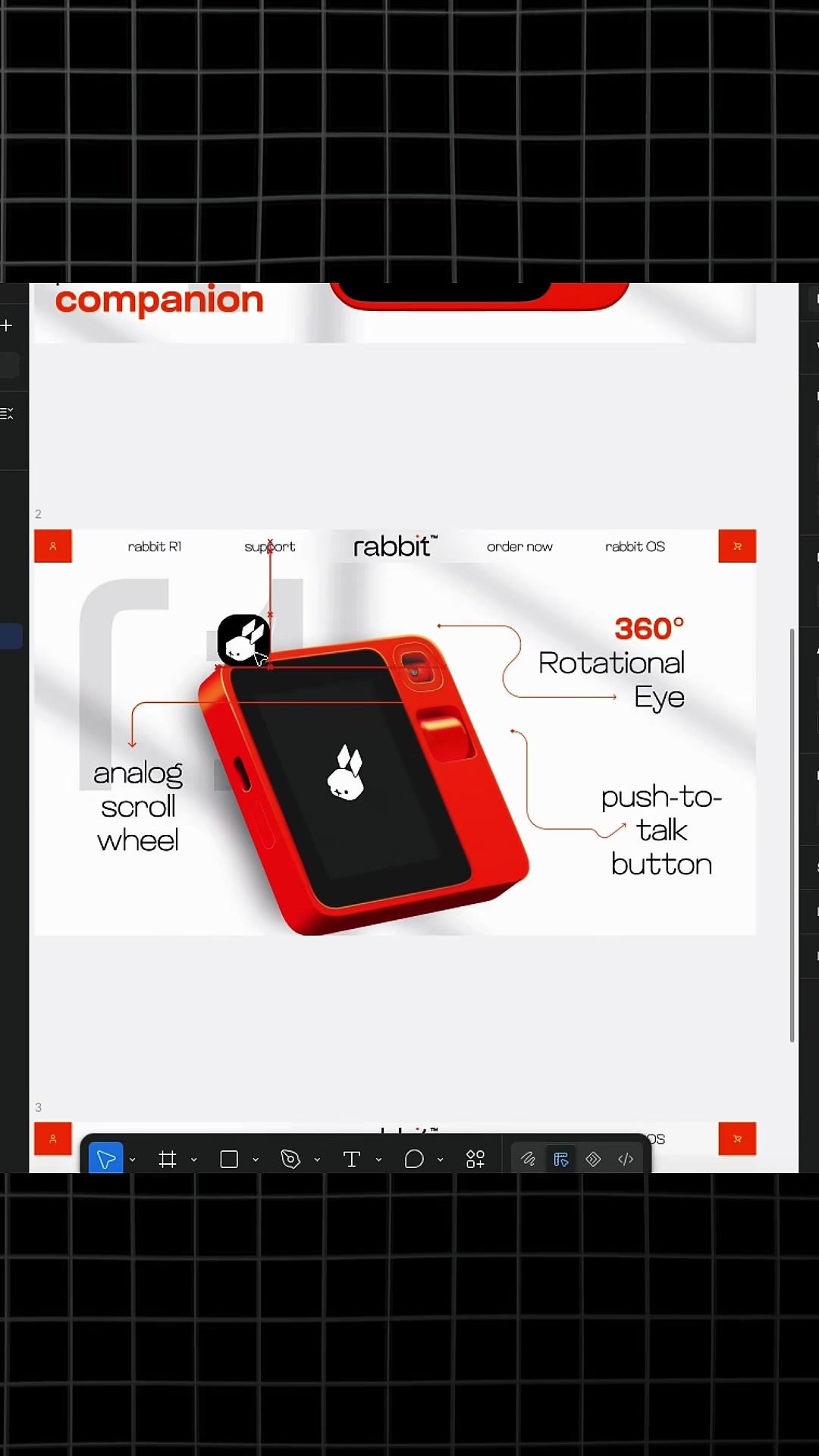 3.6M611.9×How to use design library@marcelodesignx · Tutorial / How To
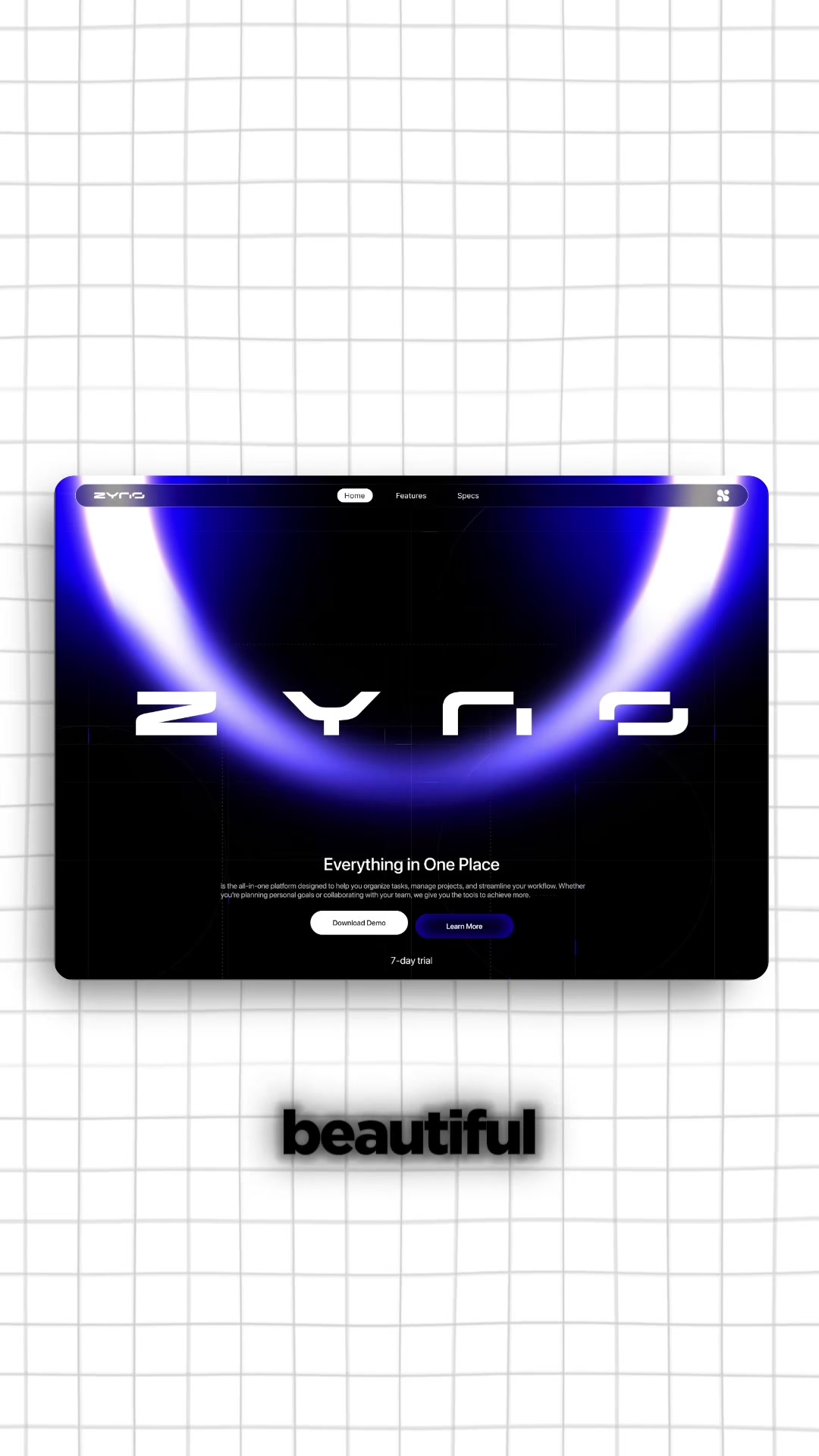 554.2K103.7×Fixing generic AI web designs.@marcelodesignx · Product Promo
 690.5K17.6×Creator shares useful design websites@fakeplasticbrands · Tutorial / How To
 580.6K2.6×Creator breaks down web design trends@deathtostock · Breakdown
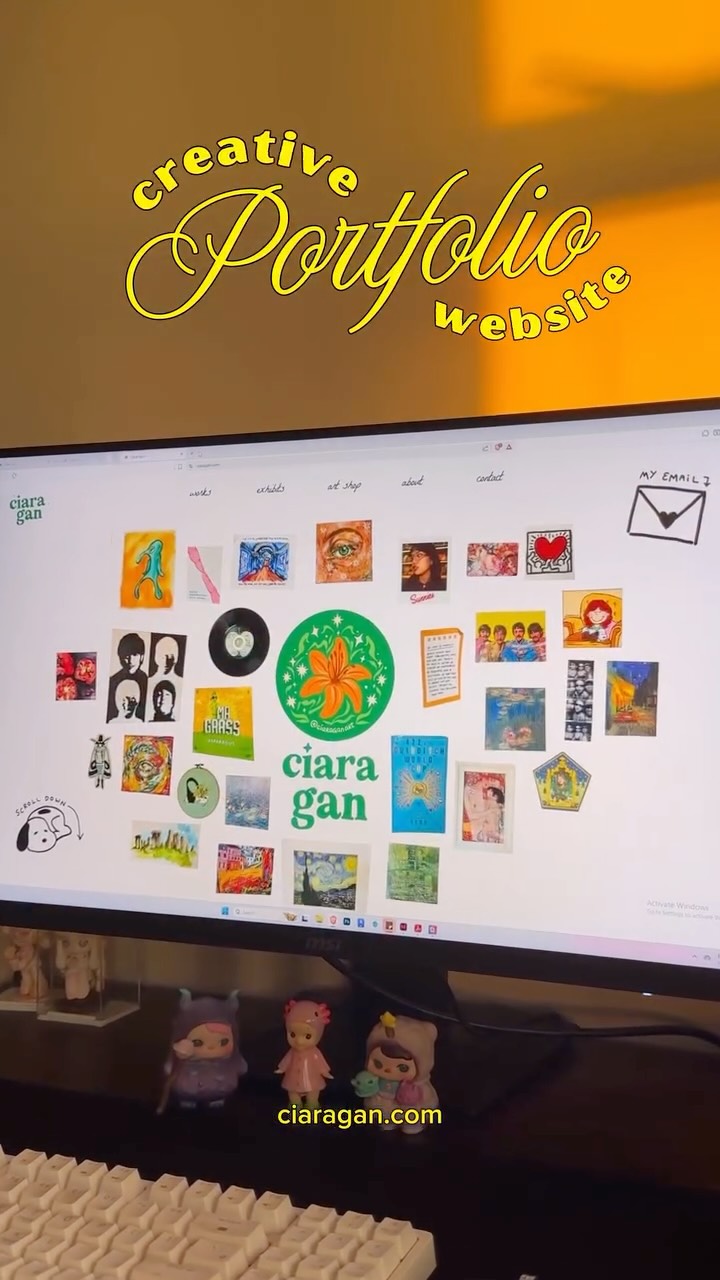 182.1KAesthetic tour of creative portfolio website@ciaragan · Product Demo
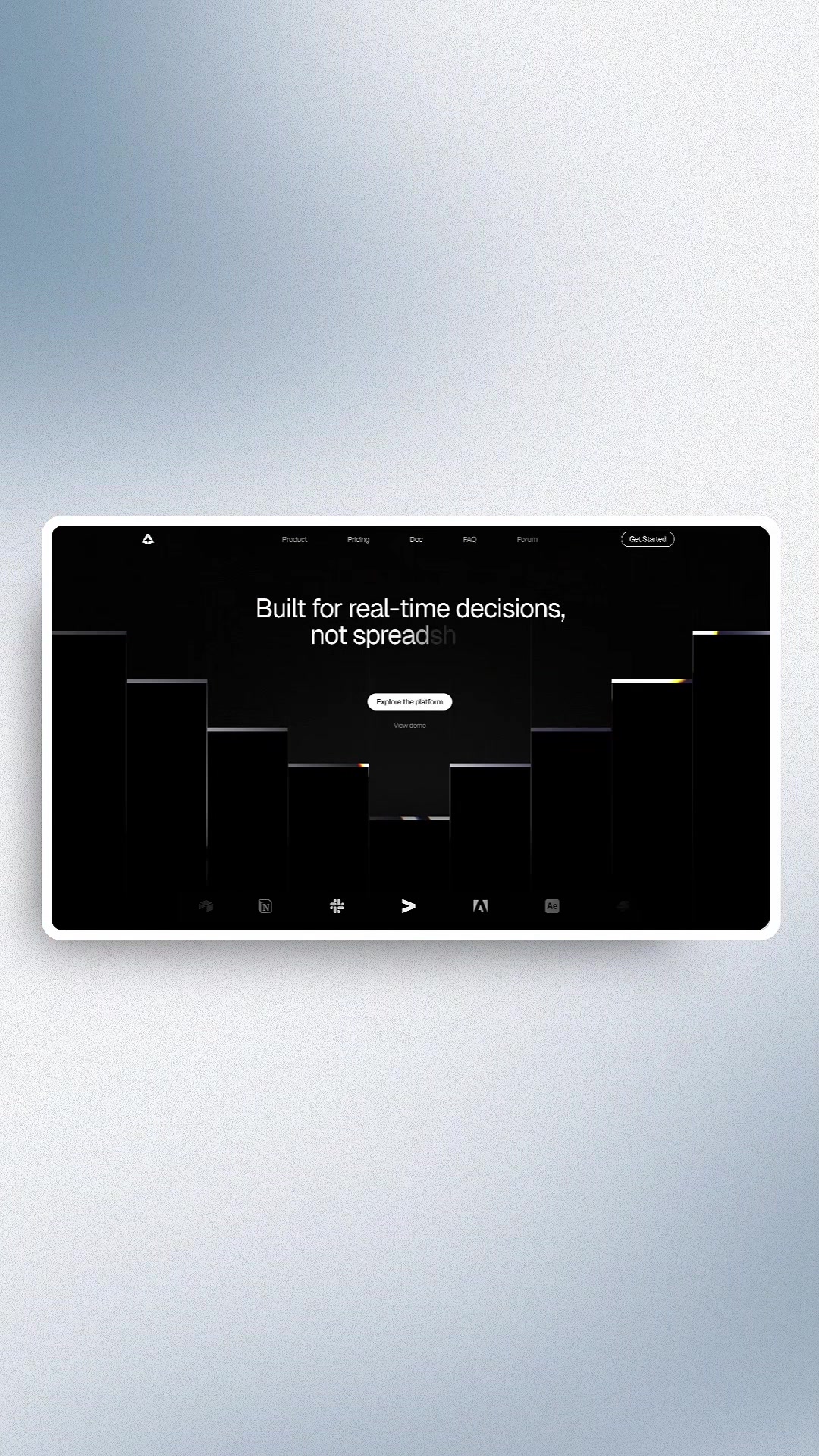 5M1601.7×Hook to visual design montage@marcelodesignx · Inspo Lookbook
 617K3.1×Design personal website from scratch@ciaragan · Journey Documentation
 216.9K1.3×Analyzing a web design trend@joshfromyolkk · Breakdown
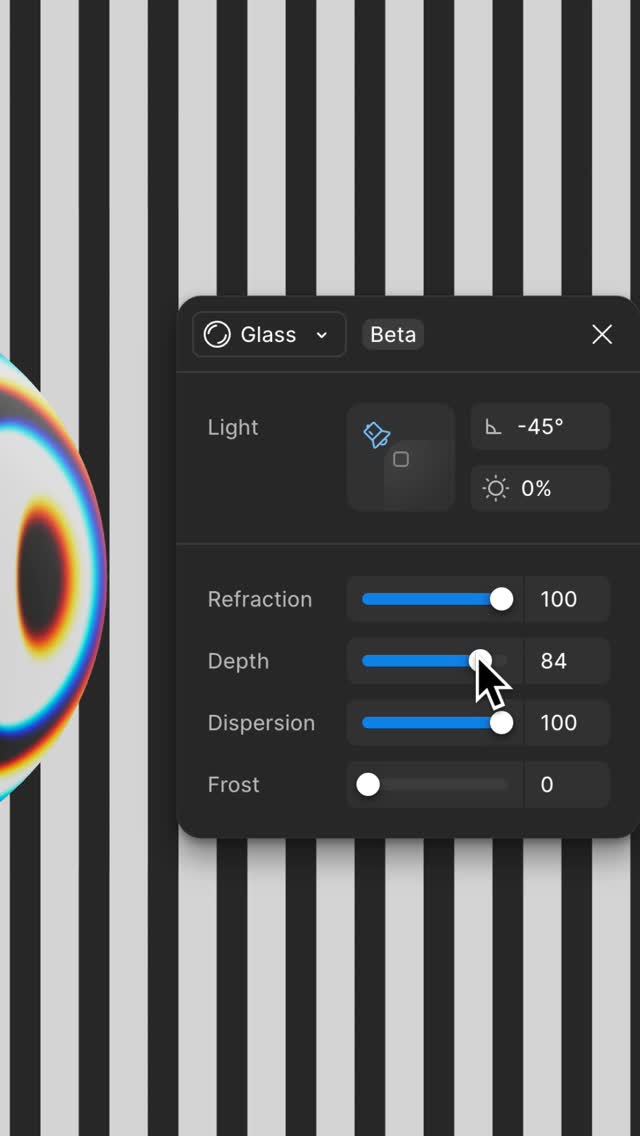 549.4K4×Glass effect design tool demo@figma · Product Demo
 1.4M846.4×Designer shares inspiration website resource@bymelipadi · Actionable Resource
[04]
[05]
What stops the scroll in the first 3 seconds
Title hook · 40%
Hello
Visual hook · 60%
Cursor clicking on a 'Hello' button with a red dotted outline on a pink background.
[06]
Steal this for your own video
Show a cursor clicking a outlined with a against a .
[07]
The promise the opener makes, and how the video pays it back
Hook
Showcase of available UI kits.
Payoff
A functional watchOS interface design is created.
[08]
The structural pattern this video runs on
Framework
UI Kit Showcase
Demonstrates the use of Apple's UI kits for designing watchOS interfaces.
Kit Selection
User selects a specific UI kit from a resource library.
Figma Integration
The selected UI kit is opened within the Figma design environment.
Canvas Setup
A blank canvas representing a watchOS device is displayed.
Element Insertion
UI elements are added to the canvas to create a watchOS interface.
Layout Adjustment
The added UI elements are arranged and resized within the canvas.
watchOS, visionOS, and macOS UI kits just dropped
title · beginning
Hello
title · beginning
Resources
contextual · middle
macOS Tahoe UI Kit
contextual · middle
visionOS 26 UI Kit
contextual · middle
watchOS 26 UI Kit
contextual · middle
iOS and iPadOS 26 App Icon Template
contextual · middle
watchOS 11 UI Kit
contextual · middle
iOS 18 + iPadOS 18 App Icon Template
contextual · middle
Wallet
contextual · middle
TipKit
contextual · middle
watchOS 26
call-to-action · middle
Open in Figma