@rileybrown.ai
TikTok · Screen Recording
@rileybrown.ai Building an iOS app From my Phone. This has never been easier.

@rileybrown.ai
TikTok · Screen Recording
@rileybrown.ai Building an iOS app From my Phone. This has never been easier.
Performance
Video #13716 · Screen Recording
[01]
The creator takes a startup idea from a tweet, writes a detailed prompt for an AI coding tool, and uses it to generate a functional iOS app on his phone. He demonstrates the app's features, including a Tinder-like swipe interface and video applications, and then proceeds to submit the finished app to the App Store, all within the same AI-powered platform.
[02]
[03]
 351.3K46.2×Building a stranger's app idea@lovable.app · Product Demo
 154.8K22.5×AI app builder street demo@lovable.app · Product Demo
 422KSatirical daily challenge with product plug@maxxingwjett · Day X of Doing Y
 14.5M1000.3×Creator builds running app with AI.@filatov.design · Journey Documentation
 288.2KAI tool for building apps@hustle.faceless · Tutorial / How To
 144.2K3.8×Tutorial for AI app self-improvement@angus.sewell · Tutorial / How To
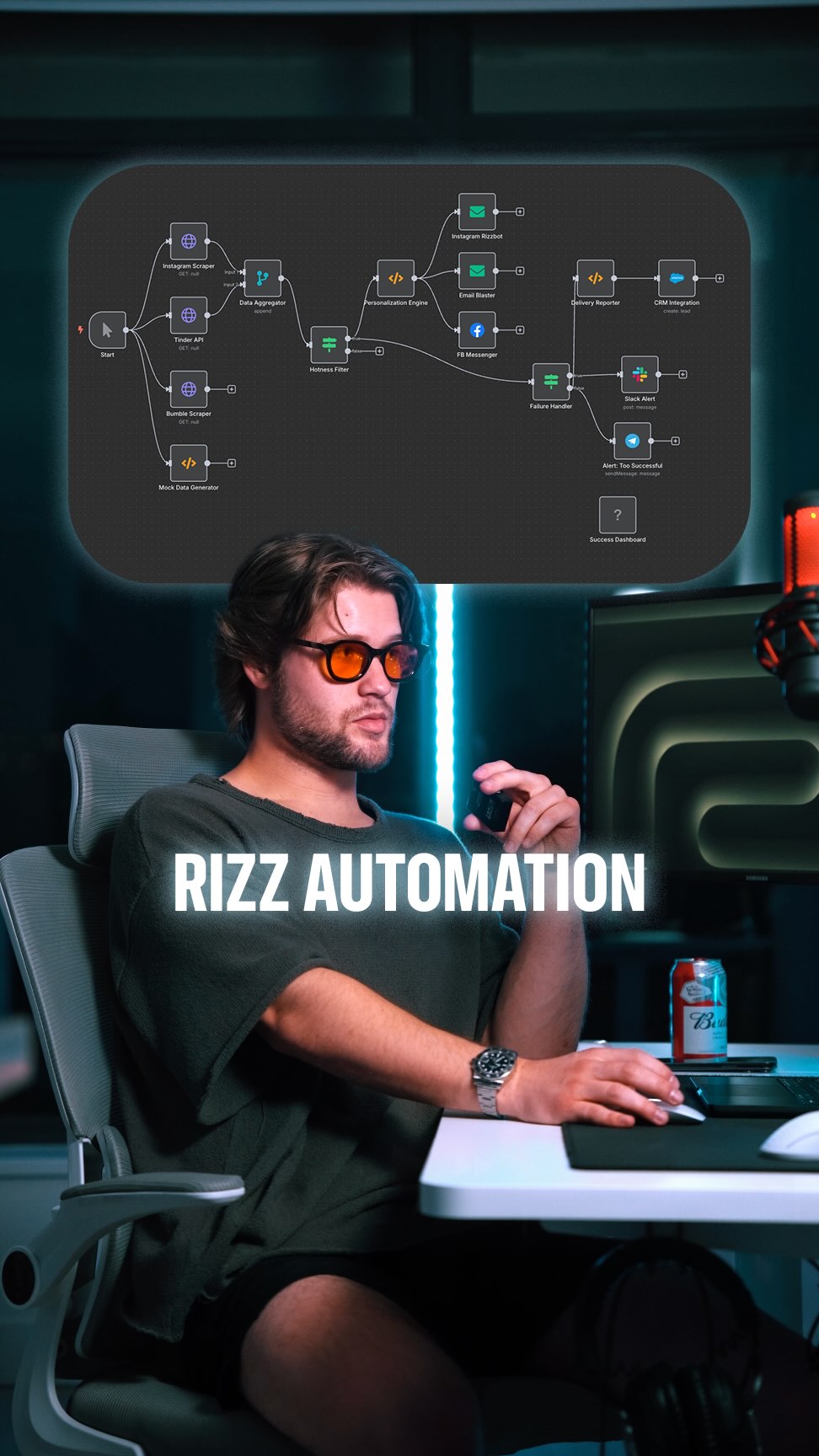 208.1K1.9×Explaining a tech dating workflow@brodyautomates · Breakdown
 1.6M101.4×Voice memo plans entire event@jtbarnett · Performance Proof
 144.8K48.9×Using AI to copy viral scripts@autumnluna.creates · Tutorial / How To
 145.3K4.2×Explains data-first AI development workflow@angus.sewell · Tutorial / How To
 111.7K3.8×Testing AI to build business apps@angus.sewell · Rapid Fire Listicle
 1.1M17.5×AI video creation tutorial demo@rourke · Product Demo
[04]
[05]
What stops the scroll in the first 3 seconds
Title hook · 55%
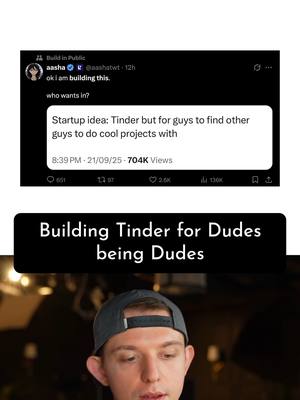
Building Tinder for Dudes being Dudes
Verbal hook · 25%
Saw this post on Twitter yesterday, startup idea.
Visual hook · 20%
A split screen showing a screenshot of a tweet on the top half and the creator's face on the bottom half, creating immediate visual interest and context.
[06]
Steal this for your own video
Building with
[07]
The promise the opener makes, and how the video pays it back
Hook
Presenting a relatable, viral idea from a third-party source to establish a clear, desirable goal for the project.
Payoff
A confirmation screen showing the project has been successfully submitted for real-world deployment, providing a complete sense of accomplishment and closure for the creation arc.
[08]
The structural pattern this video runs on
Framework
The Instant Build
Demonstrating the hyper-accelerated creation of a complex product from a simple input using a powerful tool, culminating in a real-world deployment.
The Viral Catalyst
Grounding the project in a popular, pre-validated concept found online to create immediate audience buy-in and relatability.
The Audacious Goal
Stating a clear, high-stakes mission: to not just create, but to deploy the concept into the real world using a specific tool.
The Master Plan
Revealing the exact input or 'recipe' that will be used, demystifying the process and showing the strategic thinking behind the creation.
The AI Invocation
The pivotal moment of activating the tool, initiating the automated creation process and starting the 'magic' for the viewer.
The Creative Interlude
While the main process runs, showcasing a secondary, visually engaging feature of the tool to demonstrate its multitasking power and maintain viewer engagement.
The First Reveal
The initial output is generated and displayed, providing the first moment of payoff and confirming the tool's basic success.
The Proof of Concept
A live demonstration of the creation's core functionality, proving that the output is not just a visual shell but a working product.
The Final Push
Executing the necessary final steps to prepare the creation for public release, adding a layer of professional legitimacy to the project.
The Launch Confirmation & Teaser
Concluding with definitive proof of submission/completion and immediately creating anticipation for a follow-up installment.
Building an iOS app From my Phone. This has never been easier.
title · beginning
Building Tinder for Dudes being Dudes
branding · beginning
CLAUDE CODE
contextual · beginning
My Plan????
contextual · beginning
AI Prompt to Claude Code
branding · middle
ProjectMates
branding · middle
ProjectMatch
contextual · middle
Applying to: Build a Treehouse
informational · middle
Record a 20-second video explaining why you are a great fit
Saw this post on Twitter yes, startup idea. Tier, but for guys to find other guys to do cool projects with. So I'm gonna build this with AI and get it on the App Store. So what is my plan, you might ask? Well, I'm gonna give a simple prompt to Claude Cove. I want you to create no. Tinder, but for guys to find other guys to do projects with. And so these projects will be in these five different categories. So when they swipe right, it will submit a concise video as an attachment on why they would be a right fit for that project. So all I'm gonna do is just copy this prompt. And so I've pasted the prompt right here on my phone. We're using Vibe code, which uses cloud code and we're gonna run. And now cloud code is going to worse. And while the AI is working, we can actually generate a logo. So what I'm gonna do is I'm gonna go to icon, three d cartoon render of Abraham linking, holding a, rank axe. So I'm just gonna generate about eight options here. Oh, looking good. Maybe this one's just the best. He's kind of smiling. He's kinda got a good attitude going on. It's simple. Alright. So I'm just gonna select this and say, please find a place in this app to make the logo very prominent and make it big. So as soon as the app is done building, it will add the icon in a follow-up prompt. Okay. It's loading. This is looking good. Alright. Here it is. So I can press discover. Alright. Build a tree worse with Mike Johnson. Let's see. Boom. Yo, Mike. I'm trying to build a tree house with you, bro. Just let me know. I've been building tree houses. No, Mike. I'm trying to build a tree house with you, bro. Just let me know. I've been building tree houses. Submit. There it is. Application submitted. After one prompt, we no have this app called project match. I can generate an app icon that will actually show up on the App Store once Apple accepts it. Boom. Use this as app icon. Next. I understand. Boom. So I can just copy this access token, go back to the Vibe code app and paste it. This is free, and we're gonna start the build. Just finished. Your app is on the way to the App Store. This is gonna be an early version. I need to add the rank end worst, and then I can start getting real users and they can sign in, but I'll do that in the next video.