Video #19816 · Greenscreen Talking Head
Greenscreen AI tool showcasefrom @rourke.heath
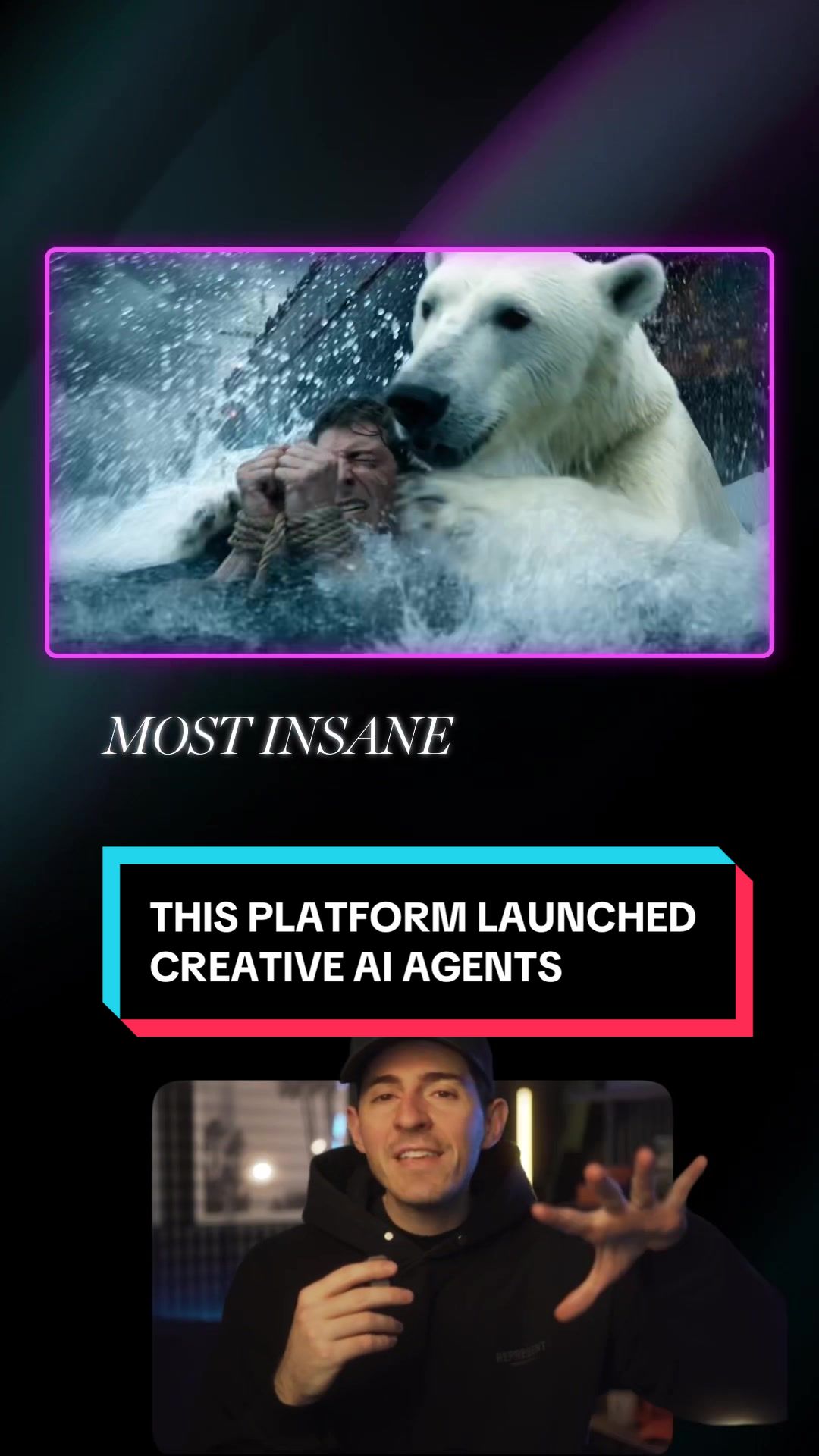
The creator introduces a new AI motion graphics tool by Luma, using a greenscreen format to display the software's interface and generated examples behind him. He explains the tool's features, such as turning storyboards into videos and animating UI elements, before concluding with a direct call-to-action prompting viewers to comment for a link.
- 1Make bold capability claim
- 2Explain core mechanism simply
- 3Demonstrate specific use cases
- 4Synthesize into final result
- 5Deliver engagement-driven CTA
ElementsScreen RecordingDM / Comment-for-Info CTAText OverlayB-Roll Cutaway
[05]
Hook analysis
What stops the scroll in the first 3 seconds
Title hook · 45%
AI made all of this 😳
Verbal hook · 25%
This new AI tool is creating motion graphics like we've never seen before, and it's a new feature from Luma...
Visual hook · 30%
Creator positioned at the bottom of the screen pointing upwards at a highly dynamic, fiery AI-generated action sequence playing in the background.
[06]
Hook template
Steal this for your own video
[surprising creator] made all of this 😳
- — AI made all of this 😳
- — A 3D printer made all of this 😳
- — A single seed made all of this 😳
[07]
Hook and payoff
The promise the opener makes, and how the video pays it back
Hook
A hyperbolic statement about a new innovation's unprecedented capabilities designed to immediately grab attention and disrupt scrolling.
Payoff
A direct call-to-action requiring specific viewer engagement (like commenting a keyword) in exchange for exclusive access or a direct link to the resource.
[08]
Narrative framework
The structural pattern this video runs on
Framework
The Innovation Showcase & Breakdown
Introduce a revolutionary new tool or concept with a bold claim, immediately prove it with visual evidence, break down its core features through specific use cases, and end with an engagement-driven call to action.
- 1
The Proof of Concept
Visually demonstrating the subject's output while officially introducing it, establishing immediate credibility and context.
- 2
The Mechanism Breakdown
Explaining the underlying technology or process in simple, digestible terms to demystify the innovation.
- 3
The Primary Feature Deep-Dive
Highlighting a specific, impressive capability with a practical example, often emphasizing an automated or 'smart' aspect that solves a common pain point.
- 4
The Secondary Application
Showing versatility by demonstrating a completely different but equally valuable use case to broaden the appeal.
- 5
The Synthesis
Explaining how the individual features or elements combine to create a comprehensive, high-value final product.
Themes
- Artificial Intelligence
- Creative workflows
- Software demonstration
Techniques
- Greenscreen cutout
- Screen recording integration
- Comment automation CTA
Trends
- AI tool discovery
- Comment-to-DM funnels
Post caption
AI agents can now create motion graphics @Luma AI 😳🔥
Tool- Luma AI
This new Luma AI agent can generate motion graphics, animations, and visual design elements with minimal input, acting almost like a built-in motion designer. It’s a powerful upgrade for creators, brands, and editors who want high-quality animated visuals without complex animation workflows.
#LumaAI #AIMotionGraphics #AIAnimation #CreativeAI #LumaParntner
Text overlays
title · beginning
AI made all of this 😳
contextual · middle
Motion graphics 🤯
call-to-action · end
Comment "AI"
Transcript
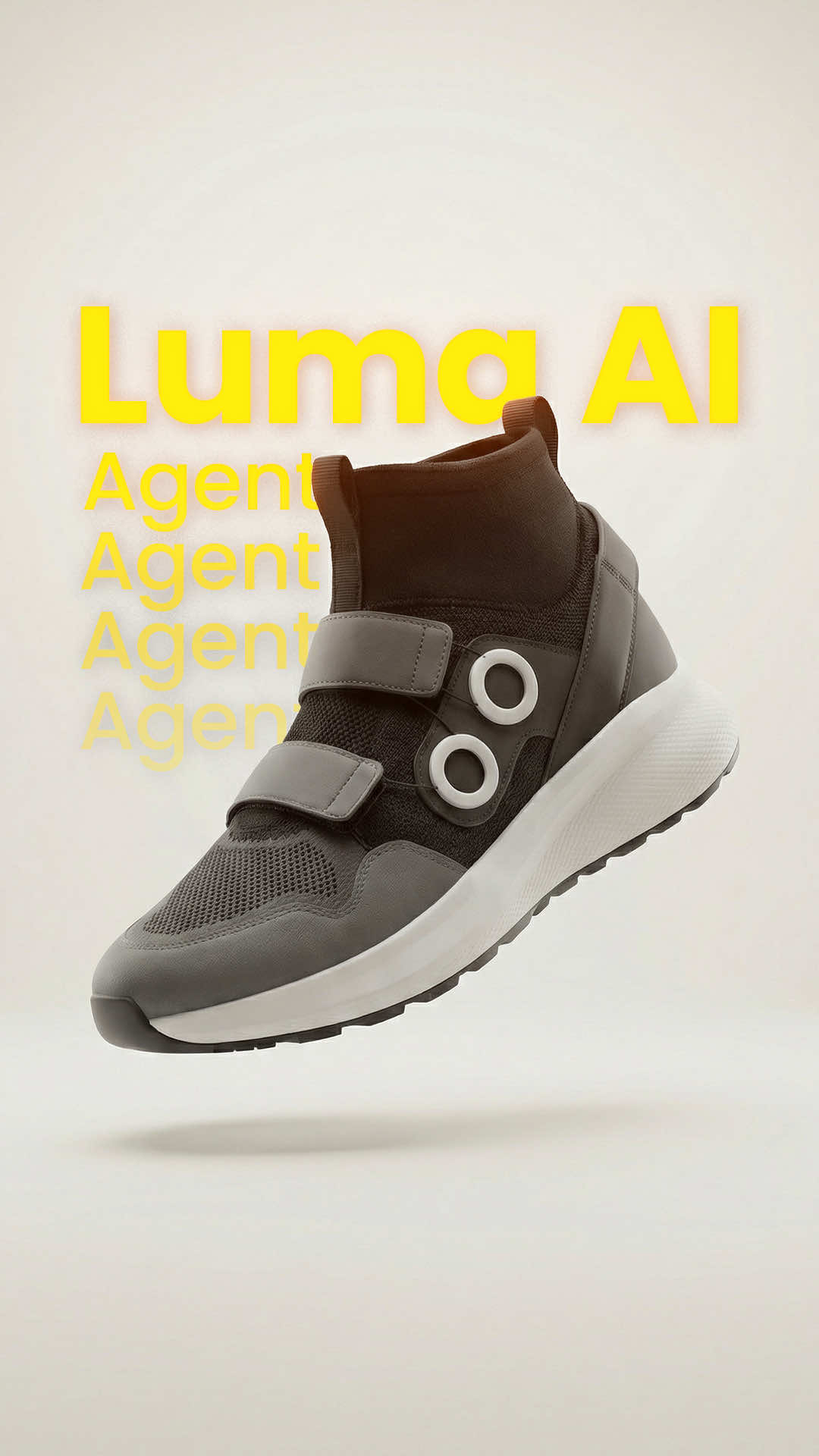
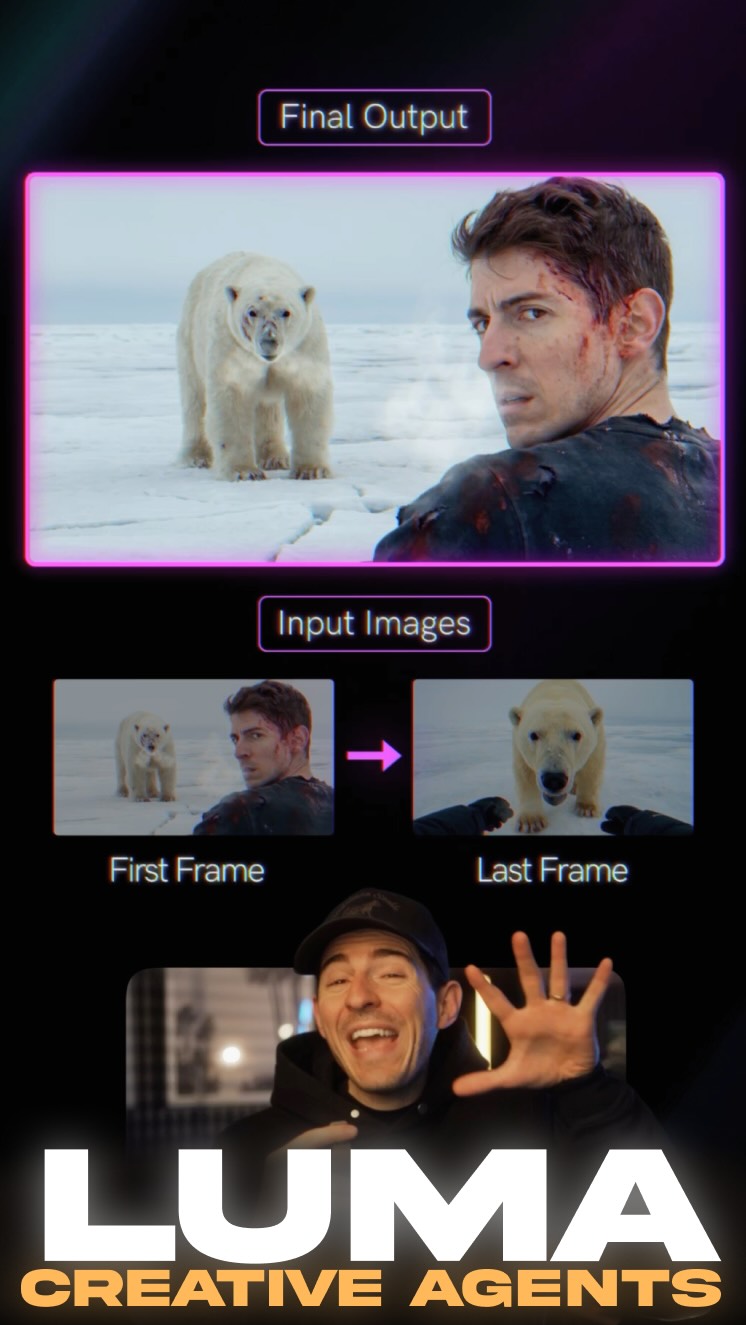
This new AI tool is creating motion graphics like we've never seen before, and it's a new feature from Luma, and it's using AI agents to create all of the motion graphics that you see above me right no. And it's doing that by by taking the frames from inside the storyboard, and the AI agent is connecting the dots in between those frames to create a video. And it's smart. You can upload image references of a specific product and ask the AI agent to create a three d video. The AI agent will then generate a video, and if it thinks it's done a poor job, it will continue to regenerate videos until you get a good output. Then you can upload screenshots of UI elements and ask the AI agent to animate those in bouncy animations, and it does it flawlessly. You can then combine all of these elements together to create compelling videos. If you wanna try it out, type AI in the comments, and I'll send you a link.