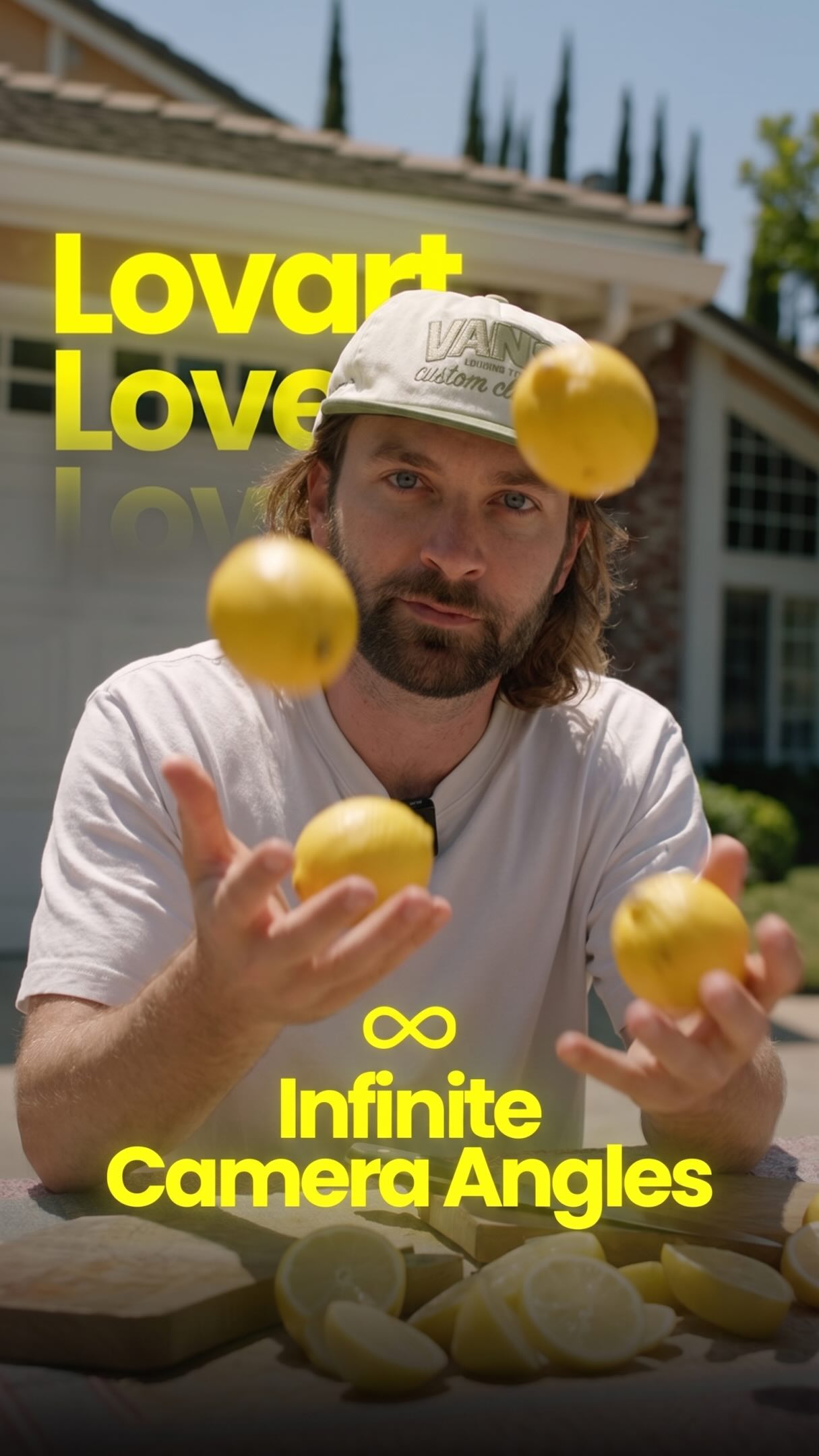
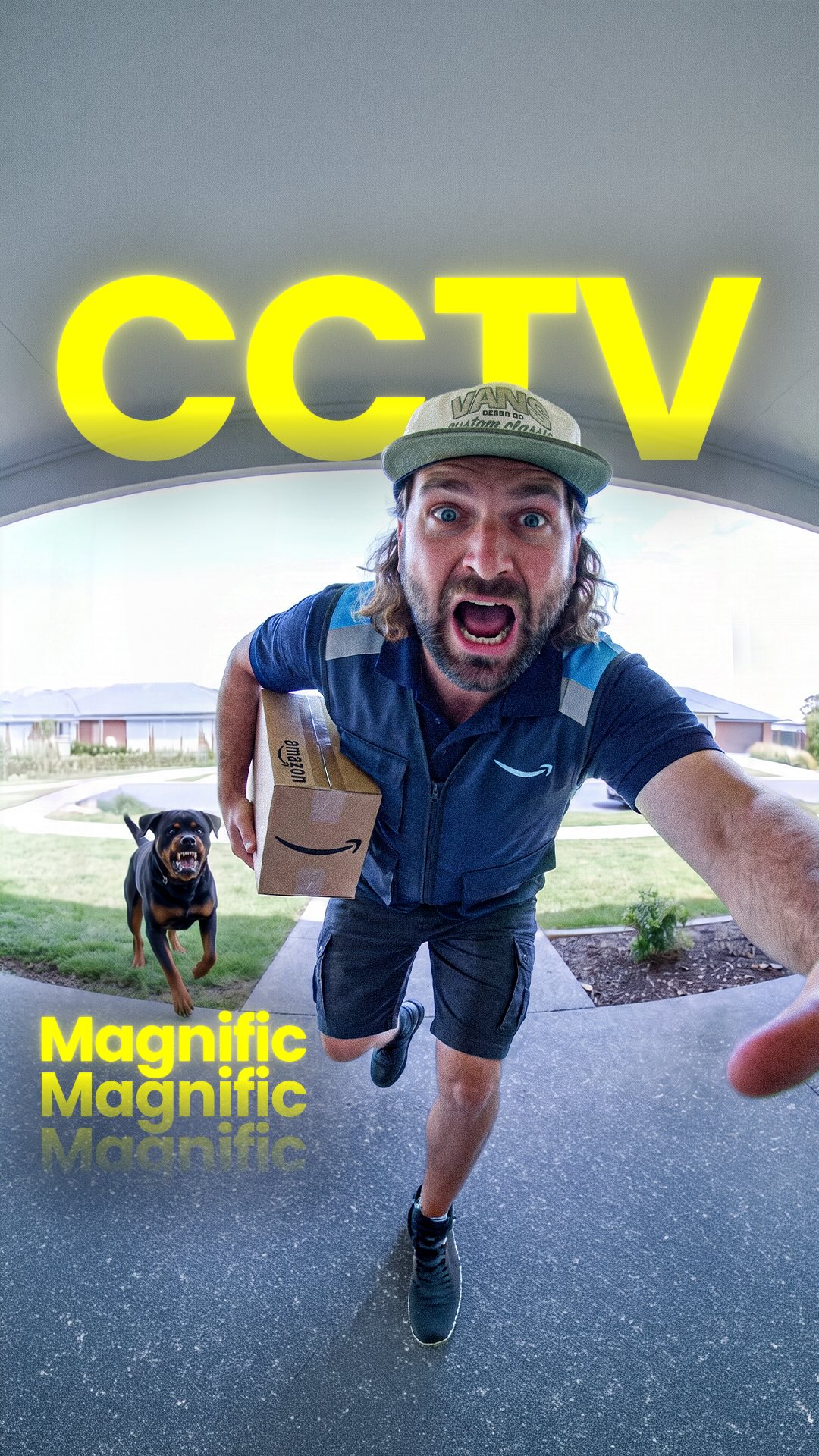
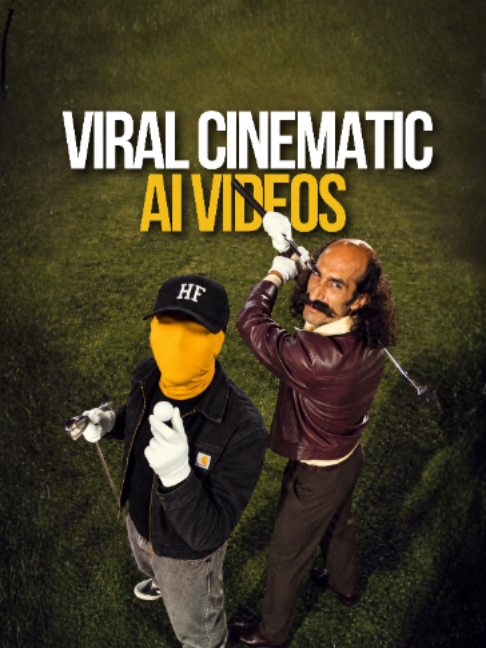
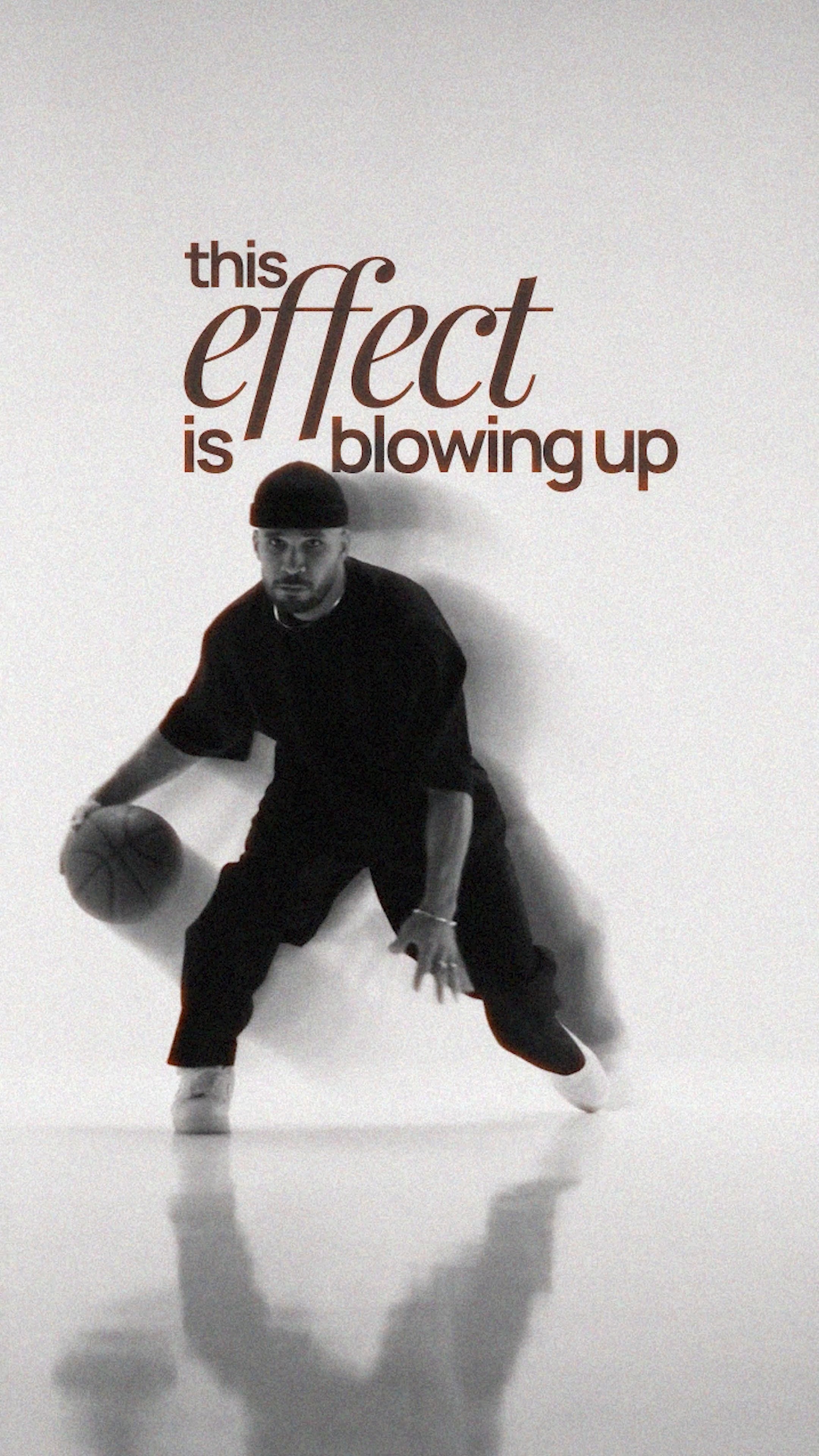
@rourke One clip. Infinite camera angles 🔥😳
Comment “AI” to try it yourself! @lovart.ai
Lovart lets you run Seedance 2.5 on your original footage and pull any angle you want out of a single take, close-up, wide, low, overhead, without reshooting a thing. Coverage that used to need a full crew and a second setup day now comes from one clip. Huge for filmmakers, editors, and advertisers who need cinematic options in the edit.
#LovartAI #Seedance #AIFilmmaking #CameraAngles #CreativeAI
AI tool creates infinite camera anglesfrom @rourke
[01]
Overview
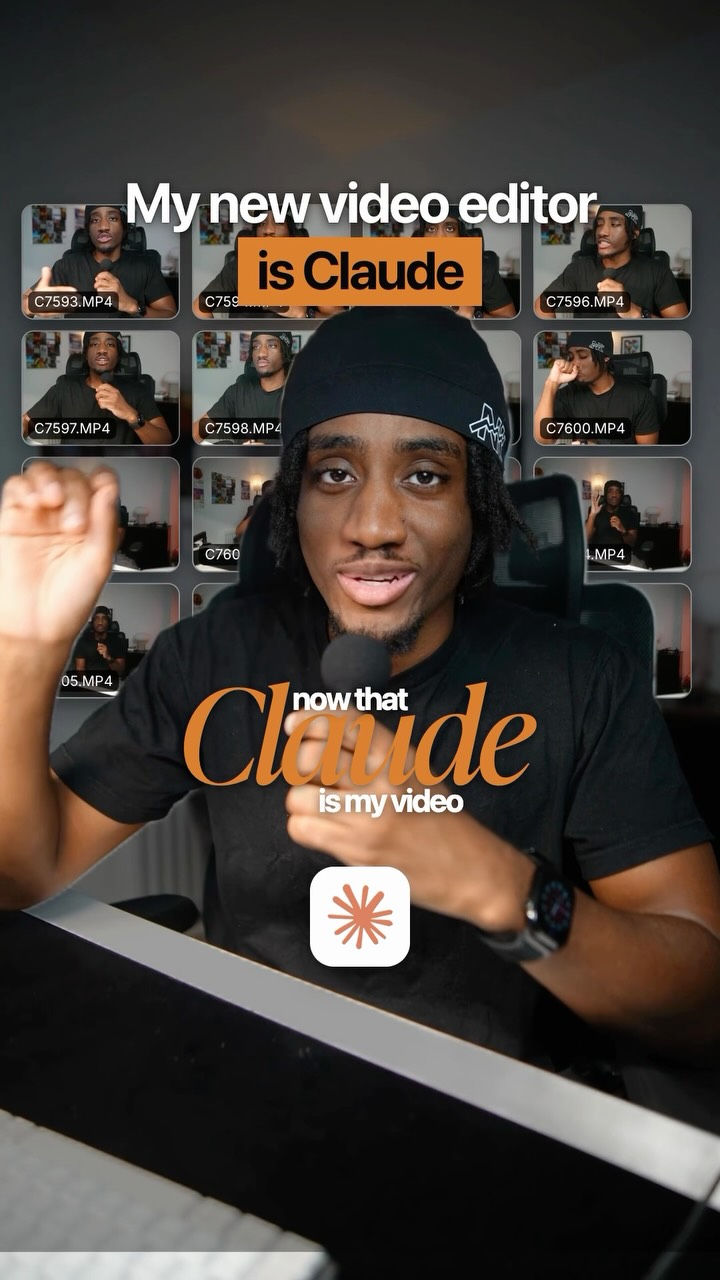
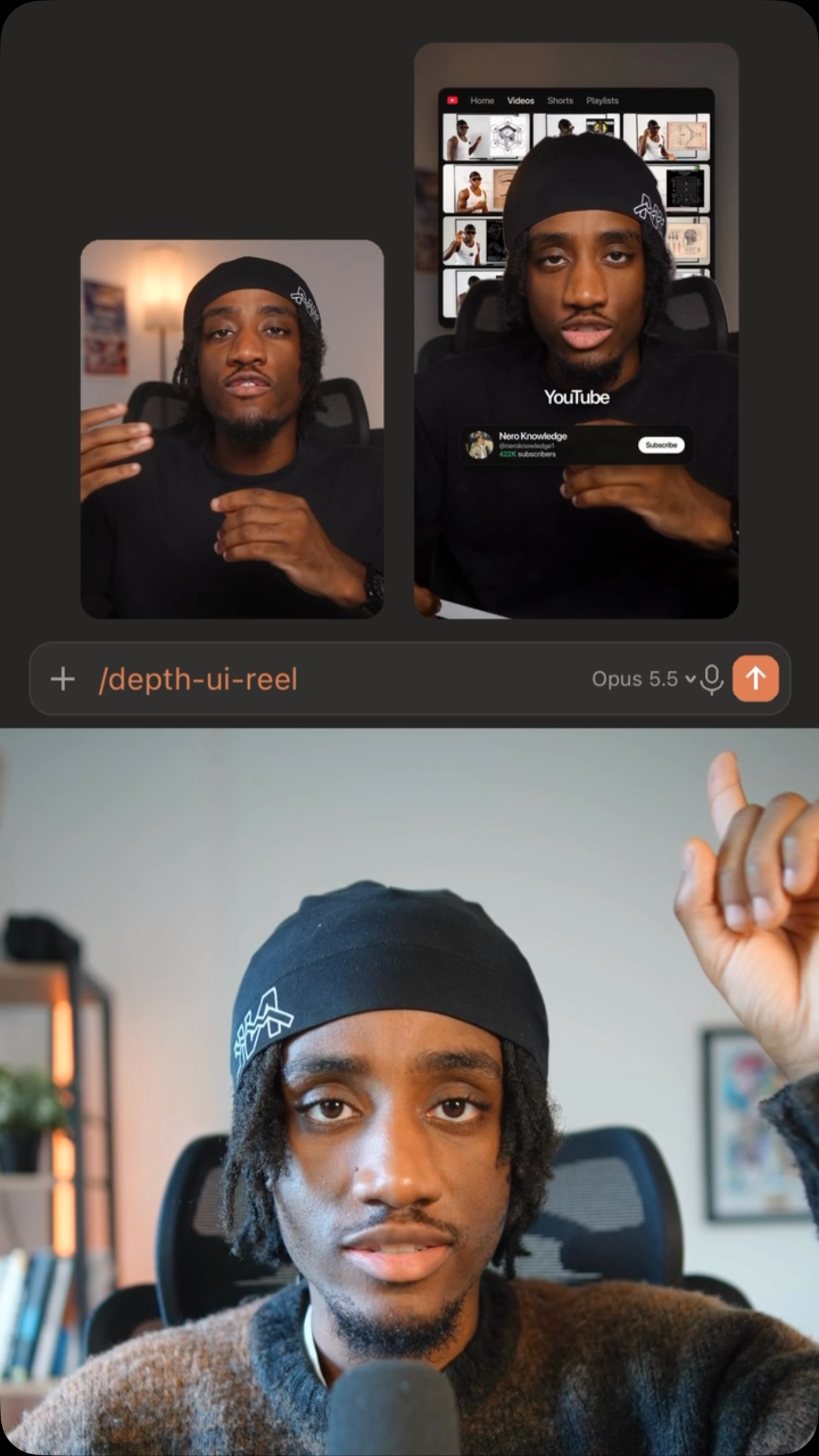
The creator demonstrates an AI video tool by showing a split-screen comparison of a static original clip versus the dynamic, multi-angle footage generated by the AI. He then transitions to a direct-to-camera tutorial, explaining the step-by-step process of using the AI tools Claude and Lovart with Seedance 2.5, using screen recordings to guide the viewer through writing prompts and uploading footage. The video concludes with a call-to-action prompting viewers to comment for access to the tool.
An immediate split-screen comparison showing a static, medium shot labeled 'Original' on the bottom and a dynamic, cinematic, AI-generated shot labeled 'AI Video' on top, creating a stark visual contrast.
[06]
Hook template
Steal this for your own video
Infinite [content type]: [old limitation] is over.
— Infinite Camera Angles: Boring static shots are over.
— Infinite Thumbnail Styles: Hiring designers is over.
— Infinite Workout Variations: Repeating the same routine is over.
[07]
Hook and payoff
The promise the opener makes, and how the video pays it back
Hook
Declare a common, frustrating industry problem as a thing of the past, immediately positioning the content as a revolutionary solution.
Payoff
Provide a direct, low-friction Call to Action that requires a specific engagement (e.g., a comment) in exchange for access to the tool or resource, closing the loop and driving metrics.
[08]
Narrative framework
The structural pattern this video runs on
Framework
The Magic Trick Reveal
Demonstrating a seemingly impossible result, then breaking down the surprisingly simple process to achieve it, and finally gating access to the tool behind a specific engagement action.
1
The Visual Proof
Showcase the incredible results of the solution through a rapid, visually compelling comparison against the 'old way,' proving the initial claim before any explanation.
2
The Tool Reveal & Transition
Explicitly name the tool or method responsible for the result and state the intention to teach the viewer how to use it, transitioning from 'what' to 'how'.
3
The Simplified Process
Break down the method into a clear, multi-step tutorial, demonstrating the process on-screen to make it feel accessible and achievable for the viewer.
4
The Expert Caveat
Manage viewer expectations by acknowledging potential imperfections and offering a pro-tip or advanced technique to overcome them, which builds trust and authority.
Themes
Artificial Intelligence
Technological Advancement
Creative Tools
Filmmaking Innovation
Techniques
Split Screen
Screen Recording
Direct-to-camera address
Product Demonstration
Trends
AI in content creation
Post caption
One clip. Infinite camera angles 🔥😳
Comment “AI” to try it yourself! @lovart.ai
Lovart lets you run Seedance 2.5 on your original footage and pull any angle you want out of a single take, close-up, wide, low, overhead, without reshooting a thing. Coverage that used to need a full crew and a second setup day now comes from one clip. Huge for filmmakers, editors, and advertisers who need cinematic options in the edit.
#LovartAI #Seedance #AIFilmmaking #CameraAngles #CreativeAI
Text overlays
branding · beginning
Lovart x Seedance 2.5
title · beginning
Infinite Camera Angles
contextual · throughout
AI Video
contextual · throughout
Original
branding · middle
Claude
branding · middle
Lovart
call-to-action · end
Comment "AI"
contextual · middle
03:07, 05:03, 06:14, 08:14, 14:00, 18:22, 20:06
Transcript
Boring camera angles are a thing of the past. No, you can change the angle to be anything you worst. Any distance, any scale, the same footage, just different camera angles. So here's how you can do this with CDance 2.5 on Love Art. First, you want to make a note of all the time codes where the camera is gonna cut to a new angle. Then inside Claude, you can paste your video in here rank make a note of all the time codes and write the new camera angles where you want it to cut to. Also bad to keep the same location, dialogue, and actions. Claude will then give you a prompt which you can copy and give to Love Art. Make sure you have scene hours 2.5 selected and also upload the original video in here. It's not gonna give you the perfect generation all in one no. Instead, you can take small clips and give those to Cdance and adjust the camera angle in incremental clips. So if you wanna try it out on Love Art, type AI in the comments and I'll send you a