Video #19920 · Talking Head Edit
AI video relighting tool tutorialfrom @rourke.heath
The creator introduces a powerful AI video editing tool by showcasing a three-way split screen demonstrating its relighting and background replacement capabilities. He then transitions into a step-by-step screen recording tutorial, explaining how to upload footage, select elements to keep, and use a secondary tool to adjust lighting. He concludes with a direct call-to-action, prompting viewers to comment a specific keyword to receive an automated direct message with a link to the tool.
- 1State powerful tool capability
- 2Stack advanced features
- 3Show rapid step-by-step workflow
- 4Deliver engagement call-to-action
ConceptsProduct DemoTutorial / How To
ElementsSplit ScreenScreen RecordingDM / Comment-for-Info CTAPicture-in-Picture
[05]
Hook analysis
What stops the scroll in the first 3 seconds
Title hook · 15%
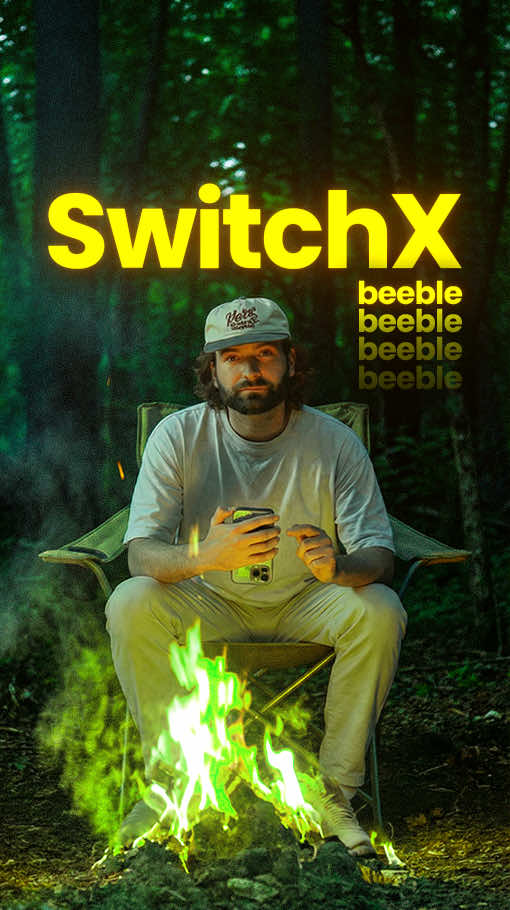
Alpha Mask / Switch X / Original Video
Verbal hook · 25%
This AI tool replaces the lighting and the background in any video, but it gets even cooler because it adds in the VFX passes onto the footage.
Visual hook · 60%
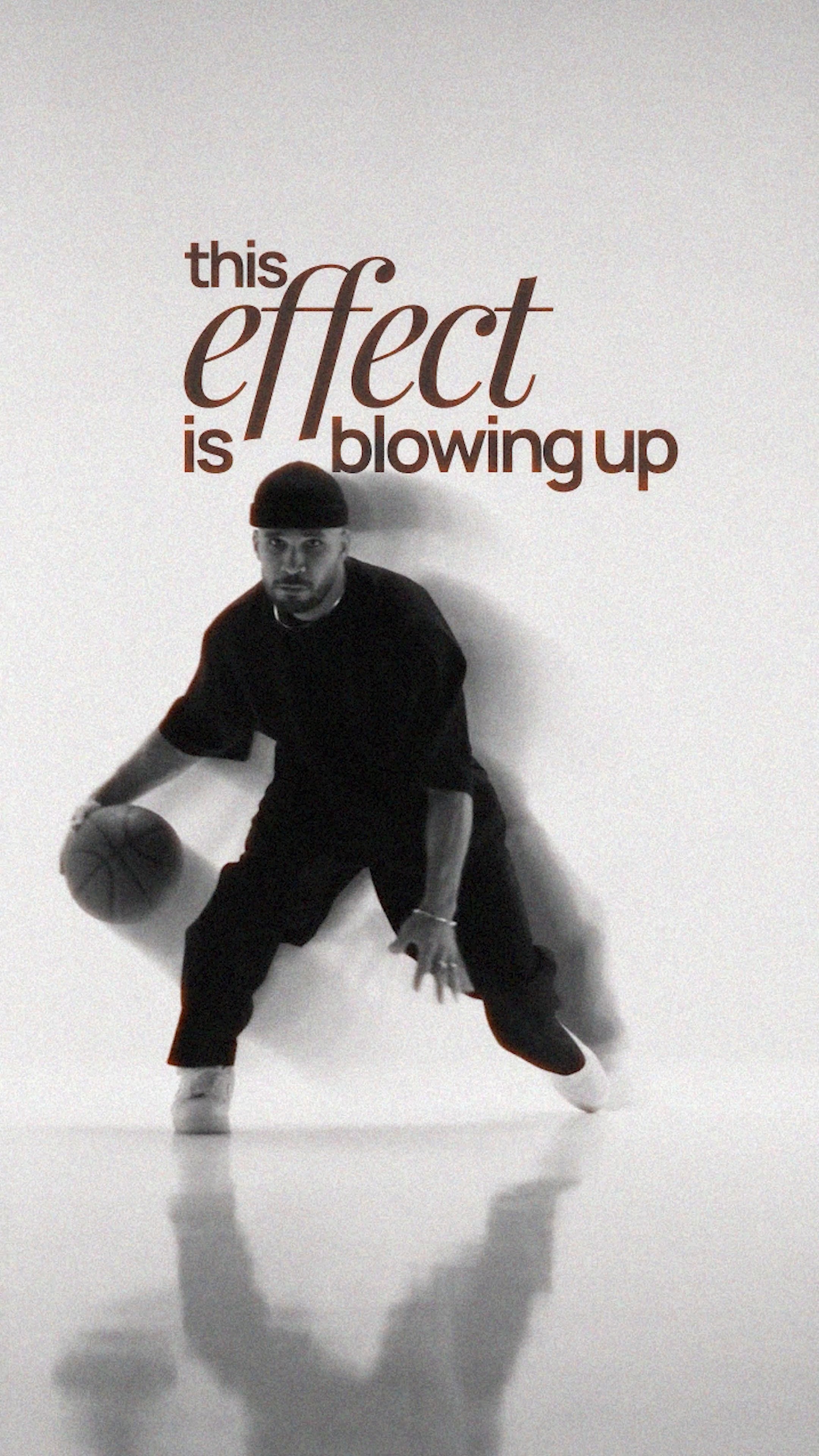
A dynamic three-way horizontal split screen showing a white alpha mask silhouette, a vibrant AI-relit video, and the original raw footage of a man on a couch simultaneously.
[06]
Hook template
Steal this for your own video
Show a three-way horizontal split screen: [original scene] beside a [transformed version] and its [editing/control view].
- — Show a three-way horizontal split screen: a dimly lit interview beside a professionally relit version and its lighting-mask view.
- — Show a three-way horizontal split screen: an empty living room beside a virtually staged version and its room-selection view.
- — Show a three-way horizontal split screen: a plain product photo beside a polished ad version and its background-removal view.
[07]
Hook and payoff
The promise the opener makes, and how the video pays it back
Hook
A bold, direct statement declaring the primary, disruptive capability of the subject to immediately capture target audience attention.
Payoff
A direct engagement prompt requiring the viewer to comment a specific keyword to receive access, driving algorithmic push and lead generation.
[08]
Narrative framework
The structural pattern this video runs on
Framework
The Tool Showcase & Workflow Blueprint
Introduce a highly capable tool with a bold claim, stack its features to build perceived value, prove its ease of use with a rapid-fire tutorial, and end with an engagement-driven call to action.
- 1
The Feature Stack
Introduce secondary and tertiary capabilities using transitional phrases to compound the viewer's interest and build perceived value.
- 2
The Benefit Translation
Explicitly state what these technical features mean for the user in practical, real-world terms, bridging the gap between capability and application.
- 3
The Rapid Execution Proof
A fast-paced, step-by-step visual walkthrough demonstrating exactly how to achieve the promised result, proving the subject's accessibility and validating the initial claims.
Themes
- Artificial Intelligence
- Creative workflows
- Software utility
Techniques
- Split screen comparison
- Screen recording
- Picture-in-picture
- Text overlays
Trends
- AI tool showcases
- Comment-to-DM automation
Post caption
This AI tool is the best method to re-light videos right now 🚀🔥
Tool- Beeble AI (SwitchX)
Beeble’s AI relighting technology allows you to change the lighting of a scene after it’s filmed, giving creators full control over mood, shadows, and cinematic lighting in post-production. It’s an incredibly powerful tool for filmmakers, editors, and creators looking to elevate their visuals.
#BeebleAI #AIRelighting #AIVideoEditing #CreativeAI #GenerativeAI
Text overlays
contextual · beginning
Alpha Mask
contextual · beginning
Switch X
contextual · beginning
Original Video
contextual · middle
First Frame
contextual · middle
Nano Banana Pro
call-to-action · end
Comment "AI"
Transcript
This AI tool replaces the lighting and the background in any video, but it gets even cooler because it adds in the VFX passes onto the footage, and it even allows you to rotoscope out specific parts about the video that you want to relight. So you can now change your clothing, you can change the background, and you can do all of this seamlessly. Worst step, go to Beeball and go to Switchx where you can upload the driving input video. Using smart select, you can select specific parts about the video that you want to keep. Once you've done that, you can download the first frame and use Google Nano Banana Pro to adjust the lighting. Upload that back in here and hit generate and it will then adjust the lighting and keep all of those specific points the same in your video. Now if you wanna try it out for yourself, type AI in the comments and I'll send you a link.