@omgadrian
Instagram · Talking Head Edit
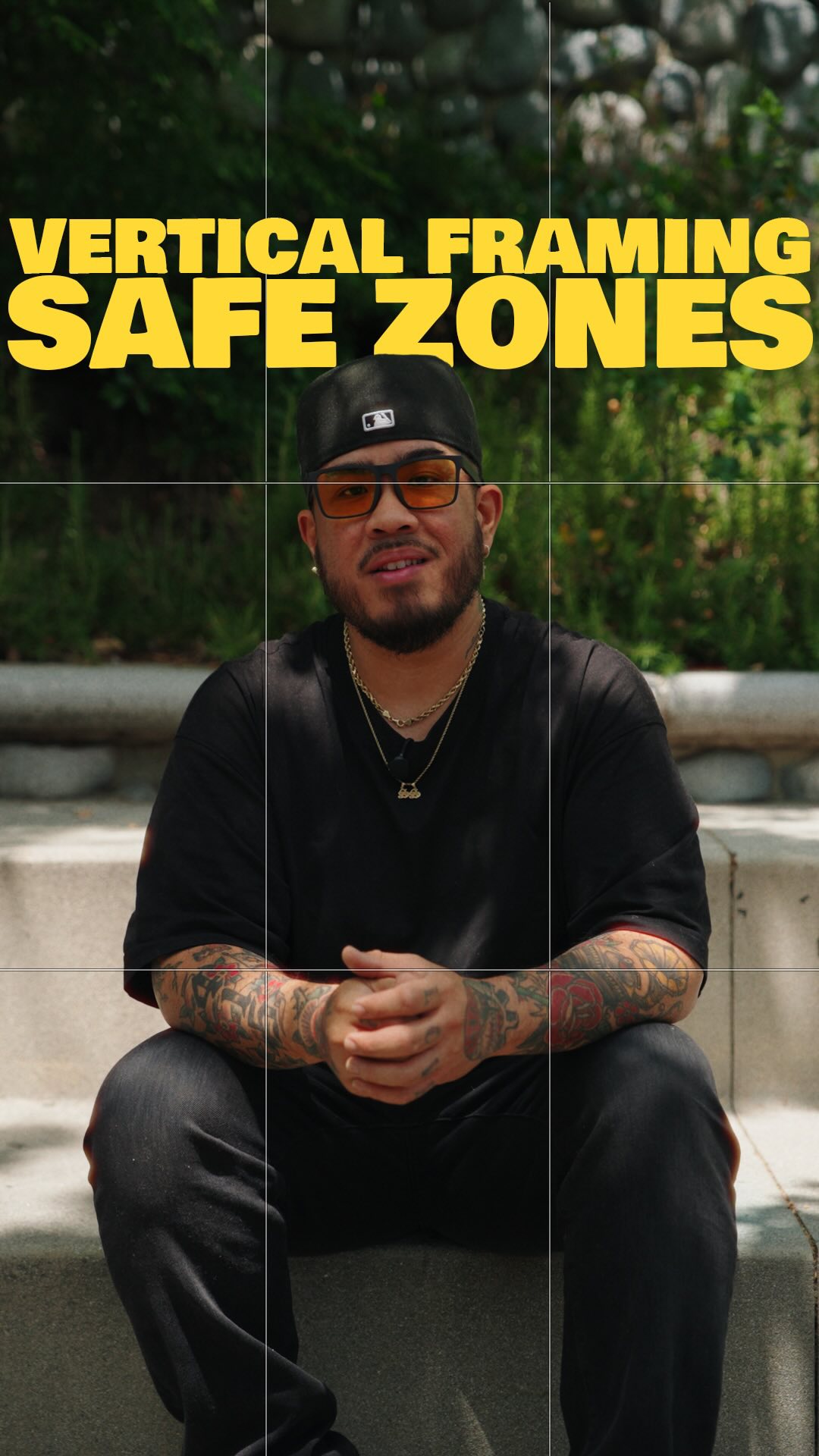
@omgadrian Comment “grid” and I’ll send you my safe zones overlay 🙂🤝🏽 These zones are something I keep in mind with every single shot. Hope this helps 🫡 #filmmaking #cinematography #tutorial

@omgadrian
Instagram · Talking Head Edit
@omgadrian Comment “grid” and I’ll send you my safe zones overlay 🙂🤝🏽 These zones are something I keep in mind with every single shot. Hope this helps 🫡 #filmmaking #cinematography #tutorial
Performance
Video #9516 · Talking Head Edit
[01]
The creator explains the importance of specific framing zones in vertical video, demonstrating where to place hooks, subtitles, and eyes to avoid UI obstruction and maximize engagement.
[02]
[03]
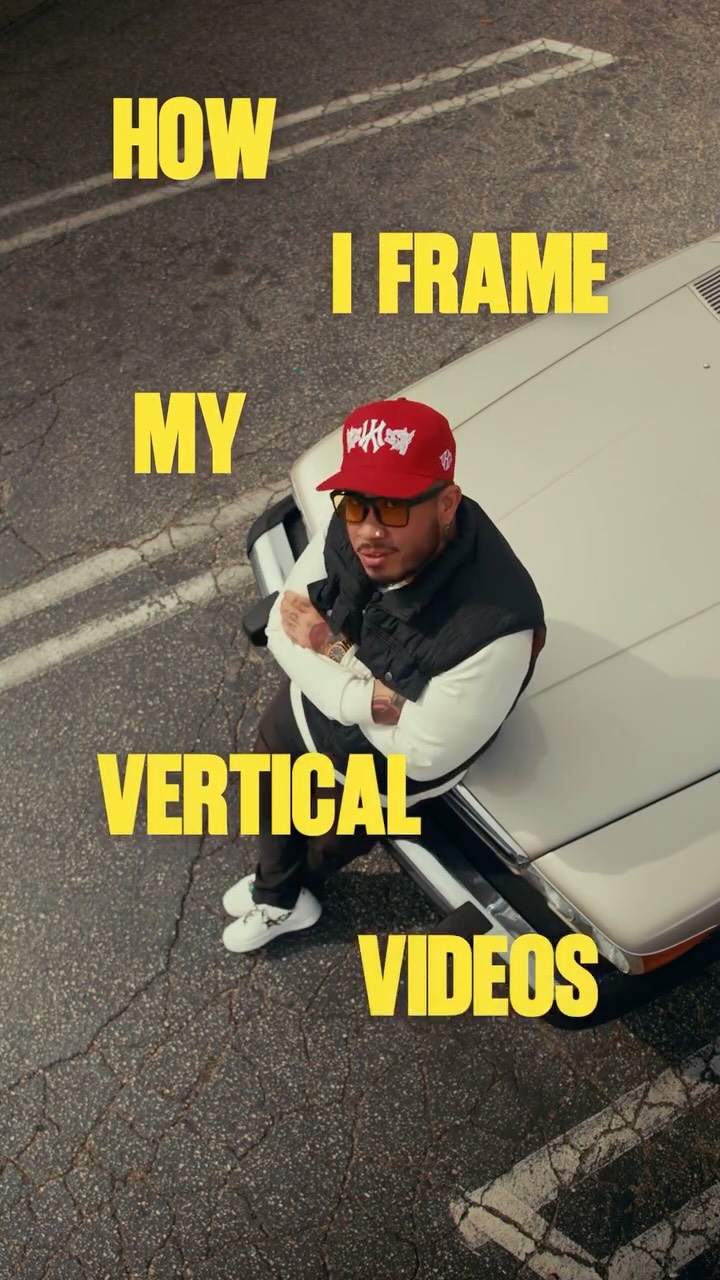 2M7.9×Cinematic vertical video framing tutorial@omgadrian · Breakdown
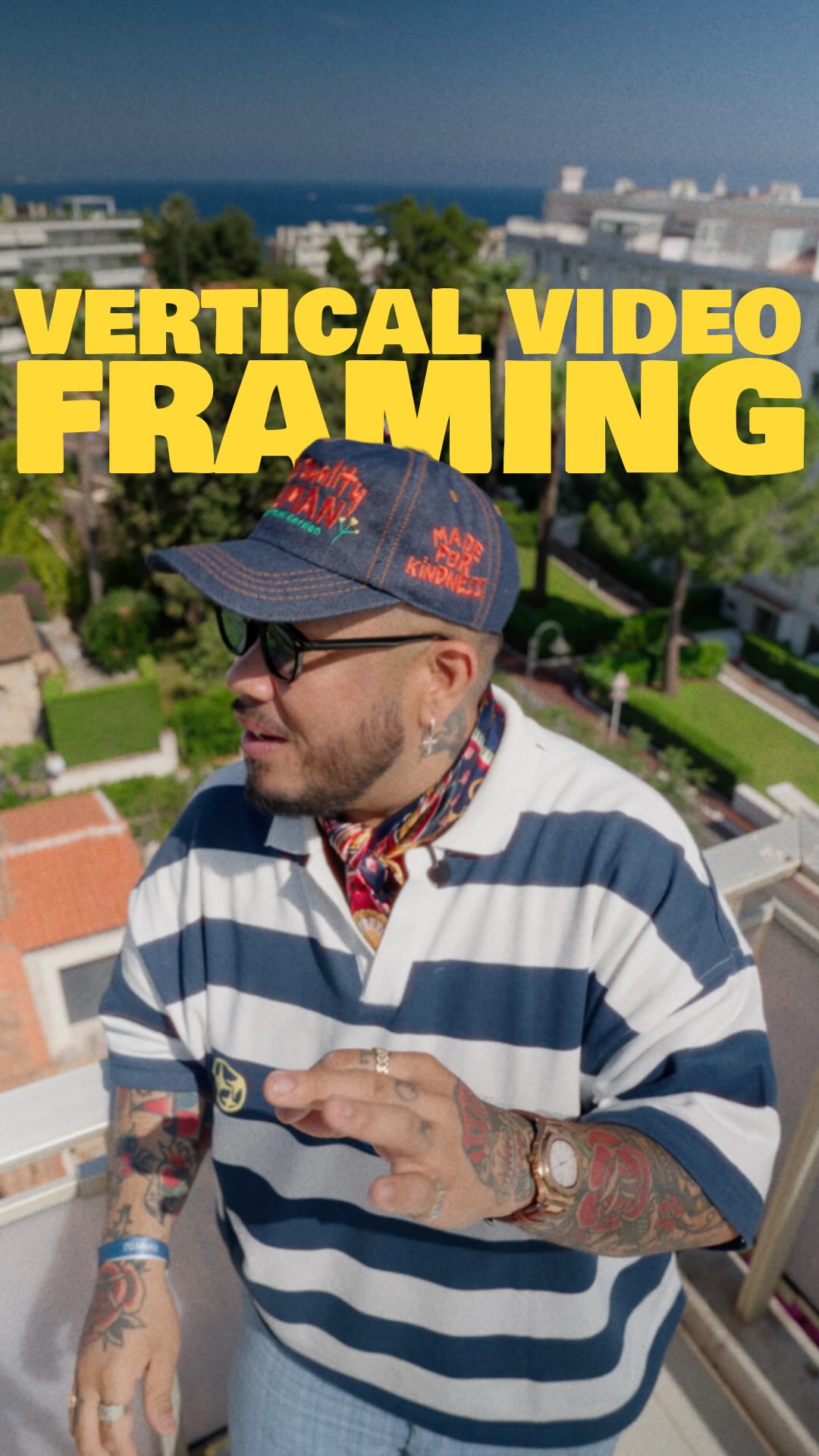 1.1M5.5×Filmmaker teaches vertical video composition tips@omgadrian · Breakdown
 816K229.3×Explaining the perfect content structure@realskytan · Playbook
 130.7KNumbered tips for video editing@samadsmett · Tutorial / How To
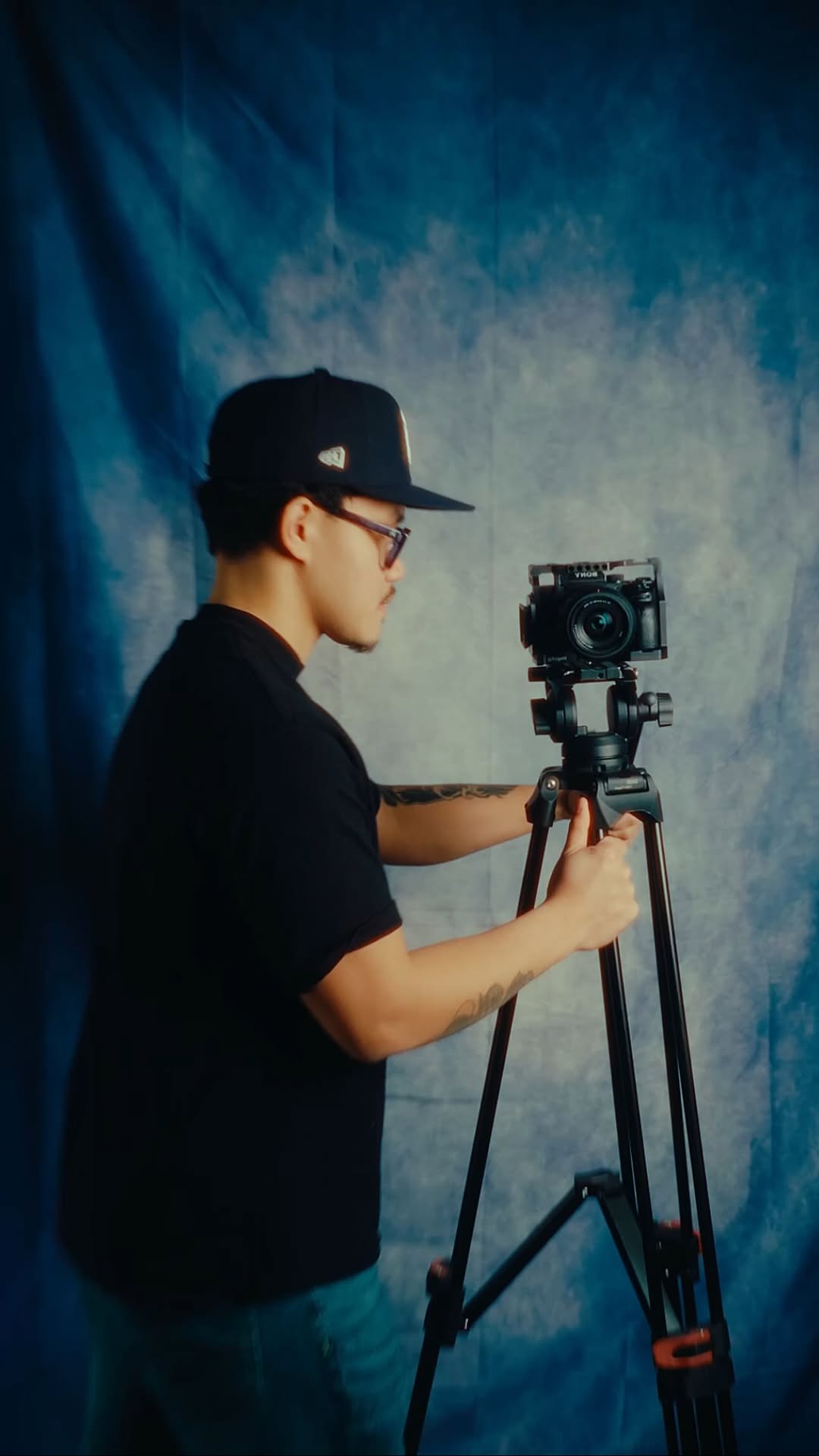 93.6KHow to storyboard video ideas@johnbucog · Playbook
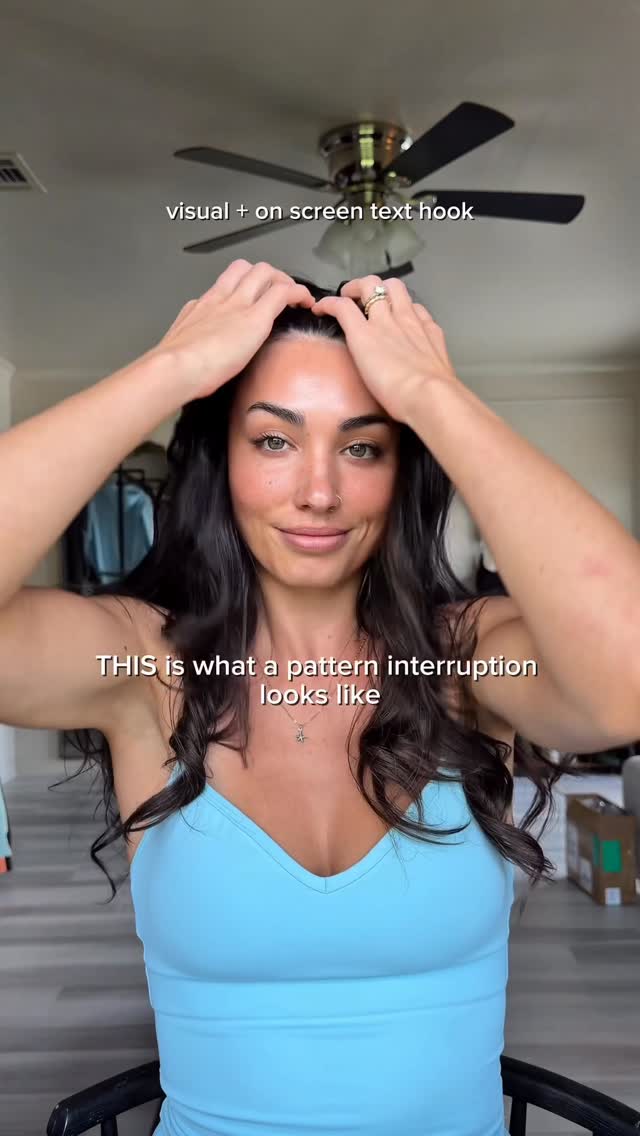 248.3K13.2×Creator demonstrates a video hook.@ugc.withrach · Breakdown
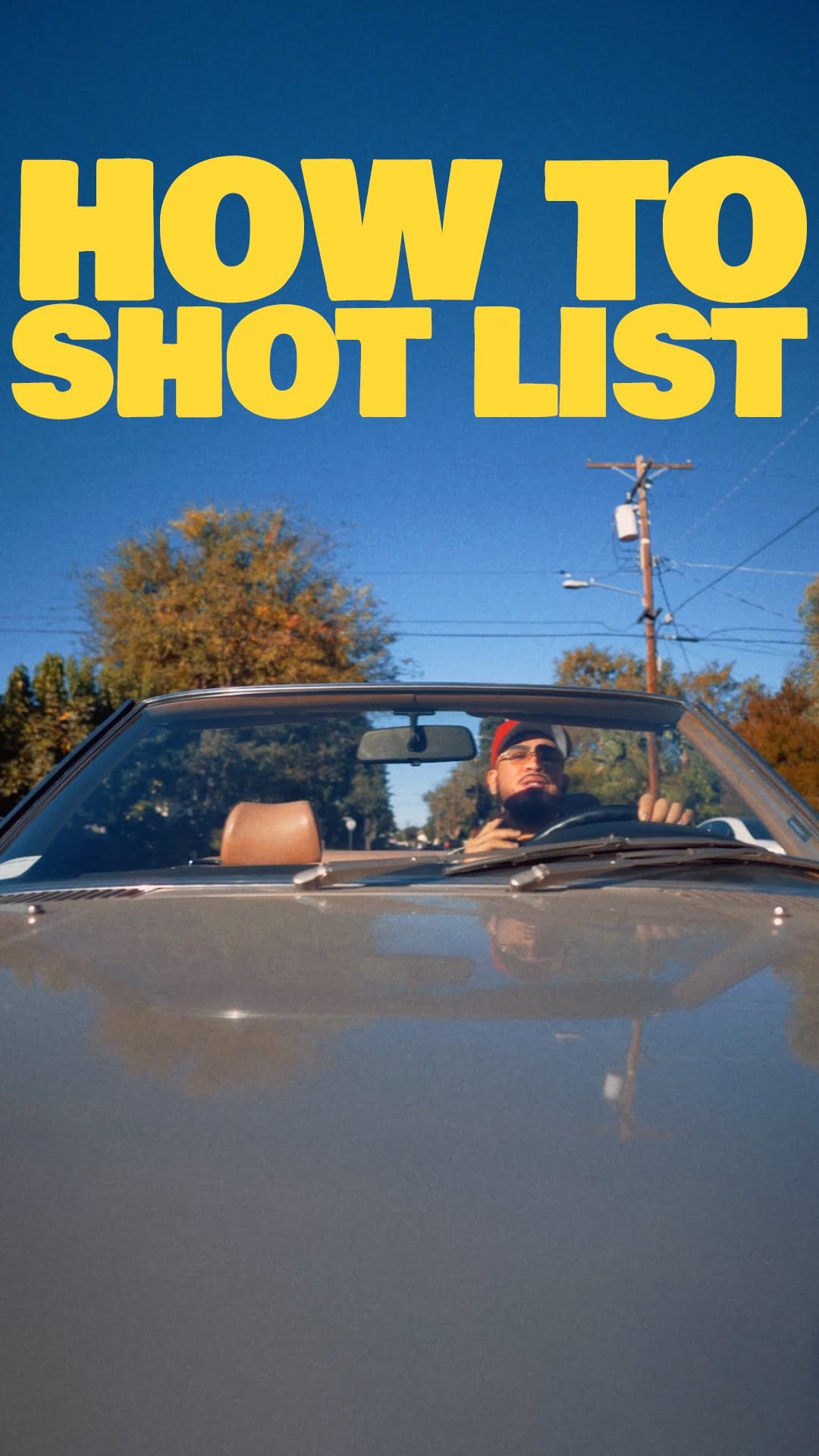 553K2×Cinematic shot listing tutorial breakdown@omgadrian · Breakdown
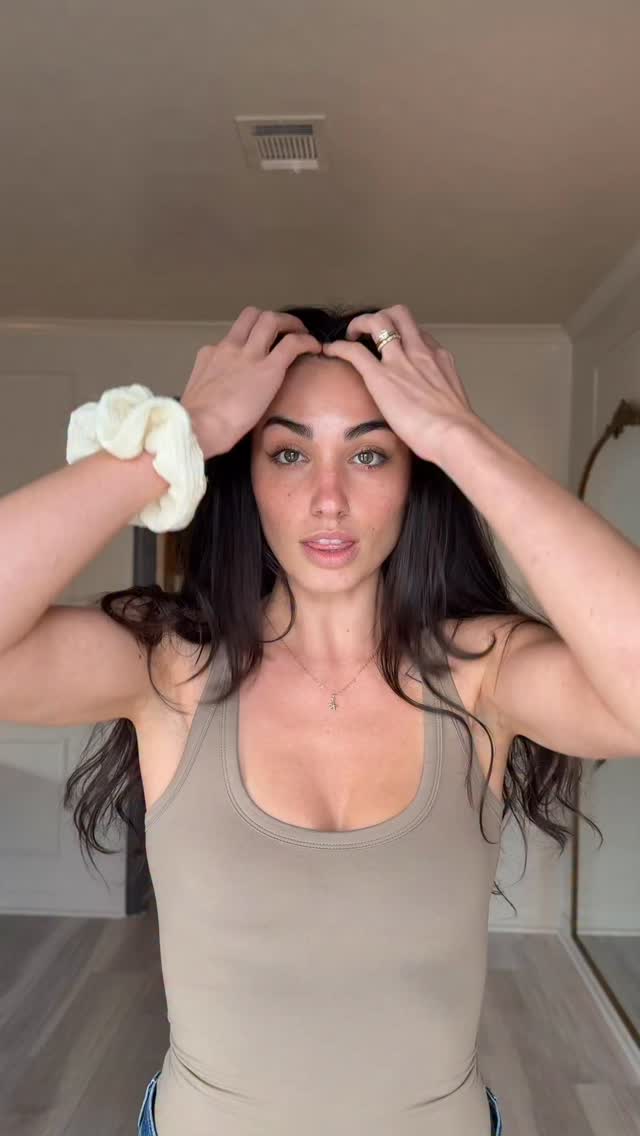 6.4M80.7×Rapid visual examples of hooks@ugc.withrach · Tutorial / How To
 264.6K40.1×Creator explains hook stacking strategy@briarcochran · Breakdown
 1.9M15.4×Rapid fire video hook examples@ugc.withrach
 542.9KHow to make viral captions@johnbucog_ · Tutorial / How To
 82.5KDemonstrating different video hook techniques@ugc.withrach · Tutorial / How To
[04]
[05]
What stops the scroll in the first 3 seconds
Title hook · 35%
HOW TO FRAME VERTICAL VIDEO
Verbal hook · 50%
This right here is the most important area when it comes to filming vertically.
Visual hook · 15%
The creator points emphatically to the empty space above his head, immediately drawing the viewer's eye to a specific part of the frame while grid lines likely appear.
[07]
The promise the opener makes, and how the video pays it back
Hook
The Spatial Anchor: Immediately visually isolates the most critical area of the canvas to focus viewer attention before explaining why.
Payoff
The Consistency Promise: Reaffirms that adhering to these spatial rules guarantees a frictionless viewing experience for the audience.
[08]
The structural pattern this video runs on
Framework
The Spatial Optimization Blueprint
A systematic deconstruction of a visual canvas into functional zones, prioritized by user behavior and platform constraints to maximize engagement.
The Behavioral Justification
Cites a specific audience statistic (e.g., '75% watch on mute') to create a logical necessity for the upcoming structural rules.
The Top-Down Mapping
Assigns specific content types (hooks, subtitles) to distinct spatial zones based on the hierarchy of viewer attention.
The Hazard Identification
Explicitly marks 'danger zones' where platform UI or external elements would obscure content, preventing common errors.
The Immutable Anchor
Identifies the single fixed element (e.g., eye line) that must remain consistent regardless of other variables.
The Contextual Stress Test
Demonstrates the framework's validity by applying the same rules to different scenarios (wide vs. medium shots) to prove versatility.
Comment “grid” and I’ll send you my safe zones overlay 🙂🤝🏽 These zones are something I keep in mind with every single shot. Hope this helps 🫡 #filmmaking #cinematography #tutorial
title · beginning
HOW TO FRAME VERTICAL VIDEO
informational · middle
75%
call-to-action · end
FULL BREAKDOWNS & WRITE UPS AVAILABLE FOR FREE @APCC NEWSLETTER & DISCORD LINK IN BIO TO JOIN
This right here is the most important area when it comes to filming vertically. And to dive even deeper, this is where things should be. Let's break it down. So why? Well, first and foremost, most people watch your content on mute. Studies show about 75%. So you're gonna wanna deliver your visual text hook big and up tier, easily readable for your audience to see. Next, your subtitles down here, but make sure you stay above this right tier. Because down here, it's gonna be your username and captions, and it'll cover it. And also a slight push this way because your likes, comments, shares will be right here as well. And lastly, and I'd say worst importantly, your eye line right here. And this will work whether it's a medium shot or a wide shot like this. No matter what the angle, we want to keep our composition consistent with our eyes for vertical content for our viewers' best viewing pleasure and convenience. Well, that's about it when it comes to safe zones for vertical videos, so just keep it in mind next time. As always, take care, happy creating, and I'll catch y'all next time. Peace.