@johnbucog_
TikTok · Talking Head Edit

@johnbucog_ How to CREATE VIRAL CAPTIONS #editing #creator #creative

@johnbucog_
TikTok · Talking Head Edit
@johnbucog_ How to CREATE VIRAL CAPTIONS #editing #creator #creative
Performance
Video #49630 · Talking Head Edit
[01]
The creator provides a four-step tutorial on how to create engaging video captions. He covers font selection, text placement, visual styling (colors and opacity), and the importance of sound design, using B-roll of his editing process to illustrate each point before concluding with a call to action.
[02]
[03]
 776.9K3.3×Viral captions creation tips guide@johnbucog · Tutorial / How To
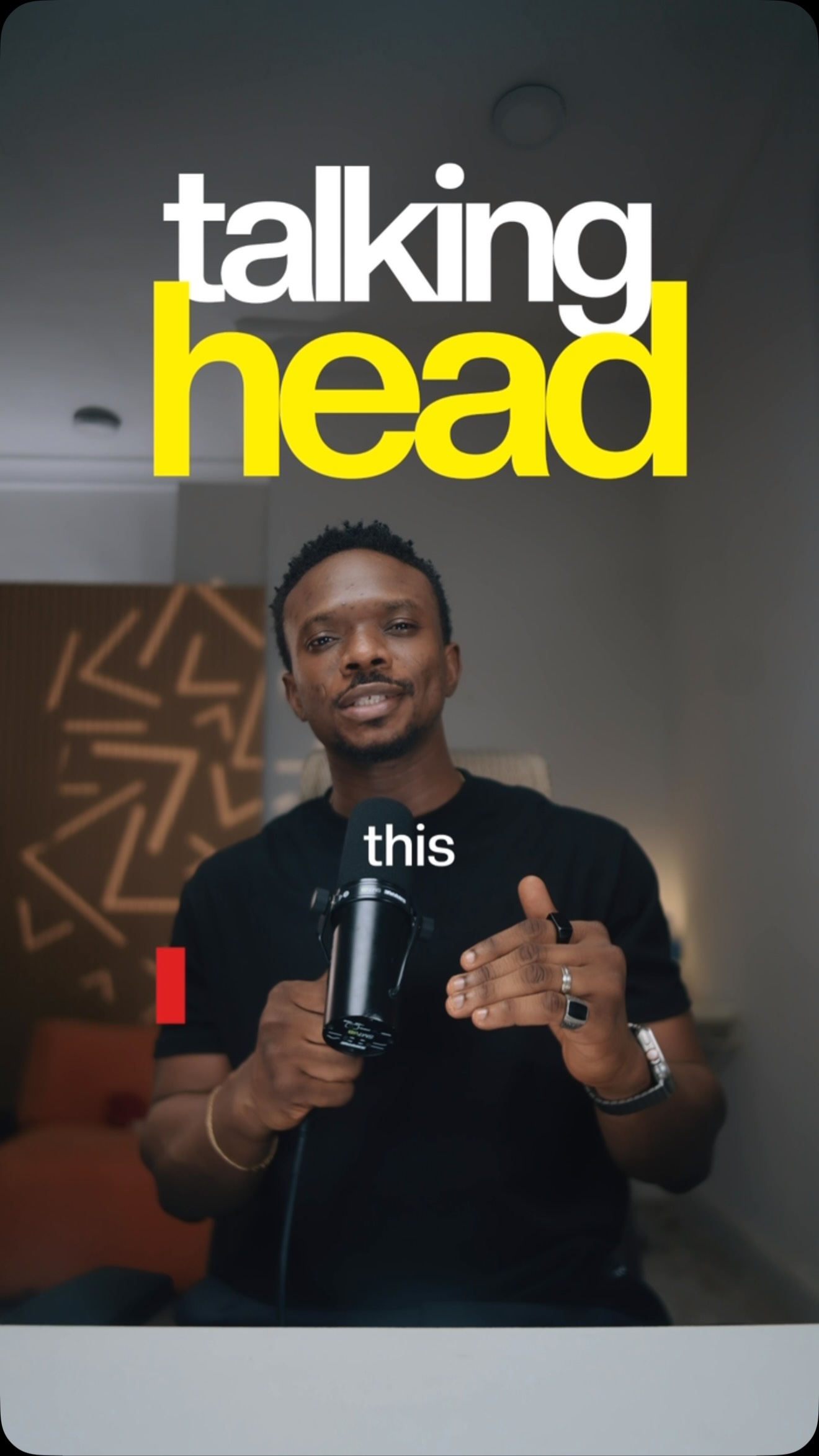 130.7KNumbered tips for video editing@samadsmett · Tutorial / How To
 151.3KVideo editing tutorial with quick cuts@johnbucog · Tutorial / How To
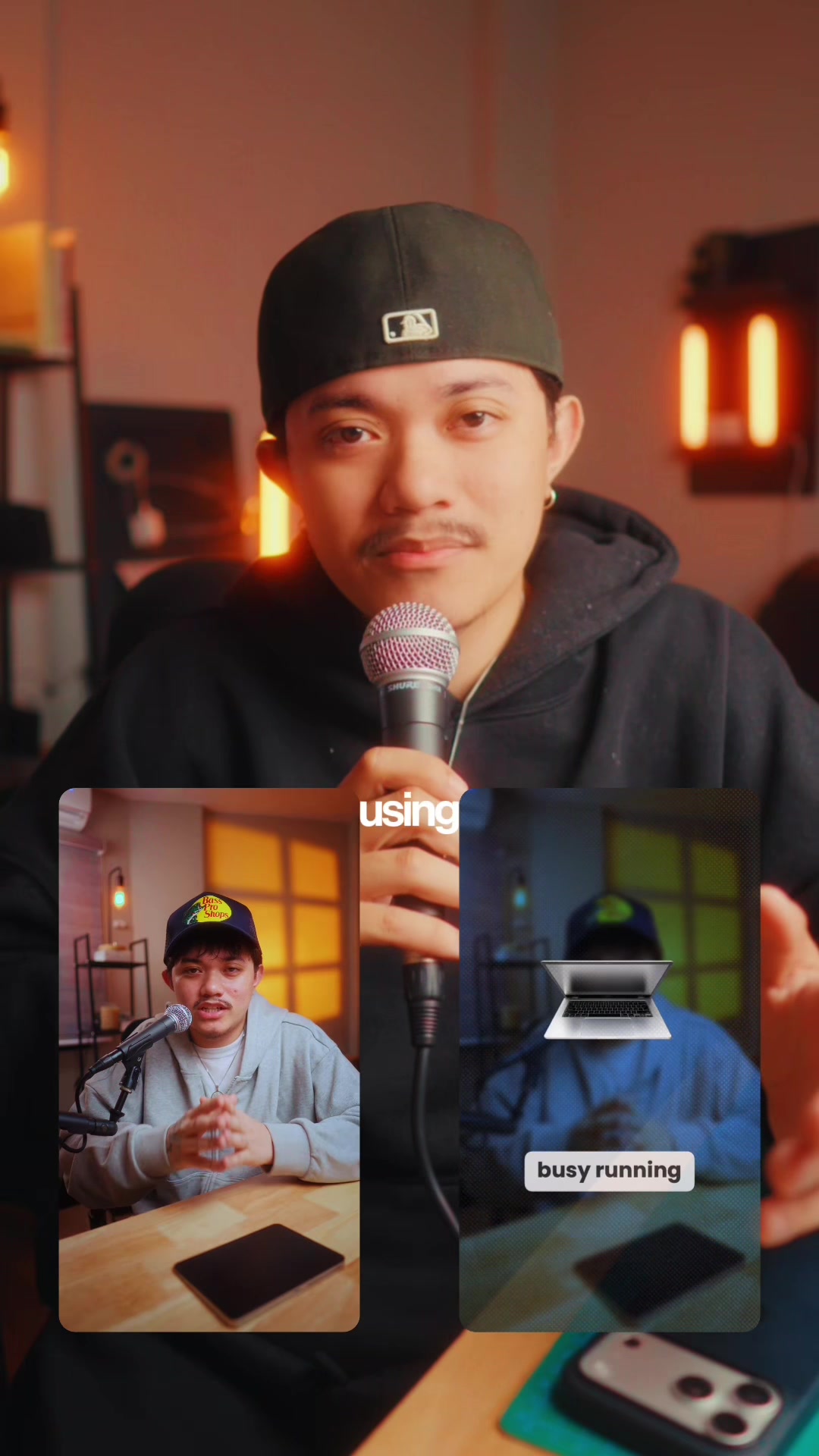 83.2KExplains editing problem, demos app solution.@ciggmedia · Product Demo
 58.1KCinematic video production step-by-step@johnbucog · Breakdown
 2M9×Fast-paced video editing tutorial@johnbucog · Tutorial / How To
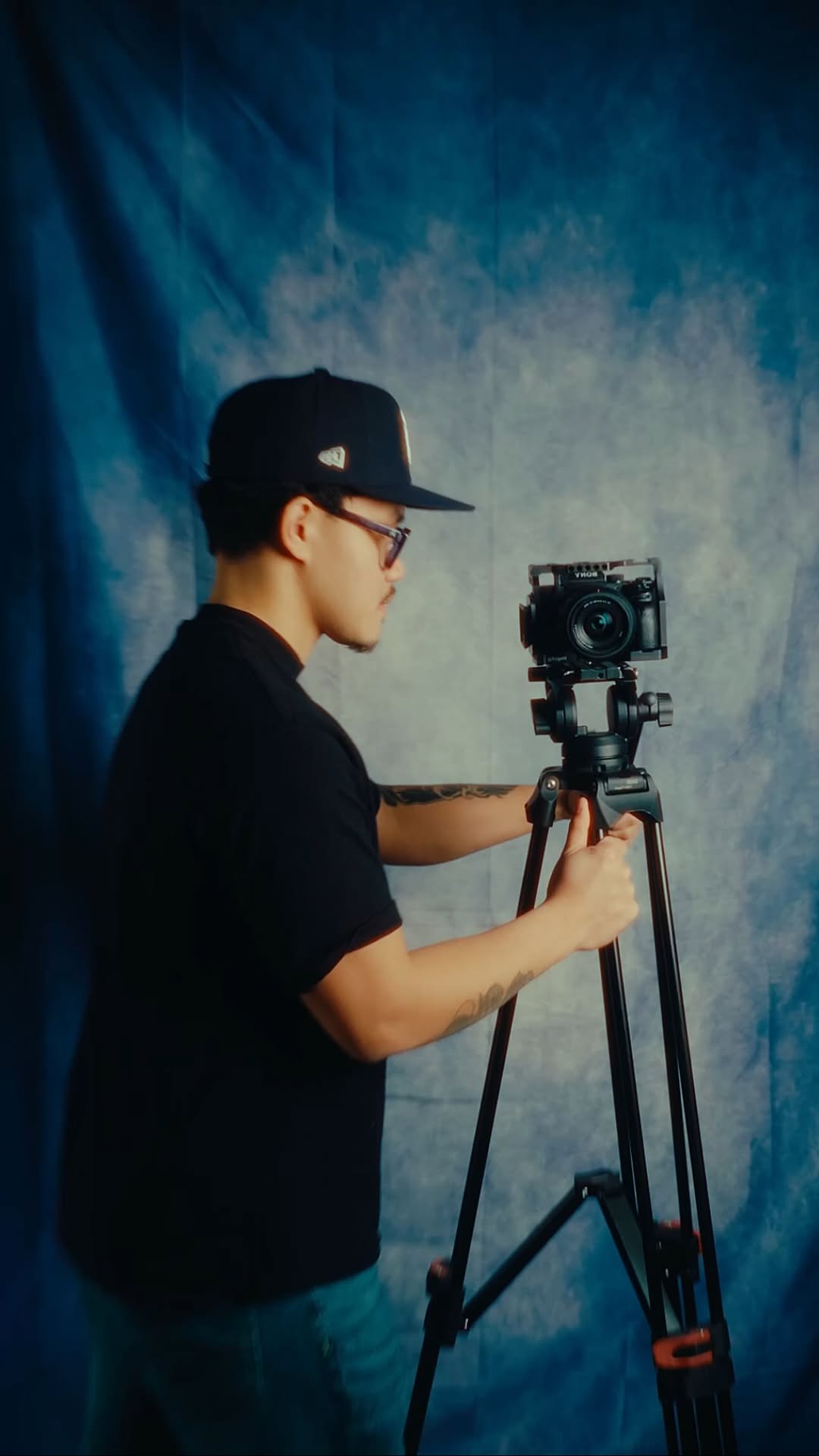 93.6KHow to storyboard video ideas@johnbucog · Playbook
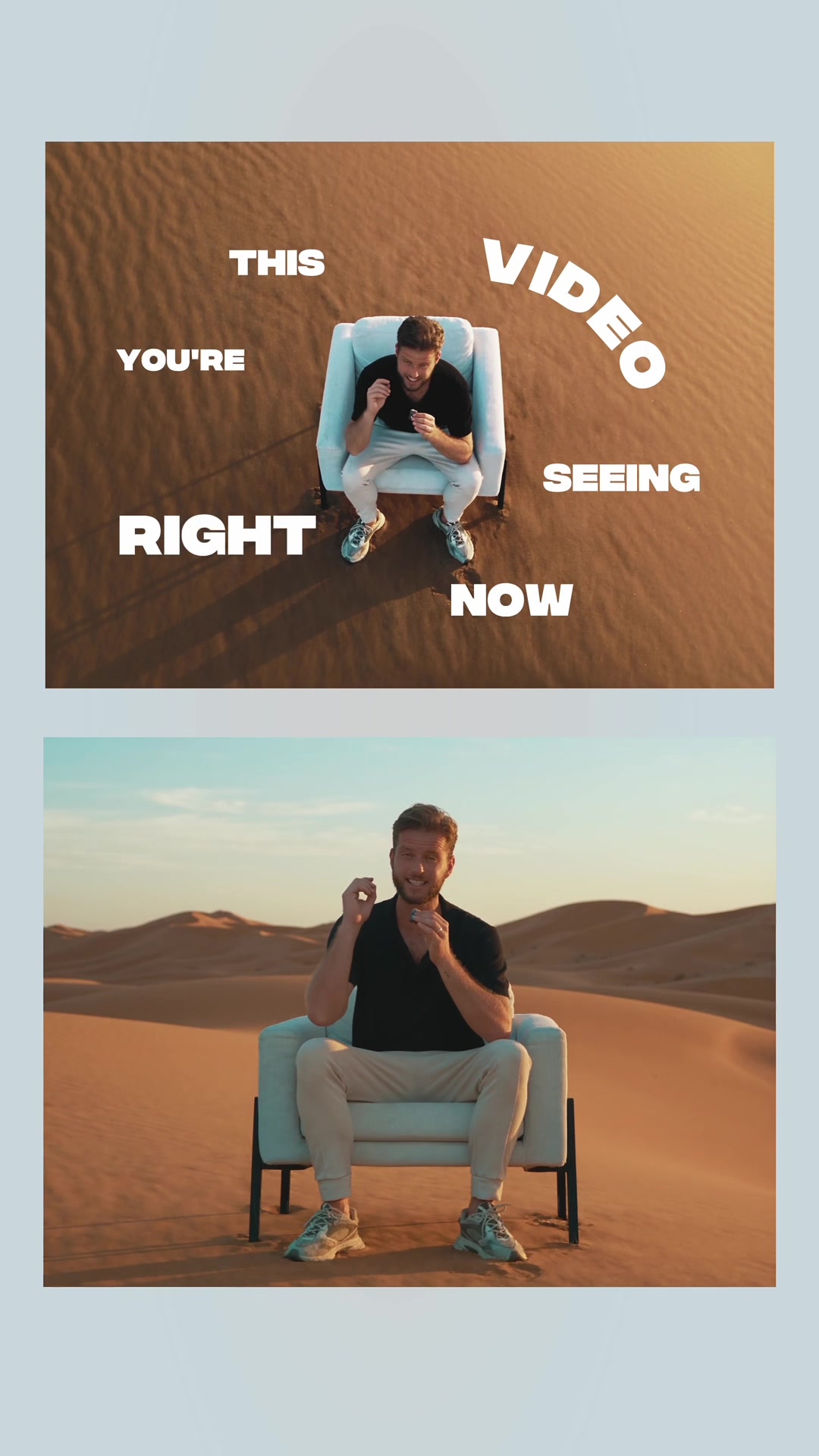 217.7KAI video editing tutorial showcase@byrvm_contentcreation · Tutorial / How To
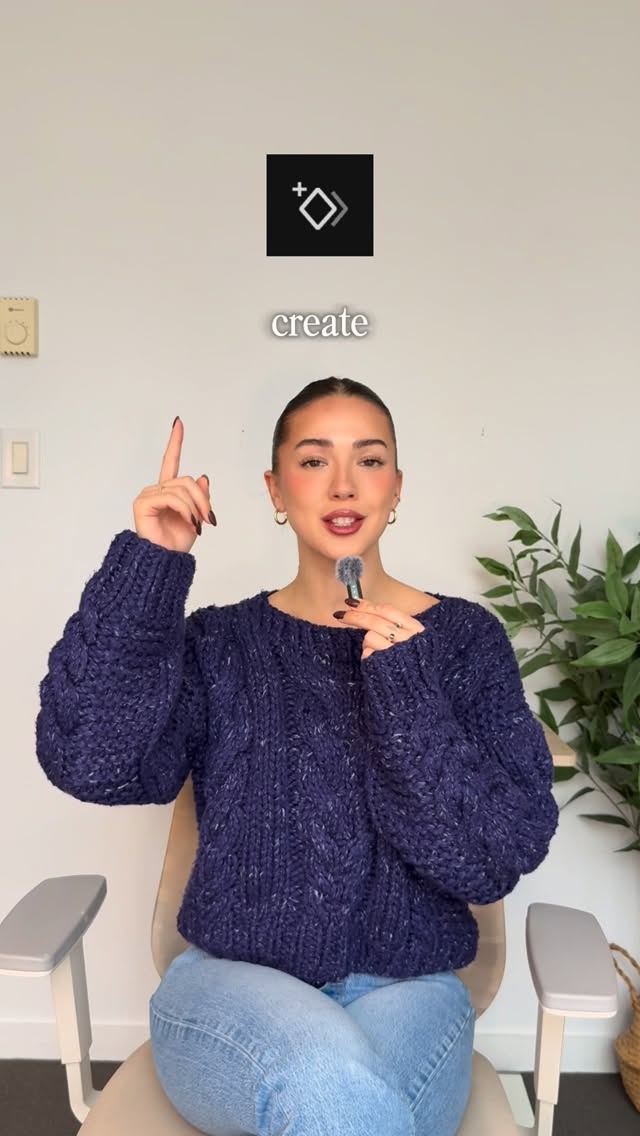 220.7K40.8×Rapid fire video editing tips@itsashleyboston · Rapid Fire Listicle
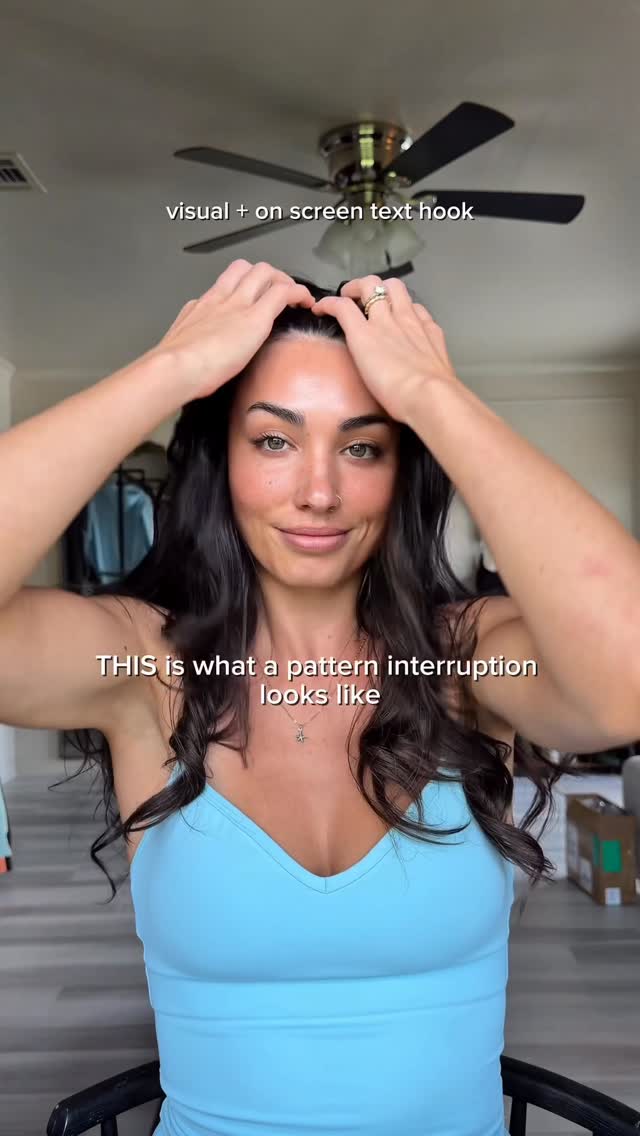 248.3K13.2×Creator demonstrates a video hook.@ugc.withrach · Breakdown
 478K9.8×How to make frame jump effect@artzenmedia · Tutorial / How To
 1.1M5.5×Filmmaker teaches vertical video composition tips@omgadrian · Breakdown
[04]
[05]
What stops the scroll in the first 3 seconds
Title hook
all you have all you been asking how do
Verbal hook
You all have been asking how I do this.
Visual hook
A high-angle, bird's-eye view of the creator pointing directly at the camera, framed by a spotlight/vignette effect.
[07]
The promise the opener makes, and how the video pays it back
Hook
Directly addresses the audience's stated curiosity ('You all have been asking'), establishing the creator as an authority who is about to reveal a sought-after process.
Payoff
Summarizes the entire process into a simple value proposition ('simple tweaks, viral results') and empowers the viewer with a direct call to action to apply the new skill.
[08]
The structural pattern this video runs on
Framework
The Expert Deconstruction
A step-by-step tutorial that breaks down a complex, desirable skill into a sequence of manageable actions, escalating from foundational principles to advanced, 'secret' techniques.
The Foundational Choice
Establishes the first and most basic component of the process, providing clear examples and a simple rationale for its importance.
The Strategic Placement
Moves from the 'what' to the 'where,' introducing a layer of creative strategy and demonstrating both simple and advanced options.
The Aesthetic Refinement
Focuses on polishing the core elements, teaching the viewer how to customize and add a professional finish that aligns with a specific style.
The Sensory Amplifier
Presents the final, most impactful technique as a 'game-changer,' framing it as the key differentiator between amateur and professional results.
How to CREATE VIRAL CAPTIONS #editing #creator #creative
title · beginning
all you
title · beginning
have all you been asking how do
title · beginning
So
contextual · beginning
a font
title · beginning
Next
title · middle
place ment
contextual · middle
get creative
contextual · middle
and make your text move in the 3D space
title · middle
Now tweak the look
informational · middle
colors
contextual · middle
not distracting
title · end
finally sound
contextual · end
this is a game changer
title · end
viral results
call-to-action · end
now it's your turn
You all have been asking how I do this. No, let me show you how. First, pick a font. I usually go for something bold and clean like San Francisco or Helvetica. It's got a pop on screen. Next, placement is key. You can keep it classic here or down here, or get creative and make your text move in the three d space. Keep it engaging. No, tweak the look. Play with colors, gradients, or the opacity to match your vibe. Subtle changes can make your captions feel polished, not distracting. And finally, sound design. This is a game changer. Adding subtle swooshes and pops to your text, that's the difference between regular captions to captions that grab attention. And that's how you do it. Simple tweaks, viral results. Now it's your turn.