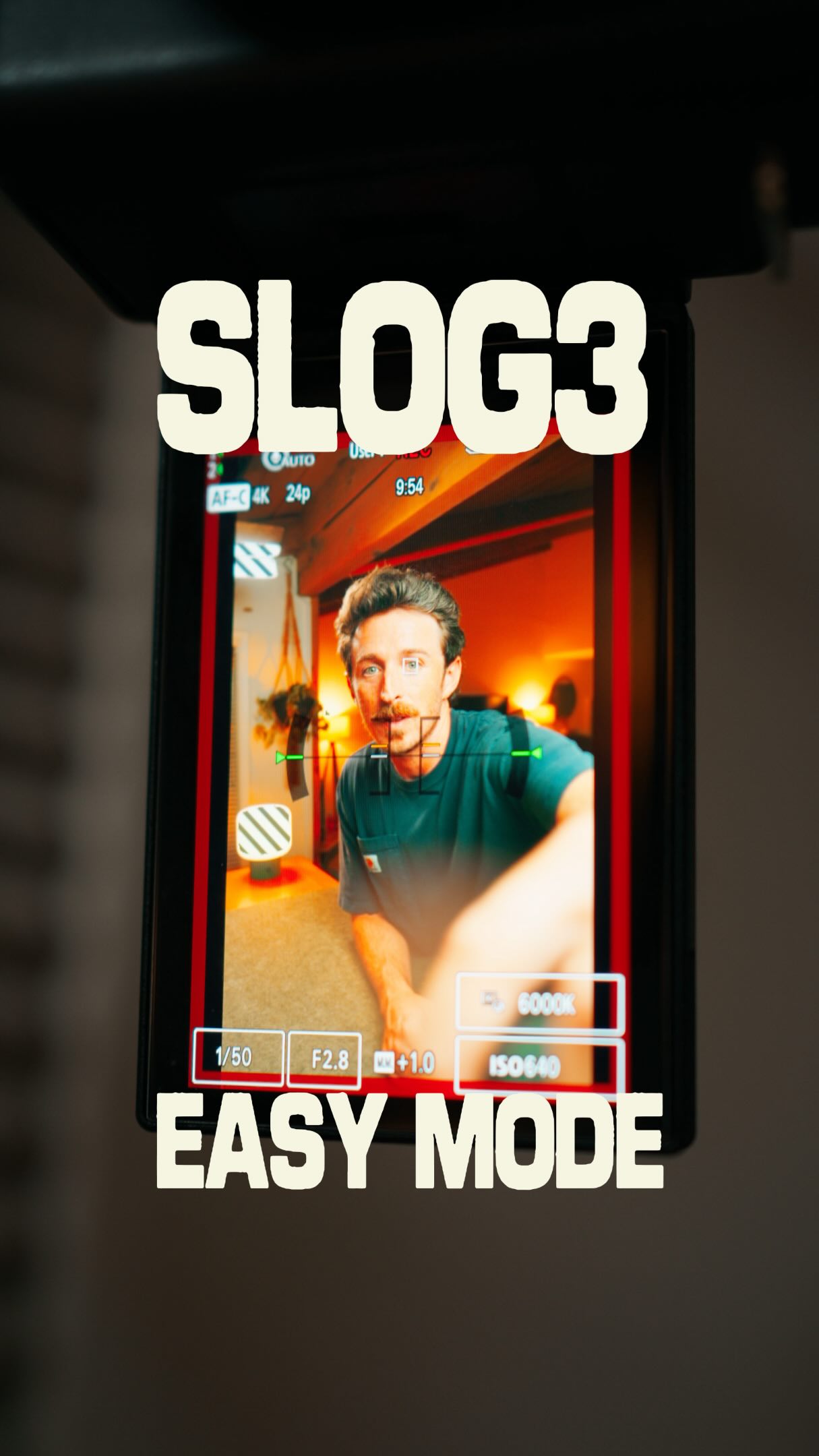
@zacsopak Shooting in S Log3 used to feel way more complicated than it needed to be.
Now I load the LUT I actually plan on using directly into my Sony camera so I can monitor with it while I shoot.
I can see my color, dial in my white balance and exposure, and have a pretty good idea of what my final image is going to look like before I ever get into the edit.
Then I apply the same LUT in post, make a few adjustments, and I’m basically done.
Less guessing. Less fixing. Less friction between shooting and creating.
Want to set this up on your Sony camera?
Comment COLOR and I’ll send you my full tutorial showing you how.
#Sonyalpha #alphauniverse #slog3 #colorgrading
The creator explains his past struggles with shooting in S-Log 3, then demonstrates a simplified workflow using custom LUTs on Sony cameras. He shows how to import a LUT to monitor the final color-graded image while shooting, which helps nail exposure and white balance, and then explains how this streamlines the post-production process, concluding with a call-to-action for a full tutorial.
I remember when I first started shooting in S-Log 3.
Visual hook
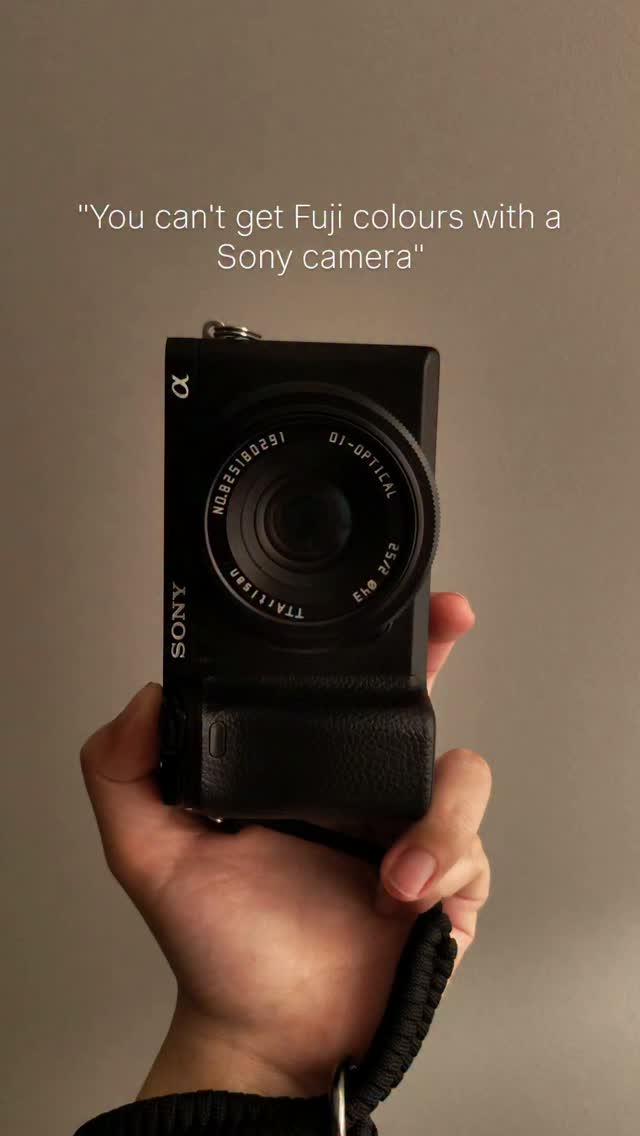
The creator holds a camera and speaks directly to the viewer in a selfie-style shot with warm, aesthetic lighting in the background, immediately establishing the topic and a personal connection.
[07]
Hook and payoff
The promise the opener makes, and how the video pays it back
Hook
Immediately vocalize a shared, niche-specific frustration to establish instant relatability and identify the target audience.
Payoff
Offer a high-value, extended resource (like a full tutorial) gated behind a simple engagement action (e.g., a comment), providing a clear call-to-action that satisfies viewer curiosity and boosts metrics.
[08]
Narrative framework
The structural pattern this video runs on
Framework
The Frustration to Freedom Blueprint
Identify a common, frustrating problem within a niche, present a specific, lesser-known technique as the 'easy mode' solution, and prove its value with a clear visual demonstration, culminating in an offer for a deeper guide to drive engagement.
1
The Shared Frustration
Detail the specific pain points of a common problem, validating the viewer's own struggles and building tension by describing the negative experience.
2
The Turning Point
Introduce a narrative pivot, signaling the discovery of a solution or a 'better way' without immediately revealing it, creating anticipation.
3
The Method Reveal
Explain the core concept of the solution, introducing the specific tool or technique that solves the initial problem, often by showing the interface or setup.
4
The Visual Proof
Provide a direct, undeniable visual comparison between the 'old way' (the problem state) and the 'new way' (the solution state), creating a powerful 'Aha!' moment.
5
The Benefit Breakdown
Articulate the practical advantages and positive outcomes of adopting the new method, focusing on how it improves the user's experience in real-time.
6
The Workflow Advantage
Explain how the new method positively impacts the entire process from start to finish, highlighting gains in efficiency, predictability, and final quality.
7
The Philosophical Justification
Connect the practical solution to a higher-level goal or creative philosophy, giving the tip a greater sense of purpose and value beyond just a technical hack.
Themes
Problem-solving
Workflow efficiency
Technical education
Creator tips
Techniques
Direct address
Personal anecdote
Product demonstration
Post caption
Shooting in S Log3 used to feel way more complicated than it needed to be.
Now I load the LUT I actually plan on using directly into my Sony camera so I can monitor with it while I shoot.
I can see my color, dial in my white balance and exposure, and have a pretty good idea of what my final image is going to look like before I ever get into the edit.
Then I apply the same LUT in post, make a few adjustments, and I’m basically done.
Less guessing. Less fixing. Less friction between shooting and creating.
Want to set this up on your Sony camera?
Comment COLOR and I’ll send you my full tutorial showing you how.
#Sonyalpha #alphauniverse #slog3 #colorgrading
Text overlays
title · beginning
SLOG3 EASY MODE
Transcript
I remember when I first started shooting rank yes log three. I hated it. Everything was gray and washed out. It was tough to know if things were exposed properly, and I was always sort of guessing at what my white balance would be. And oftentimes I would get it wrong, and it was extremely frustrating. That was until I found a different way to shoot in s log three that is way less complicated. A lot of newer Sony cameras allow you to add your own custom LUT directly to your camera and use it while you're recording. So instead of looking at this flat yes log three image this is actually what I see. This is my no to LUT which allows me to see essentially my finished image directly in camera before I even go to record. I can set my white balance to make sure that I'm getting all the colors that I'm going for, and I can set my exposure so that everything looks normal. And then I can still record everything in s log three, so that way I still have all that flexibility whenever I go to edit. Except now when I do go into the edit, I basically know exactly what I'm getting. I add my LUT, make a few adjustments if I need to, and I'm basically done. This is perfect for me because I want as little friction between my ideas and me creating. Now if you want to set this up on your own Sony camera, I made a full tutorial showing you how to do it. Just comment the word color down below and I'll send it over.