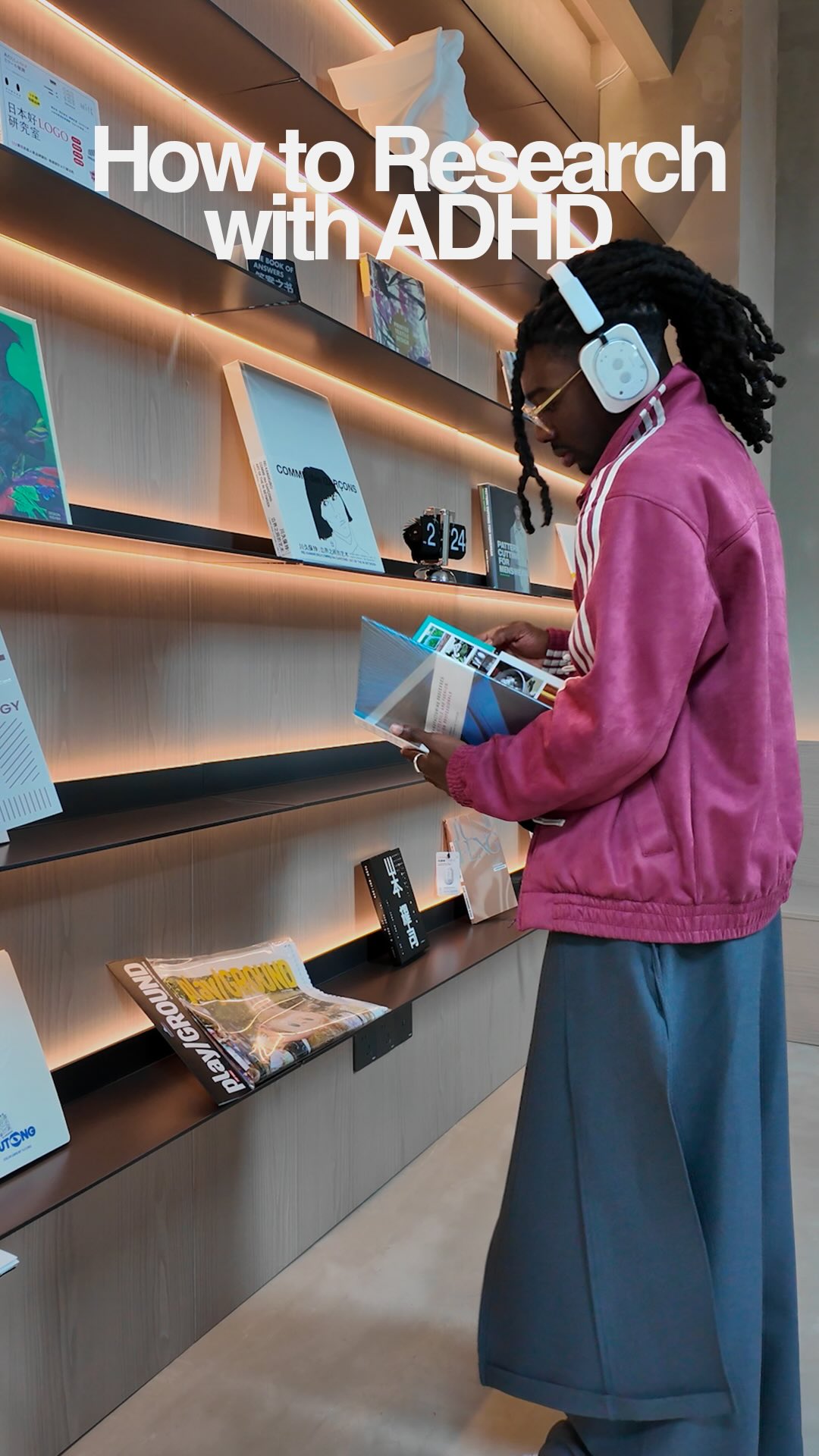
@yaw_majesty When I’m building collections, research is non-negotiable, but reading every report top to bottom just isn’t realistic, especially when focus is already a challenge.
Lately, I’ve been turning long research docs into audio with Generate podcast in @adobeacrobat so I can listen while I work, sketch, and plan. It’s helped me move through information faster without cutting corners or skipping the thinking part.
If research is part of your process, this has been a game changer for mine.
#AdobeAcrobatPartner
ADHD productivity hack for researchfrom @yaw_majesty
[01]
Overview
The creator explains the difficulty of conducting research with ADHD and presents a solution using Adobe Acrobat. He demonstrates how to use the 'Generate Podcast' feature to convert long research documents into audio summaries, showing a screen recording of the process. He then illustrates how he listens to these summaries while performing other creative tasks like sketching, concluding that this method helps him work faster without cutting corners.
Here's how to research with ADHD in partnership with Adobe Acrobat.
Visual hook · 15%
A man with a friendly and engaging expression looks directly at the camera while holding a tablet and stylus, set against the backdrop of a modern design studio.
[06]
Hook template
Steal this for your own video
How to [challenging task] with [identity or condition]
— How to meal prep with a chronic illness
— How to study with dyslexia
— How to manage finances with anxiety
[07]
Hook and payoff
The promise the opener makes, and how the video pays it back
Hook
Directly address a specific audience with a common, frustrating problem, immediately followed by a bold, quantifiable promise of a solution.
Payoff
Conclude with a personal endorsement that validates the solution's effectiveness and a direct, branded call-to-action that encourages the viewer to adopt the new method.
[08]
Narrative framework
The structural pattern this video runs on
Framework
The Workflow Transformation
Demonstrating how a specific tool transforms a tedious, time-consuming task into an efficient, integrated part of a creative workflow, solving a common pain point for a specific audience.
1
The Pain Point
Establish the 'before' state by highlighting the inefficiency and difficulty of a common, necessary task.
2
The Bold Promise
Make a specific, quantifiable claim about how much time or effort can be saved, creating a 'how?' question in the viewer's mind.
3
The System Reveal
Introduce the new tool or system that makes the transformation possible, showing the initial setup.
4
The Feature Deep-Dive
Demonstrate the specific feature that is the 'magic' behind the system, explaining what it does and how it works with a screen recording overlay.
5
The Lifestyle Integration
Visually show the new, improved workflow in action, emphasizing how the solution seamlessly integrates into the user's life and allows for multitasking.
6
The Aspirational Result
Connect the use of the tool to the achievement of a higher-level, desirable outcome, showing the final creative product.
Themes
Productivity
Neurodiversity
Creative Process
AI Tools
Work Hacks
Techniques
Problem-Solution Framework
Product Demonstration
Personal Anecdote
Trends
AI Productivity Tools
Neurodivergent Content
Post caption
When I’m building collections, research is non-negotiable, but reading every report top to bottom just isn’t realistic, especially when focus is already a challenge.
Lately, I’ve been turning long research docs into audio with Generate podcast in @adobeacrobat so I can listen while I work, sketch, and plan. It’s helped me move through information faster without cutting corners or skipping the thinking part.
If research is part of your process, this has been a game changer for mine.
#AdobeAcrobatPartner
Text overlays
title · beginning
How to research with ADHD
contextual · beginning
in partnership with Adobe Acrobat.
contextual · end
peace.
Transcript
Here's how to research with ADHD in partnership with Adobe Acrobat. When it comes to doing collections, we gotta do a lot of research. But sitting down and reading through every document tier to finish best isn't realistic. So I'm a show you how to turn six hours of research into a one hour task. So instead of going through every single report, I organize my research in a PDF space in Adobe Acrobat. And this is generate podcast. It takes long research documents and turns them into podcast style audio summaries in just one click. Depending on what I need and how much time I have, I can choose from a deep dive or a quick recap. So now, I get to listen while I worse, but I still get the full insights. And by the time I'm done, I've got the full context and I'm ready to design. So if research is part of your process, this is the easiest way I've found to move faster without cutting any corners. So generate your podcast. And until next tier, peace.