@covacut
Instagram · Talking Head Edit
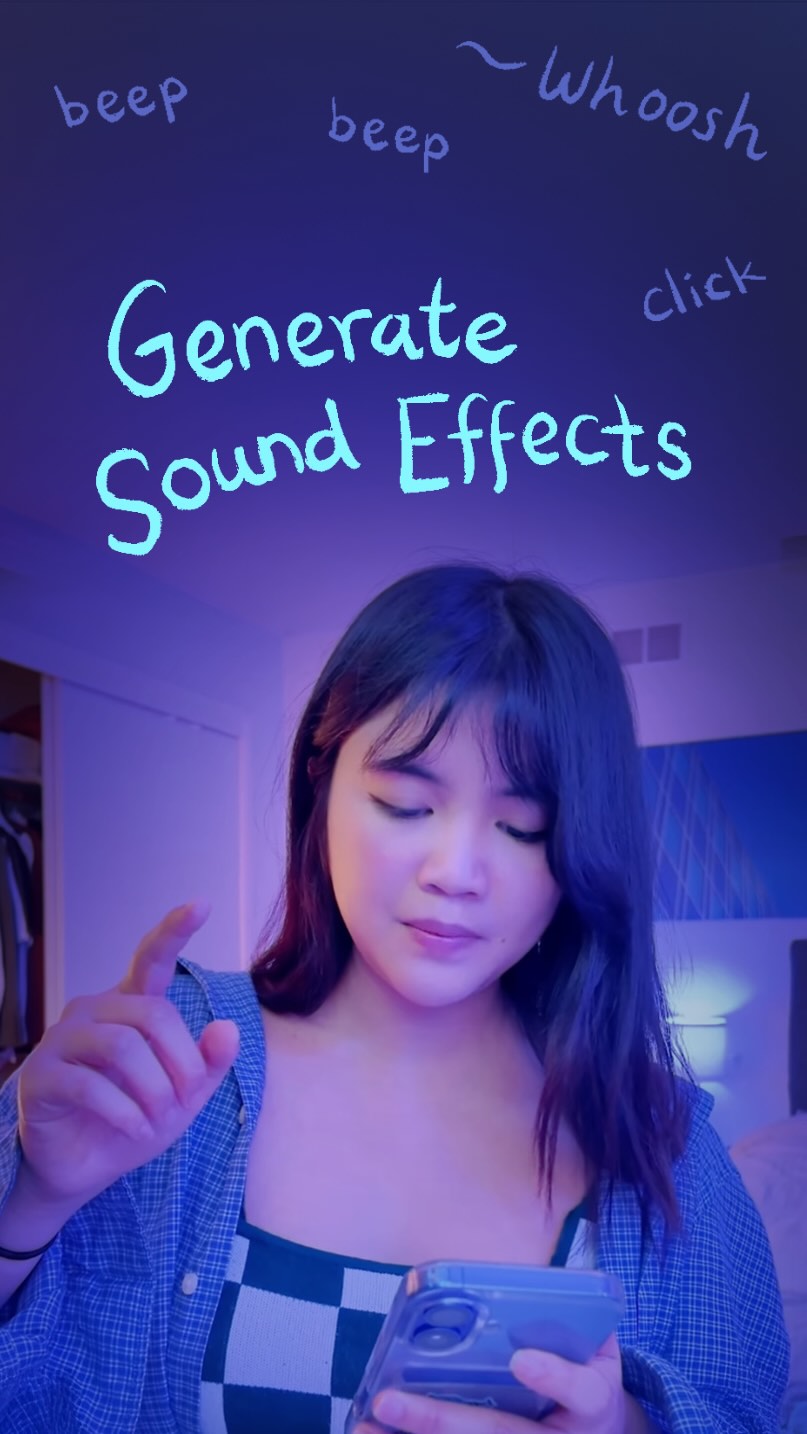
@covacut how to generate sound effects, using @adobevideo!📱 i’ve used premiere pro since day one for my videos, and I’m so excited to share this update with you! link in bio 🫶 #adobepartner

@covacut
Instagram · Talking Head Edit
@covacut how to generate sound effects, using @adobevideo!📱 i’ve used premiere pro since day one for my videos, and I’m so excited to share this update with you! link in bio 🫶 #adobepartner
Performance
Video #30823 · Talking Head Edit
[01]
The creator starts by stating her impatience with adding sound effects to videos. She then introduces Adobe Premiere Pro's new iPhone feature as a solution, promising to demonstrate it in 30 seconds. She explains two methods: selecting from the sound library and using the AI generator, then demonstrates the AI feature by typing "whoosh," performing the sound with her voice, and showing how the app generates a matching sound effect synced to a video clip.
[02]
[03]
 1.4M118.4×Creator demonstrates AI video editing app@jessy_barreto · Product Demo
 53.6M173.1×Talking head AI tool demo@rpn · Resource
 131.7KAI filmmaking tool product showcase@johnbucog · Rapid Fire Listicle
 599.9K7.6×AI video tool before/after tutorial@rourke · Tutorial / How To
 159KAI tool creates trending effect@ezz.the.blade · Tutorial / How To
 489.5KRapid fire list of AI effects@tenfoldmarc · Rapid Fire Listicle
 1M137.7×AI video relighting tool tutorial@rourke.heath · Resource
 303.7K12.1×High-energy AI product feature showcase@johnbucog · Product Demo
 1.1M17.5×AI video creation tutorial demo@rourke · Product Demo
 868.1K3.1×Movie trailer style tech product promo@helloapple · Themed Announcement
 4.5M18.4×AI audio tool tutorial reveal@jasoncooperson · Buying List
 606.1K2.1×AI tool demo for creators@jasoncooperson · Tutorial / How To
[04]
[05]
What stops the scroll in the first 3 seconds
Title hook · 25%
Whoosh
Verbal hook · 55%
I'm an impatient person and I hate adding sound effects.
Visual hook · 20%
The creator is in a room with vibrant purple and pink mood lighting, looking directly at the camera while performing a 'whoosh' sound effect with her mouth.
[06]
Steal this for your own video
I'm a person, so I — until I found this fix.
[07]
The promise the opener makes, and how the video pays it back
Hook
A direct-to-camera declaration of a common, frustrating problem to establish immediate relatability with a niche audience.
Payoff
A concise concluding statement that reinforces the simplicity of the solution ('And that's it'), followed by an empowering and positive sign-off that encourages the viewer to apply the new knowledge.
[08]
The structural pattern this video runs on
Framework
The 30-Second Magic Trick
To solve a common, tedious problem for a specific audience by demonstrating a new, seemingly magical feature in a tool, all within a compressed timeframe.
The Relatable Frustration
The creator voices a specific, shared pain point associated with their craft ('I hate adding sound effects'), building an instant bond with the viewer.
The Unexpected Savior
A new or updated tool is introduced as the direct solution to the previously stated problem, creating a curiosity gap.
The Ticking Clock Contract
The creator makes a time-bound promise (e.g., 'in 30 seconds') to deliver the solution, guaranteeing a quick and valuable payoff for the viewer's attention.
The Feature Breakdown
The solution is broken down into two distinct methods (library vs. generation), presented as a mini-list to structure the tutorial.
The 'Show, Don't Tell' Proof
A live, screen-recorded demonstration of the most impressive feature, showing the user input (voice/text) and the tool's powerful output (professional sound effect) to prove the initial claim.
The Practical Payoff
The creator explicitly states the ultimate benefit of using the feature, connecting the 'magic' back to a real-world workflow improvement ('sync it with the video').
how to generate sound effects, using @adobevideo!📱 i’ve used premiere pro since day one for my videos, and I’m so excited to share this update with you! link in bio 🫶 #adobepartner
title · beginning
Whoosh
contextual · beginning
beep beep beep beep beep beep beep
informational · beginning
Impatient person
informational · beginning
hate adding sound effects
branding · middle
Premiere Pro
informational · middle
is on your iPhone
branding · middle
#adobepartner
informational · middle
1. Sound Library
informational · middle
2. Generate Sound
call-to-action · end
Happy Creating ♡
No I'm an impatient worse, and I hate adding sound effects. But now that Premiere Pro is on your iPhone, it can do that for you. Give me thirty seconds to show you how. First, you can select your new sound library with a bunch of pre made sound effects, or you can generate your own sounds. Type in a simple description, then you can even perform your sound. This allows you to sync it with a video, and that's it. Have a great.