@fakeplasticbrands
Instagram · Greenscreen Talking Head
@fakeplasticbrands Content aware scale is comedy gold.

@fakeplasticbrands
Instagram · Greenscreen Talking Head
@fakeplasticbrands Content aware scale is comedy gold.
Performance
Video #18820 · Greenscreen Talking Head
[01]
The creator presents a series of unconventional graphic design tips in a rapid-fire list format. He explains and demonstrates techniques such as using content-aware scale for humorous distortion, placing people in unexpected contexts, adding hand-drawn annotations for an authentic feel, and physically manipulating media by printing, cutting, and ripping to add depth and character to a design.
[02]
[03]
 1.3M18.4×Rapid fire graphic design tips@fakeplasticbrands · Rapid Fire Listicle
 829.3K11.9×Explaining three graphic design tricks@fakeplasticbrands · Tutorial / How To
 808.8K2.9×Rapid fire graphic design fixes@createwithalena · Rapid Fire Listicle
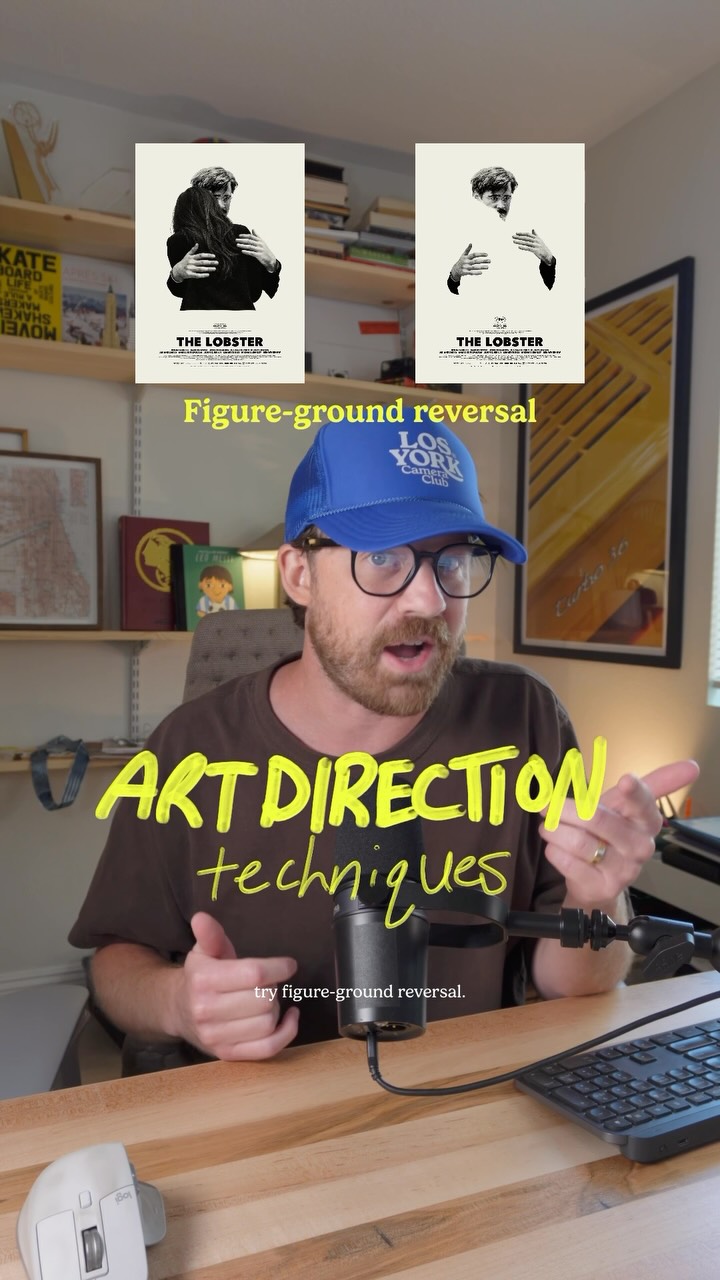 112.6K18.3×Explaining three art direction techniques@jason_swet · Rapid Fire Listicle
 3.9M6.7×Before and after design fixes@createwithalena · Rapid Fire Listicle
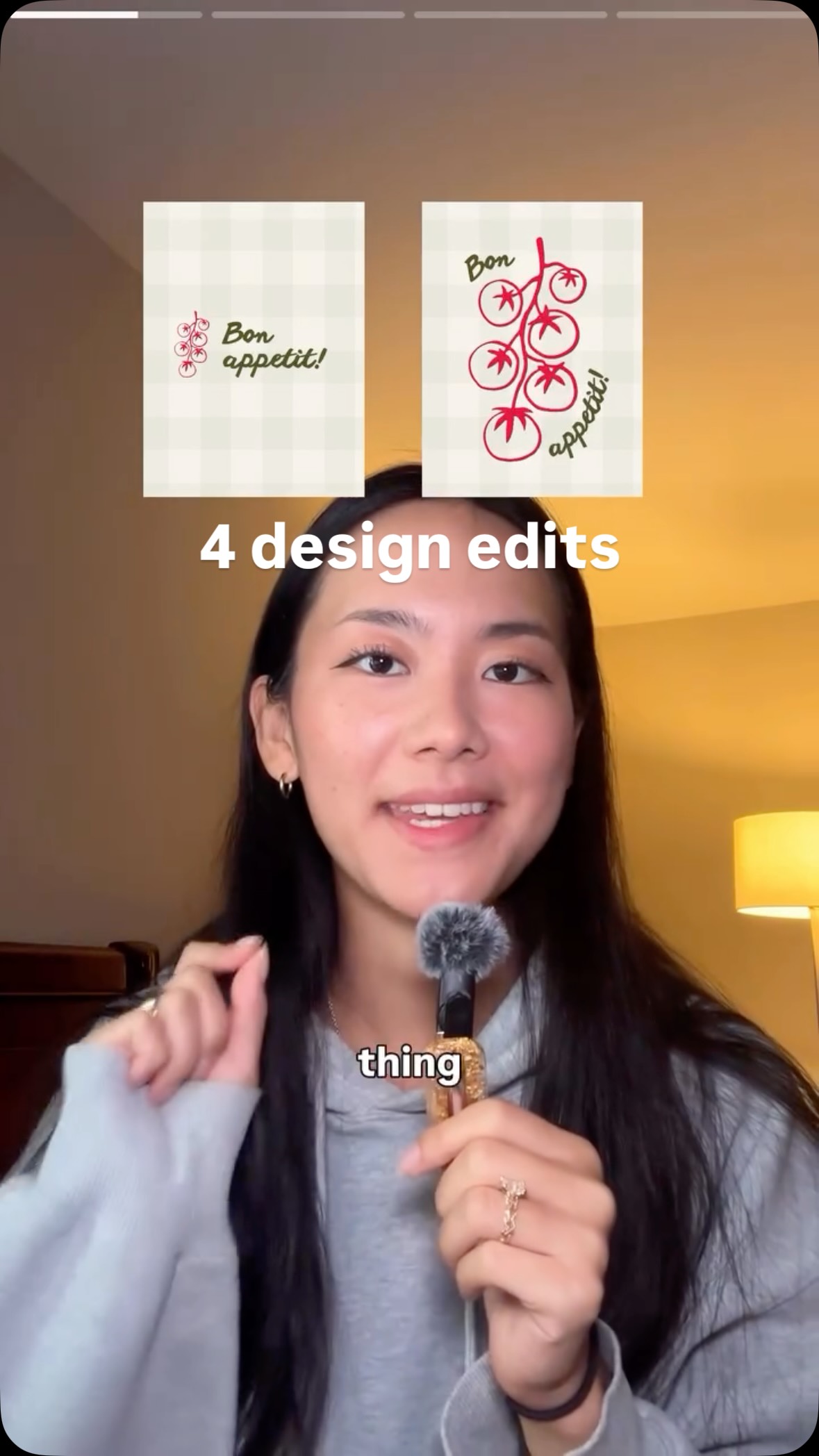 939.9K13.3×Before and after design tips@createwithalena · Before/After Transformation
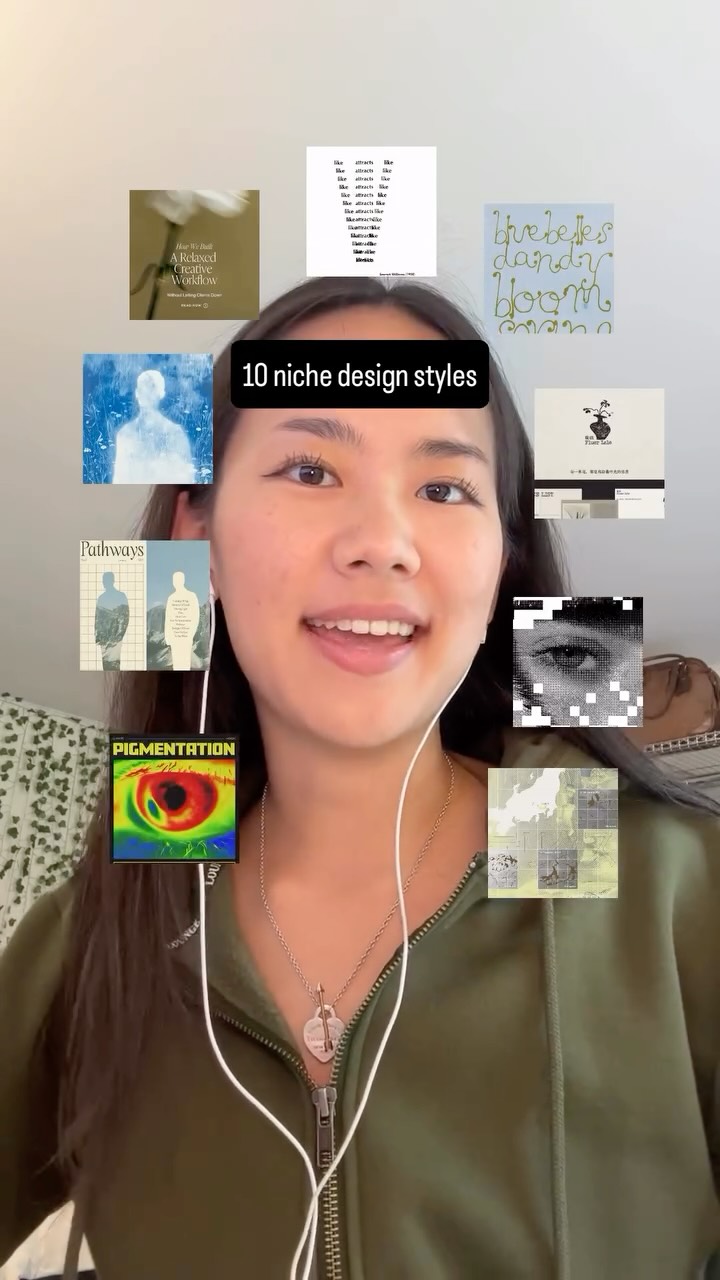 771.1K5.8×Rapid-fire list of design styles@createwithalena · Rapid Fire Listicle
 690.5K17.6×Creator shares useful design websites@fakeplasticbrands · Tutorial / How To
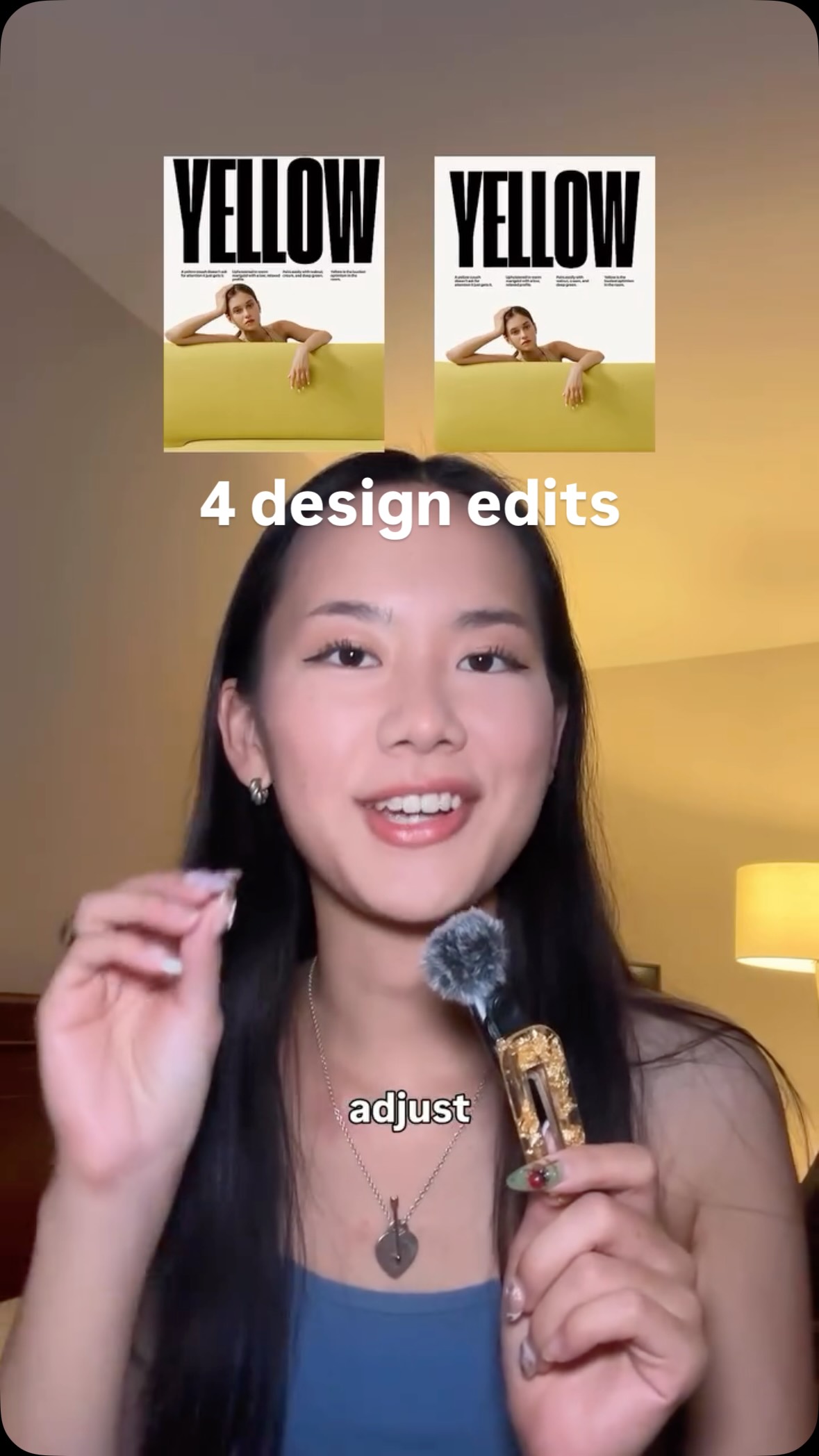 477.4KProblem, then quick design fix@createwithalena · Rapid Fire Listicle
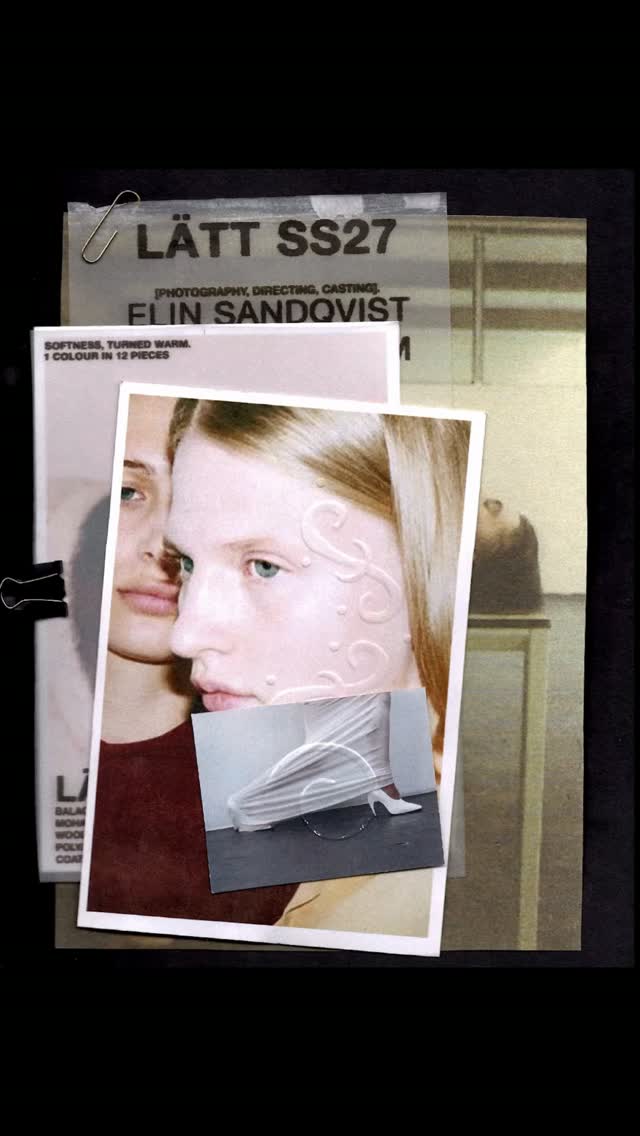 118.7K17.5×Hands-on graphic design process montage@lt.designz · Process
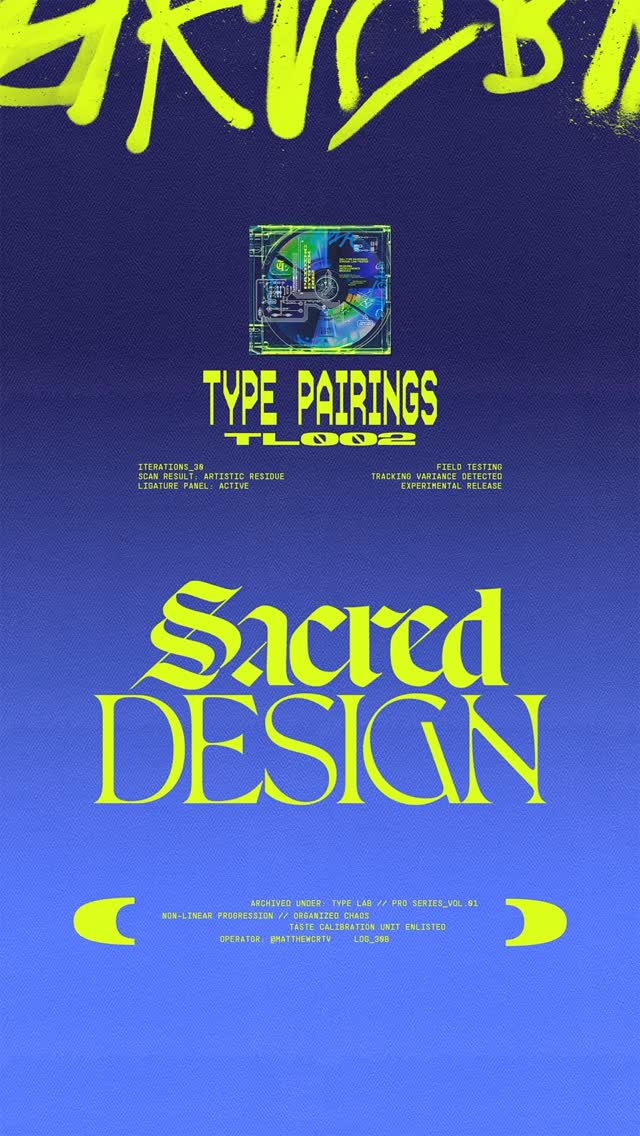 57.2KRapid fire font pairing showcase@matthewcrtv · Rapid Fire Listicle
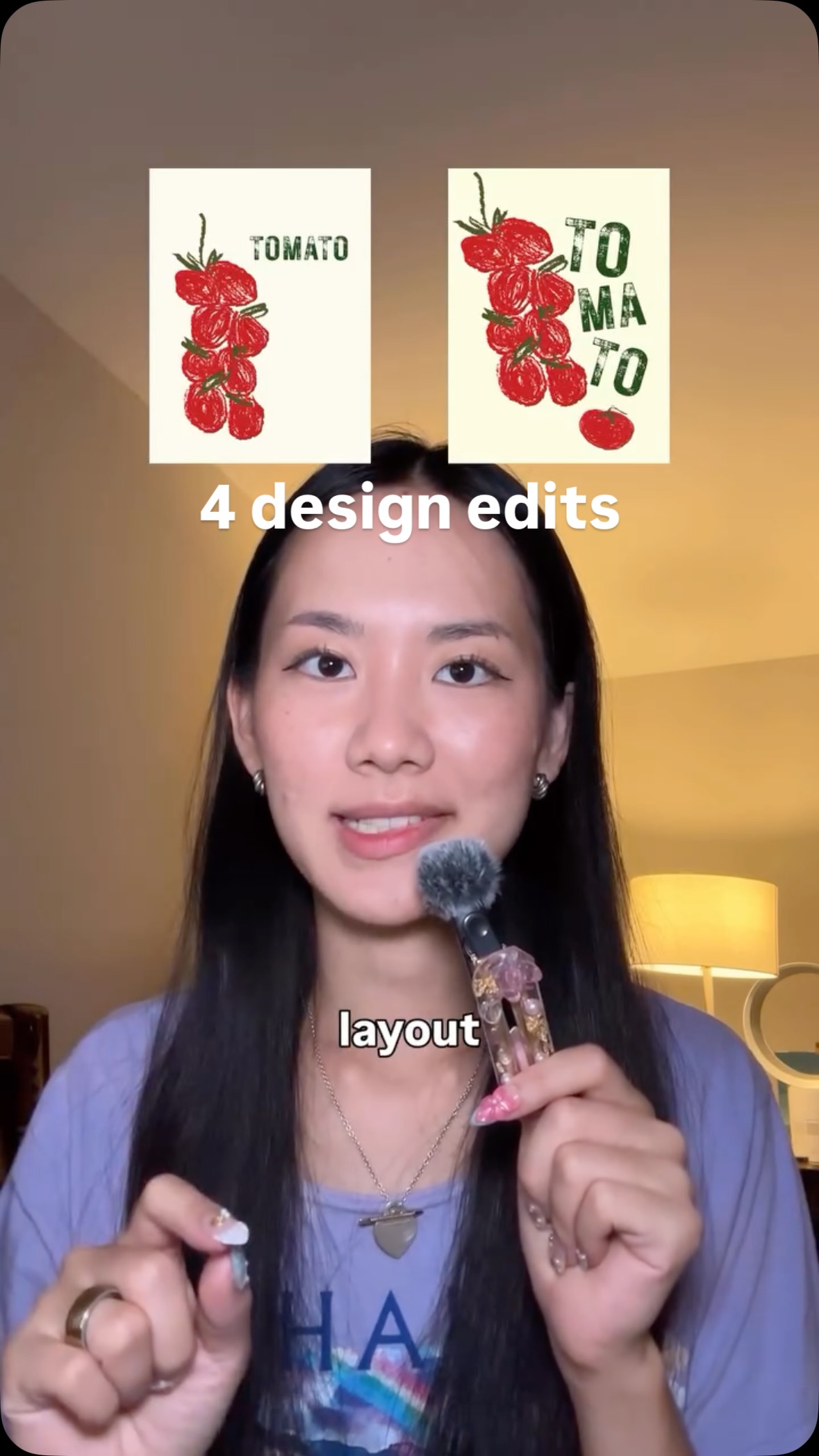 5.3M17.8×Before and after design fixes@createwithalena · Good vs Bad
[04]
[05]
What stops the scroll in the first 3 seconds
Title hook · 35%
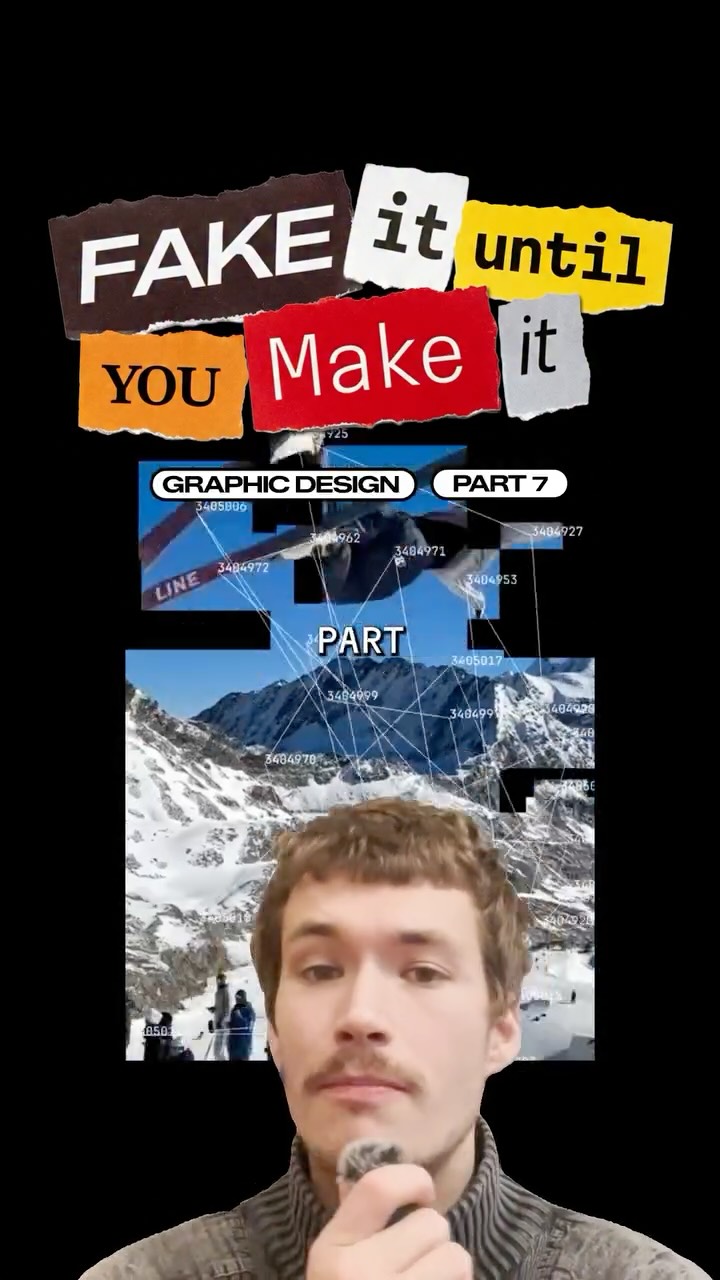
FAKE it until YOU
Verbal hook · 25%
Fake it till you make it. Graphic design, part seven.
Visual hook · 40%
A stylized ransom-note text effect combined with a video of a snowboarder overlaid with abstract technical lines and numbers, creating immediate visual intrigue and a modern, edgy aesthetic.
[06]
Steal this for your own video
A overlaid on with layered on top.
[07]
The promise the opener makes, and how the video pays it back
Hook
A thematic title card and series identifier that frames the content as a set of insider tips or 'hacks'.
Payoff
The final beat concludes with a strong value proposition that connects the last technique to a current cultural concern (e.g., authenticity, standing out from AI), giving the advice a sense of urgency and relevance.
[08]
The structural pattern this video runs on
Framework
The Rapid-Fire Technique Showcase
A fast-paced presentation of distinct, actionable techniques, where each technique is immediately validated by a barrage of compelling visual examples, creating a high-value, easily digestible learning experience.
The Digital Distortion Technique
Introduce a specific, often humorous, digital manipulation tool or method and demonstrate its exaggerated application to establish expertise and an unconventional tone.
The Contextual Juxtaposition Technique
Introduce a conceptual principle based on subverting audience expectations. Show examples that place subjects in unexpected environments or roles to demonstrate creative thinking.
The Genius's Notebook Technique
Introduce a method that adds a layer of 'process' or 'thinking' to the final product. Show examples that mimic sketches and annotations to imply a deeper intellectual process behind the work.
The Analog Authenticity Technique
Introduce a physical, non-digital method. Show examples of tangible media (cutouts, rips, textures) and frame it as a way to add depth and prove human creation.
Content aware scale is comedy gold.
title · beginning
FAKE it until
title · beginning
YOU
title · beginning
Make it
contextual · beginning
GRAPHIC DESIGN
contextual · beginning
PART 7
informational · beginning
CONTENT
informational · beginning
YOUR OBJECTS
informational · beginning
FEATURE
informational · middle
USE
informational · middle
CONTEXT
informational · middle
GANGSTERS
informational · middle
ANNOTATIONS
informational · middle
DRAWINGS
informational · middle
FEEL
informational · end
PASTE IT
informational · end
CREATE
informational · end
RIP
informational · end
ADDS
informational · end
DIDN'T
Fake it till you make it. Graphic design, part seven. Use a content aware scale to warp and distort your objects in a delightfully humorous manner. This is probably my favorite feature in Photoshop. Use people in a context that they don't belong. Like old people looking like absolute gangsters. Use annotations, lines, and hand drawings to make your project feel like it's part of something real. And quite often makes it feel like you're glimpsing into the mind of a genius. Mix your media and paste it onto your design. Even better, create your design completely free free from a computer. Print things out, cut things up, and rip them. This adds depth and character to whatever you're working on and tells everyone that you didn't use AI to create this.