Viral Hooks
Trending short videosAI tool creates trending effect
E

@ezz.the.blade

Instagram · Split screen

@ezz.the.blade This effect is blowing up all over social media 🔥 Instead of spending hours trying to recreate it manually, I just showed the effect I wanted to invideo Editor’s AI agent and let it build it directly on my footage. The best part? I can keep directing the effect and fine-tuning it instead of starting from scratch. Comment “INVIDEO” and I’ll send you my project timeline + a link for up to 50% off annual plans. 👀 @invideo.io @invideo.creators

View original on Instagram

The edit1 shot · 27 text
Shots Text0:33

Performance

Views
159K
Likes
7.7K
Comments
1.1K
Engagement
5.5%
Length · 28 Sept 2026
0:33

Video #48896 · Split screen

AI tool creates trending effectfrom @ezz.the.blade

[01]

Overview

The creator identifies a trending video effect and explains the difficulty of creating it manually. He then demonstrates using the invideo AI editor to replicate the effect by simply showing the AI a reference. Through a screen recording, he shows the AI building the effect and then demonstrates how he can still fine-tune the parameters, highlighting the tool's speed and control before ending with a call-to-action for viewers to comment for his workflow.

[02]

Simple outline

  1. 1Identify desirable trend
  2. 2State relatable creation problem
  3. 3Demonstrate simplified solution
  4. 4Challenge old methods & CTA

[03]

Related videos

[04]

Classification

Concepts
Tutorial / How ToProduct Demo
Elements
Screen RecordingSide-by-Side Visual AidDM / Comment-for-Info CTAText OverlayJump CutVoiceoverTitle Text Hook

[05]

Hook analysis

What stops the scroll in the first 3 seconds

Title hook

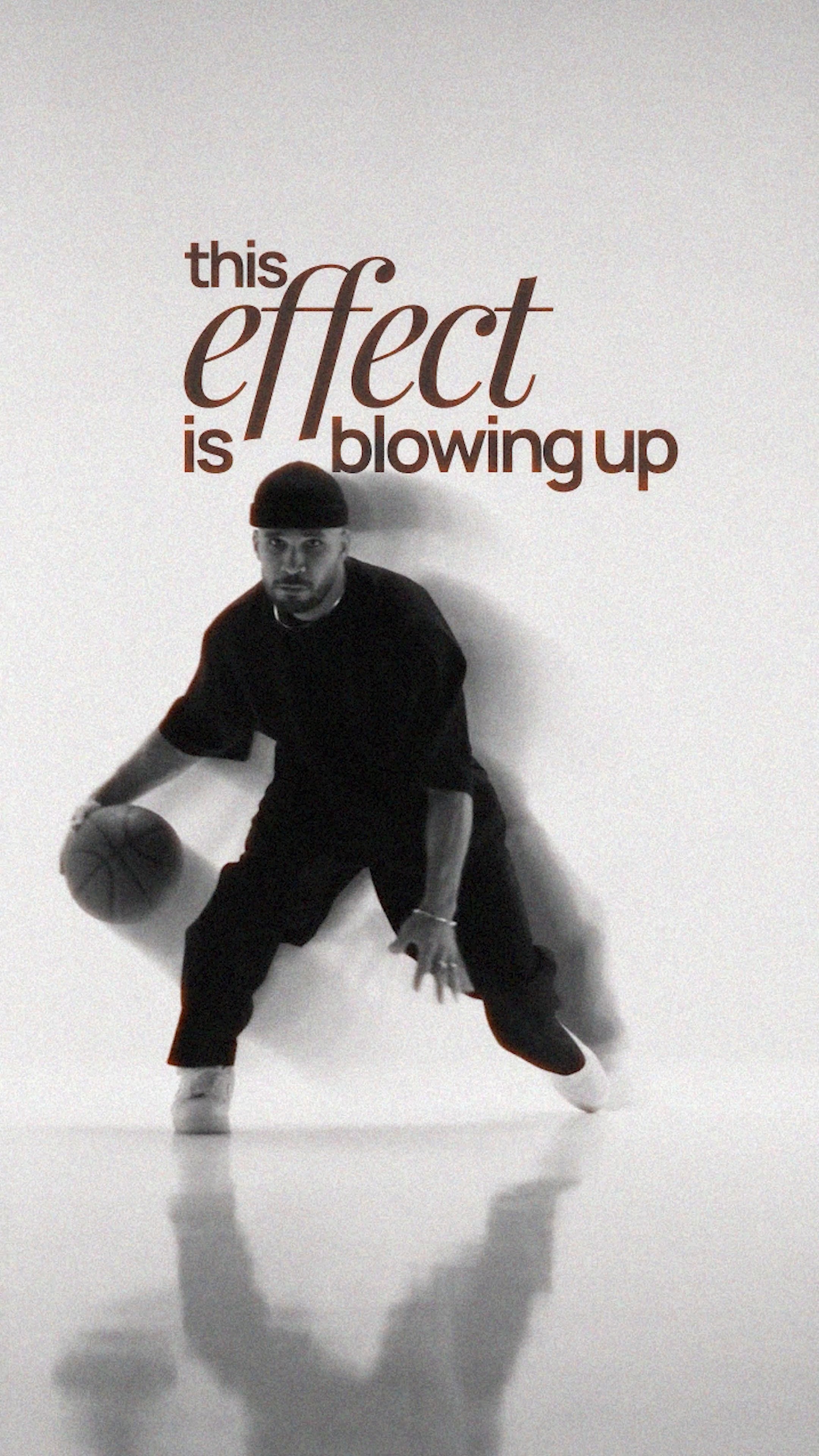
this effect is blowing up all social over

Verbal hook

This effect is blown up all over social media, so I saved it because I wanted to try it.

Visual hook

The video opens with a stylized black and white clip of a person dribbling a basketball, featuring a prominent motion blur and ghosting effect that creates immediate visual interest.

[07]

Hook and payoff

The promise the opener makes, and how the video pays it back

Hook

Immediately showcases a popular, aspirational visual effect, tapping into the viewer's desire to stay current and creating instant relevance.

Payoff

Poses a direct rhetorical challenge to the viewer's current habits, making them question their own workflow, then immediately offers a high-value reward (the full workflow) in exchange for a simple engagement action (commenting).

[08]

Narrative framework

The structural pattern this video runs on

Framework

The Effortless Expert Blueprint

Identify a popular, difficult-to-achieve trend and present a specific tool as the simple, superior solution, then challenge the viewer's inefficient methods to drive adoption and engagement.

  1. 1

    The Aspiration & Obstacle

    Establishes a relatable goal (wanting to try the trend) and immediately introduces the primary pain point (not wanting to do the hard work from scratch).

  2. 2

    The Solution Unveiling

    Introduces a specific tool as the hero and demonstrates the simple, low-effort initial action required to begin solving the problem (e.g., dragging and dropping footage).

  3. 3

    The 'Magic Command' Demo

    Condenses the complex creation process into a single, simple instruction given to the tool, showcasing its core value proposition of effortless execution.

  4. 4

    The Superiority Proof

    Reveals an unexpected secondary benefit (post-creation control and customization), elevating the solution from a mere shortcut to a powerful, professional-grade tool.

  5. 5

    The Value Contrast

    Explicitly contrasts the pain of the 'old way' (hours, manual tweaking) with the ease and power of the 'new way' to solidify the tool's value proposition.

Themes

  • Efficiency
  • Artificial Intelligence
  • Skill simplification
  • Social media trends

Techniques

  • Screen recording
  • Direct-to-camera address
  • Product demonstration

Trends

  • AI in creative workflows
  • Recreating viral effects

Post caption

This effect is blowing up all over social media 🔥 Instead of spending hours trying to recreate it manually, I just showed the effect I wanted to invideo Editor’s AI agent and let it build it directly on my footage. The best part? I can keep directing the effect and fine-tuning it instead of starting from scratch. Comment “INVIDEO” and I’ll send you my project timeline + a link for up to 50% off annual plans. 👀 @invideo.io @invideo.creators

Text overlays

  • title · beginning

    this effect

  • title · beginning

    is blowing up

  • title · beginning

    all social over

  • contextual · beginning

    wanted

  • contextual · middle

    but

  • contextual · middle

    it

  • contextual · middle

    so

  • contextual · middle

    my footage

  • contextual · middle

    opened

  • contextual · middle

    and

  • contextual · middle

    told

  • contextual · middle

    part?

  • contextual · middle

    control

  • contextual · middle

    change

  • contextual · middle

    direction,

  • contextual · middle

    mix,

  • contextual · middle

    want.

  • contextual · middle

    hours

  • contextual · middle

    tweaking

  • contextual · middle

    you

  • contextual · middle

    effect,

  • contextual · middle

    the

  • contextual · end

    effects

  • contextual · end

    you.

  • contextual · end

    doing

  • contextual · end

    bro?

  • contextual · end

    send

Transcript

This effect is blown up all over social media, so I saved it because I wanted to try it. Best I really didn't wanna make it from scratch. So I dropped my footage into m three editor, opened the timeline agent, and showed it the effect I wanted. I basically told it build this look on my footage. The best part, I can still control it right after that. Change the intensity, direction, length, mix, whatever I want. So instead of spending hours, cycle layers, and tweaking everything manually, you can just best the agent what you worst, let it build the effect, then you direct the final result. Honestly, if the agent can build the effects like this for you, why are you still doing all of this manually? Bro, come into effect and I'll send you the full workflow.

AI tool creates trending effect | Viral Hooks