@krsnchez
Instagram · 10 Shot
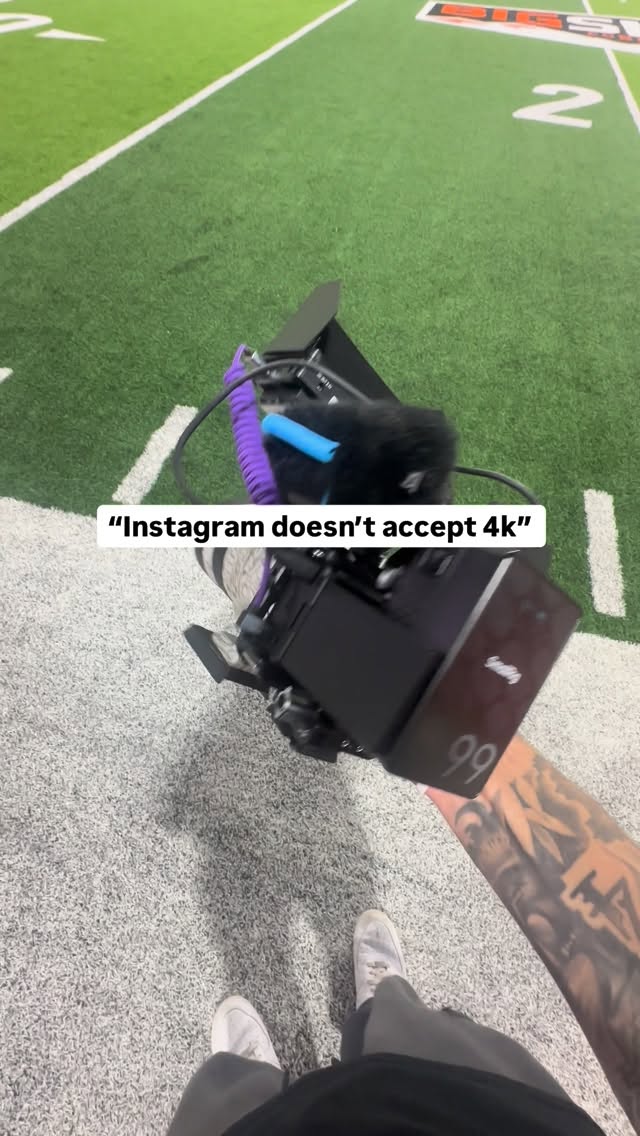
@krsnchez HOW I UPLOAD 4K TO INSTAGRAM 👇 If you want your videos to upload sharp in 4K on Instagram, there are two things that matter more than anything else: 1️⃣ Export videos through the Edits app! -Instagram compresses files aggressively, so starting with the highest-quality export is essential. -Always export in 4K, use the highest bitrate available, and avoid unnecessary recompression before uploading. -If your export is weak, Instagram will only make it worse. -They also announced that videos uploaded through the edits app will maintain highest quality possible. 2️⃣ Proper color grading 🎨 -Well-graded footage holds up better after compression. -Flat or poorly graded footage tends to look soft and muddy after upload, even if it was exported in 4K. -To simplify the process, I use the same LUTs across my projects to maintain consistency and save time. I’ve made those LUTs available if you want a reliable starting point without spending extra time color grading. The link is in my bio🫶🏽