@johnbucog
Instagram · Greenscreen Talking Head

@johnbucog How to CREATE A CINEMATIC WORLD #editing #content #creator

@johnbucog
Instagram · Greenscreen Talking Head
@johnbucog How to CREATE A CINEMATIC WORLD #editing #content #creator
Performance
Video #21119 · Greenscreen Talking Head
[01]
The creator provides a step-by-step tutorial on how to make videos look cinematic on a budget. He breaks down the process into four key pillars: shot selection (using AI to expand frames), lighting (using single lights and backlights for depth), color grading (choosing palettes for mood), and adding atmosphere (using a cheap fog machine). Throughout the video, he uses dynamic text overlays, greenscreen backgrounds, and B-roll to visually demonstrate each technique in real-time.
[02]
[03]
 409.7K16.1×AI video tool tutorial showcase@rourke.heath · Tutorial / How To
 151.3KVideo editing tutorial with quick cuts@johnbucog · Tutorial / How To
 67.8KRecreating a cool video effect@byrvm_contentcreation · Tutorial / How To
 2M9×Fast-paced video editing tutorial@johnbucog · Tutorial / How To
 947.2K29.2×Final video vs behind scenes@yahoo · Behind The Scenes
 271.2K2.5×AI filmmaking tutorial impossible shots@johnbucog · Tutorial / How To
 970.9K4.4×iPhone filming tutorial selling color preset@omgadrian · Product Promo
 2.4M2.3×DIY film setup vs result@citizen_theartist · Behind The Scenes
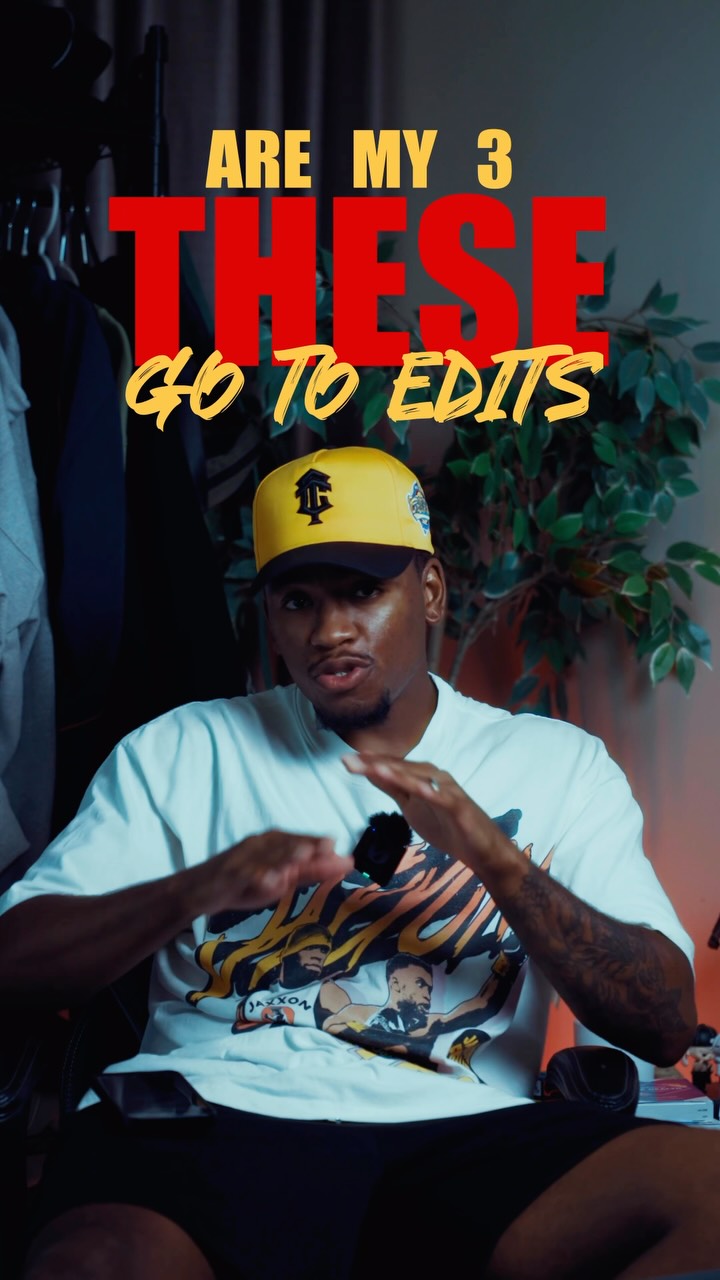 659.8KCreator shares three favorite edits@kalylsfilms · Tutorial / How To
 478K9.8×How to make frame jump effect@artzenmedia · Tutorial / How To
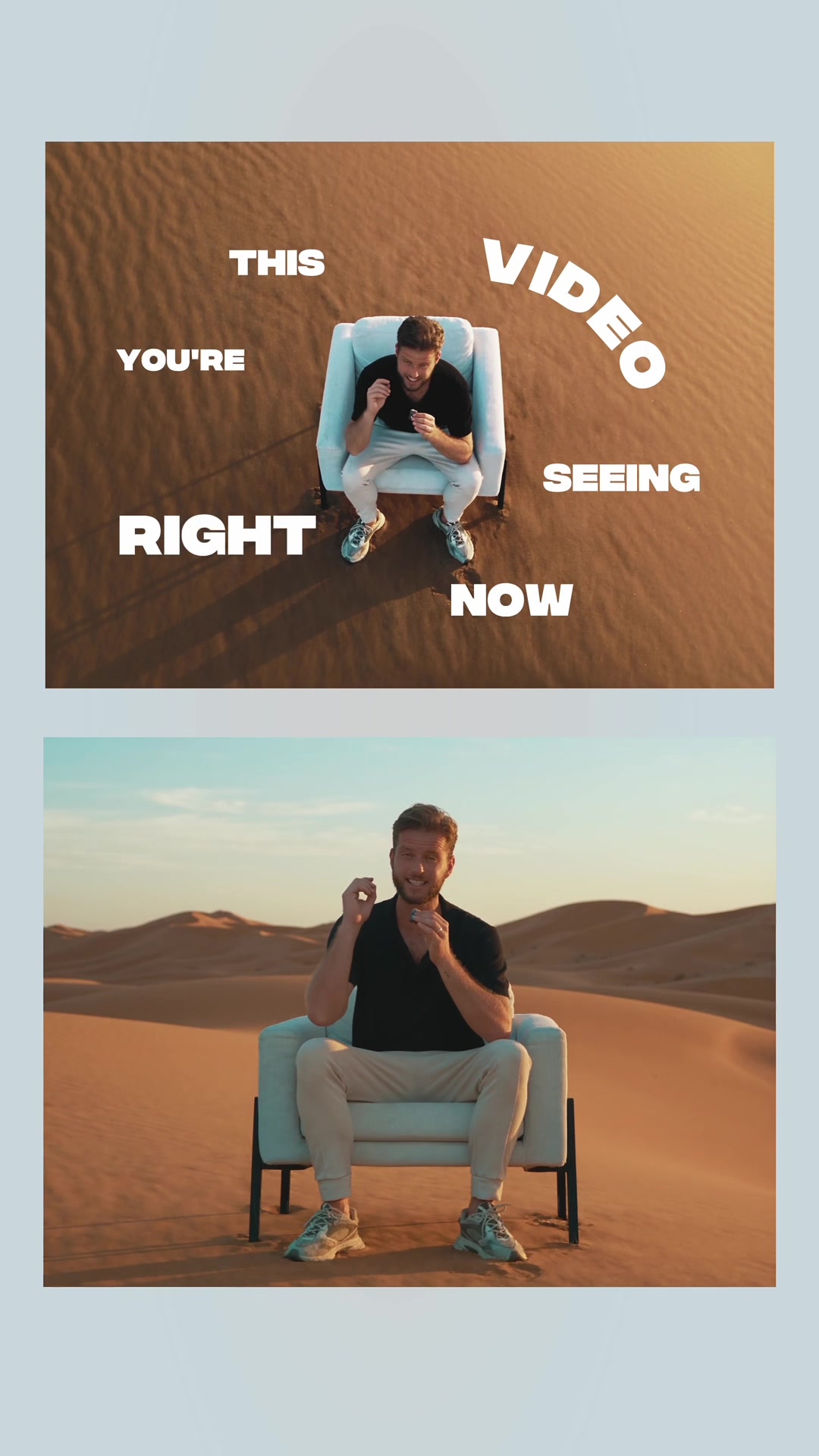 217.7KAI video editing tutorial showcase@byrvm_contentcreation · Tutorial / How To
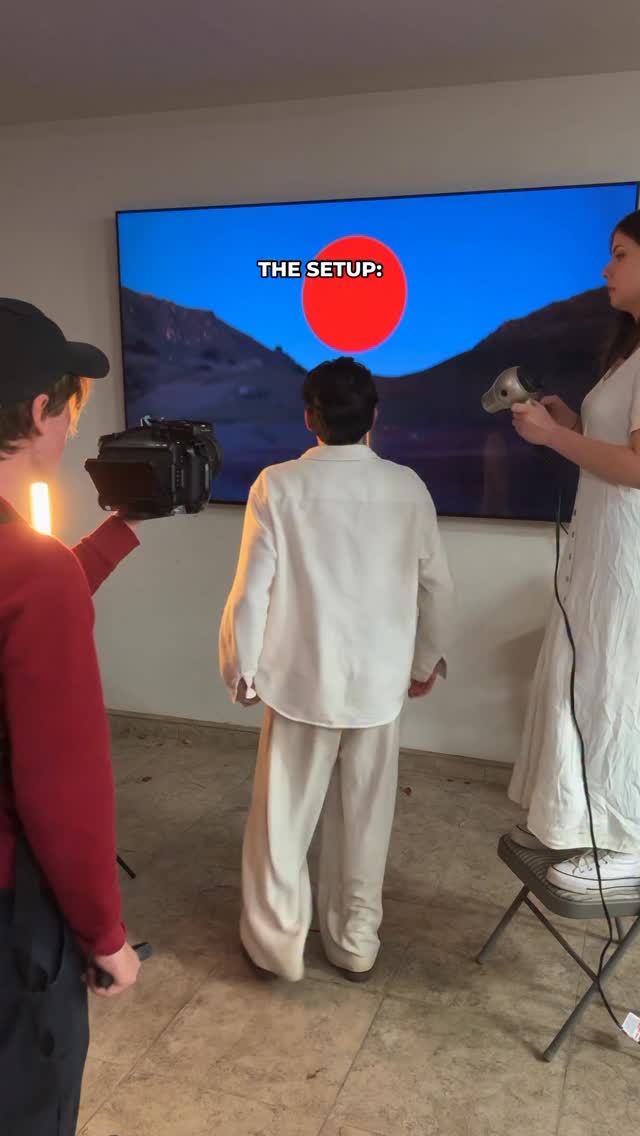 2M1.2×Behind the scenes to final shot@citizen_theartist · Behind The Scenes
[04]
[05]
What stops the scroll in the first 3 seconds
Title hook · 35%
Here's how you create a cinematic world
Verbal hook · 25%
Here's how you create a cinematic world.
Visual hook · 40%
The creator is layered over a dynamic, moving Van Gogh 'Starry Night' painting background with large, bold white text popping up on screen.
[07]
The promise the opener makes, and how the video pays it back
Hook
Direct promise of a highly coveted, professional-grade outcome delivered in a concise, authoritative statement.
Payoff
Reassure the viewer of accessibility (low barrier to entry), summarize the core pillars for retention, and restate the initial promise to perfectly close the narrative loop.
[08]
The structural pattern this video runs on
Framework
The 'Secret Sauce' Step-by-Step Blueprint
Breaking down a complex, highly-desired professional result into accessible, actionable steps, culminating in an unexpected 'secret weapon' that guarantees the result.
The Foundational Pillar
Introduce the first essential component of the process with specific, actionable sub-categories to establish immediate authority.
The Modern Shortcut
Provide an unexpected technological tool or 'trick' to instantly elevate the foundational step, rewarding the viewer for staying past the hook.
The Layered Enhancement
Introduce the second core component, starting with a basic setup and immediately offering an advanced tweak to create a sense of escalating value.
The Psychological Polish
Introduce the third component, focusing on aesthetic choices and their specific emotional or psychological impacts to deepen the viewer's investment.
The Secret Weapon Reveal
Unveil a highly specific, affordable, and slightly unconventional physical tool that acts as the ultimate catalyst for the desired result, serving as the climax of the tutorial.
How to CREATE A CINEMATIC WORLD #editing #content #creator
title · beginning
Here's how you create a cinematic world
informational · beginning
Start with shot selection
informational · beginning
Use wide shots for scale
informational · beginning
closeup for details
informational · beginning
and dynamic angles to bring energy to your visuals
informational · middle
Use AI tools to expand your shots
informational · middle
transforming small spaces into an immersive cinematic world
informational · middle
Next is lighting
informational · middle
Start with one light
informational · middle
Place it above or behind you for dramatic shadows
informational · middle
Want to get it more cinematic? add a backlight to separate yourself from the background
informational · middle
And then color
informational · middle
Choose a palette that fits the vibe
informational · middle
warm tones for nostalgia
informational · middle
blue or cyan for cold
informational · end
my secret weapon a $40 fog machine from amazon
informational · end
budget Check List Shot List Lighting Color
Here's how you create a cinematic world. Start with shot selection. Use wide shots for scale, close-up for details, and dynamic angles to bring energy to your visuals. Here's the trick. Use AI tools to expand your shots, transforming small spaces into an immersive cinematic world. Next is lighting. To get a moody atmosphere, start with one light. Place it above or behind you for dramatic shadows. Want to get it more cinematic? Add a backlight to separate yourself from the background. And then, color. Choose a palette that fits the vibe, warm tones for nostalgia, blue or cyan or good. Experiment with different palettes to see what works. And finally, my secret weapon, a $40 bug machine from Amazon. It creates the perfect atmosphere adding depth and out of this world feeling to your shots. You don't need a big budget. Just focus on shots, lighting, color, and you can create your own cinematic world.