@rourke
Instagram · Split screen
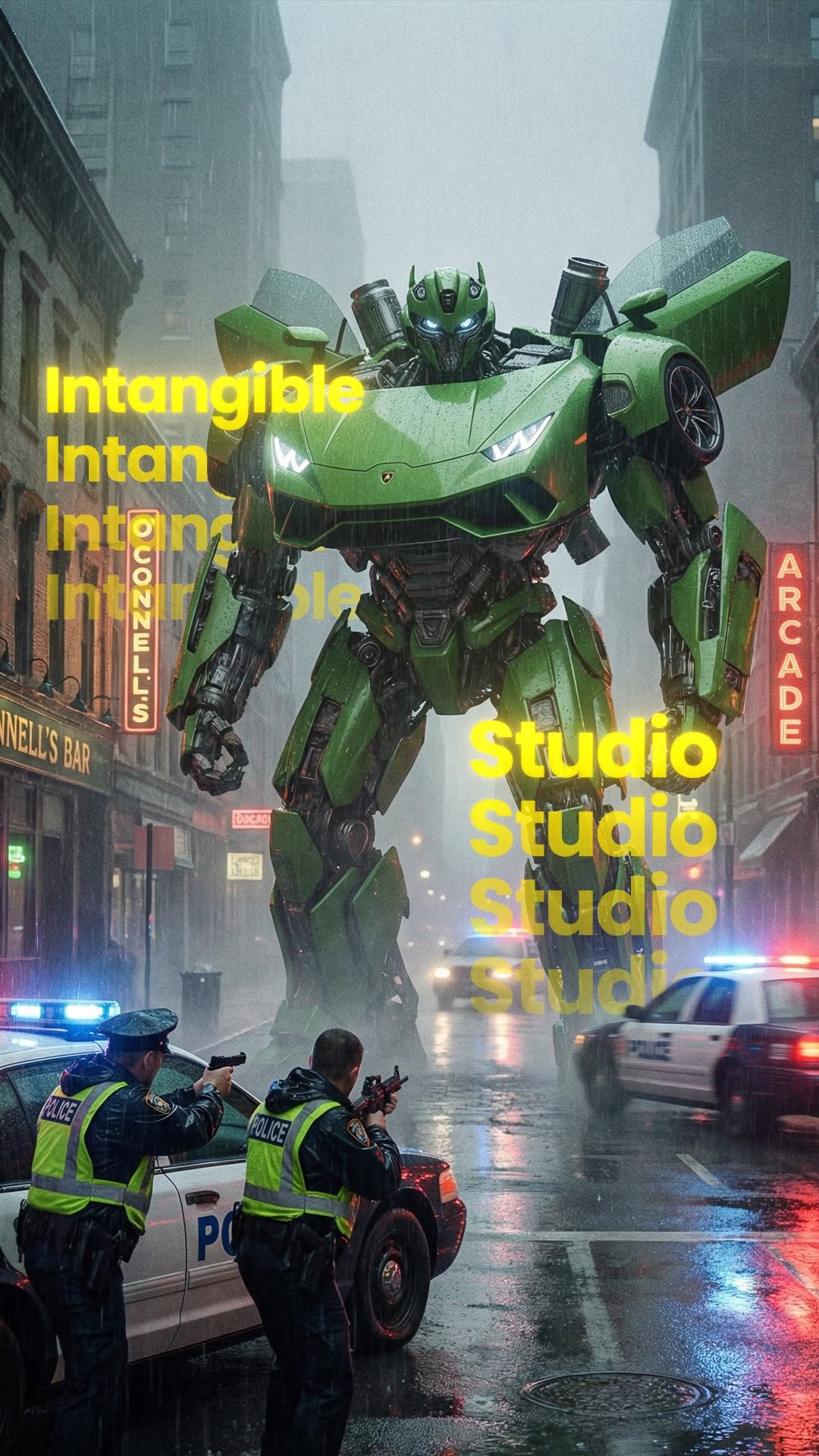
@rourke How to create Hollywood level content with AI 😆 Comment “AI” for a link to try Intangible for yourself 🔥 #CreativeAI #generativeai #hollywood #marketing #ai

@rourke
Instagram · Split screen
@rourke How to create Hollywood level content with AI 😆 Comment “AI” for a link to try Intangible for yourself 🔥 #CreativeAI #generativeai #hollywood #marketing #ai
Performance
Video #28593 · Split screen
[01]
The creator demonstrates a new AI tool called 'Intangible' for creating Hollywood-level content. He walks through a three-step process: first, generating a 3D city environment from a text prompt; second, creating and adding 3D objects like a transformer and cars to the scene; and third, rendering the scene photorealistically and setting camera movements by defining a first and last frame. He concludes with a call to action, prompting viewers to comment 'AI' to receive a link to the tool.
[02]
[03]
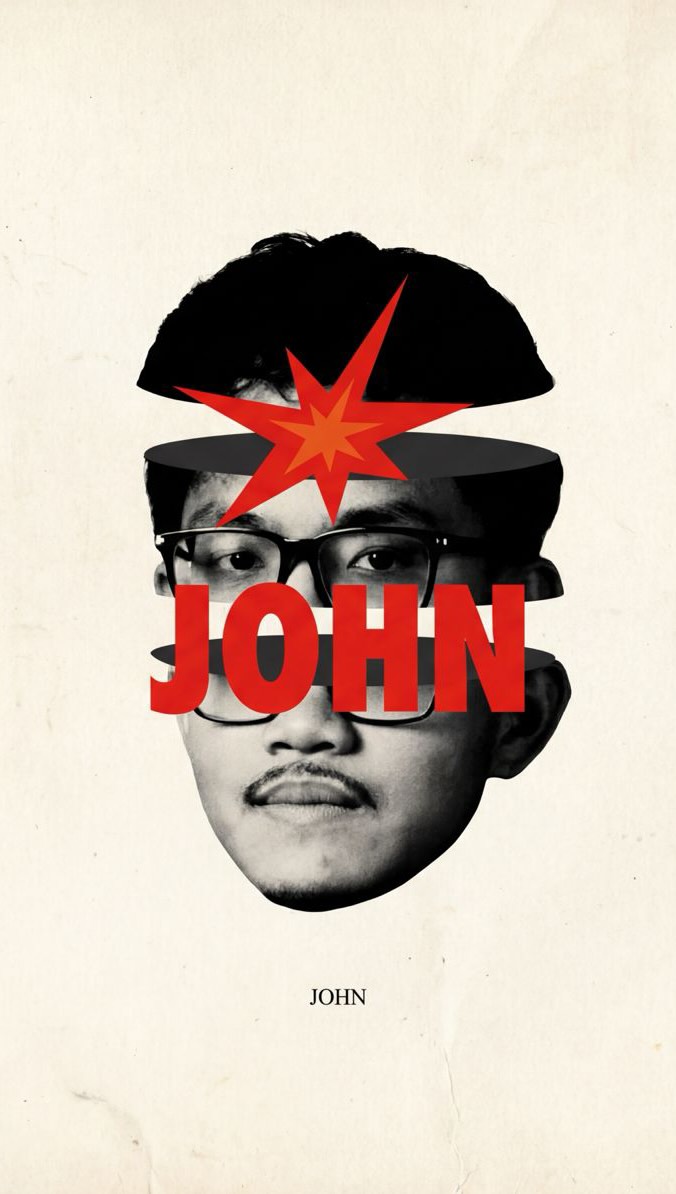 296.5K2.4×AI tool creates realistic visuals@johnbucog · Product Demo
 1.1M17.5×AI video creation tutorial demo@rourke · Product Demo
 643.8K109.7×AI tool demo then tutorial@rourke.heath · Product Demo
 131.7KAI filmmaking tool product showcase@johnbucog · Rapid Fire Listicle
 53.6M173.1×Talking head AI tool demo@rpn · Resource
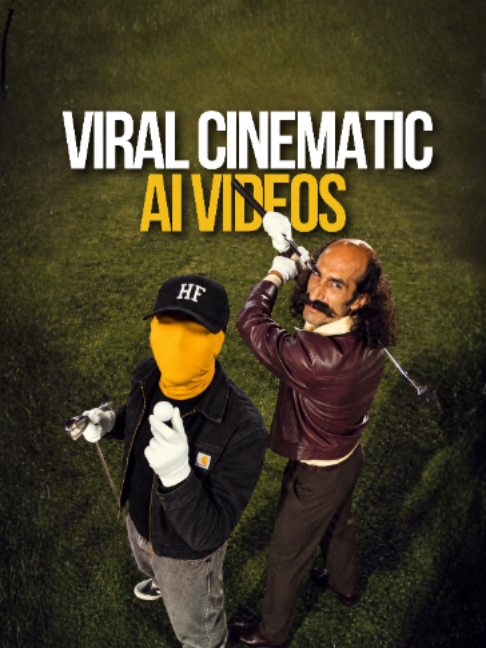 303.2KHow to use AI video tool@hustle.faceless · Tutorial / How To
 5.8M35.5×AI video editing tool showcase@rourke · Product Demo
 65.6KVFX heavy software product promo@johnbucog · Breakdown
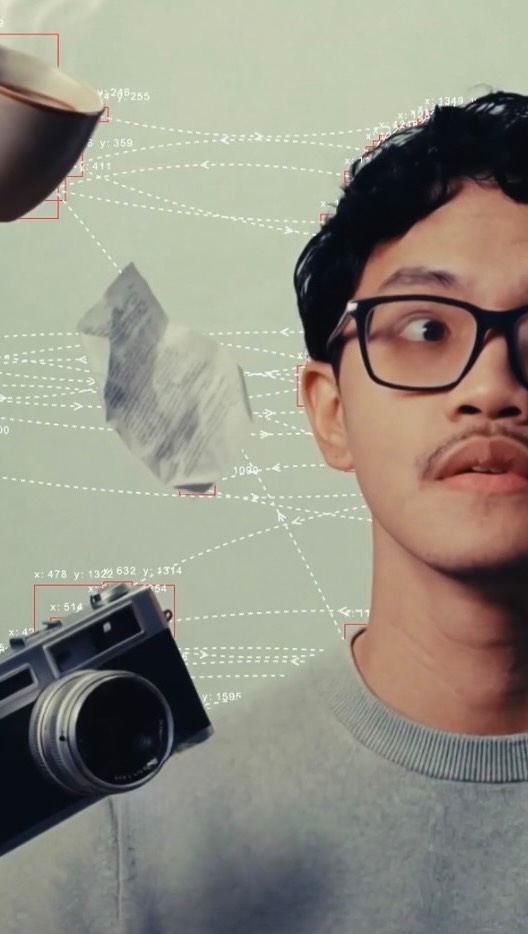 332.4K3.5×Creator demos AI video tool.@johnbucog · Product Demo
 817.9K6.9×AI video editing tool demo@rourke · Product Demo
 599.9K7.6×AI video tool before/after tutorial@rourke · Tutorial / How To
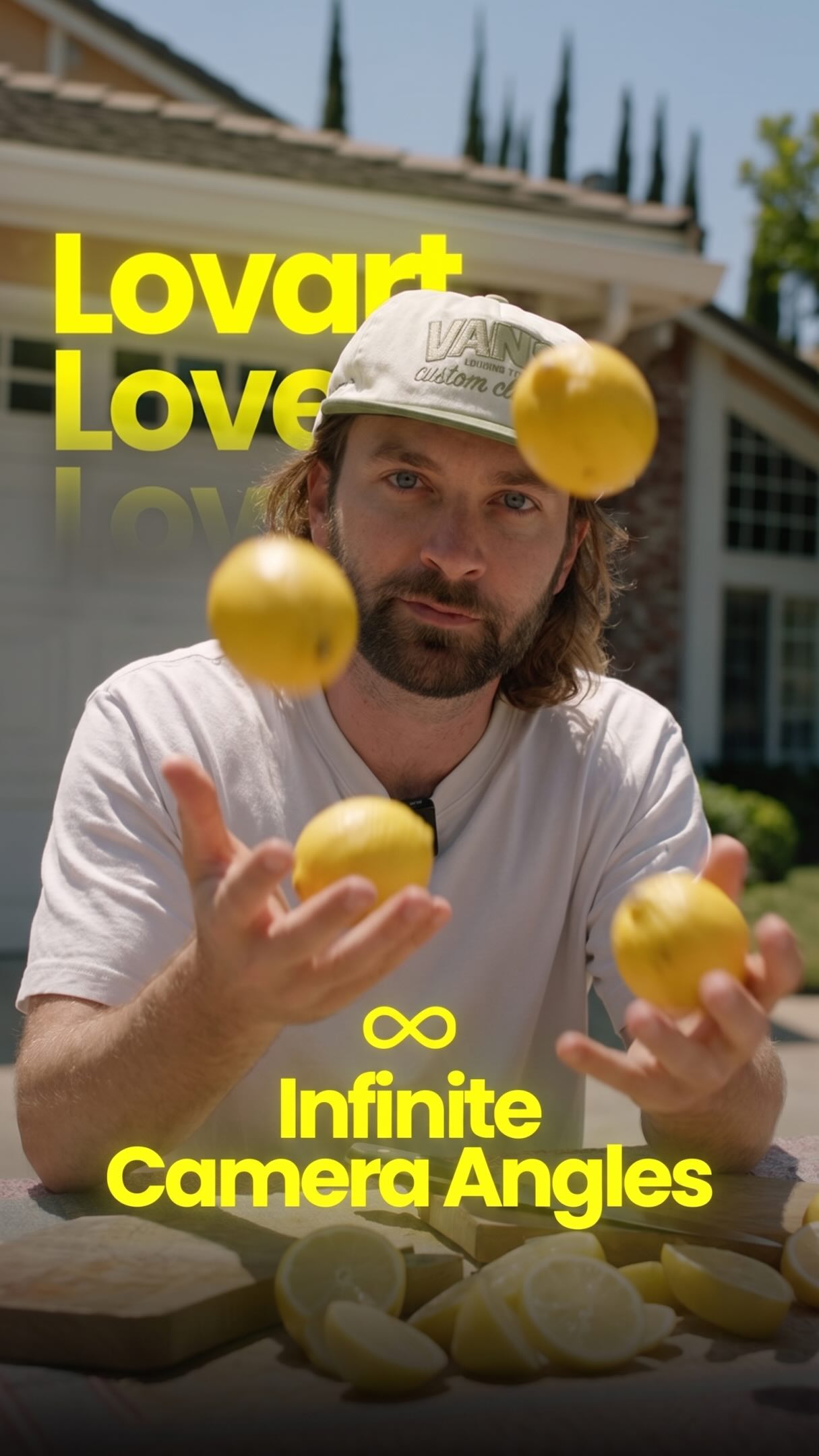 2.1M33.6×AI tool creates infinite camera angles@rourke · Tutorial / How To
[04]
[05]
What stops the scroll in the first 3 seconds
Title hook · 35%
AI just got SO much better 😤
Verbal hook · 45%
You can now create a 3D world, move objects inside that scene, and then turn that world into a photo realistic render.
Visual hook · 20%
The video opens with a split-screen view showing the creator speaking and a dynamic 3D wireframe animation of a car chase scene, immediately establishing a high-tech and visually complex theme.
[07]
The promise the opener makes, and how the video pays it back
Hook
Showcases a hyper-desirable, professional-level final product, immediately establishing a high-value promise and creating a 'how did they do that?' mystery.
Payoff
Offers the viewer a direct path to acquire the demonstrated power for themselves, contingent on performing a specific engagement action (e.g., commenting).
[08]
The structural pattern this video runs on
Framework
The Power Deconstruction
Demonstrating how an impossibly complex and high-quality outcome can be achieved through a surprisingly simple, step-by-step process using a specific tool or method, culminating in the reveal of an advanced feature that unlocks professional-level control.
The Urgent Guide Premise
Frames the information as a crucial, time-sensitive lesson to prevent the viewer from being left behind, establishing the creator's authority and the video's value.
The Foundational Step
Reveals the first and simplest part of the process (e.g., creating the environment), making the complex outcome feel accessible and achievable to the average user.
The Customization Layer
Demonstrates how to add specific, custom elements to the foundation (e.g., adding objects), showcasing the tool's flexibility and the user's creative agency.
The Pro-Level Reveal
Introduces an advanced, non-obvious feature that unlocks professional-level control (e.g., camera movement), significantly elevating the perceived power of the tool.
The Cinematic Payoff
Demonstrates the advanced feature in action by setting start and end points, creating a dynamic, cinematic result that directly fulfills the promise made in the hook.
How to create Hollywood level content with AI 😆 Comment “AI” for a link to try Intangible for yourself 🔥 #CreativeAI #generativeai #hollywood #marketing #ai
title · beginning
AI just got SO much better 😤
informational · beginning
Here's how you can do this
informational · middle
Step 1
informational · middle
Step 2
informational · middle
Step 3
contextual · middle
First Frame
contextual · middle
Last Frame
call-to-action · end
Comment "AI"
Can now create a three d worse. Move objects inside that scene and then turn that world into a photo realistic render. And I don't want you to fall behind in the world of AI, so I'm gonna teach you about this new AI tool called Intangible in the next thirty seconds. Step one is to build your environment, and all you have to do for that is prompt it to build you a US city. No, we want to add objects inside of this scene for us, so we can create really cool shots like this one. To do that, you simply prompt it and ask it to build view specific objects and it will create three d renders of them. Then once you've got your objects that you're happy with, you can simply click on them and it will add that inside the scene for you. Then you can even render it and turn it into a photorealistic best. Shot. But there's an additional step tier. You can also move the camera around inside this three d scene until you've got the exact framing that you worst. Then you can render that shot. And now you can lock that in as your first frame and you can move the camera around so you have ultimate control. Then you can lock that new shot in as your last frame no you can create seamless transitions like this. If you want to try it out for yourself type AI in the comments and I'll send you the link.