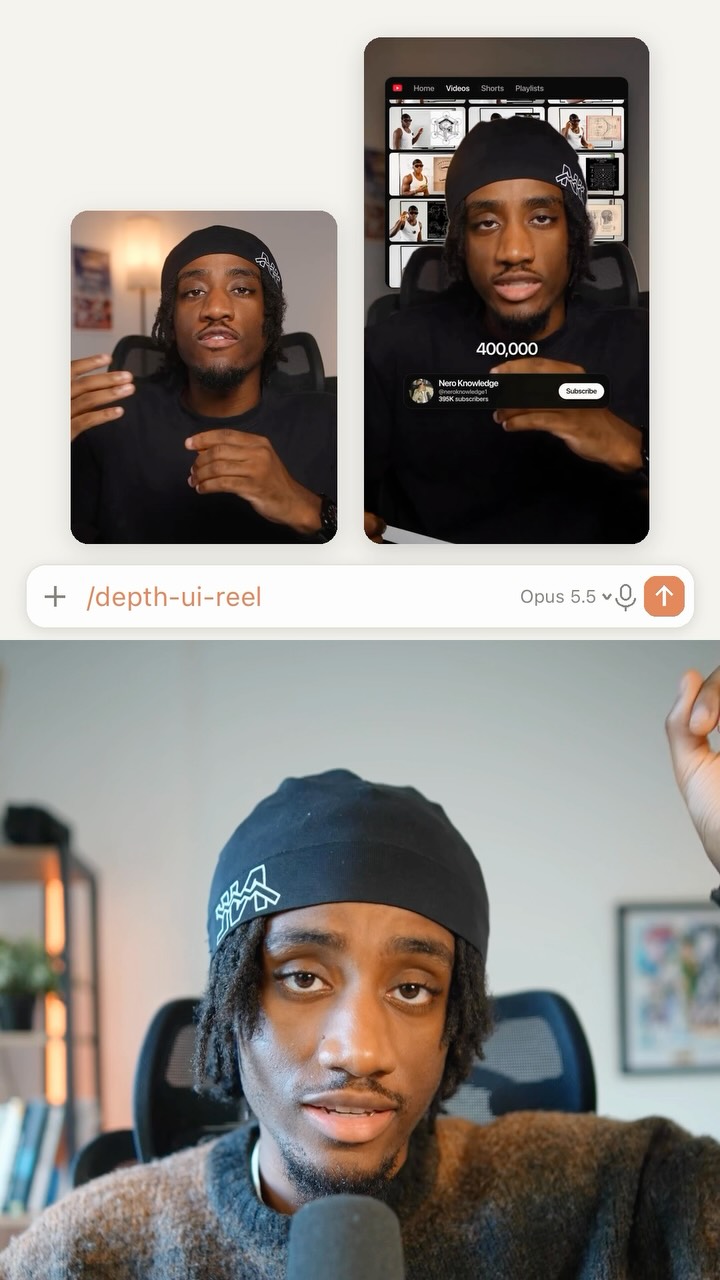
@rourke This AI workflow is gold for relighting videos 😲
Comment “AI” for a link @beeble_ai
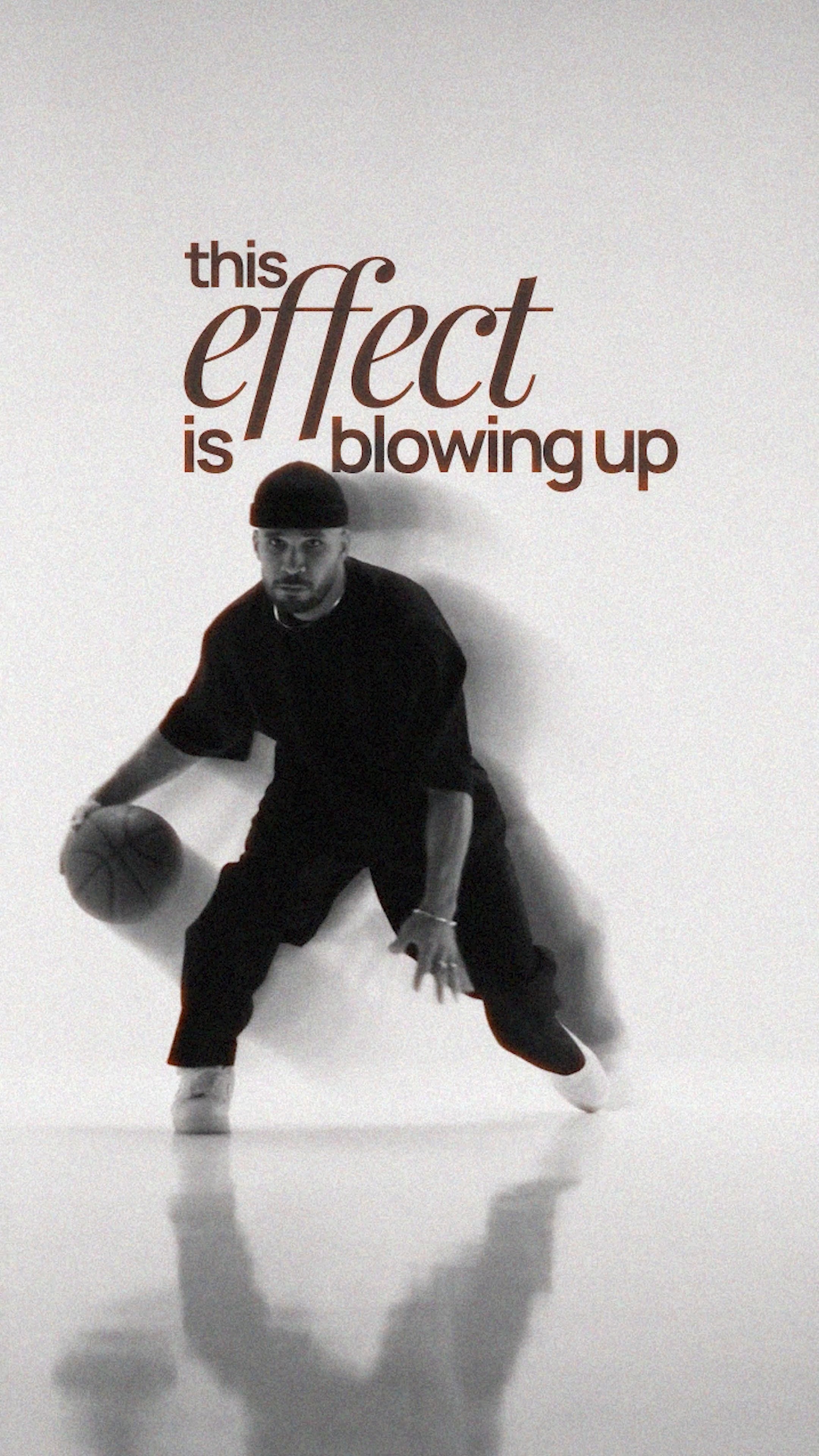
Beeble lets you replace lighting, backgrounds, and even clothing in existing footage using a node-based AI workflow, transforming any room into a cinematic set in just a few clicks. It’s a game-changer for creators, filmmakers, and video marketers who want studio-quality visuals without a studio budget.
#BeebleAI #AIRelighting #AIVideoEditing #CreativeAI #GenerativeAI
The creator demonstrates an AI video editing tool by starting in a simple hotel room and progressively escalating the visual transformations. He shows how the tool can change the background to a luxury yacht, a Ritz Carlton suite, and Santorini, then alters his clothing to place himself in a "Game of Thrones" scene, and finally simulates various high-end production setups like a home studio and a cinematic shoot, before concluding with a brief tutorial on how to use the software's node-based interface.
Right now I'm in a $250 hotel room, but I can make it look like the Ritz Carlton.
Visual hook · 65%
A three-panel layout showing the 'Alpha Mask', the final 'Switch X' edit, and the 'Original Video' simultaneously, creating immediate visual complexity and comparison.
[06]
Hook template
Steal this for your own video
Right now I'm in a [ordinary setting], but I can make it look like [aspirational setting].
— Right now I'm in a $200 hotel room, but I can make it look like a five-star penthouse suite.
— Right now I'm in my garage, but I can make it look like a professional recording studio.
— Right now I'm in a backyard, but I can make it look like a Malibu beach wedding venue.
[07]
Hook and payoff
The promise the opener makes, and how the video pays it back
Hook
A direct comparison between a mundane, relatable 'before' state and an aspirational, high-value 'after' state, immediately establishing the value proposition.
Payoff
A direct and simple Call to Action that provides the viewer with a clear path to access the demonstrated capability for themselves, converting interest into a measurable action.
[08]
Narrative framework
The structural pattern this video runs on
Framework
The Escalating Possibility Demo
To demonstrate the power of a tool or concept by presenting a series of increasingly impressive applications, starting from a relatable baseline and escalating to seemingly impossible feats, before revealing the simple method to achieve them.
1
The Foundational Proof
Demonstrate the core capability in a simple, easily understood transformation that solves a basic problem or fulfills a common desire (e.g., changing a background).
2
The 'What If' Escalation
Introduce a new layer of complexity or a more ambitious outcome, signaled by a transition phrase like 'But it gets even cooler,' to build anticipation for the next level of capability. This beat is repeated multiple times with increasing intensity.
3
The Practical Anchor
Shift from fantastical demonstrations to a highly practical, real-world application that resonates directly with the target audience's everyday needs or professional goals.
4
The Peak Fantasy
Showcase the tool's ultimate potential with a final, high-concept transformation that pushes the boundaries of what the viewer thought was possible, often involving a complete change of context or genre.
5
The Method Reveal
Transition from demonstrating the results to explaining the process. This beat breaks down the 'magic' into simple, achievable steps, satisfying viewer curiosity and empowering them.
Themes
AI innovation
content creation tools
video production
democratization of technology
Techniques
compositing
background replacement
AI generation
relighting
Trends
AI tools for creators
Post caption
This AI workflow is gold for relighting videos 😲
Comment “AI” for a link @beeble_ai
Beeble lets you replace lighting, backgrounds, and even clothing in existing footage using a node-based AI workflow, transforming any room into a cinematic set in just a few clicks. It’s a game-changer for creators, filmmakers, and video marketers who want studio-quality visuals without a studio budget.
#BeebleAI #AIRelighting #AIVideoEditing #CreativeAI #GenerativeAI
Text overlays
contextual · throughout
Alpha Mask
contextual · throughout
Switch X
contextual · throughout
Original Video
branding · end
beeble
call-to-action · end
Comment "AI"
Transcript
Right now I'm in a $250 hotel room, but I can make it look like the Ritz Carlton. You can also use this AI tool to replace the lighting and the background, so now we're in Santorini. But it gets even cooler, because let's say I wanted to change my clothing and place myself in any kind of movie set, then we can do that too. But it gets crazier, because let's say you wanted to record yourself while you're in a home studio with professional lighting and cameras, then you can also do that as well. But it gets crazier because let's say you wanted to do a hybrid production shoot where you're filming yourself with professional camera gear, then you can use this AI tool to add in that cinematic color look and even replace tier color look and even replace the lighting and the background in just a few clicks. Step one, upload your video into b ball. Step two, connect that to an extract frame node. It sounds complicated better you move the slider and it will download the exact frame for you. Then you can use an image node with a text prompt and this is where you restyle that image into any style you like. Now we can connect all of those, including a video better, into the Switchx node and this will relight your video for you. If you wanna try it out, type AI in the comments and I'll send you a link.