Viral Hooks
Trending short videosAI video editing tool demo
R

@rourke

Instagram · Speaker address

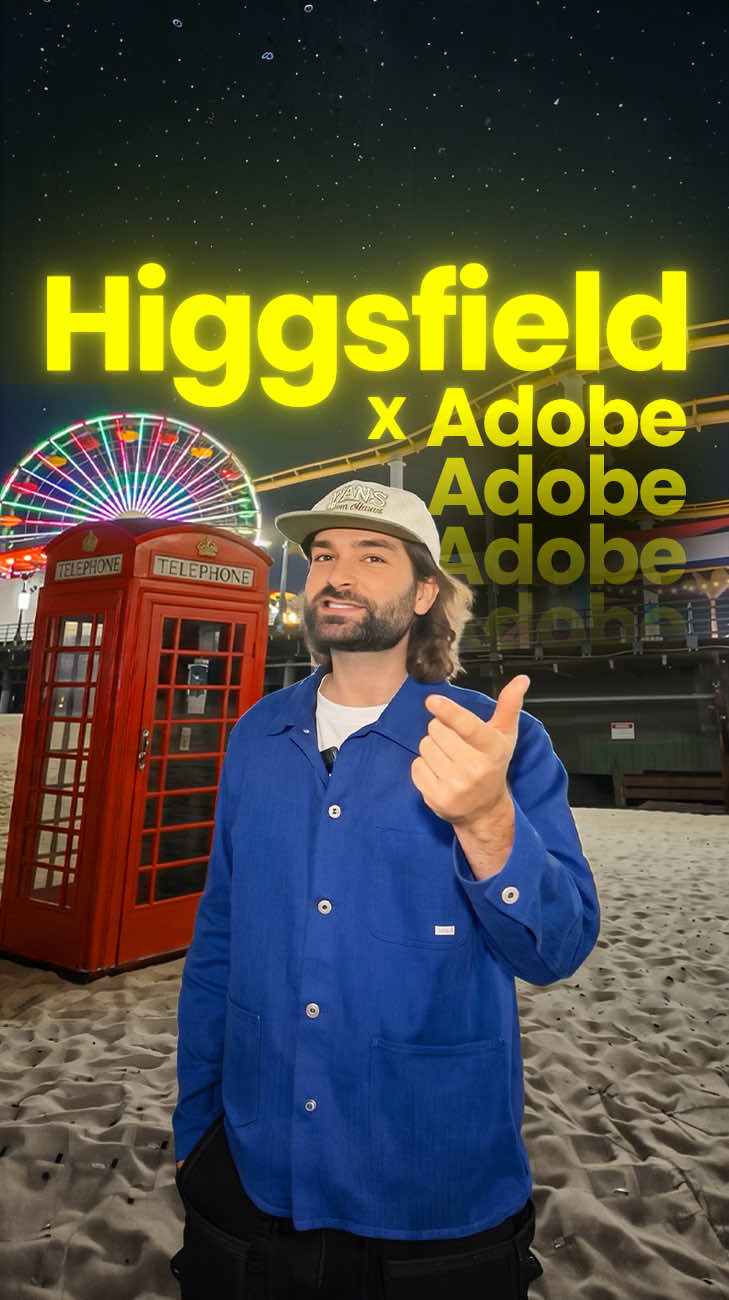
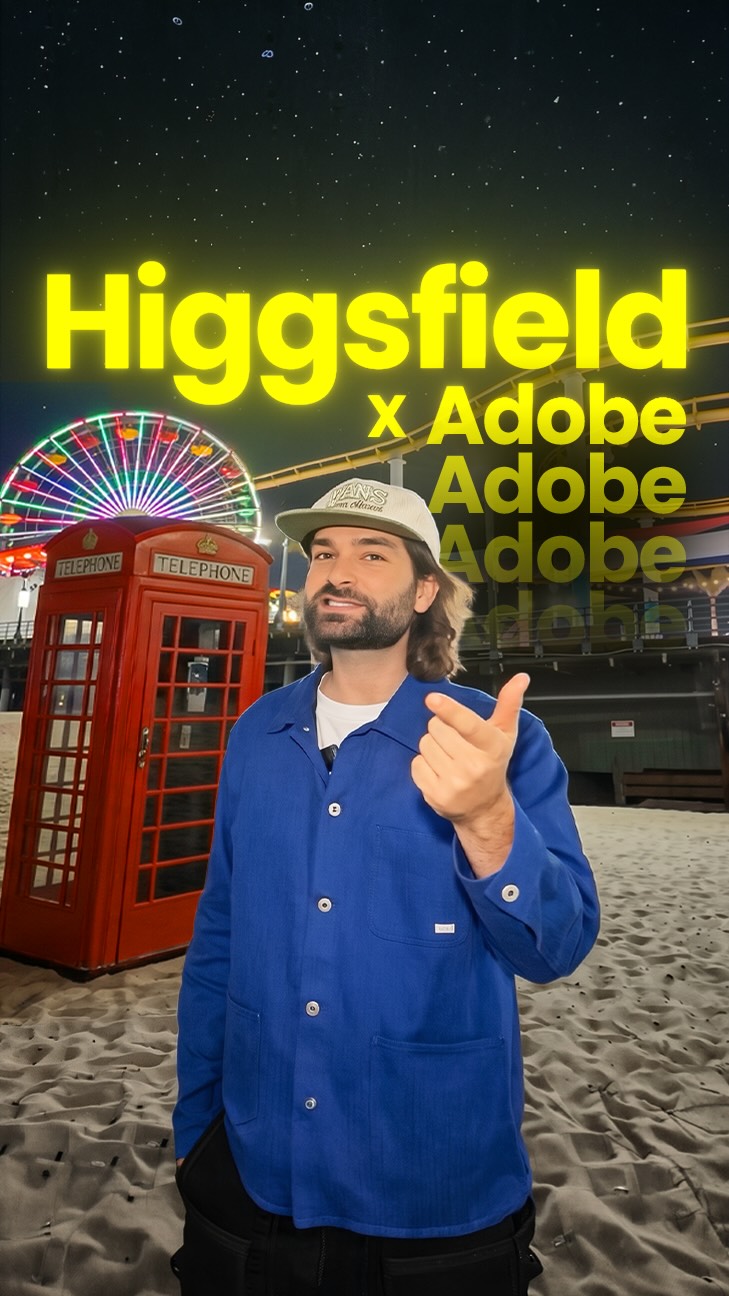
@rourke Google Omni with no restrictions on Higgsfield! 😳🔥 Comment “AI” for a link @higgsfield.ai Gemini Omni Flash on Higgsfield lets you drag in any driving video and prompt exactly what you want to change inside the scene, from tidal waves to outfit swaps to material changes on the fly. It gives creators full control over reality bending edits without touching a timeline, perfect for filmmakers, advertisers, and anyone making scroll stopping content. Music- @elyoaks #HiggsfieldAI #GeminiOmni #AIVideoEditing #SceneEditing #CreativeAI

View original on Instagram

The edit1 shot · 8 text
Shots Text1:07

Performance

Views
817.9K
Likes
25.7K
Comments
3.5K
Engagement
3.6%
Outlier
6.9×
Length · 1 Jul 2026
1:07

Video #35404 · Speaker address

AI video editing tool demofrom @rourke

[01]

Overview

The creator stands in various London locations and demonstrates the power of the Higgsfield Omni AI video editing tool by snapping his fingers to trigger impressive visual effects, such as creating a tidal wave, levitating a van, turning a bridge to glass, and changing his outfit. He then transitions to a screen-recorded tutorial showing the platform's user interface and how to use text prompts to edit videos. The video concludes with a call-to-action, prompting viewers to comment "AI" to receive a PDF with his specific prompts and workflow.

[02]

Simple outline

  1. 1State powerful capability
  2. 2Demonstrate impossible feats
  3. 3Reveal the tool
  4. 4Explain the process
  5. 5Offer exclusive access

[03]

Related videos

[04]

Classification

Concepts
Product DemoTutorial / How ToBefore/After Transformation
Elements
VFXSplit ScreenScreen RecordingDM / Comment-for-Info CTA

[05]

Hook analysis

What stops the scroll in the first 3 seconds

Title hook · 25%

AI Video Editing

Verbal hook · 20%

Today, I'm in London showing you just how powerful AI video editing has truly gotten.

Visual hook · 55%

A split-screen view showing a man in front of the London Eye, where the top screen rapidly cycles from day to sunset to night, creating an immediate and dramatic visual transformation.

[06]

Hook template

Steal this for your own video

A split-screen shows [familiar location or subject] on top cycling through [list of dramatic visual states] — before a single word is spoken.

  • — A split-screen shows a backyard garden on top cycling through barren dirt to full bloom to autumn decay — before a single word is spoken.
  • — A split-screen shows a blank canvas on top cycling through sketch to oil painting to photorealistic portrait — before a single word is spoken.
  • — A split-screen shows a run-down kitchen on top cycling through peeling cabinets to modern renovation to luxury designer finish — before a single word is spoken.

[07]

Hook and payoff

The promise the opener makes, and how the video pays it back

Hook

State a bold thesis about a new, powerful capability, immediately followed by a quick, impressive visual proof to validate the claim.

Payoff

A direct call-to-action that offers a tangible asset (a guide, prompts, a workflow) in exchange for a specific engagement action (commenting a keyword), converting viewer intrigue into a measurable lead.

[08]

Narrative framework

The structural pattern this video runs on

Framework

The Impossible Demo Blueprint

To showcase a tool's seemingly magical capabilities through a series of escalating, real-world demonstrations, then pivot to reveal the tool and offer a value-based call to action for a lead magnet.

  1. 1

    The World-Bending Demo

    The first major demonstration, altering a large-scale environmental element to establish the immense power and scale of the tool.

  2. 2

    The Object Manipulation Demo

    The second demonstration, focusing on altering the properties or physics of a specific object within the scene to show granular control.

  3. 3

    The Reality Reskin Demo

    The third demonstration, changing the fundamental material or texture of the environment to showcase creative and stylistic capabilities.

  4. 4

    The Avatar Swap Demo

    The final demonstration, directly altering the presenter's own appearance for a personal and relatable 'magic trick' that solidifies the tool's versatility.

  5. 5

    The Reveal & Tutorial

    A hard pivot from demonstration to explanation, revealing the name of the tool and providing a brief, screen-recorded tutorial that answers the audience's core question: 'How was this done?'

Themes

  • Artificial Intelligence
  • Creative Technology
  • Future of Video
  • Content Creation Tools

Techniques

  • VFX Demonstration
  • Split-Screen Comparison
  • Product Tutorial
  • Lead Generation CTA

Trends

  • AI-powered content creation

Post caption

Google Omni with no restrictions on Higgsfield! 😳🔥 Comment “AI” for a link @higgsfield.ai Gemini Omni Flash on Higgsfield lets you drag in any driving video and prompt exactly what you want to change inside the scene, from tidal waves to outfit swaps to material changes on the fly. It gives creators full control over reality bending edits without touching a timeline, perfect for filmmakers, advertisers, and anyone making scroll stopping content. Music- @elyoaks #HiggsfieldAI #GeminiOmni #AIVideoEditing #SceneEditing #CreativeAI

Text overlays

  • title · beginning

    AI Video Editing

  • branding · beginning

    Higgsfield Omni

  • contextual · throughout

    Google Omni

  • contextual · throughout

    Original

  • branding · end

    Higgsfield

  • contextual · end

    Before

  • contextual · end

    After

  • call-to-action · end

    Comment "AI"

Transcript

Today, I'm in London showing you just how powerful AI video editing has truly gotten. For example, if I snapped my fingers, we could make a giant wave come out of the river and make a gigantic splash on top of my head. Now for this next trick, if we take this van here, I could snap my fingers and it can rise up into the air and then come all the way back down again in zero gravity. Now check this out. If I snap my fingers again, we can have this bridge turn into glass, so you can see everything beneath my feet. And for my last trick, if we're outside this iconic location, I can snap my fingers and change into any outfit that we could possibly dream of. Google Omni just released on Higgs Field, so you can now go to video, select Gemini Omni Flash and in here you can drag in your driving video, then you can write in a prompt detailing what changes you want to happen inside the scene, like a tidal wave coming out of the water. Now if you want access to our prompts and our worse, then I've created this PDF document right here. Type AI in the comments and I'll send it over.


AI video editing tool demo | Viral Hooks