Viral Hooks
Trending short videosShowing process of making website
B

@bykatiemai

Instagram · Vlog

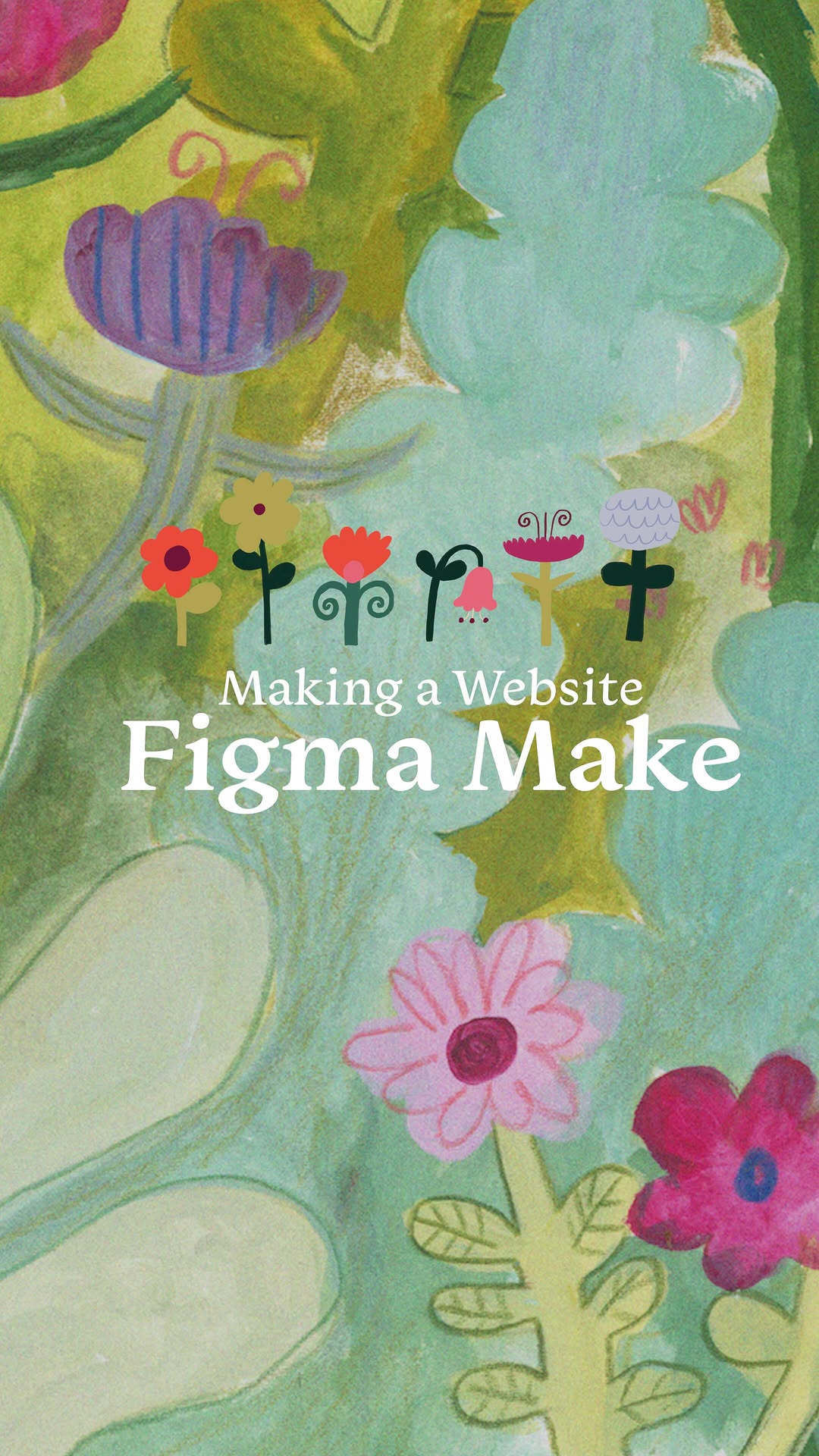
@bykatiemai I made a website with little bugs who would tell me what to draw for when I don’t know what to draw, with the help of @figma 🐛🪲🐞 Check out https://sketchbugs.figma.site/ to complete the 7-day sketchbug challenge and start building with Figma Make now for free! #FigmaMake #Ad

View original on Instagram

The edit1 shot · 11 text
Shots Text0:54

Performance

Views
718.7K
Likes
78.3K
Comments
335
Engagement
10.9%
Outlier
1.3×
Length · 19 Apr 2026
0:54

Video #29224 · Vlog

Showing process of making websitefrom @bykatiemai

[01]

Overview

The creator explains her problem of not knowing what to draw and showcases her solution: creating a website called 'Sketchbugs' using Figma Make. She walks through her entire creative process, from initial sketches and hand-painting assets to designing the UI in Figma and using the tool to code and publish the site. She then demonstrates the website's functionality, showing how users can get drawing prompts from animated bugs and receive rewards for uploading their art, concluding with a call to action to use the site and check out Figma Make.

[02]

Simple outline

  1. 1Present whimsical solution
  2. 2Showcase creation journey
  3. 3Demonstrate interactive result
  4. 4Reveal gamified reward

[03]

Related videos

[04]

Classification

Format
Concepts
Value VlogProcessOrigin Story
Elements
VoiceoverAnimated CharacterScreen RecordingMontage Editing

[05]

Hook analysis

What stops the scroll in the first 3 seconds

Title hook · 25%

I made a website

Verbal hook · 60%

I made a website with little bugs who would tell me what to draw for when I don't know what to draw with the help of Figma Make.

Visual hook · 15%

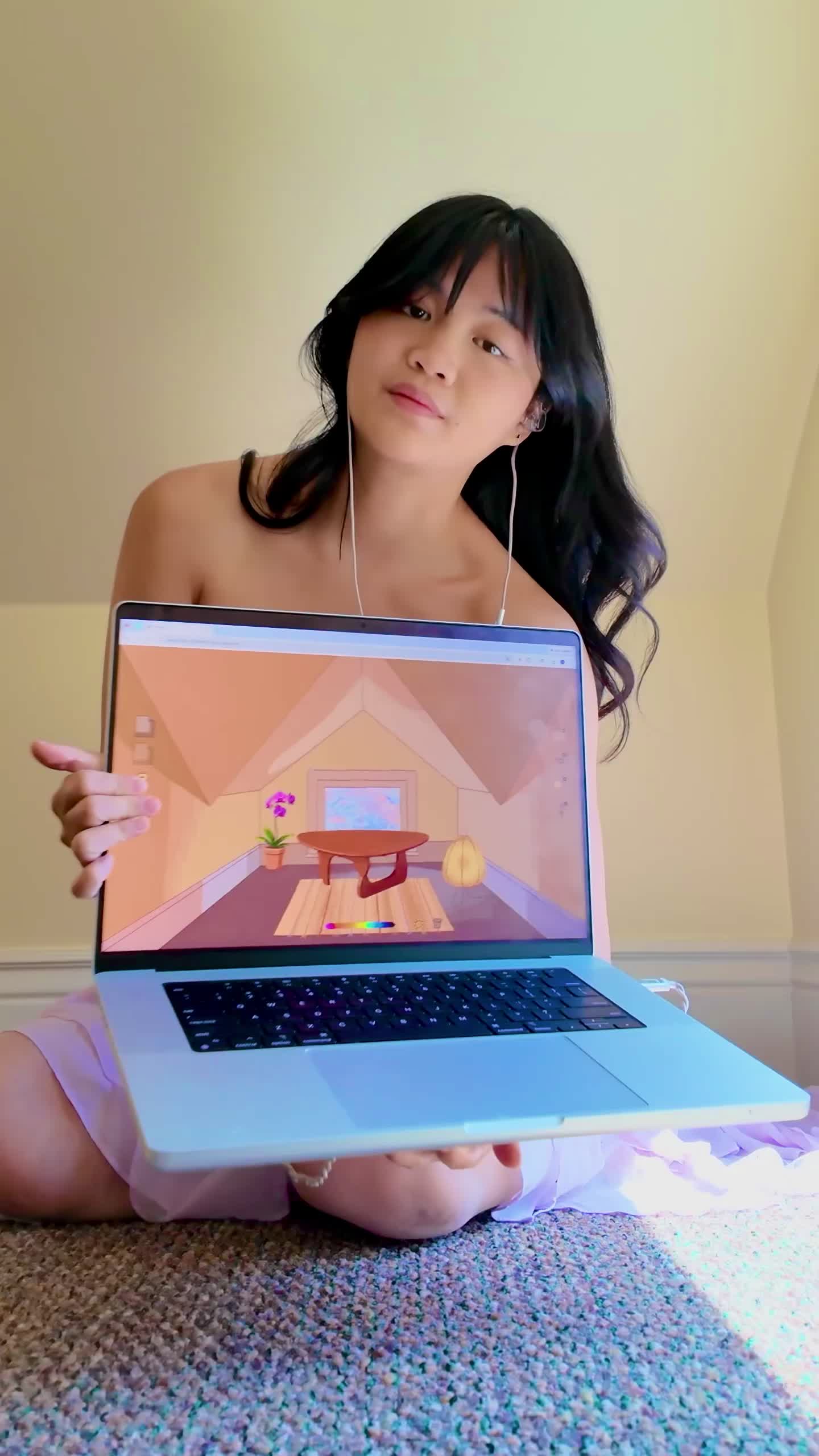
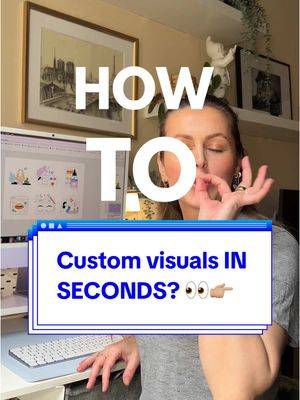
A smiling creator holds a laptop displaying a colorful illustration, sitting in front of a wall with a large, whimsical painted snail character, creating a visually rich and creative atmosphere.

[06]

Hook template

Steal this for your own video

I made a [digital tool or project] that solves my [creative or professional problem] using [platform or method].

  • — I made a habit tracker that actually keeps me accountable using Notion.
  • — I made a meal planning app that stops me from stress-eating using Google Sheets.
  • — I made a client onboarding system that saves me hours every week using Airtable.

[07]

Hook and payoff

The promise the opener makes, and how the video pays it back

Hook

Immediately state a relatable problem and the unique, charming solution created to solve it, establishing both utility and curiosity.

Payoff

A dual-purpose call to action that encourages the audience to save the content for its utility while also directing them to explore the enabling tool, benefiting both the creator and the sponsor.

[08]

Narrative framework

The structural pattern this video runs on

Framework

The Idea-to-Reality Showcase

Documenting the end-to-end process of bringing a creative, problem-solving idea to life, seamlessly integrating a tool or product as the key enabler.

  1. 1

    The Enabler Credit

    Acknowledge the key tool or product that made the solution possible, framing it as an essential part of the creative process from the start.

  2. 2

    The Process Montage

    Show a multi-stage creation process, moving from low-fidelity planning (sketches) to high-fidelity hands-on work (painting, crafting) to establish authenticity and provide visual satisfaction.

  3. 3

    The Charm Justification

    A direct-to-camera beat that preemptively addresses audience skepticism and reinforces the emotional value of the project's unique approach.

  4. 4

    The Digital Weaving

    Demonstrate the transition from physical components to a digital product, explicitly showing the enabling tool in action to prove its capability.

  5. 5

    The Launch Reveal

    Announce the completion of the project, transitioning it from a work-in-progress to a finished, accessible product with a specific name or URL.

  6. 6

    The User Walkthrough

    Provide a clear, step-by-step tutorial on how to interact with the final product, demonstrating its core functionality and ease of use.

  7. 7

    The Delightful Payoff

    Showcase the emotionally rewarding feedback loop or result the user experiences after completing the primary action, highlighting the 'magic' of the creation.

  8. 8

    The Collection Quest

    Introduce a gamified element or long-term objective that encourages repeat engagement and a sense of completion.

Themes

  • Creativity
  • Artist's block
  • Problem-solving
  • Design process
  • Technology for artists

Techniques

  • Voiceover
  • Montage
  • Screen recording
  • Animation overlay

Post caption

I made a website with little bugs who would tell me what to draw for when I don’t know what to draw, with the help of @figma 🐛🪲🐞 Check out https://sketchbugs.figma.site/ to complete the 7-day sketchbug challenge and start building with Figma Make now for free! #FigmaMake #Ad

Text overlays

  • title · beginning

    I made a website

  • contextual · beginning

    who would tell me

  • contextual · beginning

    for when I don't know what to draw.

  • branding · beginning

    with the help of Figma Make

  • contextual · beginning

    I first mapped out the site to work

  • contextual · beginning

    making the hand-drawn elements.

  • branding · middle

    sketchbugs.figma.site

  • contextual · middle

    Here's how it works.

  • call-to-action · end

    Collect all the flowers by completing all seven sketchbug prompts.

  • call-to-action · end

    So save this for the next time you don't know what to draw.

  • call-to-action · end

    check out Figma Make

Transcript

Made a website with little bugs who would tell me what to draw for when I don't know what to draw with the help of Figma Make. I first mapped out how I wanted tier site to work and then got started on making the hand drawn elements. I needed to paint a background for the site, come up with a few characters, and think of some sketchbook prompts. And no, I can't just do these prompts on their own. Okay. It's not as fun without the bugs. I promise. I brought my illustrated elements into Figma design and then copied and pasted my design into Figma make no it could code my project according to my instructions. After a few iterations, sketchbugs.figma.site was published. Here's how it works. You catch a bug with your net to obtain a sketch bug prompt. Then you do your little drawing and take a picture of it to upload it to the site. When you upload your artwork, the bug receives your art and gives you a little flower and a little dance. Look at it. Look how happy it looks. Collect all the flowers by completing all seven sketchbook prompts. So save this for the next time you don't know what to draw and don't forget to check out Figma Make as well.