@figma
Instagram · Talking Head Edit
@figma Tired: code or canvas Wired: code AND canvas Introducing Claude Code to Figma

@figma
Instagram · Talking Head Edit
@figma Tired: code or canvas Wired: code AND canvas Introducing Claude Code to Figma
Performance
Video #18386 · Talking Head Edit
[01]
Two Figma employees, a design director and a software engineer, introduce a problem in the design-to-code workflow, announce a new feature called 'Claude Code to Figma' as the solution, and provide a detailed demo showing how the tool captures live web UIs and converts them into editable Figma frames. They conclude by explaining the benefits for both design exploration and engineering implementation.
[02]
[03]
 55.3KFramer: Design to actual product@ginyboi · Product Demo
 702K12.7×Designer creates 3D website concept@marcelodesignx · Process
 718.7K1.3×Showing process of making website@bykatiemai · Value Vlog
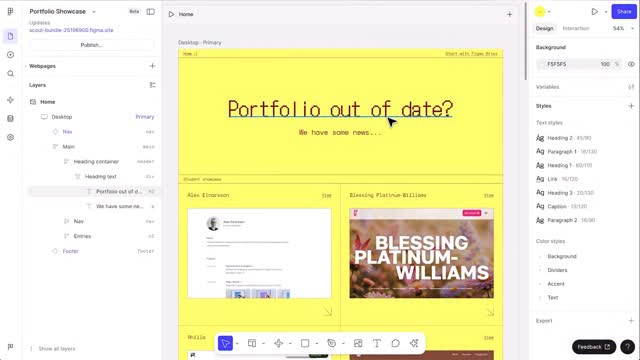 132.2KScreen recording product feature announcement@figma · Product Promo
 54.3KCreator shows app building process@designmoresteph · Tutorial / How To
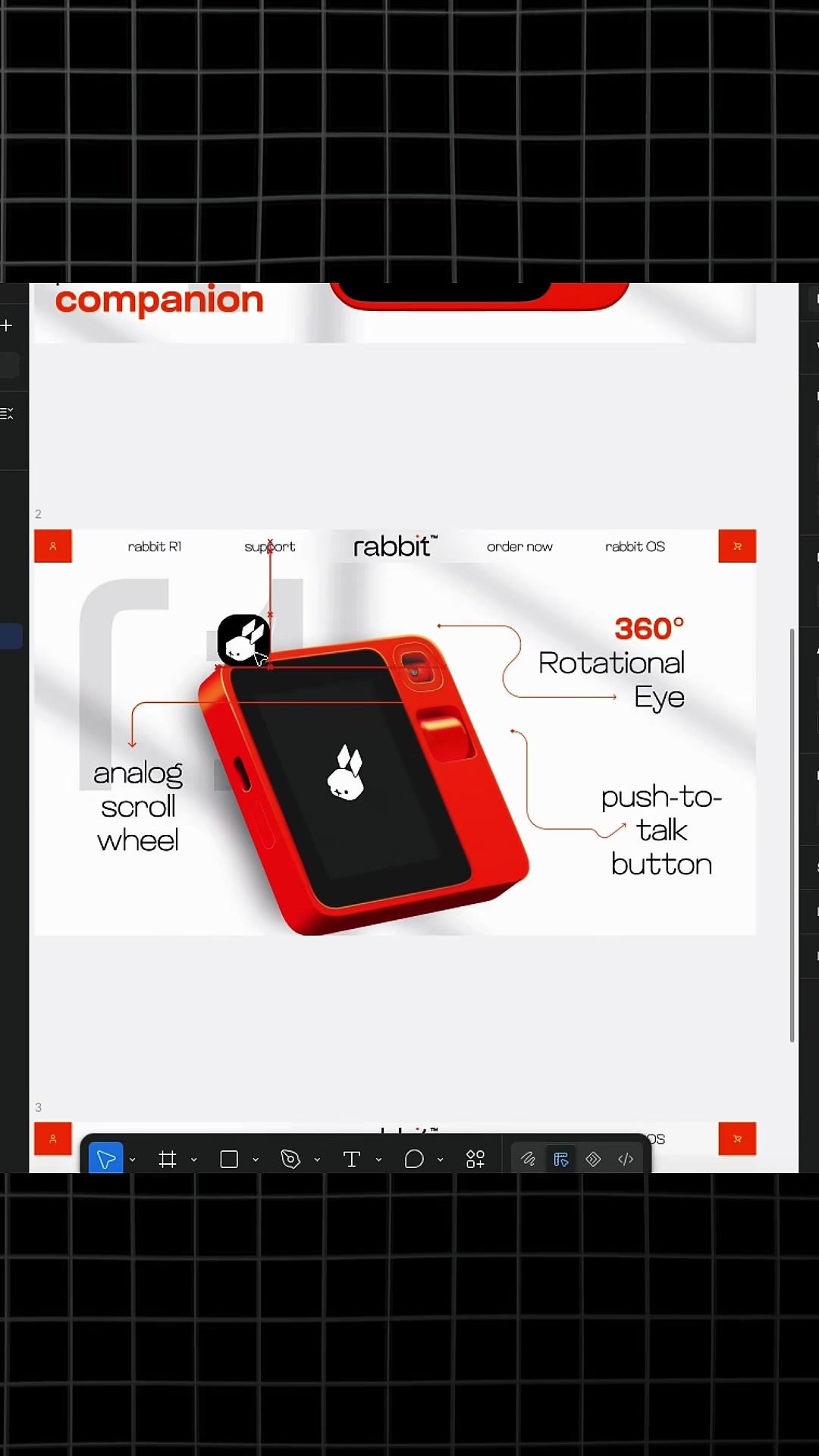 3.6M611.9×How to use design library@marcelodesignx · Tutorial / How To
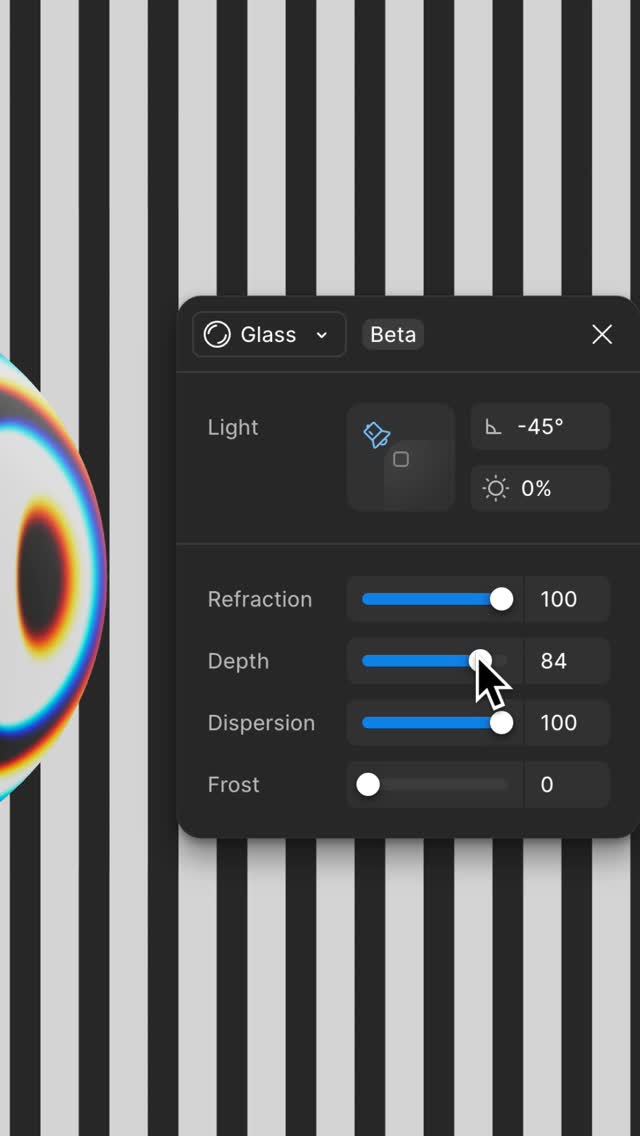 549.4K4×Glass effect design tool demo@figma · Product Demo
 664K5.1×Minimalist tech product update announcement.@claudeai · Themed Announcement
 2.4M3×Creative process for F1 apparel@kweinbydesign · Hypothetical Case Study
 1.2M167.3×Showcasing a premium UI asset library@marcelodesignx · Showcase
 385.1K14.1×Behind the scenes industry opinion@karen.rosalie · Hot Take
 764.7K5.2×Animated five-step graphic design guide@chromas.lab · Tutorial / How To
[04]
[05]
What stops the scroll in the first 3 seconds
Verbal hook · 60%
Hi. I'm Guy. I am the design director on the AI team at Figma.
Visual hook · 40%
Two speakers are seated at a table in a professional, well-lit room with bookshelves in the background. Animated lower-third graphics appear on screen to introduce each speaker.
[06]
Steal this for your own video
Hi, I’m , the on the team behind .
[07]
The promise the opener makes, and how the video pays it back
Hook
Two credible experts introduce themselves and their roles, immediately establishing authority and setting a professional, informative tone.
Payoff
A final, empowering statement that encourages the audience to adopt the new solution and imagine the possibilities it unlocks for their own work.
[08]
The structural pattern this video runs on
Framework
The Problem-Bridge-Payoff Framework
Establish a common industry problem by contrasting two conflicting but necessary workflows. Introduce a new tool or method as the 'bridge' that synthesizes the two, then demonstrate how this new synergy unlocks superior results and collaboration.
The Status Quo Problem
Articulate the limitations and pain points of a current, widely-used process (e.g., working in code), making the problem highly relatable to the target audience.
The Ideal State Vision
Describe a superior, more effective process or environment (e.g., working on a canvas), creating a clear gap between the current reality and the desired future.
The Solution Unveiling
Announce the product or feature by name, positioning it as the specific mechanism that bridges the gap between the problematic status quo and the ideal state.
The Live-Action Proof
Provide a direct, step-by-step demonstration of the solution in a real-world context, proving its functionality and ease of use from start to finish.
The Creative Expansion
Display the tangible, high-value outcomes (e.g., multiple design variations, new ideas) that are now possible because of the solution, fulfilling the promise of the 'Ideal State'.
The Cross-Functional Benefit
Explain how the solution benefits all stakeholders involved (e.g., designers and engineers), broadening its appeal and highlighting its collaborative power.
The Core Thesis Summary
Conclude by restating the central value proposition, emphasizing how the solution synthesizes the best of both worlds to create a new, more powerful workflow.
Tired: code or canvas Wired: code AND canvas Introducing Claude Code to Figma
contextual · beginning
Gui Seiz Design Director
contextual · beginning
Alex Kern Software Engineer
title · middle
Claude Code to Figma
branding · end
Figma
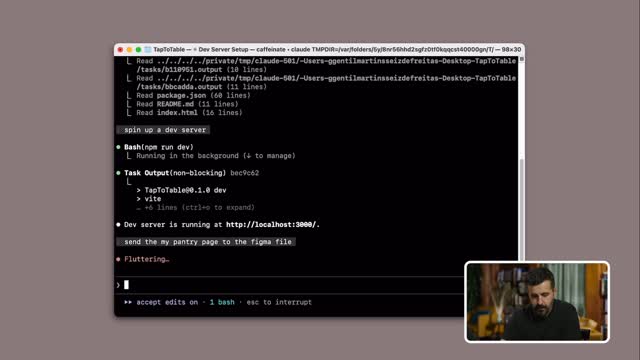
Hi. I'm Guy. I am the design director on the AI team at Figma. And I'm Alex, an engineer who worked on the feature that we're showing you here today. I'm really excited to show you this workflow that we've been working on. Ideas can come from anywhere, from doodles, to code these days. And code is really interesting because it can get you to somewhere real very quickly, but it also runs this risk of just rabbit holing down and kind of missing out on a lot of the exploration stage. Exploring rank code really means changing code. It also means creating new git branches, feature flags, threading variables and state and data through all these different code paths. Ultimately, versions that you end up with, they really just live on your laptop. They're not something that you can easily share and collaborate and show to other folks. And so oftentimes, I find that the feedback is often shared in the form of screenshots and video recordings and things like that. The decisions that you make in code often are also ultimately very single file. They they have to happen in a certain order, and it kind of limits your ability tier, like, explore horizontally and think about the big picture. And so for us, the canvas is key to a lot of our workflow. It's easier to engage as a team. You can see the differences side by side immediately, and exploration just feels cheaper and more carefree. Today, we're releasing Cloud Code to Figma, a new feature in the Figma MCP server. You can capture any running UI state in your browser and paste those as editable Figma frames right on the canvas. Cool. Let's best into a demo. I have some worse code that I really want to explore. So I'm gonna spin up Claude and ask it to spin up a dev server. Great. So this is where we're starting. Looks pretty cool better we could probably make it work a little bit harder. So what I'm going to do is I'm going to go back into quad code and I'm going to ask it to send the my pantry page to Figma. Great. So now we have it in Figma. I also wanted to capture a small detail here. I can select element and I can pick up one of these cards that I think could be better explored. So just by clicking it, it's already sending it to Figma. I can open up my file and there it is. So now it's on the canvas. No I can come and get my whole design team and we can start exploring variations on these, designs. And so for us, it's not really about polish. It's about exploration. We want to try out as many variations until we get to something that we feel really excited about. So we've jammed with the team on this and we've landed in these four different solutions that all really address the problem in quite different ways. As an engineer, I also have this great context that is a bird's eye view of all the different trade offs and can make, you know, really clear, engineering scope, considerations based on this. That way, no time is wasted on the implementation details of figuring out how to pull off each of these ideas before we're even ready to commit to which direction we wanna go. And finally, once we have selected one of those ideas, it's really easy for me to use the Figma MCP server to bring those frames back into my code editor and keep us moving forward as a team. So what's really great about this is that it uses the best of both worlds. Code helps us get you to something that feels real quicker, but Canvas helps you explore and choose direction and really decide what's worth building. We've had a great time building Code two Canvas and we're so excited to see what you end up building with it.