@covacut
TikTok · Talking Head Edit
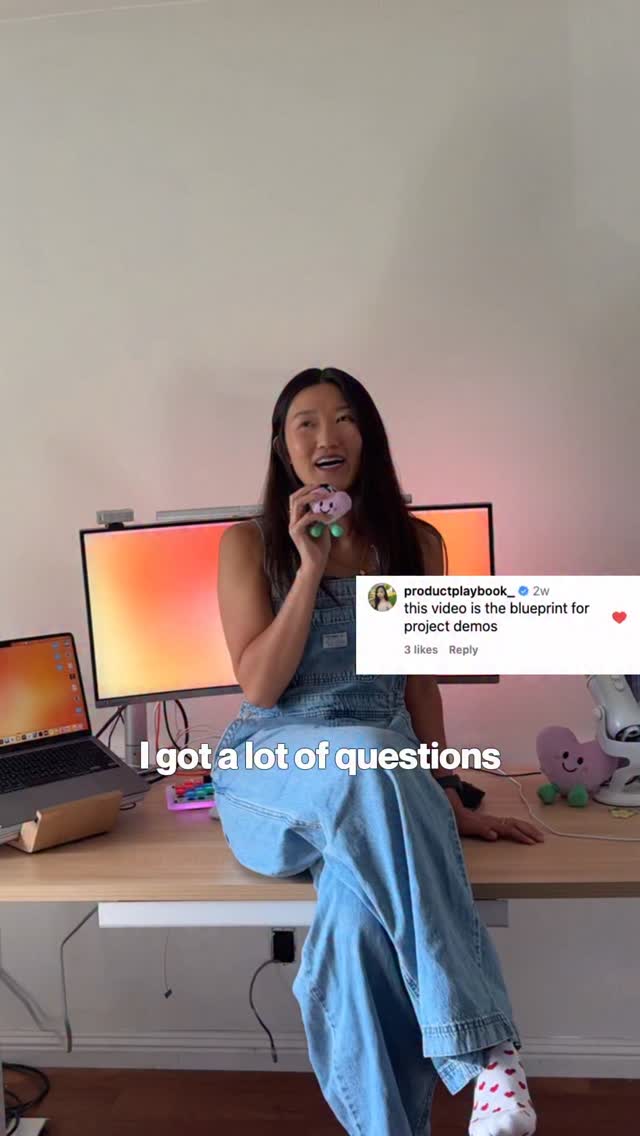
@covacut made in @figma ⋆.ೃ࿔.𖥔 link in bio <3 I’m so excited that I’ve been actually designing my home with this!! in wonder at the things we can build now #ad #figmamake

@covacut
TikTok · Talking Head Edit
@covacut made in @figma ⋆.ೃ࿔.𖥔 link in bio <3 I’m so excited that I’ve been actually designing my home with this!! in wonder at the things we can build now #ad #figmamake
Performance
Video #49880 · Talking Head Edit
[01]
The creator introduces a website she built to plan her room using a retro internet aesthetic. She then breaks down her creation process into three steps using Figma Make: 1) planning the layout and creating pixel art, 2) turning the design into a website, and 3) building a backend with Supabase to process images. She concludes by sharing her personal motivation for the project after living in dorms for years and asks for feedback.
[02]
[03]
 718.7K1.3×Showing process of making website@bykatiemai · Value Vlog
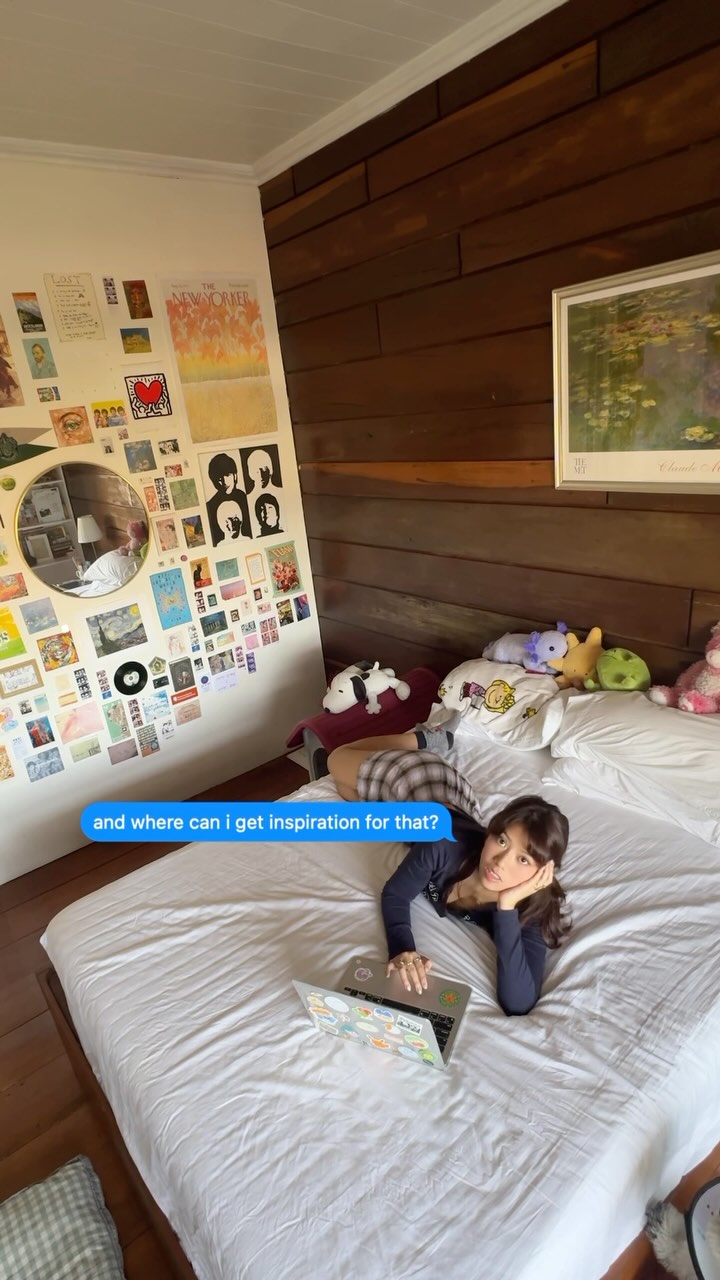 617K3.1×Design personal website from scratch@ciaragan · Journey Documentation
 702K12.7×Designer creates 3D website concept@marcelodesignx · Process
 54.3KCreator shows app building process@designmoresteph · Tutorial / How To
 12.3M840.4×AI brings creative vision to life@itsemilyhiggins · Origin Story
 97.4K2.1×Web design process start to finish@pixeldesignlab · Tutorial / How To
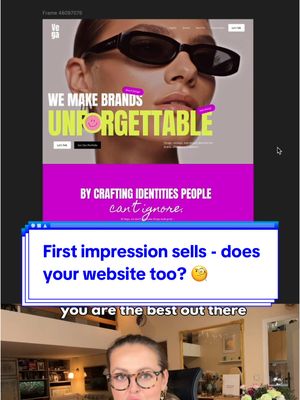 54K1.1×Explaining a website design transformation@pixeldesignlab · Before/After Transformation
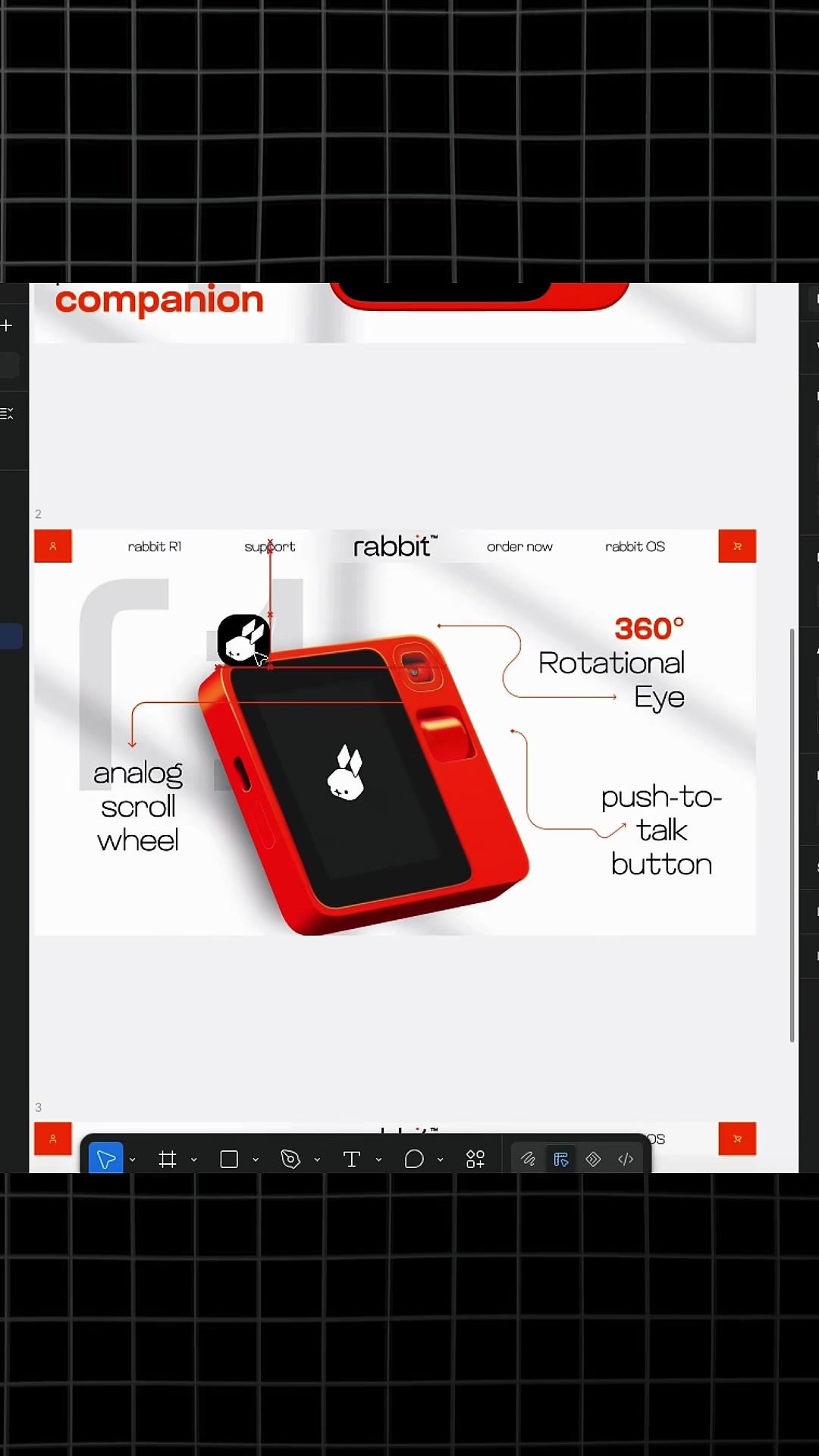 3.6M611.9×How to use design library@marcelodesignx · Tutorial / How To
 2.2MCurated list of creative websites@designteamofone · Buying List
 52.7KExplaining website redesign process@pixeldesignlab · Before/After Transformation
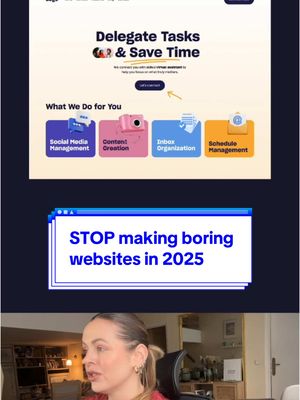 130.1K1.7×Website redesign before and after@pixeldesignlab · Good vs Bad
 2.1M5.3×Designer shows creative process for team@kweinbydesign · Behind The Scenes
[04]
[05]
What stops the scroll in the first 3 seconds
Title hook
made
Verbal hook
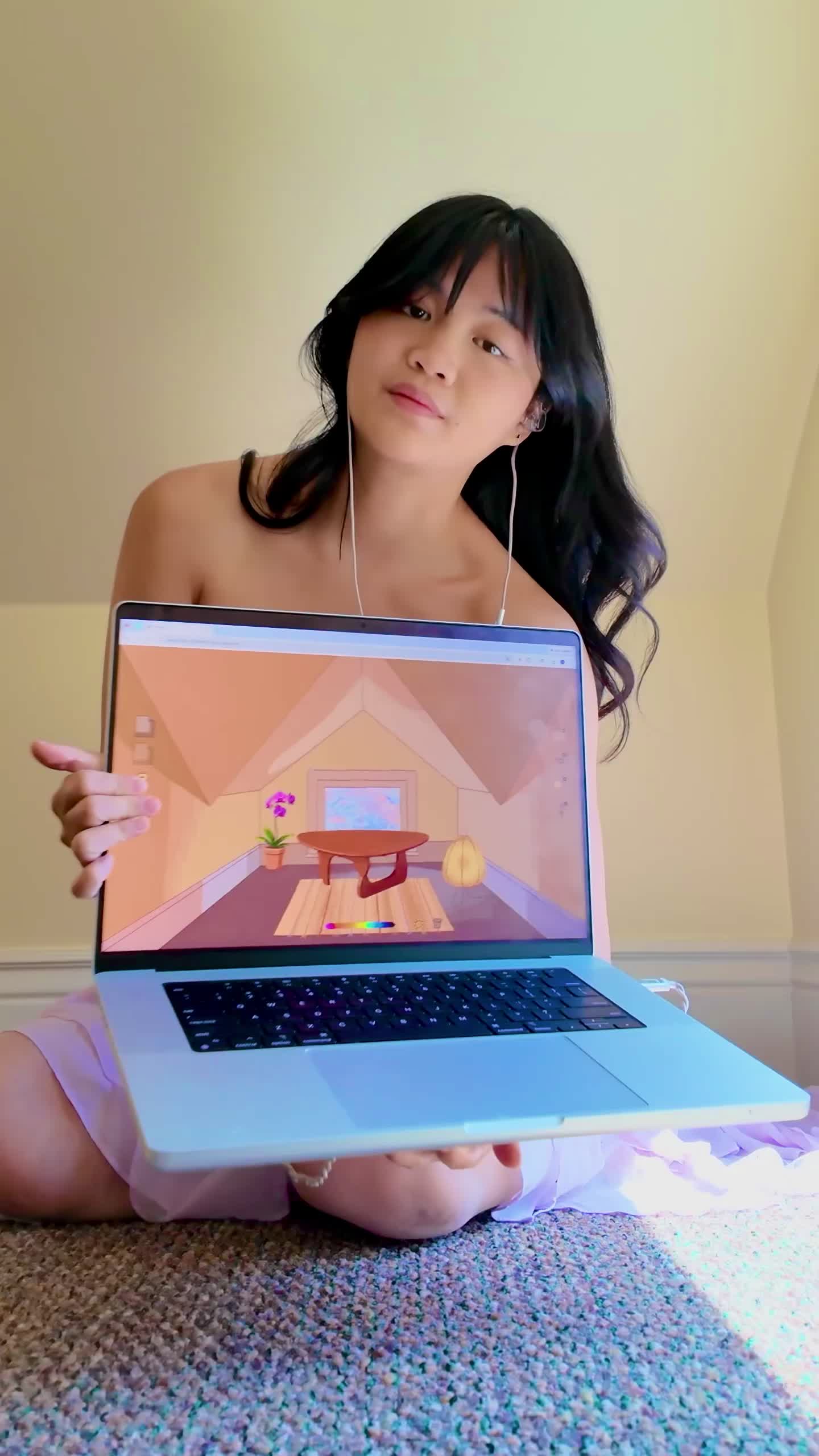
I made a website that turns furniture photos into old Internet graphics so I can plan my room.
Visual hook
A woman holds up a laptop displaying a colorful, stylized, animated room design, immediately establishing the video's creative and tech-focused theme.
[07]
The promise the opener makes, and how the video pays it back
Hook
Present a novel and aesthetically pleasing solution to a common, relatable problem, immediately establishing the creator's skill and the project's value.
Payoff
Present the final, fully-realized result of the project and directly ask the audience for their judgment or opinion, converting passive viewing into active engagement.
[08]
The structural pattern this video runs on
Framework
The Creator's Journey
Demonstrating a creative solution to a personal problem by breaking down the creation process into simple steps, grounding it in an emotional story, and concluding with a call for audience validation.
The 'Wow' Demo
Showcase the finished product and its most impressive features to prove the concept's value and generate immediate intrigue before explaining the process.
The Process Promise
Explicitly state that a 'how-to' explanation is coming, setting a clear expectation for the viewer and transitioning from the 'what' to the 'how'.
The Foundational Step
Detail the first, most accessible part of the creation process, focusing on planning and aesthetics to ease the audience into the technical details.
The Magic Transformation
Demonstrate the key moment where the initial concept becomes a functional reality, often with the help of a specific tool or technique.
The Technical Demystification
Address the most complex or intimidating part of the process, breaking it down into simple terms and reframing it as achievable to empower the viewer.
The Personal Motivation Reveal
Shift from the technical process to the emotional 'why,' sharing a personal story or motivation that gives the project deeper meaning and builds a connection with the audience.
made in @figma ⋆.ೃ࿔.𖥔 link in bio <3 I’m so excited that I’ve been actually designing my home with this!! in wonder at the things we can build now #ad #figmamake
title · beginning
made
contextual · beginning
furniture
contextual · beginning
internet graphics
contextual · beginning
so I can
contextual · beginning
plan my room.
informational · middle
1. Plan
informational · middle
2. Website
informational · middle
3. Backend
branding · end
Supabase.
call-to-action · end
How did I do?~
branding · middle
make
I made a website that turns furniture photos into old Internet graphics no I can plan my room. It even shows what my room looks like at different times of the day. Here's how I built it using Figma Make. First, I mapped out the layout of the app and added my own pixel art. Lately, I've been so inspired by Web 1.0 art. Next, I copied and pasted my design into Figma Make, and it turned my design into a website. Finally, I made a bad end that processes photos to match the web one art style. I find people don't know that you can actually make a back end in a Figma. It's really simple. Just ask Figma Make to run you through the steps better connected to Supabase. And there we go. For four years, I've been living in dorm rooms, and I really wanted to make my first place of my own feel special. How did I do?