Video #5206 · Vlog
Creator shows app building processfrom @designmoresteph
The creator explains how she built her 'Star Doodle' app in under a day using Figma Make. She starts by showing her initial doodle, then walks through defining the design system in Figma, importing it into Make, and using a detailed prompt to generate the app's structure. The creator then details the iterative development process, including building the drawing experience and integrating Supabase for user data, before showing the final app being used by people at an event and ending with a call-to-action for future tutorial ideas.
- 1State the 'how-to' premise
- 2Detail the creation steps
- 3Reveal the 'magic' input
- 4Show the successful outcome
- 5Engage the community directly
ConceptsTutorial / How ToValue Vlog
ElementsScreen RecordingSocial Proof ScreenshotText OverlayOverhead Shot
[05]
Hook analysis
What stops the scroll in the first 3 seconds
Title hook · 35%
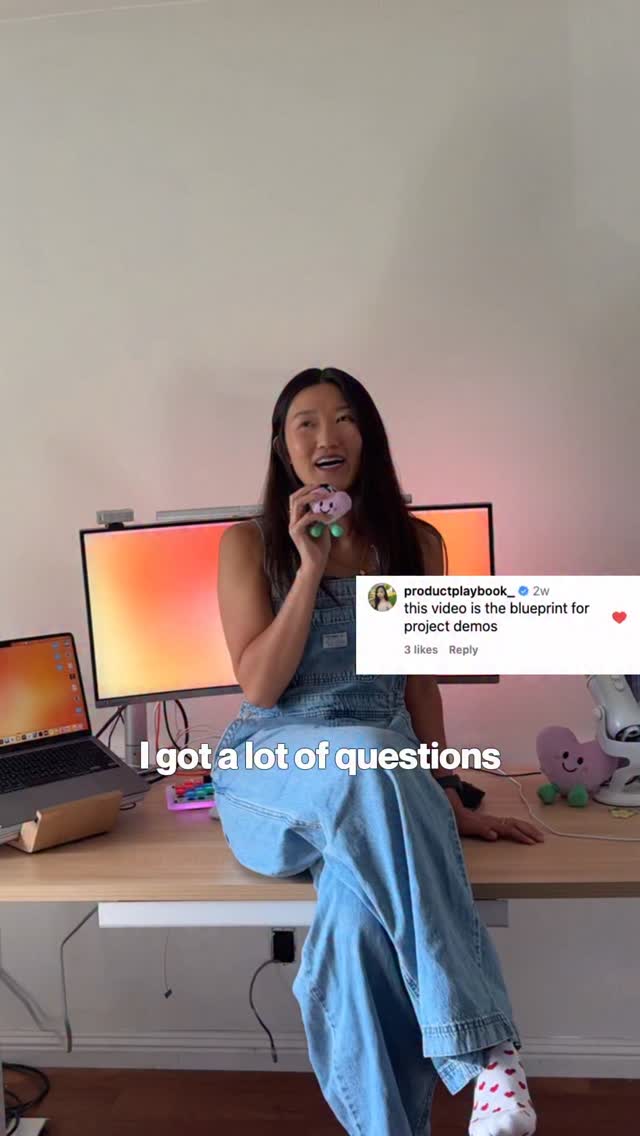
I got a lot of questions
Verbal hook · 25%
Got a lot of questions asking how I built my tier doodle app.
Visual hook · 40%
The creator is sitting on her desk surrounded by floating social media comment bubbles, creating a dynamic and visually engaging opening that immediately establishes the video's context.
[06]
Hook template
Steal this for your own video
I got a lot of questions about how I built my [project or product], so here is exactly how I did it.
- — I got a lot of questions about how I built my Notion dashboard, so here is exactly how I did it.
- — I got a lot of questions about how I built my meal prep system, so here is exactly how I did it.
- — I got a lot of questions about how I built my Etsy store from scratch, so here is exactly how I did it.
[07]
Hook and payoff
The promise the opener makes, and how the video pays it back
Hook
Acknowledge a common audience question ('I got a lot of questions'), immediately framing the video as a direct answer and a value-add.
Payoff
The 'In The Wild' Proof. Transitions from the creation environment to a real-world context, showing the final product being successfully used or appreciated by others, thereby validating the entire process. This is followed by a direct call for audience participation in future content.
[08]
Narrative framework
The structural pattern this video runs on
Framework
The 'How I Built This' Showcase
A rapid, step-by-step demonstration of how a desirable outcome was achieved using a specific tool or process, culminating in real-world proof of success and a direct invitation for community engagement.
- 1
The Genesis Sketch
Humanizes the project by showing its humble, low-fidelity origin (e.g., a doodle, a note), making the final product feel more achievable and relatable.
- 2
The Foundational Blueprint
Outlines the initial, structured setup phase within the primary tool, establishing the project's core rules and system (e.g., a design system, a recipe's base).
- 3
The Catalyst Input
Reveals the specific, high-leverage input (a prompt, a setting, a key ingredient) that transforms the foundational work into a functional output. This is the 'secret sauce' moment.
- 4
The Iterative Refinement
Shows the process of building out functionality in logical, sequential chunks, demystifying the development process and demonstrating methodical progress.
- 5
The Power-Up Integration
Demonstrates adding an advanced or external feature (e.g., a database, a special technique), showcasing the full capability and extensibility of the process.
Themes
- Creativity
- Technology
- Community
- Rapid Prototyping
Techniques
- Screen Recording
- Voiceover
- Montage
- Overhead Shots
Trends
- Build in Public
- Creator-led Tutorials
Post caption
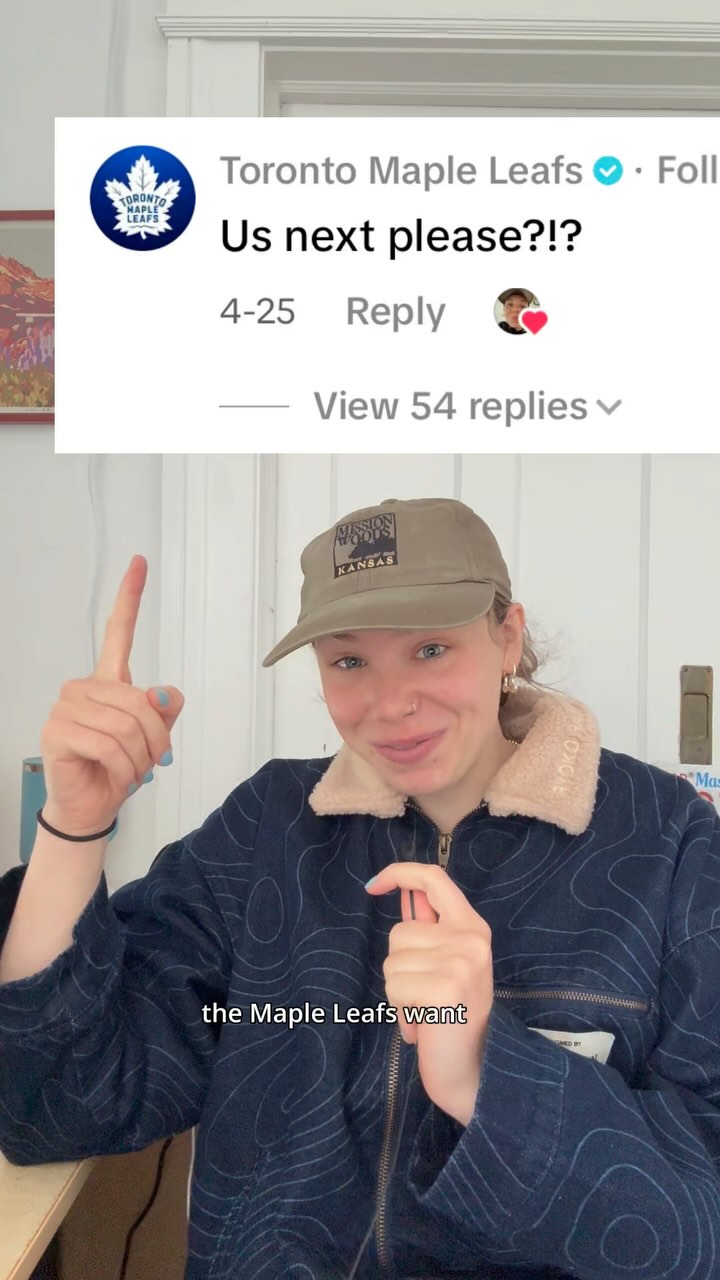
What @figma tutorial do you want to see next?!?
You all loved my convoSTARter app where everyone you meet doodles a star, so here’s a quick tutorial on how to build your own! My favorite part as a designer? Being able to define every detail from colors, textures, effects to mood— all in the design library before uploading to Make. It gave my vision so much personality and made it truly feel like my own. Already thinking about the next iteration: sorting stars by event to keep better track of each connection. Let me know if you have any more ideas too :-)
#Figma #FigmaPartner
Text overlays
contextual · beginning
I got a lot of questions
contextual · beginning
asking how I built my
contextual · beginning
Star Doodle app
branding · beginning
in collaboration with the team at Figma
title · beginning
here's how I built it
contextual · beginning
using Figma make
informational · beginning
I built this in under a day for an event
contextual · beginning
here's my first sketch
informational · beginning
all ideas begin as a doodle
contextual · middle
I started with defining my design system in Figma
contextual · middle
then I brought it into make with the library feature and pasted frames for each main page
informational · middle
here's the prompt that I used
contextual · middle
then I developed in small steps
contextual · middle
first with the drawing experience then the constellation view and panning
contextual · middle
since I wanted a login and a way to catalog each person's star
contextual · middle
I integrated superbase
contextual · middle
I ran some simple sequel and copied the key into my make library
contextual · middle
most importantly I was so excited to meet people at the event and be able to remember them with something special
call-to-action · end
comment the Figma tutorial you'd like to see next
informational · end
I read and respond to all of your comments
contextual · end
thanks for being in my constellation
Transcript
Got a lot of questions asking how I built my tier doodle app. Here's how I built it using Figma Make. I built this in under a day for an event in the evening. Here's my first sketch. All ideas begin as a doodle. I started with defining my design system in Figma, the mood, the layout, the core functionalities. Then I brought it into Make with a library feature and pasted frames for each functionalities. Then I brought it into make with a library feature and pasted frames for each main page. Here's the prompt that I yes, then I developed in small steps. First with the drawing experience, then the constellation view and panning. Since I wanted a login and a way to catalog each person's star, I integrated Supabase. I ran some simple SQL and copied the key into my make library. Most importantly, I was so excited to meet people at the event and be able to remember them with something special. Comment the Figma tutorial you'd like to see next. I read and respond to all of your comments. Thanks for being my constellation.