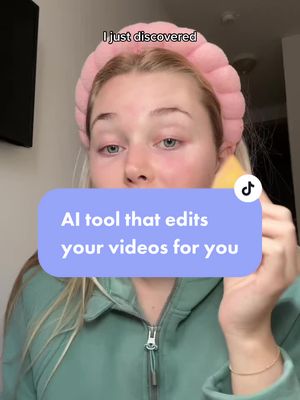
@jessy_barreto Let’s talk about AI Edit in the Captions app 📱
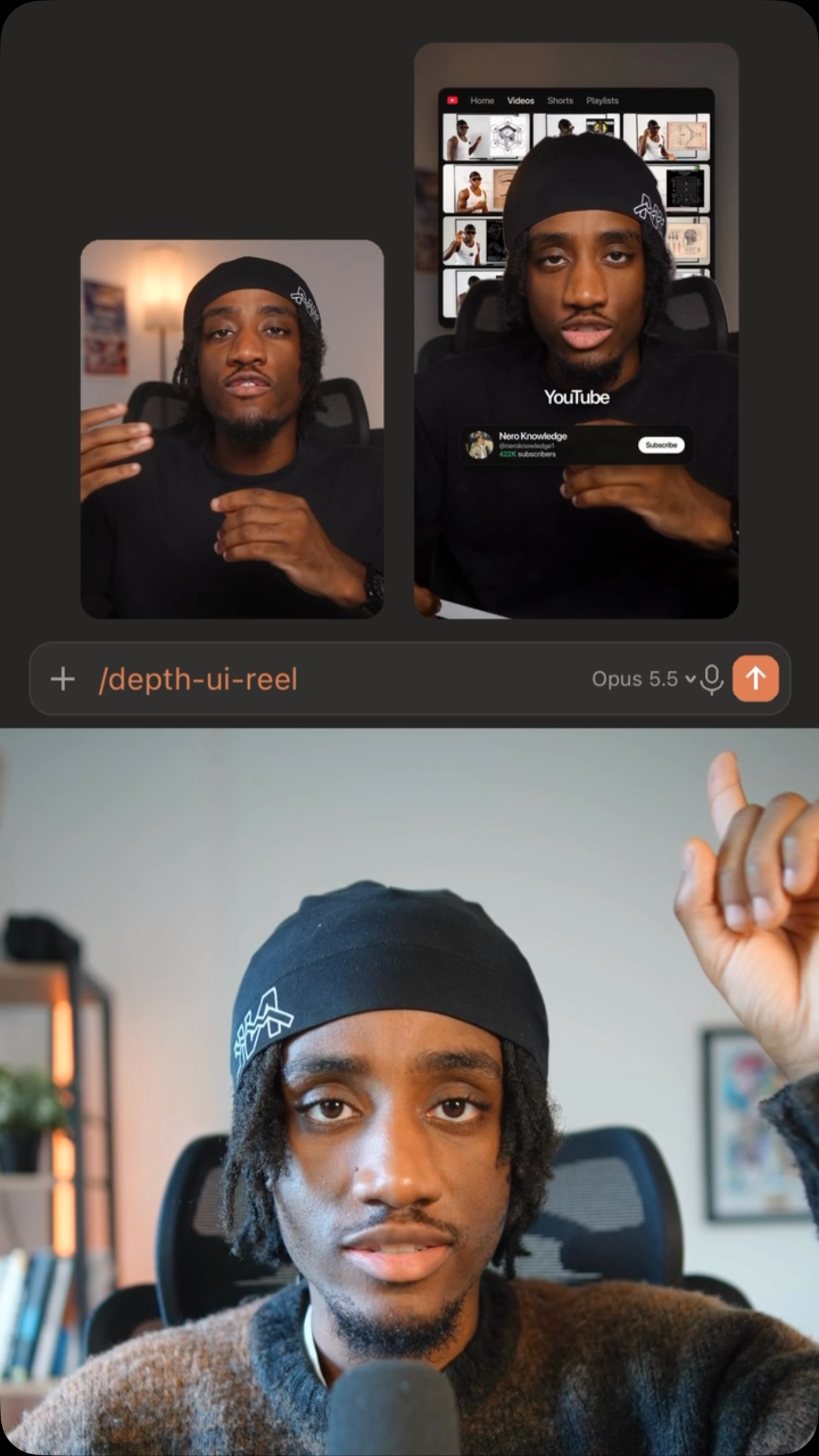
Editing a talking head shouldn’t take hours. With @getcaptionsapp’s AI Edit you can do it in minutes: upload your video, pick a style, and it handles the cuts, the b-roll, the text effects and the sound design 🎬
As an editor myself I was really impressed. If you want to try it out, download the Captions app 🙌🏽
#ad #AIedit #CaptionsApp #Captions
Creator demonstrates AI video editing appfrom @jessy_barreto
[01]
Overview
The creator presents a common problem for content creators—wasting hours on editing—and introduces the Captions app as an AI-powered solution. He walks through the simple process of uploading a raw video, selecting a style, and letting the app automatically generate a fully edited video with cuts, B-roll, text effects, and sound design. After showcasing the impressive final result, he emphasizes the AI's intelligence and encourages viewers to download the app.
Stop wasting hours editing because the captions app can help you do it in minutes.
Visual hook · 10%
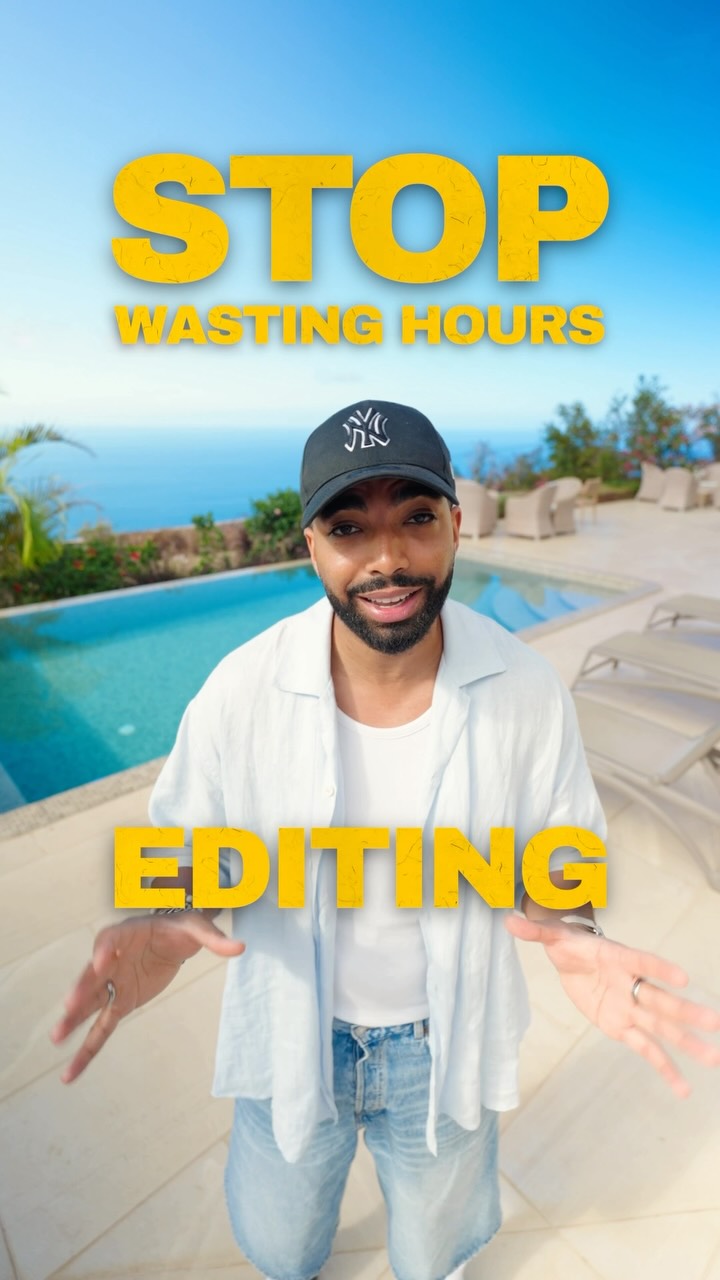
A man stands in front of a luxury pool with an ocean view, holding his hands up in a 'stop' gesture. The shot is a wide-angle view with bright, vibrant colors and an aspirational setting.
[06]
Hook template
Steal this for your own video
Stop wasting [time-consuming task] on [tedious process] because [your tool or method] can get it done in [short timeframe].
— Stop wasting hours on meal planning every Sunday because this one grocery-list method can get it done in ten minutes.
— Stop wasting your weekends on bookkeeping because this simple spreadsheet template can get it done in fifteen minutes.
— Stop wasting months on cold-emailing clients because a referral script can get it done in one afternoon.
[07]
Hook and payoff
The promise the opener makes, and how the video pays it back
Hook
A direct command that identifies and agitates a common pain point for the target audience, immediately followed by the introduction of a fast and easy solution.
Payoff
A clear, direct call to action that instructs the viewer on the exact next step to take, followed by a final reinforcing statement that loops back to the initial problem to solidify the tool as the definitive solution.
[08]
Narrative framework
The structural pattern this video runs on
Framework
The Problem-Solution Demo
To demonstrate the power and simplicity of a tool by contrasting a common, time-consuming problem with a fast, high-quality automated solution, using a step-by-step walkthrough and expert validation to build trust and drive adoption.
1
The Deconstructed Process
A transparent, step-by-step demonstration of the solution's workflow, emphasizing its simplicity and ease of use. This demystifies the technology and lowers the perceived barrier to entry.
2
The Transformation Reveal
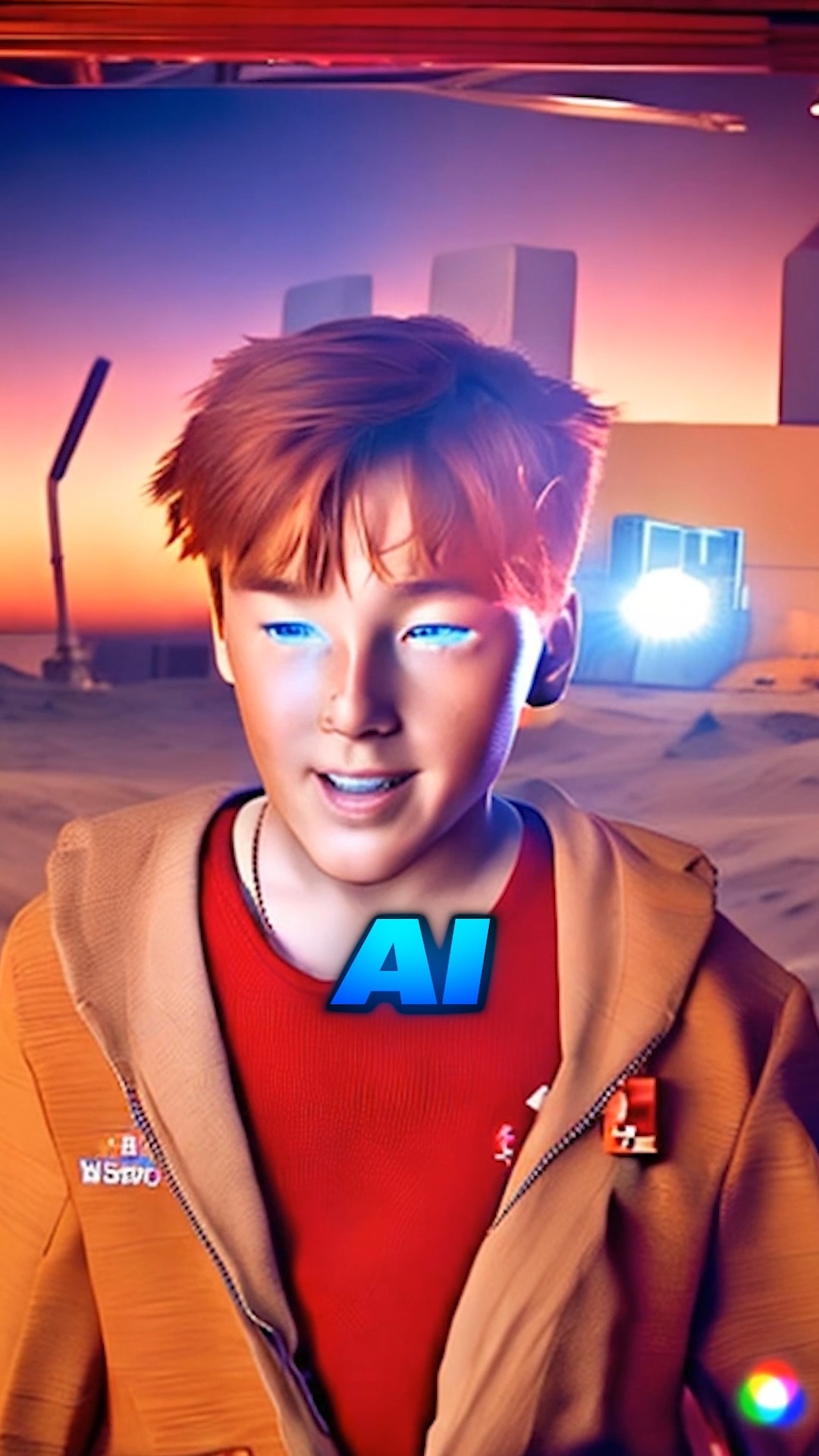
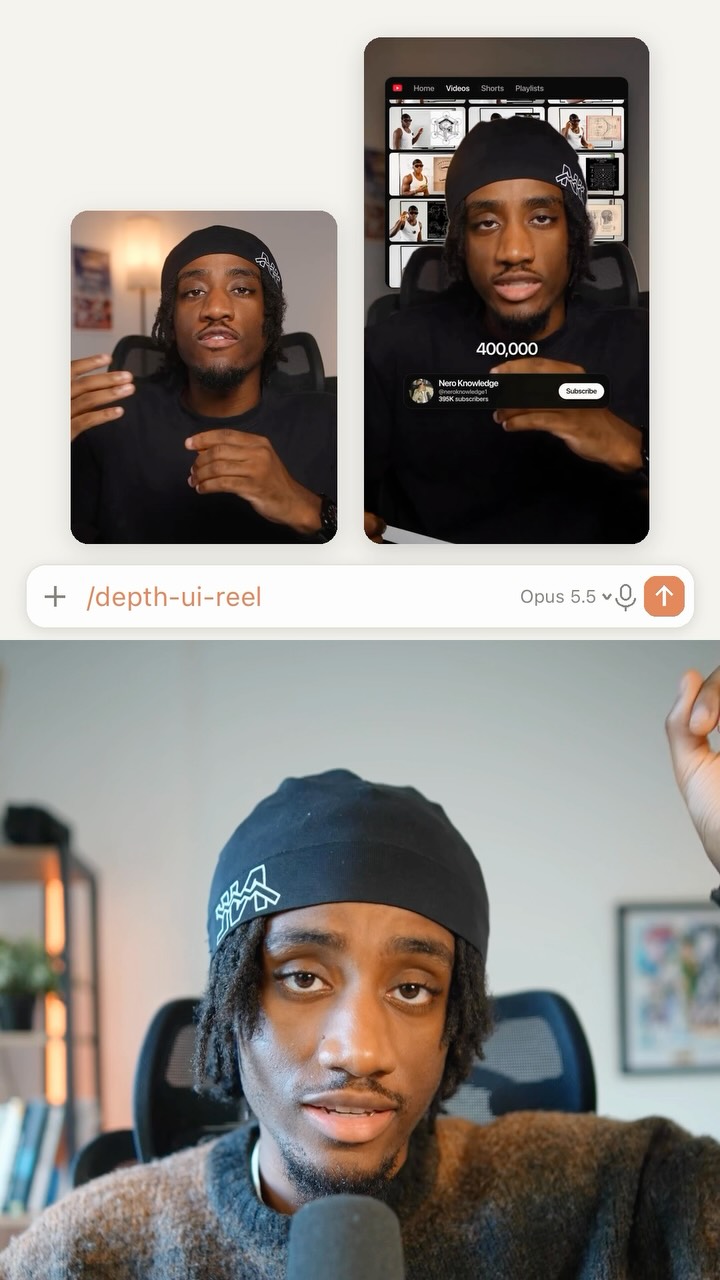
A showcase of the final, high-quality result produced by the tool, rapidly cutting between the various value-adds (e.g., cuts, effects, captions) that were automated to create a sense of overwhelming value.
3
The Unique Value Proposition
A specific statement that differentiates the solution from potential competitors or preconceived notions, proactively addressing a key point of audience skepticism (e.g., 'it's just a template').
4
The Credibility Stamp
The presenter leverages their personal expertise or authority within the relevant field to endorse the solution's quality, building trust and validating the claims made.
5
The Audience Avatar
A narrative device, such as a second character or a change in perspective, that mirrors the target viewer's ideal reaction (e.g., excitement, amazement, desire to try), thereby validating that feeling for the audience.
Themes
Productivity
Artificial Intelligence
Content Creation Efficiency
Tech Demonstration
Techniques
Screen Recording
B-Roll Integration
Dynamic Text Overlays
Split Screen/Clone Effect
Trends
AI-powered tools
Short-form video editing styles
Post caption
Let’s talk about AI Edit in the Captions app 📱
Editing a talking head shouldn’t take hours. With @getcaptionsapp’s AI Edit you can do it in minutes: upload your video, pick a style, and it handles the cuts, the b-roll, the text effects and the sound design 🎬
As an editor myself I was really impressed. If you want to try it out, download the Captions app 🙌🏽
#ad #AIedit #CaptionsApp #Captions
Text overlays
title · beginning
STOP
title · beginning
WASTING HOURS
title · beginning
EDITING
informational · middle
import media and select an edit style
informational · middle
Editing video...
contextual · middle
favorite gear
contextual · middle
ZV-E1
Transcript
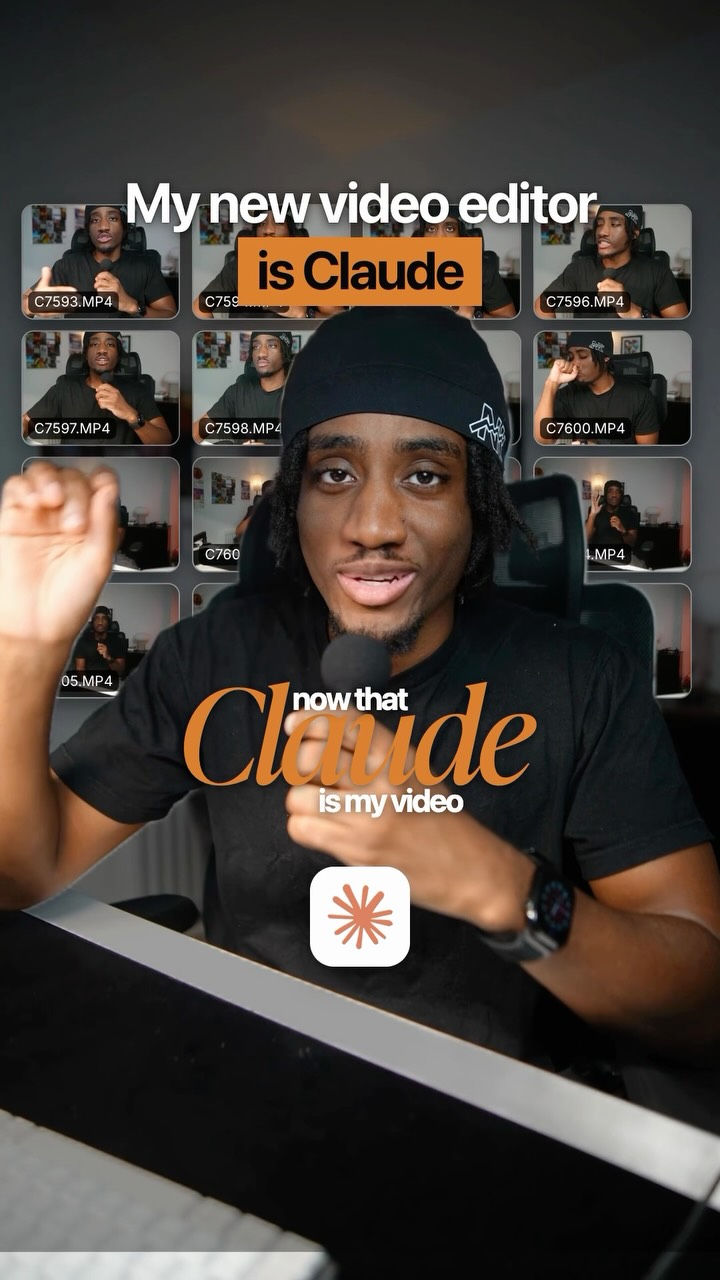
Stop wasting hours editing because the captions app can help you do it in minutes. Let me explain. So I upload my rank recording in the captions app. No cuts, no b roll, nothing. Then I pick a style. I can add my own b roll if I want, but it can also generate it for me. And that's basically all I do. A few minutes better, the edit is just done. Cuts, b roll, text effects, sound design, captions. And the crazy part, this is not a template. Everything is built around what I'm actually saying, and it really looks good. As an editor myself, I can tell you this is really impressive. That's insane. I wanna try it myself. You definitely should. Download the Captain's app and try AI edit. So now you know that you should.
Creator demonstrates AI video editing app | Viral Hooks