Viral Hooks
Trending short videosCustom accounting dashboard with AI
S

@softgirlnocode

Instagram · Talking Head Edit

@softgirlnocode Perplexity Computer helped orchestrate that entire stack without me needing to manually connect every piece myself. Now I can view my financial reports directly from my phone, track overdue invoices, and even use it as a lightweight expense tracker that logs categorized expenses back into my Google Sheet database automatically. One important reminder though: if you want to build your own accounting dashboard, backend security and data protection matter a lot. You still need proper hosting, authentication, secure database access, user permissions, and API protection. Luckily, Perplexity Computer can also guide you through setting up that infrastructure, not just designing the front end. I think we’re moving into a world where creators and small businesses stop renting bloated SaaS tools and start building systems tailored exactly to how they operate. Comment “speed” I will send you the link to try! @perplexitycomputer #perplexitypartner

View original on Instagram

The edit1 shot · 10 text
Shots Text1:00

Performance

Views
157.7K
Likes
5.8K
Comments
465
Engagement
4%
Outlier
3.7×
Length · 15 May 2026
1:00

Video #37601 · Talking Head Edit

Custom accounting dashboard with AIfrom @softgirlnocode

[01]

Overview

The creator explains how she built her own custom AI-powered accounting dashboard as a cost-effective alternative to expensive software. She demonstrates the dashboard's features, such as financial reports and an overdue invoice center with automated email follow-ups. She then shows how she used Perplexity Computer to generate this interactive UI by describing her needs, connecting it to a Google Sheet which acts as the database, and leveraging its ability to orchestrate the project with the best AI models.

[02]

Simple outline

  1. 1State expensive common problem
  2. 2Showcase custom-built alternative
  3. 3Demonstrate a 'wow' feature
  4. 4Reveal the enabling tool

[03]

Related videos

[04]

Classification

Concepts
Product DemoTutorial / How ToCase Study Breakdown
Elements
Screen RecordingText OverlayB-Roll CutawayMotion Graphics

[05]

Hook analysis

What stops the scroll in the first 3 seconds

Title hook · 55%

$1200-$4500/yr

Verbal hook · 30%

So instead of spending thousands of dollars on accounting software, I built my own bookkeeping system using AI.

Visual hook · 15%

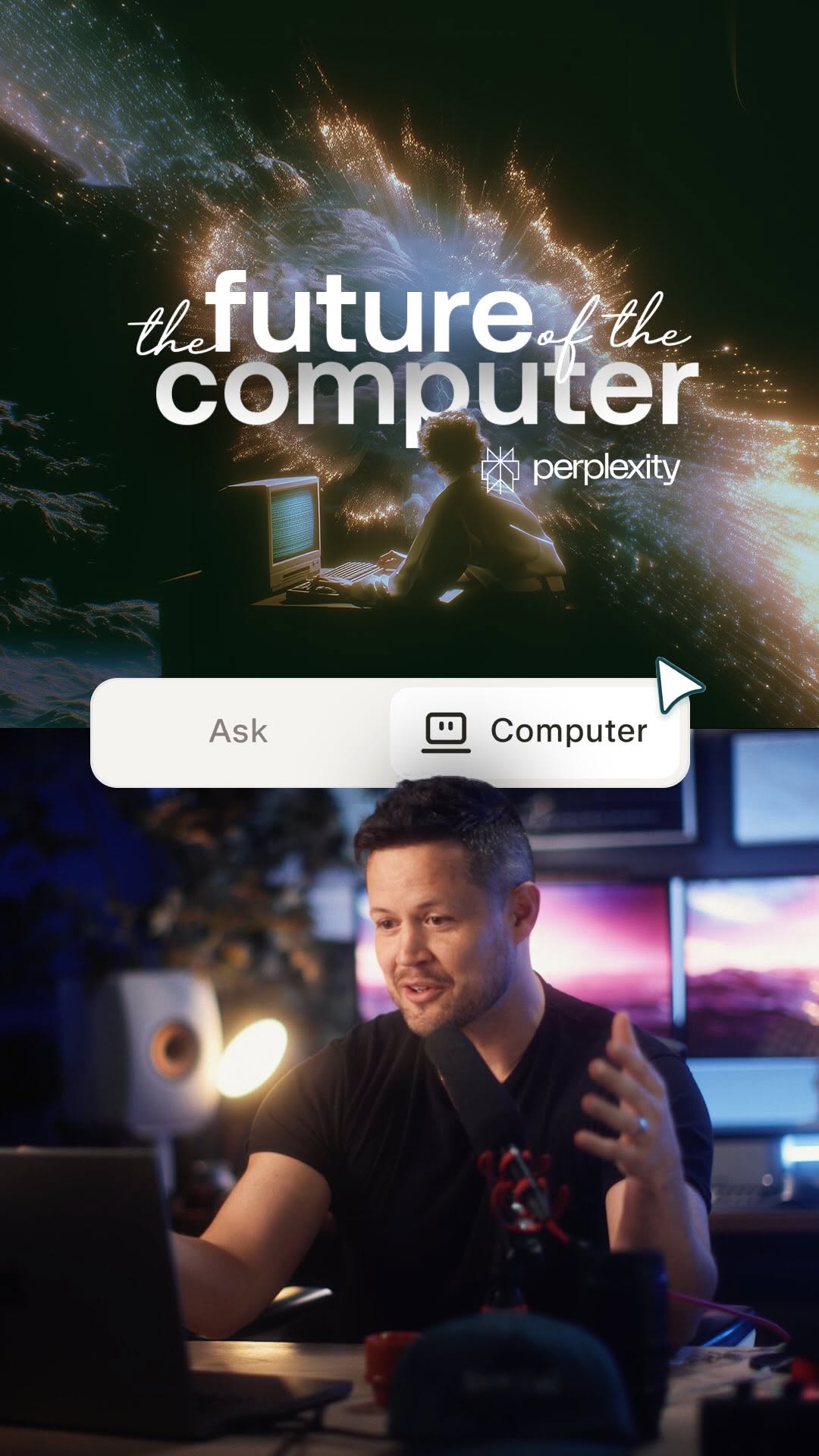
A split screen showing a detailed, data-rich UI mockup of an accounting dashboard on top, with the speaker on the bottom. The complex graphic and split composition immediately signal a tech/business topic.

[06]

Hook template

Steal this for your own video

I stopped paying [$dollar amount]/yr for [expensive tool] and built my own with AI

  • — I stopped paying $2400/yr for project management software and built my own with AI
  • — I stopped paying $1800/yr for email marketing tools and built my own with AI
  • — I stopped paying $3600/yr for CRM software and built my own with AI

[07]

Hook and payoff

The promise the opener makes, and how the video pays it back

Hook

A contrarian premise that juxtaposes a high-cost, common frustration with a seemingly complex but superior personal solution, creating immediate intrigue and a promise of value.

Payoff

An empowering call to action that ties the demonstrated benefits (e.g., cost savings, customization) back to the viewer's initial pain point and provides a clear, low-friction next step to acquire the same capability.

[08]

Narrative framework

The structural pattern this video runs on

Framework

The Tool-as-Hero Framework

Presenting a superior, custom-built solution to a common, expensive problem, and then revealing the specific tool that made this aspirational achievement accessible.

  1. 1

    The Foundational Proof

    Demonstrates the core, expected functionalities of the custom solution. This establishes credibility and proves the solution meets the basic requirements of the problem category.

  2. 2

    The Automation 'Wow' Factor

    Showcases an advanced, automated feature that goes beyond standard capabilities. This elevates the solution from a mere replacement to a superior alternative and serves as the primary proof of concept.

  3. 3

    The 'Behind the Scenes' Bridge

    Briefly explains the technical challenge or desire that necessitated a unique approach, setting the stage for the introduction of the enabling tool.

  4. 4

    The Tool-as-Hero Reveal

    Introduces the specific tool as the key enabler that translated a simple user request into the complex, functional solution just demonstrated. This is the core reveal of the narrative.

  5. 5

    The Mechanism of Magic

    Explains the unique underlying technology or process of the tool. This demystifies the 'how,' builds trust, and justifies why this tool is uniquely capable of delivering the result.

Themes

  • Cost-saving
  • Automation
  • Customization
  • AI-powered tools
  • Entrepreneurship

Techniques

  • Screen recording
  • Text overlay
  • Split screen
  • Product demonstration

Trends

  • AI tool showcase
  • SaaS alternatives

Post caption

Perplexity Computer helped orchestrate that entire stack without me needing to manually connect every piece myself. Now I can view my financial reports directly from my phone, track overdue invoices, and even use it as a lightweight expense tracker that logs categorized expenses back into my Google Sheet database automatically. One important reminder though: if you want to build your own accounting dashboard, backend security and data protection matter a lot. You still need proper hosting, authentication, secure database access, user permissions, and API protection. Luckily, Perplexity Computer can also guide you through setting up that infrastructure, not just designing the front end. I think we’re moving into a world where creators and small businesses stop renting bloated SaaS tools and start building systems tailored exactly to how they operate. Comment “speed” I will send you the link to try! @perplexitycomputer #perplexitypartner

Text overlays

  • informational · beginning

    $1200-$4500/yr

  • informational · beginning

    Invoice auto creation ✓ Expense Categorization ✓ Invoice PDF Creation ✓ Taxline Auto-Calculation ✓

  • branding · beginning

    Perplexity Computer

  • contextual · middle

    overdue invoice center

  • contextual · middle

    interactive UI

  • informational · middle

    Set up an accounting dashboard connecting to my google sheet

  • informational · middle

    Create time filter for income statement report

  • informational · middle

    Perplexity uses Pipedream to connect your account

  • branding · middle

    pipedream

  • branding · middle

    Perplexity Computer

Transcript

Instead of spending thousands of dollar on accounting software, I built my own bookkeeping system using AI, and this dashboard you're looking at is built inside of Perplexity Computer. Let me show you how it works. So I have all my reports in here, income statement, balance sheet, and account receivable with custom filters for dates. I also built an overdue invoice better, and from tier, I can see all the invoices that haven't been paid and click email to follow-up. And because it's connected to my Gmail, it already knows all the email associated with the client. It drops tier message using my template, and all I have to do is review and click send. So the workflow behind this lives in a code best. I wanted an interactive UI layer that I can see it from my phone. So with Perplexity Computer, I describe the current project and explain what I wanted to build on top of that, and I spun up this polished dashboard connecting to my Google Sheet, which is my database in this case. Perplexity Computer has access to all the leading models, so it can orchestrate a project for you, choosing the best model for the right rank. So if you want to start saving and use software on your own terms, leave me a comment, and I will send it your way.


Custom accounting dashboard with AI | Viral Hooks