Viral Hooks
Trending short videosDIY home server build pros/cons
T

@thespenceryan

Instagram Β· Talking Head Edit

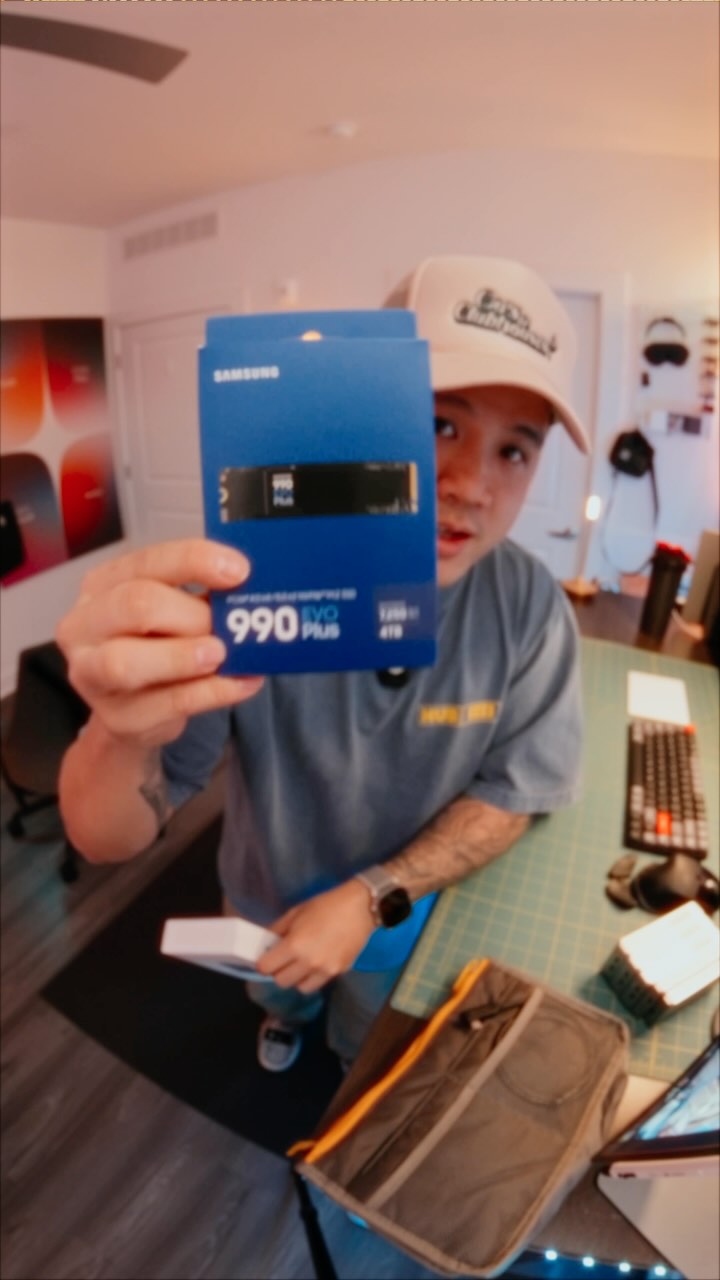
@thespenceryan built this to never pay for cloud storage again πŸ’€ Aaand that may never pay off at this point πŸ’€ But I was very curious after seeing Umbrel Pro as a home server option, so I set out to make my own at a slightly better price. And since UmbrelOS is open source, I chose the Beelink ME Mini to do this since it has 6 NVMe slots. Here’s how I did it (VERY technical): 1. Install UmbrelOS - Flash umbrelOS USB installer with Balena Etcher β†’ boot mini PC β†’ install to internal NVMe β†’ http://umbrel.local setup done 2. RAID 5 NVMe Array - Install 4x 4TB NVMe SSDs β†’ SSH umbrel@umbrel.local β†’ mdadm RAID5 LVM β†’ ext4 format β†’ mount /mnt/lvm-storage (11TB) β†’ /etc/fstab persistence 3. Immich Photos - App Store β†’ Immich β†’ edit docker-compose.yml volumes to /mnt/lvm-storage/immich folders 4. OpenClaw Automation - App Store β†’ OpenClaw β†’ configure workflows 5. Samba Network Share - SSH β†’ sudo apt install samba (App Store version broken)β†’ add [Umbrel-Storage] share to /etc/samba/smb.conf pointing to /mnt/lvm-storage β†’ sudo smbpasswd umbrel β†’ cron @reboot sleep 60 && systemctl restart smbd (fixes Umbrel killing it) β†’ \\\\umbrel.local\\Umbrel-Storage from Windows Not going to lie, this was extremely complicated to setup and made me doubt if umbrelOS was even worth it but it’s working and I’m happy lol.

View original on Instagram

The edit1 shot Β· 7 text
Shots Text1:24

Performance

Views
213.3K
Likes
8.3K
Comments
78
Engagement
3.9%
Outlier
7.2Γ—
Length Β· 28 Mar 2026
1:24

Video #42284 Β· Talking Head Edit

DIY home server build pros/consfrom @thespenceryan

[01]

Overview

The creator explains why he built a DIY home server using a Beelink mini PC as an alternative to paid cloud storage. He walks through the hardware and software setup process, including installing multiple NVMe drives and Umbrel OS, then provides an honest review, highlighting the beautiful UI but extreme technical difficulty for non-native hardware. Finally, he frames the decision for viewers as a choice between ongoing subscription fees and the one-time cost and "friction" of owning and managing their own server.

[02]

Simple outline

  1. 1State common problem
  2. 2Present ambitious solution
  3. 3Reveal hidden complexity
  4. 4Frame the ultimate trade-off
  5. 5Declare choice & show results

[03]

Related videos

[04]

Classification

Concepts
Tutorial / How ToCase Study BreakdownBreakdown
Elements
B-Roll CutawayJump CutText Overlay

[05]

Hook analysis

What stops the scroll in the first 3 seconds

Title hook Β· 55%

never pay for cloud storage again

Verbal hook Β· 40%

This mini PC means never paying for cloud storage again, but that might not be your best option right now.

Visual hook Β· 5%

A hand holds a small, sleek mini PC against a dark, out-of-focus background and places it onto a wooden table, creating a clean, product-focused shot.

[07]

Hook and payoff

The promise the opener makes, and how the video pays it back

Hook

A bold claim about solving a universal problem, immediately undercut by a caveat that creates intrigue and sets up a balanced discussion.

Payoff

The creator reveals their personal choice in the dilemma, provides proof of its success, and concludes by empowering the viewer with knowledge of their options without prescribing a single 'correct' path, thereby building trust and authority.

[08]

Narrative framework

The structural pattern this video runs on

Framework

The Honest Trade-Off

Presenting an ambitious DIY solution to a common problem, then transparently revealing the hidden difficulties and framing the ultimate decision as a trade-off between convenience and control/cost.

  1. 1

    The Problem Space

    Establishes the relatable, flawed options the audience currently faces, defining the pain point and raising the stakes by highlighting existing barriers.

  2. 2

    The Ambitious Quest

    Introduces the creator's specific, high-effort solution, showcasing the build process and hinting at the significant investment required (time, money, skill).

  3. 3

    The Idealized Result

    Presents the perfect, polished outcome of the solution, showing the 'dream' version of what's possible and creating a sense of desire.

  4. 4

    The Reality Check

    Pivots to reveal the significant, non-obvious friction and complexity required to achieve the idealized result, creating the core conflict of the narrative.

  5. 5

    The Core Dilemma

    Explicitly frames the situation as a clear, philosophical, and financial trade-off, forcing the viewer to evaluate their own values (e.g., convenience vs. cost, ease vs. ownership).

Themes

  • Tech DIY
  • Data Sovereignty
  • Cost vs. Convenience
  • Product Review

Techniques

  • B-roll
  • Jump Cuts
  • Text Overlays
  • Product Demonstration

Post caption

built this to never pay for cloud storage again πŸ’€ Aaand that may never pay off at this point πŸ’€ But I was very curious after seeing Umbrel Pro as a home server option, so I set out to make my own at a slightly better price. And since UmbrelOS is open source, I chose the Beelink ME Mini to do this since it has 6 NVMe slots. Here’s how I did it (VERY technical): 1. Install UmbrelOS - Flash umbrelOS USB installer with Balena Etcher β†’ boot mini PC β†’ install to internal NVMe β†’ http://umbrel.local setup done 2. RAID 5 NVMe Array - Install 4x 4TB NVMe SSDs β†’ SSH umbrel@umbrel.local β†’ mdadm RAID5 LVM β†’ ext4 format β†’ mount /mnt/lvm-storage (11TB) β†’ /etc/fstab persistence 3. Immich Photos - App Store β†’ Immich β†’ edit docker-compose.yml volumes to /mnt/lvm-storage/immich folders 4. OpenClaw Automation - App Store β†’ OpenClaw β†’ configure workflows 5. Samba Network Share - SSH β†’ sudo apt install samba (App Store version broken)β†’ add [Umbrel-Storage] share to /etc/samba/smb.conf pointing to /mnt/lvm-storage β†’ sudo smbpasswd umbrel β†’ cron @reboot sleep 60 && systemctl restart smbd (fixes Umbrel killing it) β†’ \\\\umbrel.local\\Umbrel-Storage from Windows Not going to lie, this was extremely complicated to setup and made me doubt if umbrelOS was even worth it but it’s working and I’m happy lol.

Text overlays

  • contextual Β· beginning

    mini

  • title Β· beginning

    never pay for cloud storage again

  • contextual Β· beginning

    might not be your best option right now.

  • informational Β· middle

    $699

  • informational Β· middle

    $250

  • contextual Β· end

    pay a subscription forever

  • contextual Β· end

    pay once, deal with the potential friction, and have something that you own.

Transcript

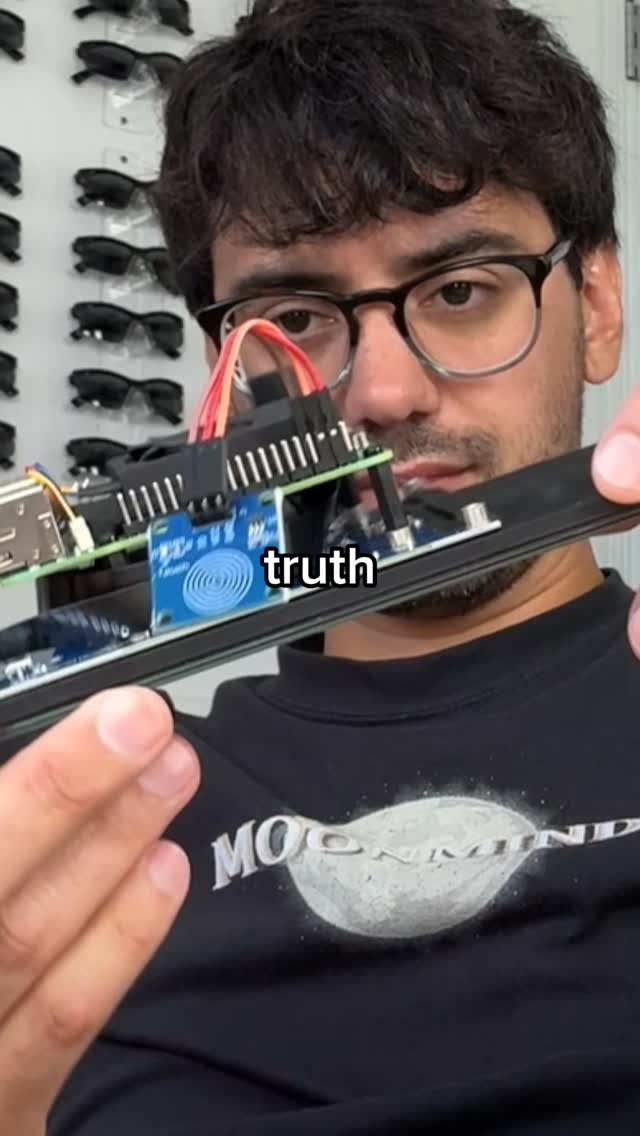
This mini PC means never paying for cloud storage again, but that might not be your best option right now. So with things like iCloud, you pay a monthly subscription, or you can use local storage on your device or backups, which has the potential to run out and may not even have redundancy. And let me tell you right now, storage is not cheap because the PC part market is insane. So I built a home server using this Beelink ME mini. Four four terabyte NVMEs. Please do not ask me how much that cost me. And I installed Umbrel OS on it and set it up as a Rank five no that if any drive fails, I'm covered. Now here's the honest part. Umbrel OS is gorgeous. The interface is so simple. Apps are so easy to install from the App Store. But if you're not using Umbrel's hardware like an Umbrel Home or Umbrel Pro, getting it set up like this is complicated. Using the command line, SSH, Linux knowledge, lots of tweaking settings. Now with Umbro Pro, it's seamless, but that's also $699 versus this $250 mini PC. But you really have two choices, pay a subscription forever or pay once, deal with the potential friction, and have something that you own. I picked friction. My entire photo library is tier, every single device. Some of my projects live on tier. Side stuff like my open claw agent lives on here. Now if you wanna try this, I've documented the full best of steps in the description, but you might not want this friction. And that's fair, especially in this economy, but just know you have options.


DIY home server build pros/cons | Viral Hooks