Viral Hooks
Trending short videosExplaining my AI video editing workflow
I

@iamajene

Instagram · Talking Head Edit

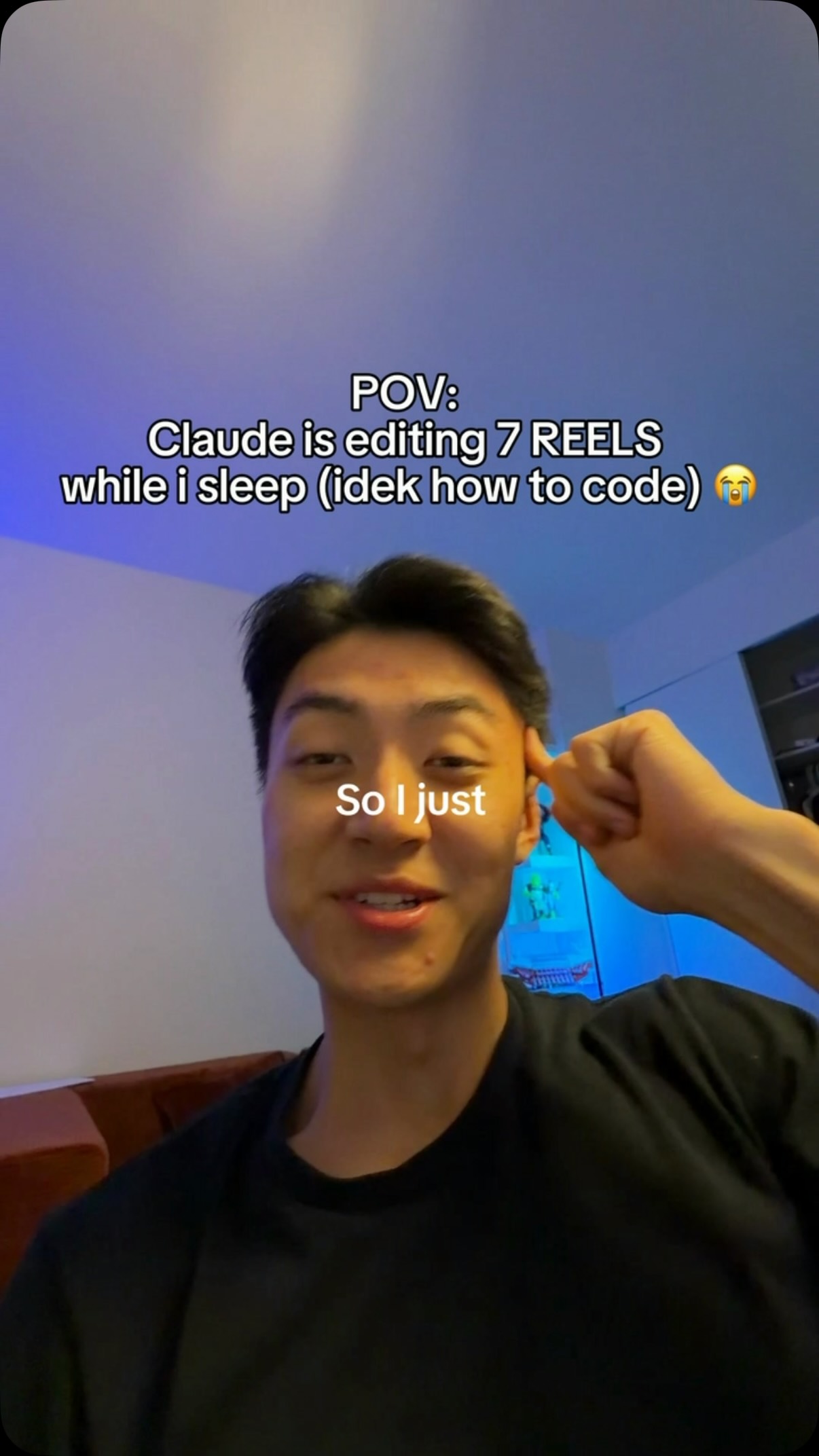
@iamajene Comment TEMPLATE to get access to my editing template pack for Claude. Claude is new latest employee. Claude edits my videos. The only issue is if you don’t have taste or struggle to articulate your vision, it’s going to take more prompts and waste more credits. My editing pack gives you a good starting point.

View original on Instagram

The edit1 shot · 15 text
Shots Text1:06

Performance

Views
57.7K
Likes
2K
Comments
3.2K
Engagement
8.9%
Length · 15 Oct 2026
1:06

Video #49028 · Talking Head Edit

Explaining my AI video editing workflowfrom @iamajene

[01]

Overview

The creator explains his new 5-step video editing workflow that uses an AI tool named Claude. He walks through each stage: recording and leaving notes, using AI to rename and sort files, getting a test edit from Claude, reviewing the edit in a custom app, and finally approving the draft for Claude to edit and upload the remaining videos. He also promotes a pack of editing templates for the AI tool by asking viewers to comment for access.

[02]

Simple outline

  1. 1State a novel workflow
  2. 2Detail the initial steps
  3. 3Offer a related resource
  4. 4Showcase a custom tool
  5. 5Reveal the final automated result

[03]

Related videos

[04]

Classification

Concepts
Tutorial / How ToPlaybook
Elements
Graphic OverlayB-Roll CutawayDM / Comment-for-Info CTATitle Text HookImage OverlayVoiceoverText Overlay

[05]

Hook analysis

What stops the scroll in the first 3 seconds

Title hook

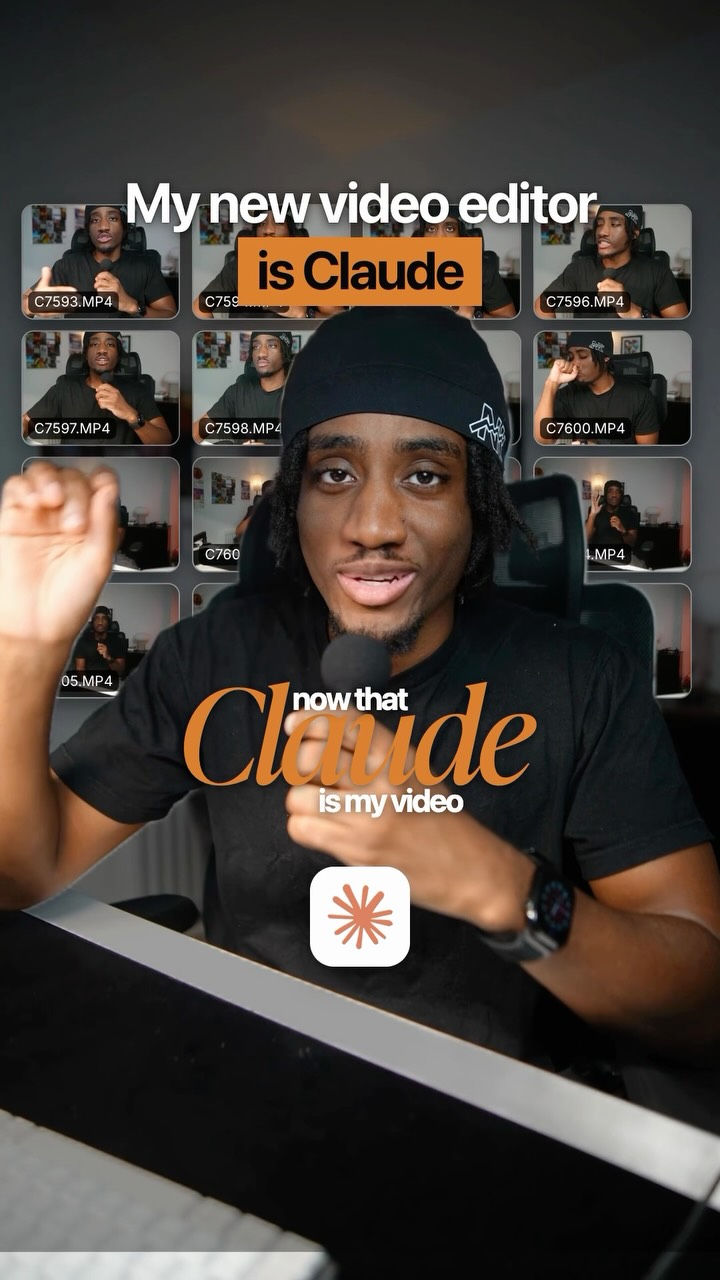
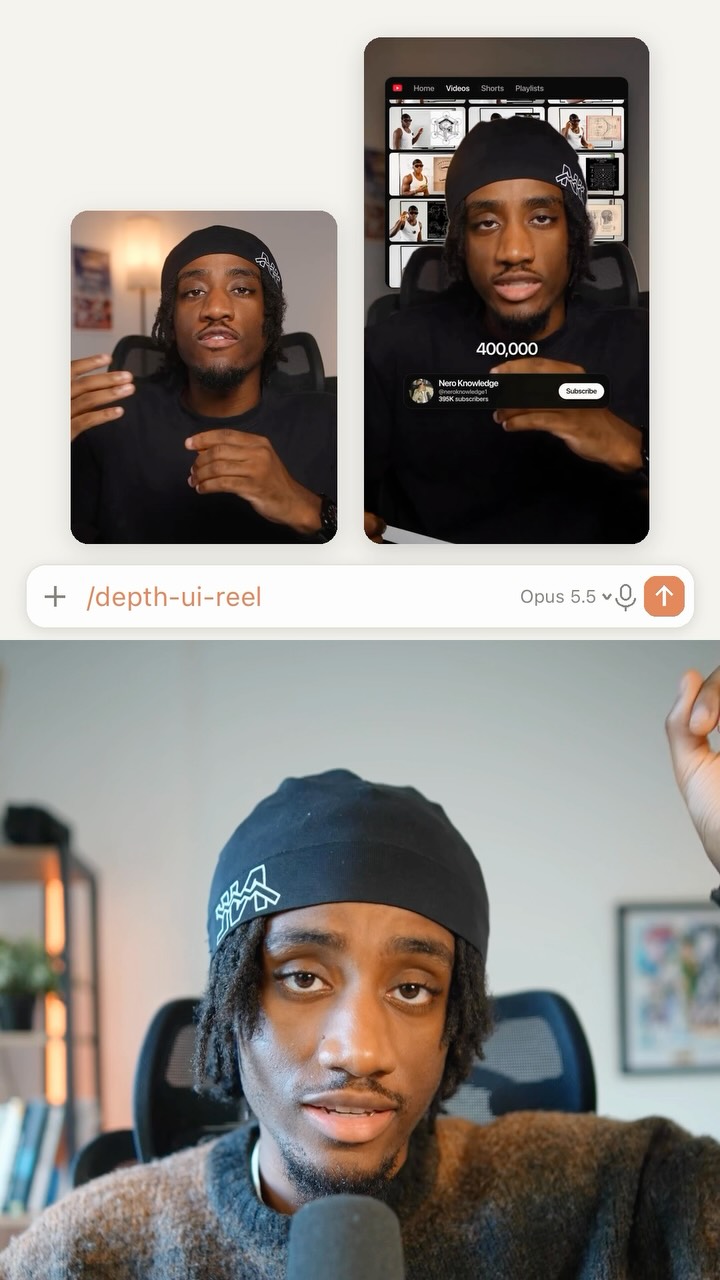
My new video editor is Claude

Verbal hook

This is what my editing workflow looks like now that Claude is my video editor.

Visual hook

A grid of video thumbnails is displayed behind the speaker, visually representing a batch of content to be edited, which serves as a pattern interrupt from a standard talking-head background.

[07]

Hook and payoff

The promise the opener makes, and how the video pays it back

Hook

A bold declaration of a new, superior method or tool, immediately followed by a promise to reveal the entire process behind it.

Payoff

The final step that demonstrates the ultimate, automated outcome. It shows the system delivering the finished product with minimal effort, fulfilling the initial promise of efficiency and freedom.

[08]

Narrative framework

The structural pattern this video runs on

Framework

The Automated Workflow Blueprint

Demonstrating a step-by-step process that leverages a new tool or system to achieve a highly efficient outcome, with a mid-point call-to-action for a related resource.

  1. 1

    The Human Input Layer

    Detail the first manual or preparatory step, showing how the user initiates and guides the new system. This grounds the automation in a relatable human action.

  2. 2

    The Organizational Automation

    Showcase the first major efficiency gain where the new system handles a tedious, organizational task automatically, providing the first piece of 'magic'.

  3. 3

    The Strategic Test Run

    Explain a low-risk validation step where the user checks the system's output on a small scale before full commitment, demonstrating a smart and cautious approach that builds trust.

  4. 4

    The Value-Add Interruption & CTA

    Pause the sequential breakdown to offer a high-value, directly related resource (like a template, guide, or tool) in exchange for audience engagement (a comment or follow).

  5. 5

    The Custom Feedback Loop

    Reveal a more advanced or proprietary part of the process, showcasing a custom-built tool or unique method for refining the system's output. This establishes unique expertise and authority.

Themes

  • AI in creative work
  • Productivity
  • Workflow automation
  • Creator economy

Techniques

  • Direct-to-camera presentation
  • Process demonstration
  • Call-to-action

Trends

  • AI tools for creators

Post caption

Comment TEMPLATE to get access to my editing template pack for Claude. Claude is new latest employee. Claude edits my videos. The only issue is if you don’t have taste or struggle to articulate your vision, it’s going to take more prompts and waste more credits. My editing pack gives you a good starting point.

Text overlays

  • title · beginning

    My new video editor is Claude

  • informational · beginning

    This is what my editing workflow looks

  • contextual · beginning

    1 Record it myself

  • contextual · beginning

    Note for Claude in the video

  • contextual · beginning

    2 Rename + sort

  • contextual · middle

    3 Plan, then one edit

  • contextual · middle

    Come up with a plan, then edit one video.

  • contextual · middle

    1 test edit

  • contextual · middle

    15 wait for my OK

  • informational · middle

    creating editing templates

  • call-to-action · middle

    comment templates below

  • contextual · middle

    4 My review app

  • contextual · end

    5 Edit the rest

  • contextual · end

    Approve and render final

  • informational · end

    from my phone

Transcript

This is what my editing workflow looks like now that Claude is my video editor. So first, I still record the videos myself. However, sometimes I leave notes inside of specific videos so Claude can edit that video slightly differently best in case I forget. Number two, once the videos are batch recorded, I give the files to AI so they can be renamed and also put into separate folders depending on what the video is about. And then number three, I will drop the folder that has the batch recorded videos inside of there, give it to Claude, and I will tell Claude to come up with a plan and then edit one video. Just so I can confirm we're on the right track before wasting my credits on all the other ones. By the way, over the last seven days, I've been religiously creating editing templates for Claude for my clients so that they can just plug and play them into Claude. If you want access to those same templates, comment templates below and I'll send it to you. And then number four, I've got Claude to create me an app that's almost like frame.io. I can leave timestamped feedback, which is basically prompts for Claude to go back and edit that video differently. Plus with this app, I can see where the graphics are, where the text are, etcetera. And then number five, once I approve of the final draft, Claude would edit the rest of the videos and upload them to my Google Drive, which I can access from my phone from anywhere. And then I can just download them and post them.